

SlidesGo ✓
Create customizable presentations in seconds with AI
Free + from $5.40/mo
Verdict
A quick read before you dig into the full page.
- Best if
- Create customizable presentations in seconds with AI
- Skip if
- Limited template adjustments
- Pick this when
- Customizable presentation templates
Considering MagicSlides.app AI PPT Maker instead? Compare side by side
Overview
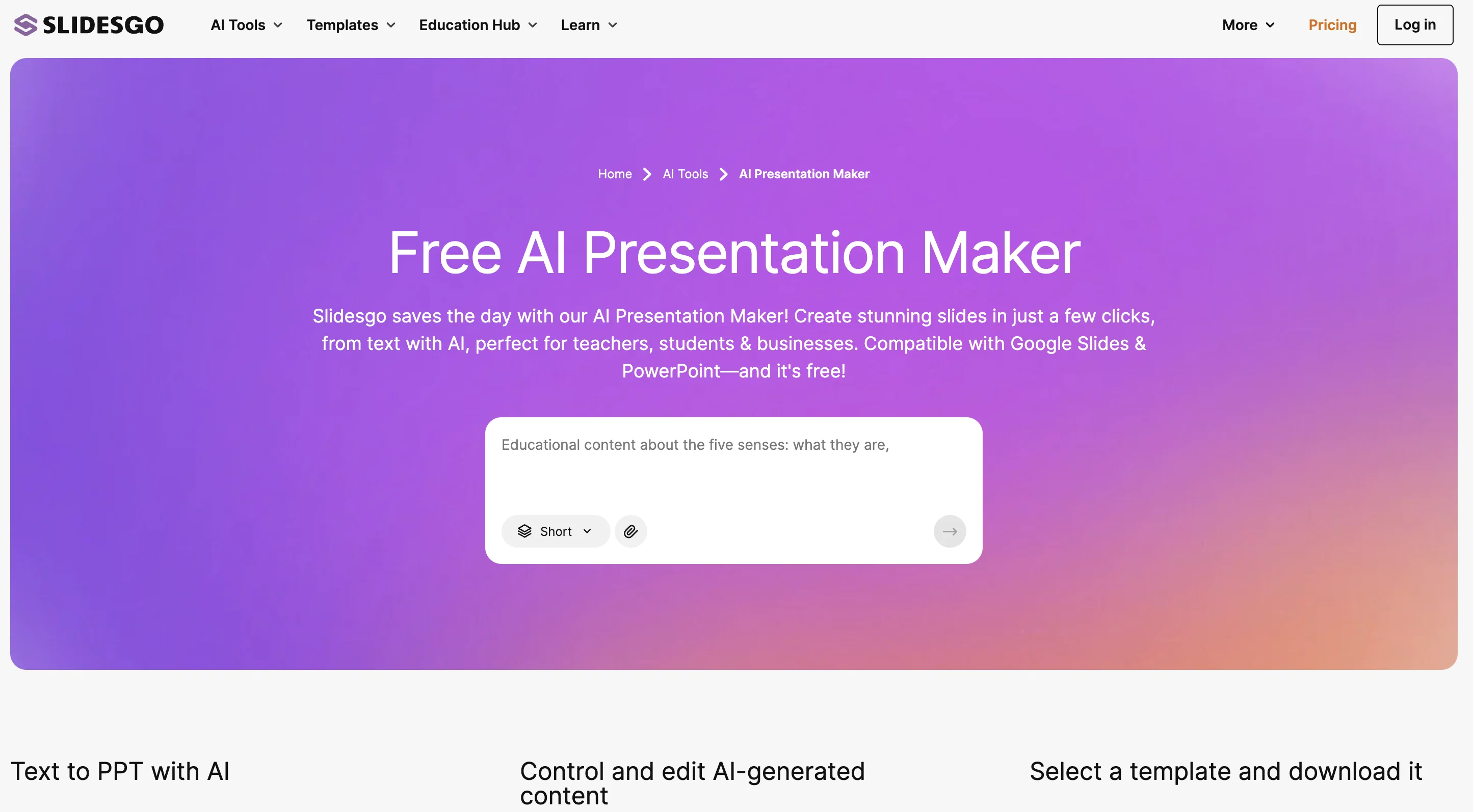
The AI Presentation Maker by Slidesgo is a free tool that generates customizable presentation templates in a matter of seconds. Designed to go beyond traditional PowerPoint slideshows, this tool uses artificial intelligence to assist users who may be lacking inspiration or facing time constraints.
With the AI Presentation Maker, users can easily create professional and impressive presentations tailored to their specific needs. To get started, users simply need to enter their topic of choice and select their preferred design style and tone from options such as doodle, simple, abstract, geometric, and elegant.
The AI Presentation Maker will then generate a set of slides based on these inputs. Although the AI-generated presentation may not meet every user's exact requirements, the tool provides an online editor that allows for quick and convenient customization.
Users can make changes to colors, text placement, and other elements directly within the editor without the need for additional software. Additionally, the tool offers access to a wide range of images and icons from well-known resources such as Freepik and Flaticon, further enhancing customization options.
Once the presentation is complete, users can easily download it in PDF format for free or generate a shareable link to showcase their work. Overall, the AI Presentation Maker streamlines the presentation creation process, offering a convenient and customizable solution for users in need of professional-looking slideshows.
Best for
Short scenarios where SlidesGo tends to shine.
-
Create customizable presentations in seconds with AI
Example outputs 1
Sample generations and before/after results for SlidesGo.
Access & connections
Where you can use SlidesGo, and what it plugs into.
Platforms
Integrations
Capabilities
What this tool accepts, produces, and is strongest at.
Input
- Text
Output
- Text
Supported features
- Slides
Pros & cons
Pros
- Customizable presentation templates
- Quick creation process
- Multiple design styles
- Multiple tone choices
- Online editor for customization
- Change colors easily
- Change text placement
- Access to Freepik images
Show 35 more
- Access to Flaticon icons
- Downloads in PDF format
- Generates shareable link
- Supports multiple languages
- Creates presentations in minutes
- Supports variety of topics
- Aids with content generation
- Provides presentation tips
- Download or share presentations
- User-friendly interface
- No additional software required
- Free of charge tool
- Integrated gallery of images
- Wide range of resources
- High-quality presentation designs
- Online editor tools
- Generated presentations are editable
- Automatically generates images
- Strives to satisfy specific needs
- Saves time for users
- Available 24/7
- Easy to navigate
- Link different devices
- Actively scans devices for optimization
- Technically supports different devices
- Protects against fraudulent activities
- Adds personal touch to presentations
- Automated content generation
- Informative blog available
- Responsive customer support
- Online presence on various platforms
- Join Educator community option
- Option for preferred styles and tones
- Freepik company projects integration
- User privacy prioritization
Cons
- No PowerPoint output
- Limited style options
- No real-time collaboration
- Indirect image addition
- Limited template adjustments
Compare alternatives
Similar tools in the catalog — with a clear reason to open each one.

MagicSlides.app AI PPT Maker ✓
FreemiumCreate Stunning PPTs in Seconds with the AI PPT Maker
Why look Offers a public API
Full comparison
NextDocs.io ✓
FreemiumThe AI-native editor for docs, slides, and more
Why look Offers a public API
Full comparison
Gamma ✓
FreemiumAI-powered content creation, minus the hassle.
Why look Better for writing
Full comparison
AI Slide Generator ✓
Free TrialCreate stunning presentations from any text in seconds
Why look Offers a public API
Full comparison

People also view
Tools that often show up alongside SlidesGo in collections and comparisons.
Gamma ✓
FreemiumAI-powered content creation, minus the hassle.

Prezi ✓
Free TrialBring ideas to life with dynamic presentations

Perplexity ✓
FreemiumAI-powered answers to any question, instantly.

Recall ✓
FreemiumSummarize Anything, Forget Nothing!

Writer ✓
See siteBuild generative AI into any business process.

Suno ✓
FreemiumMake music at the speed of your ideas.

Midjourney ✓
PaidExpand human imagination through AI-powered visuals.

Gemini ✓
FreemiumGemini: Google's most capable AI model yet
Releases 1
Imported reviews 2
I had 8 attempts to produce slides just got error messages every time no presentation.
It's helps you get started on a presentation. Likely need to edit photos and text.
FAQ 12
What is the AI Presentation Maker by Slidesgo?
How does the AI Presentation Maker work?
What are some features of the AI Presentation Maker?
How can I customize my presentation created by the AI Presentation Maker?
Is the AI Presentation Maker free to use?
Can I add my own images to the presentations created by AI Presentation Maker?
Can I change the colors and text placement in the AI Presentation Maker?
How can I download my completed presentation from the AI Presentation Maker?
What design style and tone options does the AI Presentation Maker offer?
Can I share my presentations directly from the AI Presentation Maker?
How does the AI Presentation Maker assist users who lack inspiration or face time constraints?
What resources can I access using the AI Presentation Maker?
Related tools
Recommended
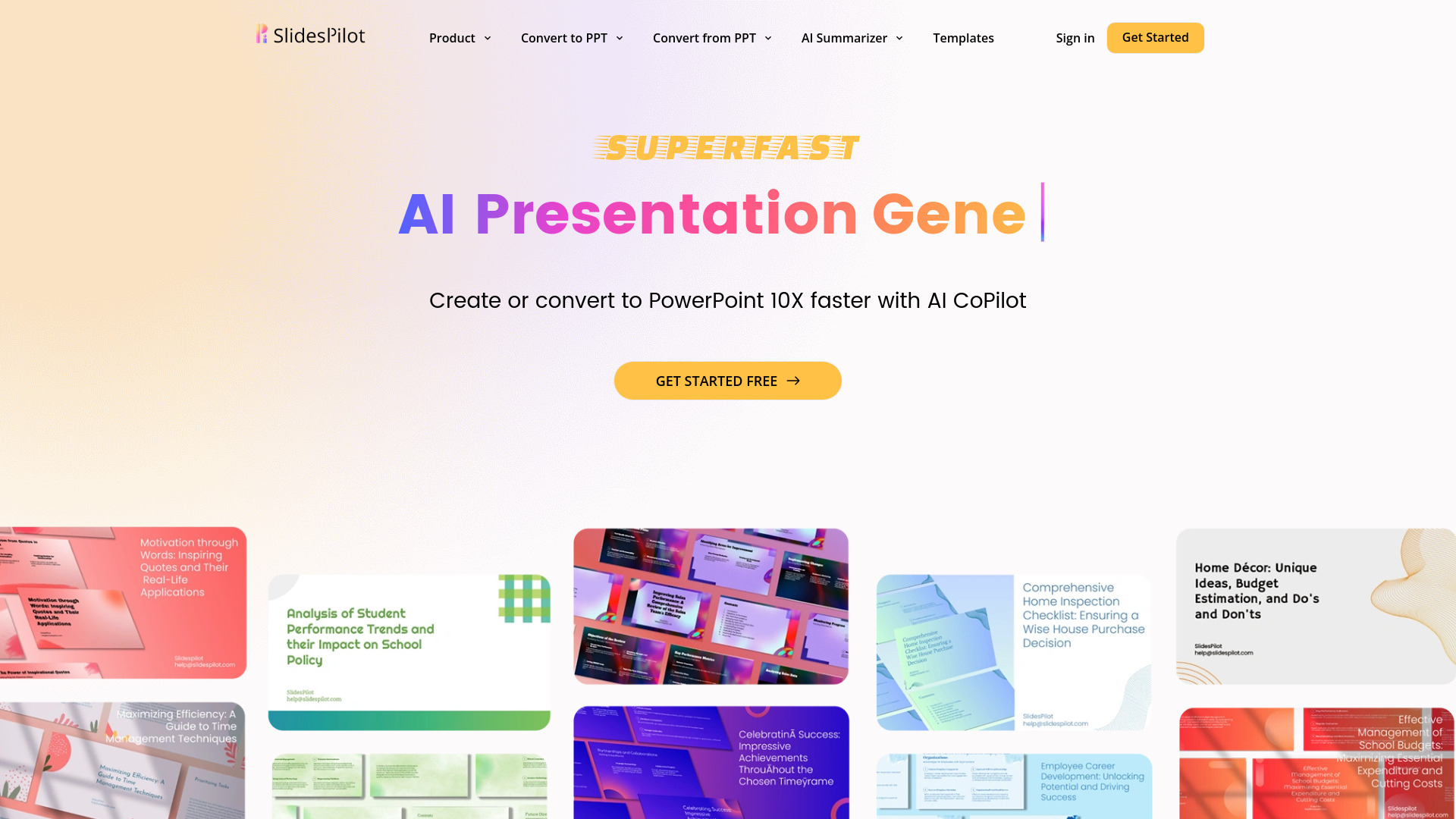
SlidesPilot
UnknownAI Presentation Suite for creating, converting, and enhancing presentations.

Prezo ✓
UnknownBuild slide decks 10x faster

PresentationGPT ✓
FreemiumCustomizable presentations generated efficiently.

PresentationsAI ✓
FreemiumGenerate stunning presentations in minutes with AI

GPTExcel ✓
FreemiumGenerate spreadsheet formulas with AI
SlidesAI ✓
FreemiumCreate presentation slides with AI in seconds.
More from this creator

Freepik Sketch to Image ✓
FreemiumEnvision and sketch any image, AI transforms it into art in real time.

Freepik Upscaler ✓
FreemiumImprove image quality with AI upscaling.

Freepik Background Remover ✓
FreemiumErase the background from your images effortlessly.

Freepik AI Video Generator ✓
FreemiumTransform ideas into stunning videos with AI simplicity

Freepik AI Voice Generator ✓
FreemiumNatural AI Voiceovers for Every Project, Effortlessly