
SlidesPilot
AI Presentation Suite for creating, converting, and enhancing presentations.
Verdict
A quick read before you dig into the full page.
- Best if
- You are teachers and need: Instantly create professional presentations from any topic
- Pick this when
- AI Presentation Suite for creating, converting, and enhancing presentations
Overview
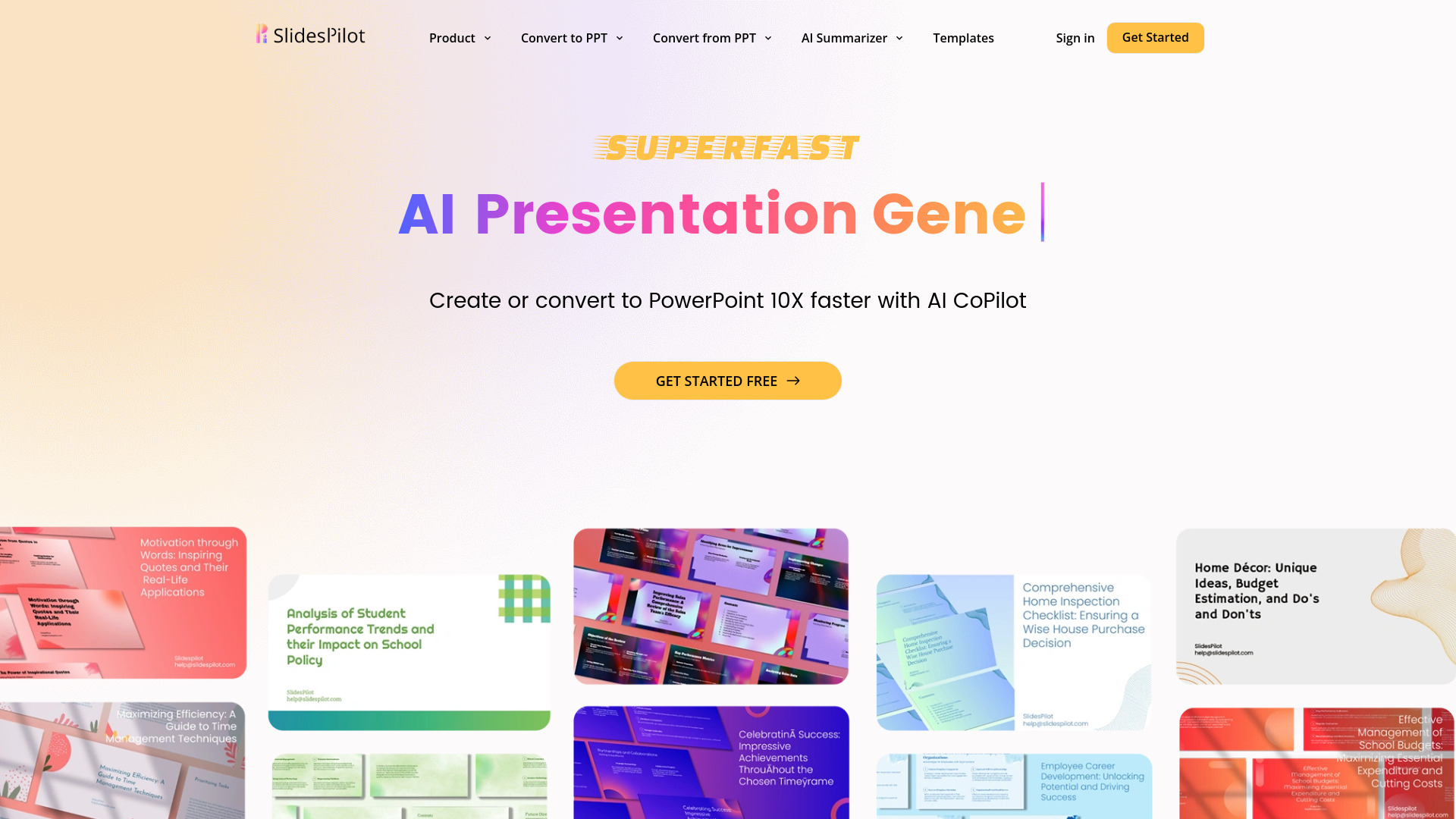
SlidesPilot is a comprehensive AI Presentation Suite designed for both business and education. It offers an AI Presentation Maker, AI Image Generator, and tools for converting various document types (like PDF, Word, Reports, Outlines, Research Papers, and YouTube videos) into editable PowerPoint presentations. It also supports conversions from PPT to other formats such as PDF, Word, JPG, PNG, and Text. The platform includes a Visual Maker for creating diagrams and infographics, and an AI Summarizer for different file types. SlidesPilot aims to simplify slide creation, enhance presentations with smart, AI-driven tools, and provides a vast collection of free PowerPoint templates and Google Slides themes to elevate presentations effortlessly.
Best for
Short scenarios where SlidesPilot tends to shine.
-
Instantly create professional presentations from any topic.
Best for Teachers
-
Transform PDFs, Word documents, or YouTube videos into editable PowerPoint slides.
Best for Educators
-
Summarize long documents into concise presentations.
Best for Students
-
Design stunning slides with AI-powered suggestions and editing.
Best for Business executives
-
Create engaging infographics for any content.
Best for Marketing consultants
-
Organize lessons and workshops for educators.
Best for Professionals requiring frequent presentations
-
Prepare business presentations quickly and efficiently.
Best for Content creators
How it works
Example outputs 1
Sample generations and before/after results for SlidesPilot.
Access & connections
Where you can use SlidesPilot.
Platforms
Capabilities
What this tool accepts, produces, and is strongest at.
Highlights
- AI Presentation Generator (PPT Maker)
- AI Image Generator for Presentations
- Document Conversion to PPT (PDF, Word, YouTube, etc.)
- AI Copilot for presentation editing and enhancement
- AI Summarizer for various document types
- Visual Maker for diagrams and infographics
- Free PowerPoint and Google Slides Templates
People also view
Tools that often show up alongside SlidesPilot in collections and comparisons.

WZRD ✓
FreemiumDocuments that answer back.

Velo ✓
FreemiumAI video infrastructure to explain, train, and sell faster.

Runable ✓
FreemiumThe Best Way to Work with AI

Raccoon AI ✓
FreemiumThe AI Coworker for Apps, Research, Docs & Everything Else