

Freepik AI Video Generator ✓
Transform ideas into stunning videos with AI simplicity
Free + from $5/mo
Verdict
A quick read before you dig into the full page.
- Best if
- Transform ideas into stunning videos with AI simplicity
- Skip if
- Limited multimedia toolset
- Pick this when
- Video Generation
Considering freebeat AI instead? Compare side by side
Overview
The tool offers two primary modes of video creation:
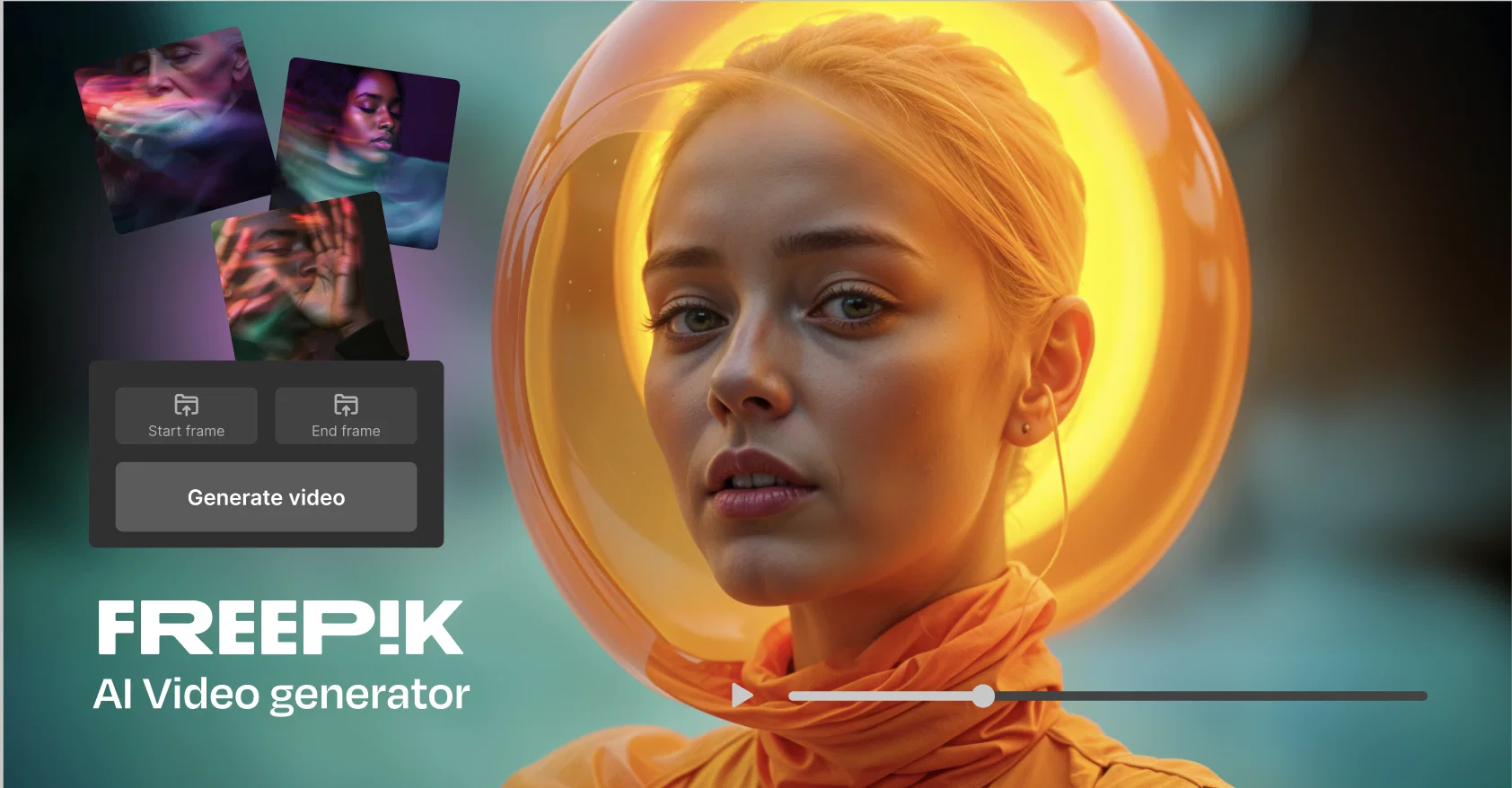
Text-to-Video: Users can input a script or scene description, selecting shot types and transitions to craft a coherent narrative.
Image-to-Video: Starting with an AI-generated or uploaded image, this mode ensures character and object consistency throughout the video.
Additional features include the ability to create consistent animated characters and custom visual styles, providing a seamless aesthetic across projects. Users can also enhance their videos with AI-generated music and multilingual voiceovers.
Freepik AI Video Generator integrates with other Freepik tools, enabling users to combine animations, styles, and design elements for cohesive multimedia projects. Its streamlined workflow supports easy content creation: input your prompt or image, select a generation model, and download the final output.
Ideal for creators seeking accessible yet versatile video production capabilities, this tool supports varied professional and personal projects. It is part of Freepik’s ecosystem of AI-driven design solutions, which include image generation, background removal, upscaling, and more.
Best for
Short scenarios where Freepik AI Video Generator tends to shine.
-
Transform ideas into stunning videos with AI simplicity
Example outputs 1
Sample generations and before/after results for Freepik AI Video Generator.
Access & connections
Where you can use Freepik AI Video Generator.
Platforms
Capabilities
What this tool accepts, produces, and is strongest at.
Supported features
- Video Generation
- Visual Creation
Pros & cons
Pros
- Video Generation
- Content Creation
- Automated Editing
- Multimedia Tools
- Video Production
- Visual Graphics
- Innovation
- Motion Graphics
Show 19 more
- Digital Art
- Media Design
- Advanced Design Tools
- Efficient Content Generation
- High-quality Video Production
- Time-Saving Automation
- Creativity at Finger-tips
- Video Graphics Integration
- Digital Art Capabilities
- Innovative Media Design
- User-friendly Interface
- Diverse Video Effects
- Customizable Video Settings
- Effortless Content Creation
- Intuitive Editing Tools
- Versatile Video Formats
- Dynamic Motion Graphics
- Professional Grade Production
- Flexible Art Design
Cons
- No tool description available
- No API provided
- Lacks advanced editing features
- Limited multimedia toolset
- No mention of customization options
- Unknown pricing
- Potential restrictive media design
- Data usage not specified
Show 1 more
- Unknown operating systems support
Compare alternatives
Similar tools in the catalog — with a clear reason to open each one.

freebeat AI ✓
FreemiumTurn Music & Ideas into Viral Videos In One Click
Why look Offers a public API
Full comparison
MagicLight ✓
FreemiumTransform text into captivating videos instantly.
Free + from $8.4/mo
Full comparison
Seedance ✓
FreemiumMulti-shot video generation from text and image.
Why look Stronger for image work
Full comparisonPeople also view
Tools that often show up alongside Freepik AI Video Generator in collections and comparisons.
Seedance ✓
FreemiumMulti-shot video generation from text and image.
MagicLight ✓
FreemiumTransform text into captivating videos instantly.

Kaiber Superstudio ✓
Free TrialAI Video Generation

HeyGen ✓
FreemiumCreate AI spokesperson videos from text
freebeat AI ✓
FreemiumTurn Music & Ideas into Viral Videos In One Click

D-ID ✓
FreemiumCreate AI-generated videos with ease

ResearchMonkey AI | YouTube Summarizer ✓
Free TrialSave Hours of Research in Seconds with 40+ AI Tools

OutlierKit ✓
PaidEnter one channel, see the entire niche.
Releases 1
Imported reviews 2
Scam, start you with zero credits.
Not free. what a scam
FAQ 12
What is Freepik AI Video Generator?
How does Freepik AI Video Generator automate video editing?
What exactly does 'AI-powered innovation at your fingertips' mean in the context of Freepik?
Can Freepik AI Video Generator be used for professional video production?
What types of video content can I create with Freepik AI Video Generator?
What does 'automated editing' entail with Freepik AI Video Generator?
What multimedia tools does Freepik AI Video Generator provide?
What special features does Freepik AI Video Generator offer for motion graphics?
How can I use Freepik AI Video Generator for creating digital art?
How user-friendly is Freepik AI Video Generator for someone new to media design?
Can I add visual graphics to my videos using Freepik AI Video Generator?
How does Freepik AI Video Generator ensure high-quality video production?
Related tools
Recommended

Veo ✓
PaidGenerate high-quality, cinematic videos with AI.

Vidu AI Video Generator ✓
FreemiumTransform text and images into high-quality AI videos.

APOB ✓
FreemiumEarn money by creating your own personalized AI influencer.

Suno ✓
FreemiumMake music at the speed of your ideas.

Noiz ✓
FreemiumSummarize YouTube videos with AI in one click

AI YouTube Title Generator ✓
Free TrialGenerate eye-catching YouTube titles that boost views and engagement.
More from this creator

SlidesGo ✓
FreemiumCreate customizable presentations in seconds with AI

Freepik Sketch to Image ✓
FreemiumEnvision and sketch any image, AI transforms it into art in real time.

Freepik Upscaler ✓
FreemiumImprove image quality with AI upscaling.

Freepik Background Remover ✓
FreemiumErase the background from your images effortlessly.

Freepik AI Voice Generator ✓
FreemiumNatural AI Voiceovers for Every Project, Effortlessly