

PresentationsAI ✓
Generate stunning presentations in minutes with AI
Free + from $198/yr
Verdict
A quick read before you dig into the full page.
- Best if
- You are marketing Managers and need: Turn a document, URL, or notes into a finished deck
- Skip if
- Cannot handle complex queries
- Pick this when
- Professional and engaging presentations
Considering MagicSlides.app AI PPT Maker instead? Compare side by side
Overview
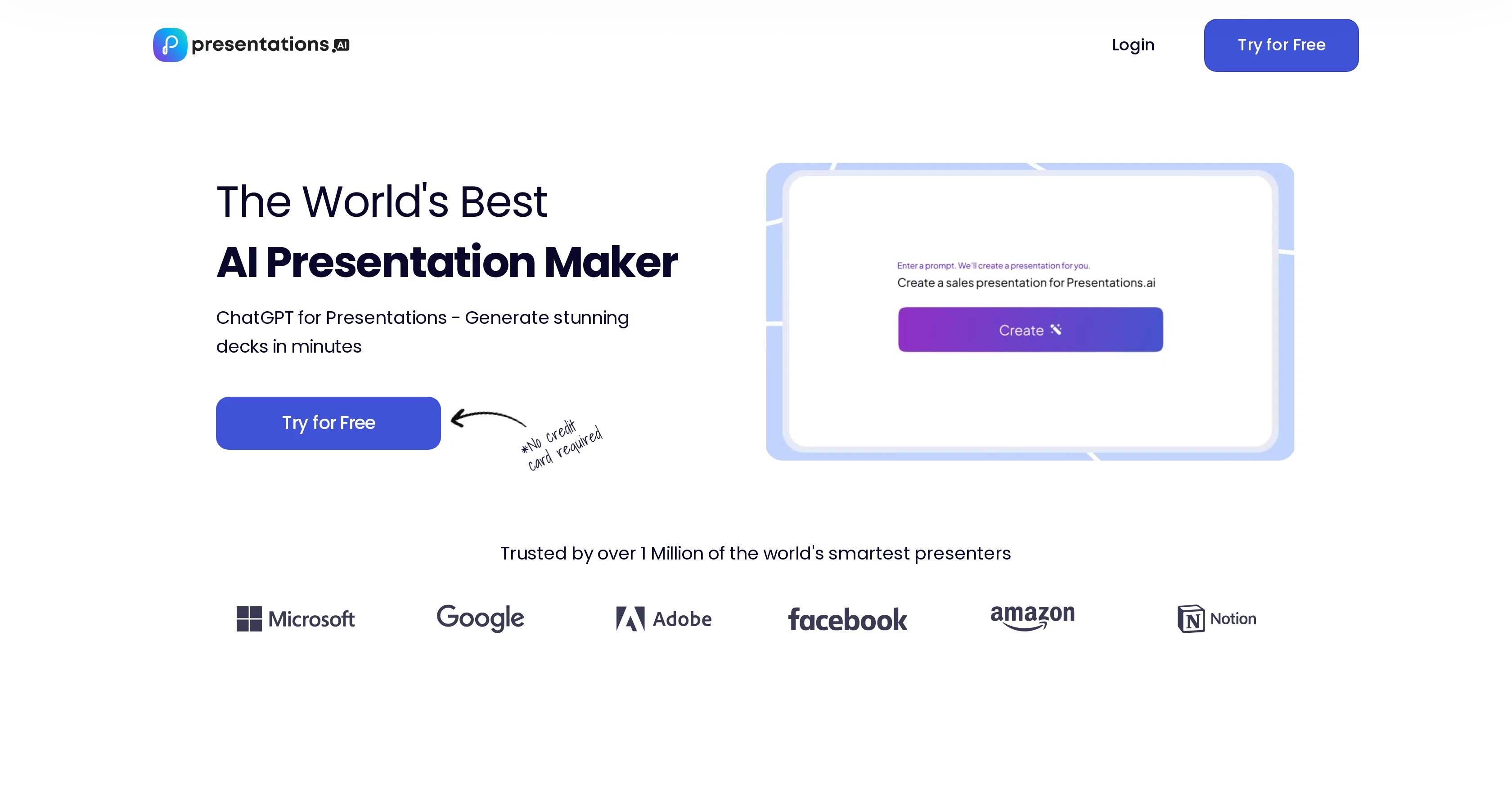
Presentations.AI is an AI-driven tool designed to facilitate the creation of presentations. It caters to a wide range of needs, including businesses, educators, and personal projects.
The tool uses ChatGPT to convert raw information and ideas into engaging presentations swiftly. Its key features include effortless content transformation into professional presentations, personalized design recommendations, adaptable templates, and compatibility with PowerPoint.
Presentations.AI simplifies presentation creation by maintaining design flow even when the content changes, thereby retaining the presentation's overall aesthetic.
It also provides automatic alignment to the user's visual identity for consistent brand representation in every presentation. Other features include easy sharing options with real-time sync and access control, cross-device compatibility, and engagement and performance tracking to optimize presentation effectiveness.
It allows the user to turn any idea into a comprehensive presentation quickly without requiring any design effort. The tool also promotes collaboration with its chat feature, allowing users to direct the AI to create presentations according to their needs.
Best for
Short scenarios where PresentationsAI tends to shine.
-
Turn a document, URL, or notes into a finished deck
Best for Marketing Managers
-
Build a structured first draft in seconds
Best for Product Managers
-
Redesign an existing presentation without reformatting every slide
Best for Sales Teams
-
Rewrite and reorganize slide content with AI
Best for Business Professionals
-
Create charts and diagrams from your data
Best for Educators
-
Generate pitch decks, sales decks, and business reviews
Best for Students
-
Help non-designers produce credible business presentations
Best for Marketing Managers
-
Keep recurring team presentations on-brand and consistent
Best for Marketing Managers
Example outputs 1
Sample generations and before/after results for PresentationsAI.
Access & connections
Where you can use PresentationsAI.
Platforms
Capabilities
What this tool accepts, produces, and is strongest at.
Input
- Text
Output
- Text
Supported features
- Slides
Pros & cons
Pros
- Professional and engaging presentations
- Generates slides from prompts
- Transforms text to presentations
- Personalized design creation
- Match to user's brand style
- Anti-fragile templates
- Real-time team collaboration
- Intuitive user interface
Show 39 more
- Significant time reduction
- Improvement in design quality
- 500% ROI
- Seamless sharing
- Responsive designs
- ChatGPT for Presentations
- PowerPoint compatibility
- Real-time sync
- Engagement tracking
- Performance tracking
- Cross-device compatibility
- Automatic visual identity alignment
- Promotes collaborative work
- Easy sharing with access control
- No design effort required
- Consistent brand representation
- Effortless content transformation
- Adaptable templates
- Maintains design flow
- Detailed engagement insights
- Compatible with other devices
- Aligned to user's visual identity
- Unattended design process
- Efficient export to PowerPoint
- Accessible across all devices
- 1M of smartest presenters
- In seconds idea to deck
- Every user is a power user
- Words to beautiful deck instantly
- Ideal for businesses, educators
- Free to try
- Impress audiences
- Wide range of presentation types
- Instant transformation of ideas
- Converts raw information to presentations
- Automated design suggestions
- Optimizing presentation effectiveness
- Coordinate with app via chat
- Personal projects friendly
Cons
- Limited design customization
- Dependent on user's input
- Lacks offline functionality
- Cannot handle complex queries
- Limited PowerPoint export options
- Cannot revise past suggestions
- Limited collaboration features
- No detailed user analytics
Show 2 more
- No versioning control
- Rely on internet speed
Compare alternatives
Similar tools in the catalog — with a clear reason to open each one.

MagicSlides.app AI PPT Maker ✓
FreemiumCreate Stunning PPTs in Seconds with the AI PPT Maker
Why look Typically cheaper
Full comparison
NextDocs.io ✓
FreemiumThe AI-native editor for docs, slides, and more
Why look Typically cheaper
Full comparison
Gamma ✓
FreemiumAI-powered content creation, minus the hassle.
Why look Typically cheaper
Full comparison
AI Slide Generator ✓
Free TrialCreate stunning presentations from any text in seconds
Why look Typically cheaper
Full comparison
okkslides ✓
FreemiumTransform ideas into professional PowerPoint slides in minutes.
Why look Typically cheaper
Full comparison
GenPPT ✓
PaidThe AI Presentation Tool for Deep, Research-Backed Slides
Why look Typically cheaper
Full comparisonPeople also view
Tools that often show up alongside PresentationsAI in collections and comparisons.
okkslides ✓
FreemiumTransform ideas into professional PowerPoint slides in minutes.
NextDocs.io ✓
FreemiumThe AI-native editor for docs, slides, and more
MagicSlides.app AI PPT Maker ✓
FreemiumCreate Stunning PPTs in Seconds with the AI PPT Maker
AI Slide Generator ✓
Free TrialCreate stunning presentations from any text in seconds
GenPPT ✓
PaidThe AI Presentation Tool for Deep, Research-Backed Slides
Gamma ✓
FreemiumAI-powered content creation, minus the hassle.

Skywork ✓
Free Trial10 tasks in 1 hour, not 10 hours

OpenDeck ✓
FreeSlide decks that speak for themselves.
Releases 1
Imported reviews 4
Not the best tools out there, but since I didnt know how or where to start with my presentation, this was a bit helpful. The slides ideas are not well organized
all export options are paid unfortunately and kept bombarding me with offers and deals when trying to return to home page but good otherwise. Ain't really worth the money though
It doesn't even move forward from the first screen in which it was asking for url, even tried with "skip" to skip that option but it still gets stuck there indefinitely and doesn't move forward.
When trying the free option, error appears and cannot continue
FAQ 12
What is Presentations.AI?
How does Presentations.AI use AI to create presentations?
What features does Presentations.AI offer to design personalized presentations?
How does the ChatGPT feature work in Presentations.AI?
Can I use mails and notes to create presentations in Presentations.AI?
What are the anti-fragile templates in Presentations.AI?
How does Presentations.AI help in team collaboration?
Can Presentations.AI improve design quality by ten times?
How does Presentations.AI claim to reduce time for the first draft?
Is Presentations.AI compatible with PowerPoint?
Who can benefit from using Presentations.AI?
Are Presentations.AI's designs responsive?
Related tools
Recommended
SlidesAI ✓
FreemiumCreate presentation slides with AI in seconds.

LearningStudioAI ✓
Free TrialAI-powered authoring tool for effortless online course creation.

GPTExcel ✓
FreemiumGenerate spreadsheet formulas with AI

PresentationGPT ✓
FreemiumCustomizable presentations generated efficiently.

VenturusAI ✓
FreemiumBusiness idea analysis and reporting.

TutorAI ✓
FreemiumInstant knowledge on any topic