

Prezi ✓
Bring ideas to life with dynamic presentations
Trial; then from $3/yr
Verdict
A quick read before you dig into the full page.
- Best if
- You are marketing professionals and need: Creating impactful, custom-branded marketing messages for businesses
- Skip if
- Steep learning curve
- Pick this when
- Dynamic presentation software
Considering Slides Orator instead? Compare side by side
Overview
Prezi is a dynamic presentation software designed to bring ideas to life by strategically using motion, zoom, and spatial relationships. It offers unique capabilities for creating videos, presentations, and infographics that captivate and engage the audience.
Prezi has integrations with popular interfaces like Webex, Zoom, and Microsoft Teams, allowing users to deliver more engaging and visually appealing virtual presentations.
In addition to providing pre-made templates for presentations, Prezi facilitates a customizable creation experience where users can create and share their own designs.
Prezi's suite of offerings extends to educational environments for both teachers and students, with resources for creating interactive, hybrid learning experiences.
Furthermore, Prezi provides an array of helpful resources including product tutorials, presentation tips, and educational resources to ensure users are utilizing the software to its full potential.
At all times, the software complies with SOC2 standards ensuring a secure experience for users. The tool is used by a diverse range of companies across various sectors, leveraging Prezi to enhance their communication experiences.

Best for
Short scenarios where Prezi tends to shine.
-
Creating impactful, custom-branded marketing messages for businesses.
Best for Marketing professionals
-
Improving customer relations and sales messages with added personality.
Best for Sales professionals
-
Making important HR materials more engaging and memorable.
Best for Human Resources professionals
-
Creating inspiring, fun, and meaningful hybrid learning experiences for teachers.
Best for Teachers
-
Presenting classwork in an engaging and interactive format for students.
Best for Students
-
Engaging and connecting hybrid teams in virtual meetings.
Best for Business professionals
-
Transforming content and improving text with AI assistance.
Best for Expert visual communicators
-
Designing presentations from prompts with AI-customized templates.
Best for Teams and enterprises
Example outputs 1
Sample generations and before/after results for Prezi.
Access & connections
Where you can use Prezi, and what it plugs into.
Platforms
Integrations
Capabilities
What this tool accepts, produces, and is strongest at.
Input
- Tabular
- Text
Output
- Video
- Text
Pros & cons
Pros
- Dynamic presentation software
- Integrations with Webex, Zoom, Microsoft Teams
- Templates for presentations
- Customizable creation experience
- Facilitates interactive, hybrid learning
- Secure, complies with SOC2 standards
- Insightful product tutorials
- Effective presentation tips
Show 32 more
- Useful educational resources
- Supports video creation
- Supports infographic creation
- Extensive content library
- Reusable presentations
- User-friendly interface
- Supports various sectors
- Pre-designed assets library
- Hosts webinars
- Real creative freedom
- Allows in-person and video presentation
- Flexible Open Canvas
- Diverse range of companies usage
- Broad language support
- Professional looking templates
- Designed for hybrid work environment
- Scalable for teams
- Support center available
- Online trainings offered
- Suitable for marketing use
- Handy for sales presentations
- Useful for human resources
- Teachers and students friendly
- Inclusive educational resources
- Boosts interactivity in presentations
- Simplifies visual communication
- Strategic use of motion, zoom, and spatial relationships
- Allows users to share designs
- Captivates and engages the audience
- Enhanced communication experiences
- Regards customers privacy
- Transparent about cookies usage
Cons
- Requires internet connection
- Incompatible with some devices
- Limiting pre-made templates
- Steep learning curve
- Limited offline functionality
- Limited data import formats
- Lacks advanced editing tools
- No collaborative editing
Show 2 more
- Limited language support
- Slow rendering times
Compare alternatives
Similar tools in the catalog — with a clear reason to open each one.

Slides Orator ✓
FreemiumAI avatar presents slides and answers questions.
Free + from 16.6
Full comparison

Data2Slide ✓
Free TrialTurn data into presentations in under 5 minutes.
Free + from $15/mo
Full comparison

Shyne ✓
FreemiumDesign anything, with your team and AI.
Why look Stronger for image work
Full comparison
People also view
Tools that often show up alongside Prezi in collections and comparisons.

SlidesGo ✓
FreemiumCreate customizable presentations in seconds with AI

Gamma ✓
FreemiumAI-powered content creation, minus the hassle.

Recall ✓
FreemiumSummarize Anything, Forget Nothing!

Perplexity ✓
FreemiumAI-powered answers to any question, instantly.
Cclarity ✓
Free TrialYour authentic LinkedIn voice meets intelligent lead generation

Visme ✓
FreemiumCreate professional presentations, infographics, designs, and videos.

Thesify ✓
Free TrialAI tools for students and scientists

SpeedStudy ✓
Free TrialAce exams with AI-powered study tools.
Releases 1
In the news
Launch coverage and community mentions for Prezi.
Imported reviews 1
One of my all time favorite products.
FAQ 12
What is Prezi?
How does Prezi create dynamic presentations?
Can I integrate Prezi with Webex, Zoom, and Microsoft Teams?
How does Prezi facilitate creation of videos?
Can users design their own templates in Prezi?
Does Prezi offer presentation tips and educational resources?
What is SOC2 standards and how does Prezi comply with it?
Is Prezi suitable for educational environments?
Which types of businesses typically use Prezi?
How can Prezi be used for hybrid learning experiences?
Can presentations created with Prezi be shared?
What resources does Prezi provide for secure user experience?
Related tools
Recommended
Gamma ✓
FreemiumAI-powered content creation, minus the hassle.

ChatGPT ✓
FreemiumAsk anything, create anything, and move from idea to action.
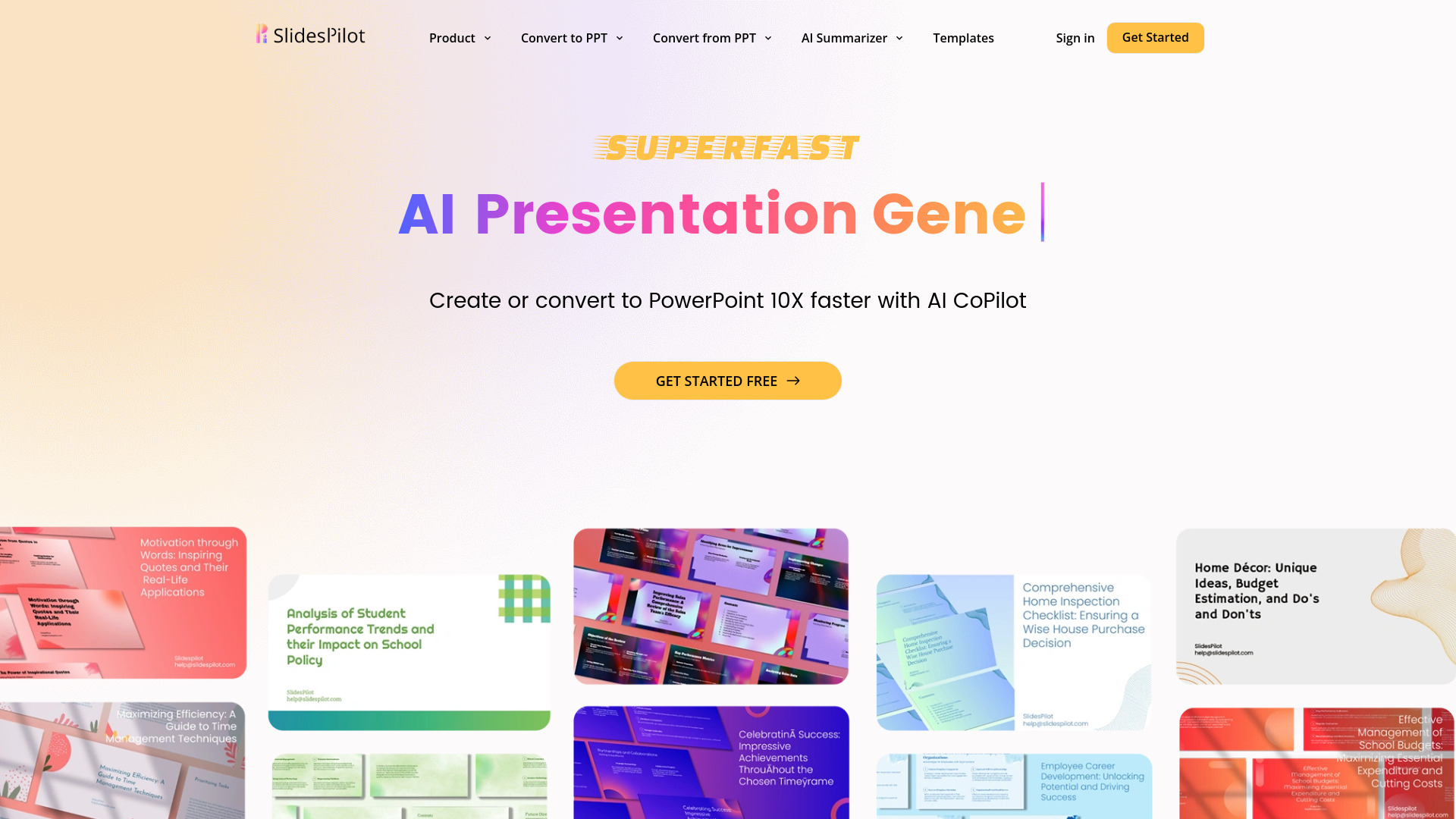
SlidesPilot
UnknownAI Presentation Suite for creating, converting, and enhancing presentations.

workppt ✓
Free TrialCreate unlimited presentations with AI in seconds.
Recall ✓
FreemiumSummarize Anything, Forget Nothing!
Perplexity ✓
FreemiumAI-powered answers to any question, instantly.