

SlidesAI ✓
Create presentation slides with AI in seconds.
Free + from $8.32/mo
Verdict
A quick read before you dig into the full page.
- Best if
- You are students and need: Creating presentations from text for students, educators, and businesses
- Skip if
- Costly premium plans
- Pick this when
- Free basic package
Considering MagicSlides.app AI PPT Maker instead? Compare side by side
Overview

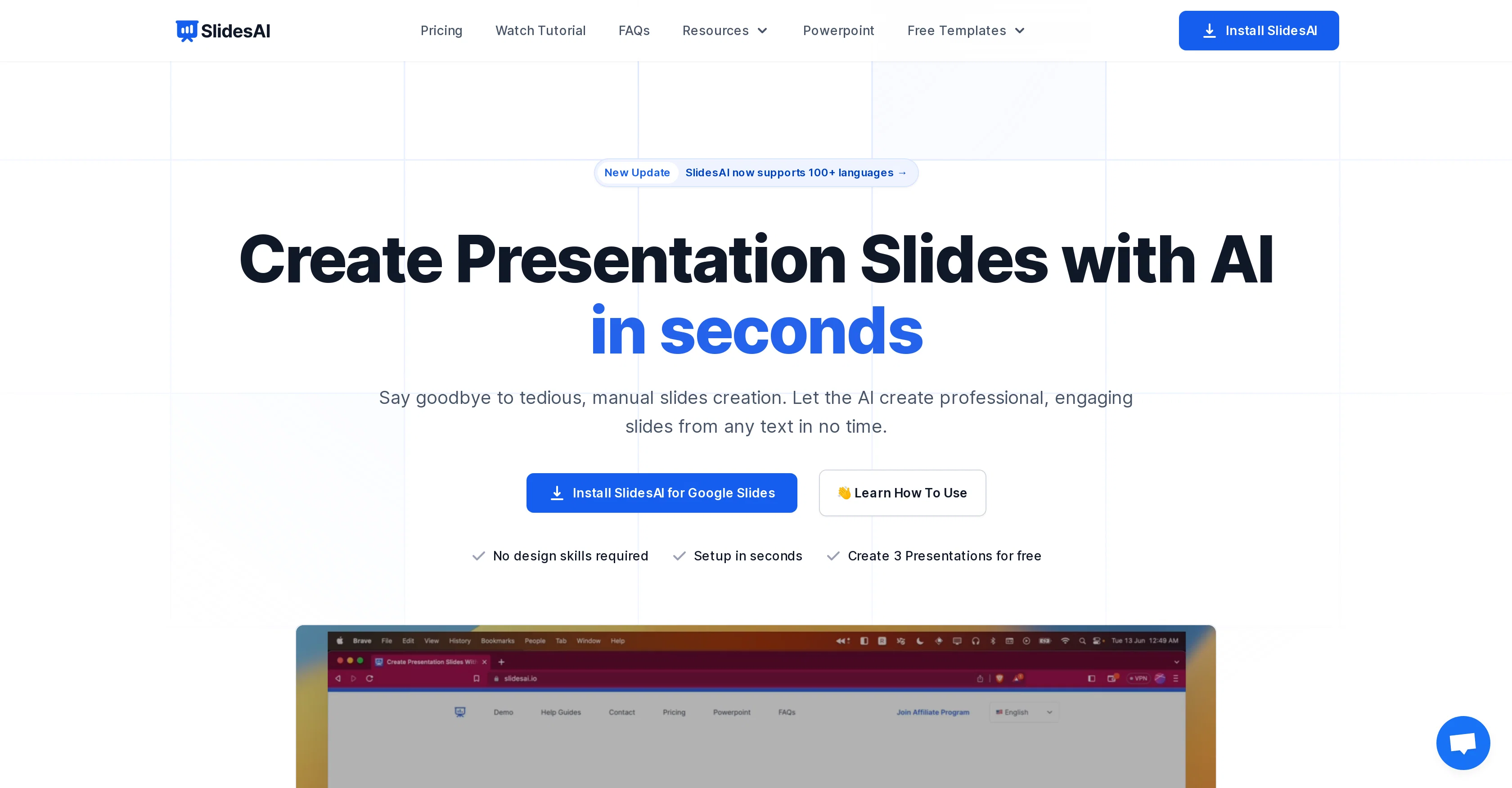
SlidesAI is an AI-powered tool designed to transform text into presentations instantly. This software allows users to automatically detail and structure any given body of text into engaging slideshow presentations.
It streamlines the process of slide creation, making it efficient and less tedious. SlidesAI can be easily integrated into Google Slides for a smoother workflow.
Besides creating presentations from text input, users can also customize the appearance of their slides by choosing from pre-designed color and font presets.
AI capabilities extend to image search and suggestions, automatic citation search for slide content, paraphrasing sentence structures, and icon customization.
The tool also boasts translation and support for over 100 languages and planning to offer video export and document upload features. SlidesAI could be an invaluable resource for individuals and teams seeking to economize time on manual slides creation, focusing more on the details and quality of presentations.
Best for
Short scenarios where SlidesAI tends to shine.
-
Creating presentations from text for students, educators, and businesses
Best for Students
-
Generating presentation outlines from a topic
Best for Educators
-
Enhancing existing presentations with AI-generated visuals and citations
Best for Business professionals
Example outputs 1
Sample generations and before/after results for SlidesAI.
Access & connections
Where you can use SlidesAI.
Platforms
Capabilities
What this tool accepts, produces, and is strongest at.
Input
- Image
- Text
Output
- Text
- Image
Supported features
- Slides
Pros & cons
Pros
- Free basic package
- Color and font presets
- Multiple language support
- Google Slide integration
- Instant text-to-presentation
- Customizable icon sets
- Automatic citation feature
- Variety of pricing plans
Show 30 more
- Supports Spanish, Japanese
- Italian support coming soon
- No separate account needed
- Live chat support
- Microsoft PowerPoint integration planned
- Simplified citation search
- Large premium image library
- Video export coming soon
- Document upload feature upcoming
- Automated slide structure
- Variable character input allowance
- No design skills required
- Supports all major languages
- Exports slides as videos
- Paraphrases sentences
- Accessible from Google Workspace Marketplace
- Previews presentations before exporting
- Speeds up presentation creation
- Customizable slide aesthetics
- Great for students, educators
- Ideal for business professionals
- One-click installation
- Eliminates tedious slide creation
- Highly efficient workflow
- Engaging slideshow creation
- Handles large text inputs
- Highly recommended by users
- Caters to individual, team, institution
- Flexible customization
- Great tool for marketers
Cons
- Limited to Google Slides
- Restrictive character limits
- Requires Google account
- Spanish and Japanese only supported
- Unknown paraphrasing quality
- No realtime collaboration
- Limited preset customization
- Limited language support
Show 2 more
- Costly premium plans
- Video export not yet available
Compare alternatives
Similar tools in the catalog — with a clear reason to open each one.

MagicSlides.app AI PPT Maker ✓
FreemiumCreate Stunning PPTs in Seconds with the AI PPT Maker
Why look Typically cheaper
Full comparison
NextDocs.io ✓
FreemiumThe AI-native editor for docs, slides, and more
Why look Offers a public API
Full comparison
Gamma ✓
FreemiumAI-powered content creation, minus the hassle.
Why look Better for writing
Full comparison
AI Slide Generator ✓
Free TrialCreate stunning presentations from any text in seconds
Why look Typically cheaper
Full comparisonPeople also view
Tools that often show up alongside SlidesAI in collections and comparisons.

okkslides ✓
FreemiumTransform ideas into professional PowerPoint slides in minutes.
NextDocs.io ✓
FreemiumThe AI-native editor for docs, slides, and more
MagicSlides.app AI PPT Maker ✓
FreemiumCreate Stunning PPTs in Seconds with the AI PPT Maker
AI Slide Generator ✓
Free TrialCreate stunning presentations from any text in seconds

GenPPT ✓
PaidThe AI Presentation Tool for Deep, Research-Backed Slides
Gamma ✓
FreemiumAI-powered content creation, minus the hassle.

Skywork ✓
Free Trial10 tasks in 1 hour, not 10 hours

OpenDeck ✓
FreeSlide decks that speak for themselves.
Releases 1
Imported reviews 1
When testing out the free version it looked promising, but as soon as I purchased the largest package for more characters the slides were unusable with text running vertically up and beyond my slides (1 character per line). When I reached out to the supplier, they wouldn't refund me because it had been more than 48 hours since my purchase. Waste of money and time.
FAQ 12
What is SlidesAI?
Does SlidesAI also search for images relevant to the text input?
How can I customize my presentations using SlidesAI?
Where can I install SlidesAI?
Do I need a separate account to use SlidesAI?
How much does SlidesAI cost?
What are the key differences between the BASIC, PRO and PREMIUM plans in SlidesAI?
What are the character input limits for each SlidesAI plan?
How many languages does SlidesAI support?
What is the video export feature that SlidesAI plans to offer?
How does SlidesAI's automatic citation work?
What is the process of integrating SlidesAI into Google Slides?
Related tools
Recommended

LearningStudioAI ✓
Free TrialAI-powered authoring tool for effortless online course creation.

PresentationsAI ✓
FreemiumGenerate stunning presentations in minutes with AI

AI Course Creator ✓
FreemiumAI-powered course creation in minutes.

GPTExcel ✓
FreemiumGenerate spreadsheet formulas with AI

TutorAI ✓
FreemiumInstant knowledge on any topic

Scisummary ✓
Free TrialCutting-edge scientific articles summarization.