

Freepik Upscaler ✓
Improve image quality with AI upscaling.
Free + from $18.14/mo
Verdict
A quick read before you dig into the full page.
- Best if
- Improve image quality with AI upscaling
- Skip if
- Limited batch processing (20 images maximum)
- Pick this when
- High-resolution image upscaling
Considering Deep Image instead? Compare side by side
Overview
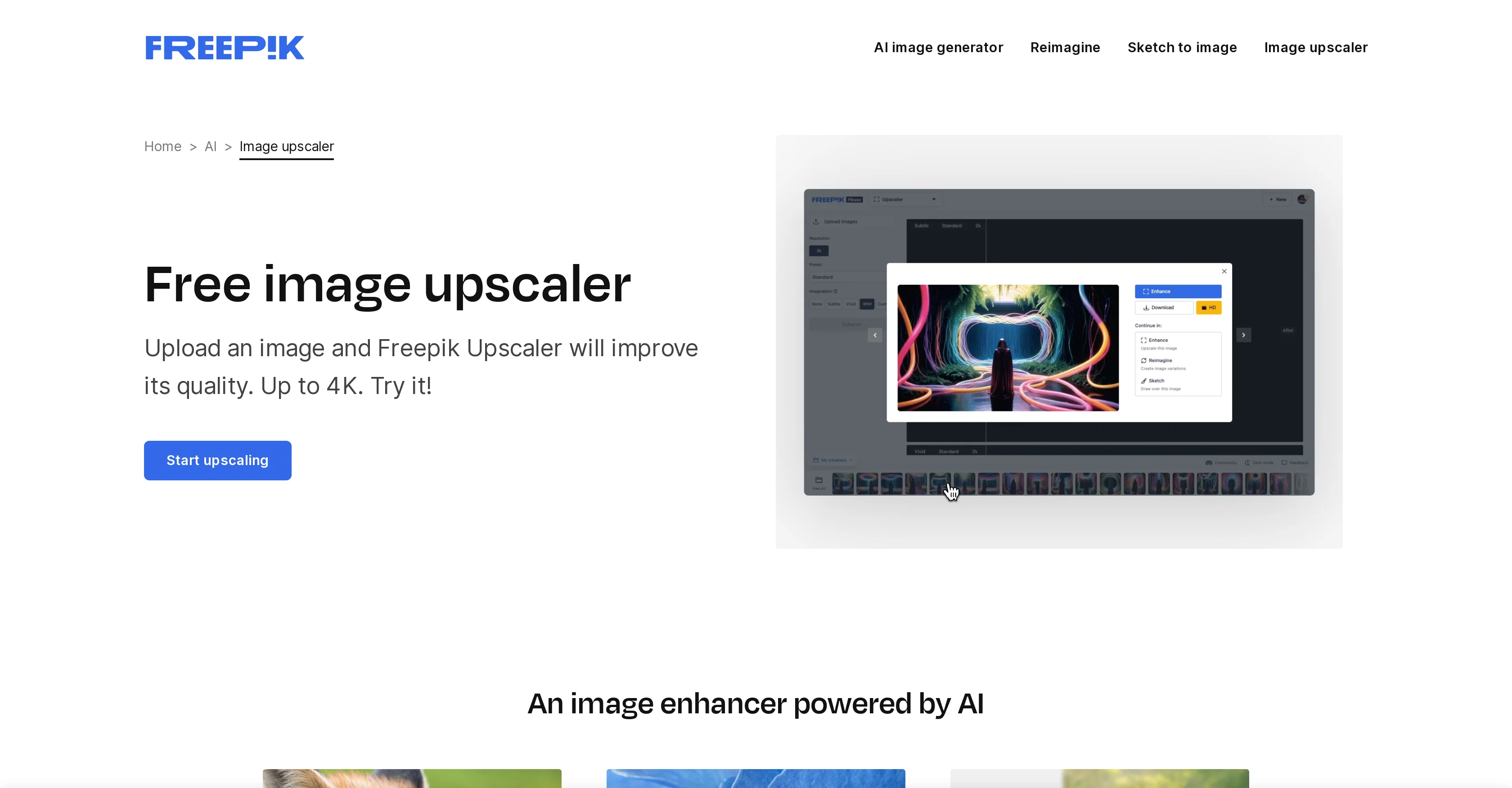
Freepik Upscaler is an AI-powered tool utilized for image enhancement and upscaling. It serves as an efficient tool for refining details, sharpness, and overall fidelity to generate high-resolution images up to 4K.
A notable feature is its batch processing capability, which allows the enhancement and upscaling of multiple images at once, providing consistency over large image sets.
The application allows customizations through different imagination levels and various styles like 3D, art, and portrait. This functionality permits users to adjust how much the AI modifies the detail of images according to their specific needs.Freepik Upscaler excels at revitalizing overly compressed, old, and low-quality photos by sharpening and refining them.
Additional features include 'Contextual textures and details', where based on the image content, textures, and details are added to enhance image quality.
The tool accommodates a broad range of image formats including jpg, jpeg, webp, and png.Freepik Upscaler's intuitive user interface makes it straightforward to use.
Users can readily upload one or more images, adjust output quality, and modify the level of detail added by the AI. The result can be downloaded or further adjusted if needed.
This tool suits both professional designers and hobbyists alike, serving various image enhancement needs.
Best for
Short scenarios where Freepik Upscaler tends to shine.
-
Improve image quality with AI upscaling.
Example outputs 1
Sample generations and before/after results for Freepik Upscaler.
Access & connections
Where you can use Freepik Upscaler.
Platforms
Capabilities
What this tool accepts, produces, and is strongest at.
Supported features
- Upscaling
Pros & cons
Pros
- High-resolution image upscaling
- Batch image processing
- Customizable imagination levels
- Supports various styles
- Revitalizes old photos
- Contextual textures and details
- Supports various image formats
- Intuitive user interface
Show 20 more
- Downloadable results
- Suitable for professionals and hobbyists
- Upload multiple images
- Editing output quality
- Revitalizes compressed photos
- Enhances low-quality photos
- Customizable upscaling
- Experiment with creativity sliders
- Works in the background
- Improves textures of images
- Image generator integration
- Optimized for different subjects
- Ensures consistency across images
- Personalizable results
- Instant comparison slider
- Provides specific visual enhancements
- Up to 20 images daily
- Free upscaling limited
- Creates diverse image variations
- Suitable for any project
Cons
- Limited free upscaling
- Only 4K maximum resolution
- Restrictive image formats (jpg, jpeg, webp, png)
- Limited styles (3D, art, portrait)
- Limited batch processing (20 images maximum)
- Requires premium for full features
- No mention of collaborative features
- No API mentioned
Show 2 more
- Lacks mobile app
- No automation options
Compare alternatives
Similar tools in the catalog — with a clear reason to open each one.

Deep Image ✓
Free TrialEnhance photos with advanced editing features.
Why look Typically cheaper
Full comparison
Upscayl ✓
Free TrialEnhance images with free, open-source AI upscaling.
Why look Typically cheaper
Full comparison
AI Upscaler ✓
FreemiumSmarter AI 4K Upscaler for Images & Videos
Why look Typically cheaper
Full comparison
SciFig ✓
FreemiumTurn text into publication-ready scientific figures.
Why look Typically cheaper
Full comparison
Kyukoma ✓
Free TrialTurn your stories into manga pages with AI.
Why look Typically cheaper
Full comparison
Neurohelper AI ✓
PaidEvery leading AI model. One workspace.
Why look Typically cheaper
Full comparisonPeople also view
Tools that often show up alongside Freepik Upscaler in collections and comparisons.
Upscayl ✓
Free TrialEnhance images with free, open-source AI upscaling.
Deep Image ✓
Free TrialEnhance photos with advanced editing features.
AI Upscaler ✓
FreemiumSmarter AI 4K Upscaler for Images & Videos
Neurohelper AI ✓
PaidEvery leading AI model. One workspace.

Monipix ✓
FreemiumUpscale blurry photos to 4K & 16K instantly.

MojoMake - AI Image to Video Generator ✓
FreemiumUse every top AI model and 100+ effects in one account.
Kyukoma ✓
Free TrialTurn your stories into manga pages with AI.

ClipBG - The Ultimate Bulk AI Background Remover ✓
Freemium100% private, browser-based bulk background removal with flawless AI precision.
Releases 1
Imported reviews 1
This is basically Magnific Ai integrated into this service since they have bought the company.
FAQ 12
What is the maximum resolution the Freepik Upscaler can achieve?
How does the batch processing feature of Freepik Upscaler work?
What types of customizations does Freepik Upscaler support?
Can Freepik Upscaler improve the quality of overly compressed images?
Does Freepik Upscaler add texture and detail based on image content?
What image formats are compatible with Freepik Upscaler?
What is the process to adjust the image detail on Freepik Upscaler?
How can a user upload multiple images in Freepik Upscaler?
Is the Freepik Upscaler user interface easy to operate for beginners?
How does traditional image enhancement compare with AI image enhancement in Freepik Upscaler?
Who can benefit from using the Freepik Upscaler?
How does Freepik improve the sharpness of images?
Related tools
Recommended

Freepik Background Remover ✓
FreemiumErase the background from your images effortlessly.

B12 AI Website Builder ✓
FreemiumAI-powered website builder

Mindsmith ✓
FreemiumPlatform for building and sharing eLearning content

Aiter.io | Paste a URL. Ship a Campaign That Sounds L... ✓
FreemiumAI marketing that sounds like you, not everyone else.

Blend AI ✓
FreemiumYou favorite AI, all in one place (-20% with TAAFT at checkout)

Stunning ✓
PaidBuild AI-powered websites in seconds
More from this creator

SlidesGo ✓
FreemiumCreate customizable presentations in seconds with AI

Freepik Sketch to Image ✓
FreemiumEnvision and sketch any image, AI transforms it into art in real time.
Freepik Background Remover ✓
FreemiumErase the background from your images effortlessly.

Freepik AI Video Generator ✓
FreemiumTransform ideas into stunning videos with AI simplicity

Freepik AI Voice Generator ✓
FreemiumNatural AI Voiceovers for Every Project, Effortlessly