

PresentationGPT ✓
Customizable presentations generated efficiently.
Free + from $12/mo
Verdict
A quick read before you dig into the full page.
- Best if
- You are business professionals and need: Creating presentations quickly and easily
- Skip if
- Limited preview without downloading
- Pick this when
- Uses GPT-4 language model
Considering MagicSlides.app AI PPT Maker instead? Compare side by side
Overview
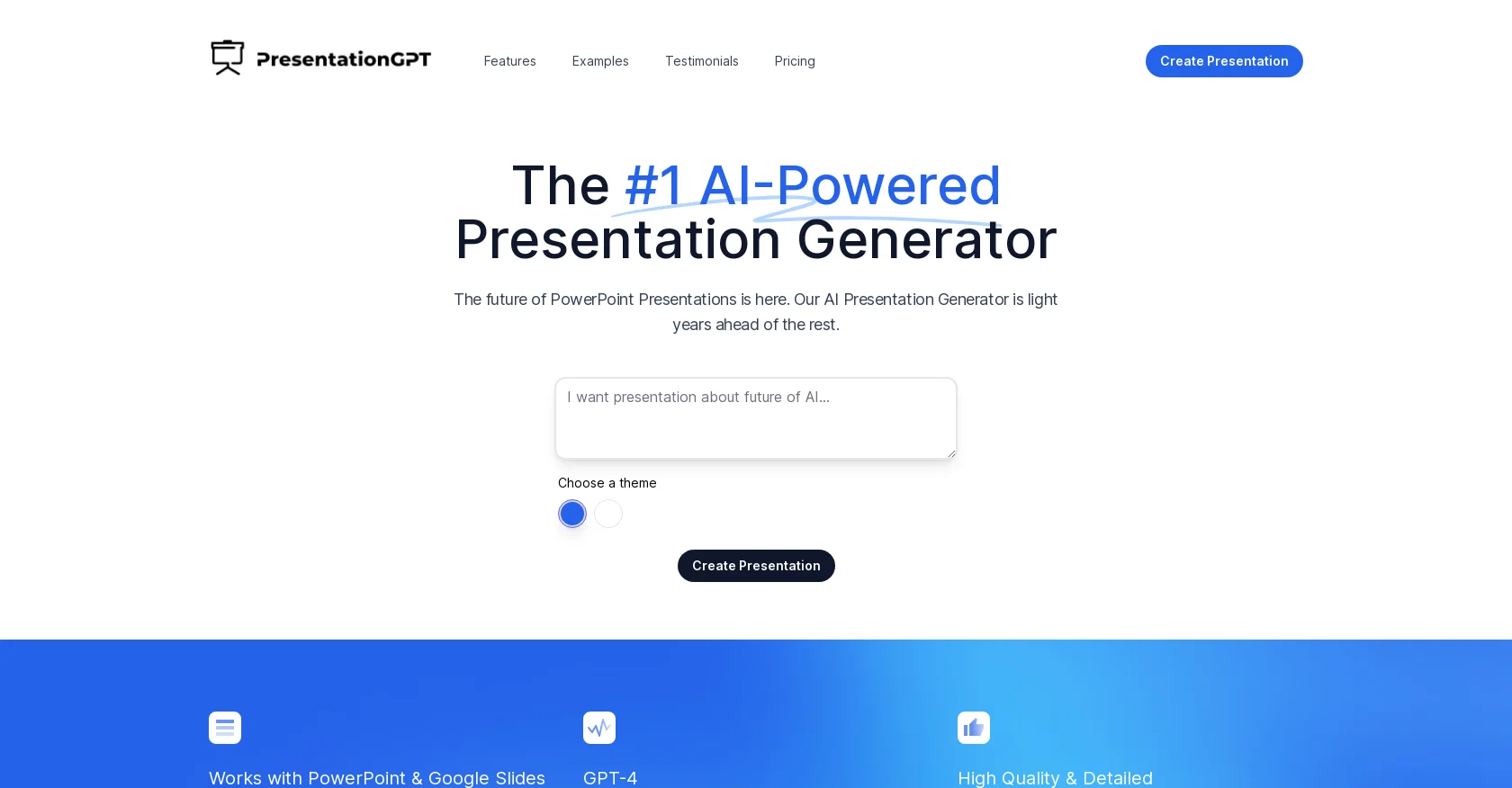
PresentationGPT is an AI-powered presentation generator that creates high-quality presentations in seconds. It uses GPT-4, the most advanced language generation models available to fuel their AI algorithms and generate impressive presentations.
The tool is designed to work seamlessly with PowerPoint and Google Slides, allowing users to easily download and edit their presentations. PresentationGPT features a variety of themes and design templates that can be used to produce engaging and detailed presentations leaving a lasting impression on the audience.
Additionally, the tool offers a free plan that includes unlimited presentations, basic design templates, and high-quality, editable file formats for PowerPoint and Google Slides, among other features.
There is also a pay-per-download plan at $4.99, allowing users to access similar features for a one-time fee per download. PresentationGPT has a simple and transparent pricing structure, with no hidden fees, subscriptions, or registrations required.
Users can access their presentations for free, and only pay when they download them. The tool has been praised by its users for its simplicity, transparency, and ability to produce high-quality customizable presentations in no time.
PresentationGPT is an ideal tool for anyone looking for an efficient and effective way to develop stunning presentations without spending hours on design and formatting.
Best for
Short scenarios where PresentationGPT tends to shine.
-
Creating presentations quickly and easily
Best for Business professionals
-
Generating high-quality presentations without starting from scratch
Best for Educators
-
Creating presentations for various topics and purposes
Best for Students
Example outputs 1
Sample generations and before/after results for PresentationGPT.
Access & connections
Where you can use PresentationGPT.
Platforms
Capabilities
What this tool accepts, produces, and is strongest at.
Highlights
- API
Supported features
- API
- Slides
Pros & cons
Pros
- Uses GPT-4 language model
- Interoperable with PowerPoint
- Interoperable with Google Slides
- Variety of themes/templates
- Free plan availability
- Pay-per-download pricing option
- No hidden fees
- No subscriptions or registrations
Show 8 more
- Editable file formats
- High-quality presentations
- Quick presentation generation
- User-friendly interface
- Availability of testimonials
- Transparent pricing structure
- PDF output availability
- Offline use compatibility
Cons
- Doesn't support other presentation software
- No advanced design templates
- High-quality only with payment
- No subscription discounts
- No automative real-time editing
- Lacks collaborative features
- No offline use for editing
- Limited preview without downloading
Show 2 more
- Dependency on PowerPoint, Google Slides
- No free access to downloads
Compare alternatives
Similar tools in the catalog — with a clear reason to open each one.

MagicSlides.app AI PPT Maker ✓
FreemiumCreate Stunning PPTs in Seconds with the AI PPT Maker
Why look Typically cheaper
Full comparison
NextDocs.io ✓
FreemiumThe AI-native editor for docs, slides, and more
Free + from $20/mo
Full comparison
Gamma ✓
FreemiumAI-powered content creation, minus the hassle.
Why look Typically cheaper
Full comparison
AI Slide Generator ✓
Free TrialCreate stunning presentations from any text in seconds
Why look Typically cheaper
Full comparisonPeople also view
Tools that often show up alongside PresentationGPT in collections and comparisons.

okkslides ✓
FreemiumTransform ideas into professional PowerPoint slides in minutes.
NextDocs.io ✓
FreemiumThe AI-native editor for docs, slides, and more
MagicSlides.app AI PPT Maker ✓
FreemiumCreate Stunning PPTs in Seconds with the AI PPT Maker
AI Slide Generator ✓
Free TrialCreate stunning presentations from any text in seconds

GenPPT ✓
PaidThe AI Presentation Tool for Deep, Research-Backed Slides
Gamma ✓
FreemiumAI-powered content creation, minus the hassle.

Skywork ✓
Free Trial10 tasks in 1 hour, not 10 hours

OpenDeck ✓
FreeSlide decks that speak for themselves.
Releases 1
Imported reviews 4
Not properly for presentation making.
Write a presentation on Jinan city Shandong
Too limited in caracters, visuals and prompt application
does a good work with a limited number of characters, less than 700
FAQ 12
What is PresentationGPT?
How does PresentationGPT work?
What is GPT-4 and how does PresentationGPT utilize it?
Can PresentationGPT work with both PowerPoint and Google Slides?
Is there a variety of themes and design templates available in PresentationGPT?
Does PresentationGPT offer a free plan?
What are the features included in the free plan?
Do I have to register or subscribe to use PresentationGPT?
Is there a pay-per-download plan in PresentationGPT?
If I choose the pay-per-download plan, how much does it cost?
What extra features do I get when I purchase the pay-per-download plan?
Are there any hidden fees when using PresentationGPT?
Related tools
Recommended

PresentationsAI ✓
FreemiumGenerate stunning presentations in minutes with AI
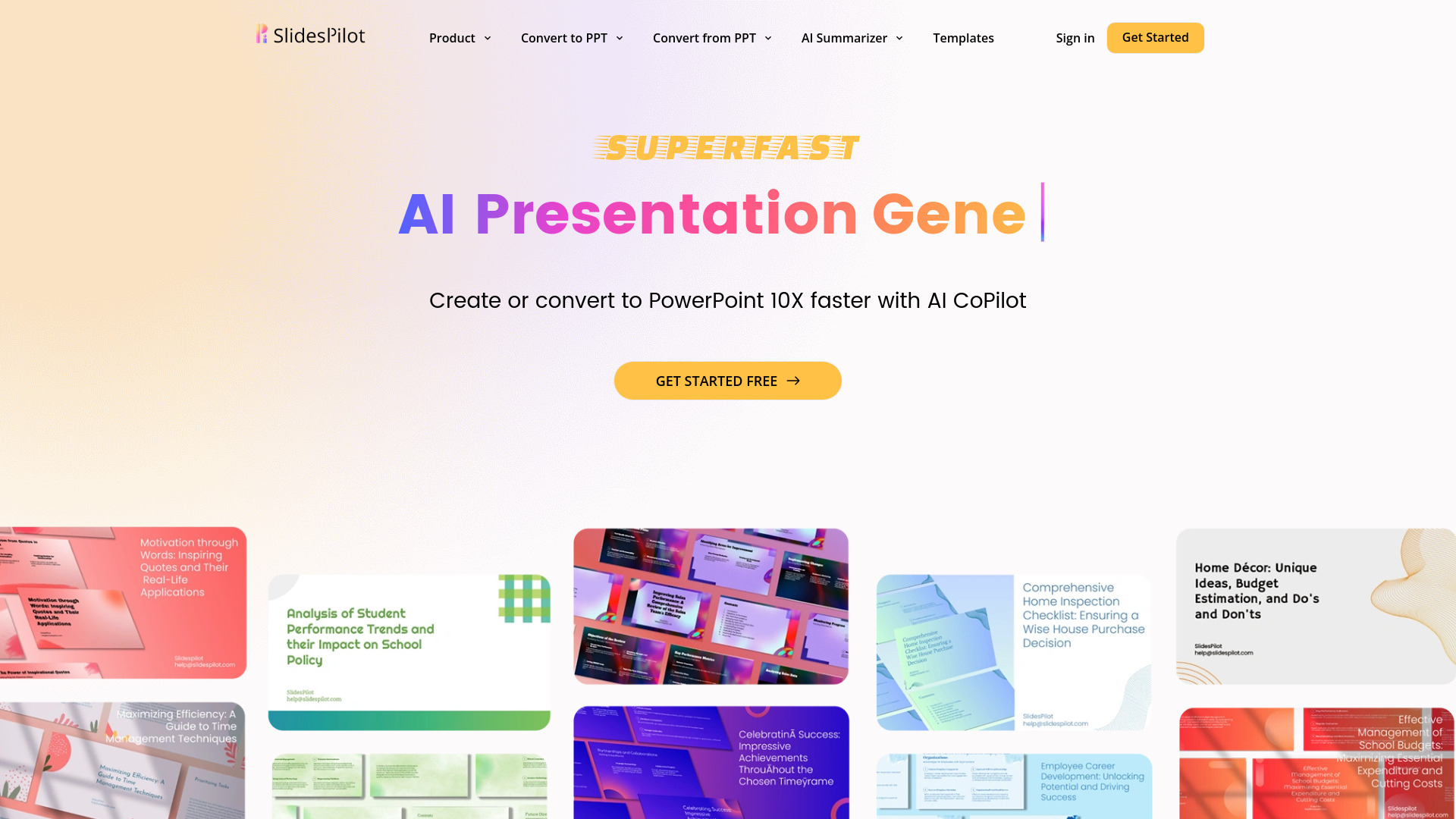
SlidesPilot
UnknownAI Presentation Suite for creating, converting, and enhancing presentations.
SlidesAI ✓
FreemiumCreate presentation slides with AI in seconds.

GPTExcel ✓
FreemiumGenerate spreadsheet formulas with AI

Prezo ✓
UnknownBuild slide decks 10x faster

LearningStudioAI ✓
Free TrialAI-powered authoring tool for effortless online course creation.