

MixHub AI | Image to Video ✓
Turn Any Image Into a Dynamic Video in Minutes
Trial; then from $9/mo
Verdict
A quick read before you dig into the full page.
- Best if
- You are content creators and need: Content Creator/Blogger
- Skip if
- Advanced features may require paid credits or upgrades
- Pick this when
- Free access for generating image-to-video content
Considering MojoMake - AI Image to Video Generator instead? Compare side by side
Overview
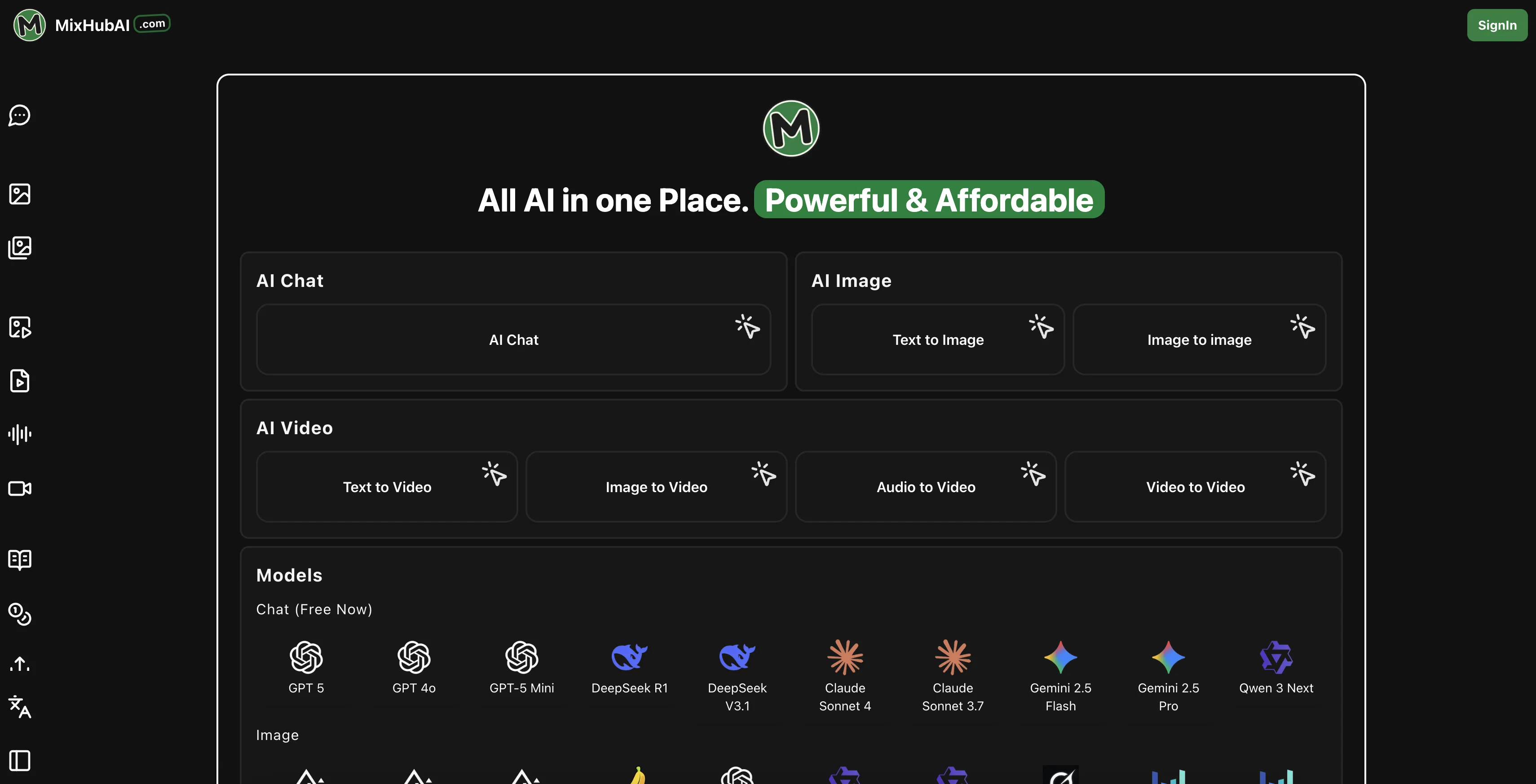
The tool is built to serve a wide range of use cases, from social media content creation to business promotions and personal projects. It offers customizable settings for resolution, duration, and style, giving creators full control over the final look and feel of their animated videos. Whether you’re a marketer, designer, or casual creator, MixHub AI makes it possible to produce engaging video content without editing skills or expensive software.
Best for
Short scenarios where MixHub AI | Image to Video tends to shine.
-
Content Creator/Blogger
Best for Content creators
-
Marketing and Advertising
Best for Video producers
-
Education and Training
Best for Digital artists
-
Game and animation production
Best for Marketers
-
Promotional Content Generation
Best for Social media managers
-
Product Explainer Video Creation
Best for Animators
-
Social Media Content Creation
Best for Anyone seeking AI-powered creative tools
Example outputs 1
Sample generations and before/after results for MixHub AI | Image to Video.
Access & connections
Where you can use MixHub AI | Image to Video.
Platforms
Capabilities
What this tool accepts, produces, and is strongest at.
Input
- Tabular
- Image
Output
- Video
Pros & cons
Pros
- Free access for generating image-to-video content
- Multiple AI models available for different creative needs
- Supports popular image formats (JPG, PNG, WEBP)
- Customizable resolution and video length options
- Fast generation time with previews and downloads
- Accessible for beginners while offering creative flexibility
Cons
- Free usage limited by credits per generation
- Outputs are currently capped at short durations (5–10 seconds)
- Advanced features may require paid credits or upgrades
- Results depend heavily on the quality of input images
- May lack fine-grained video editing tools compared to dedicated software
Compare alternatives
Similar tools in the catalog — with a clear reason to open each one.

MojoMake - AI Image to Video Generator ✓
FreemiumUse every top AI model and 100+ effects in one account.
Why look Offers a public API
Full comparison
VidFlux - Photo to Video Generator ✓
PaidTransform photos into cinematic videos with AI.
Why look Typically cheaper
Full comparison
Grok Imagine ✓
FreemiumUnleash Your Creativity with Grok Imagine
Why look Offers a public API
Full comparison
VidFlux - Image to Video AI ✓
PaidTransform any image into stunning videos.
from $9/mo
Full comparison
MindVideo ✓
FreemiumCreate stunning videos from text or images.
Free + from $7.9/mo
Full comparisonPeople also view
Tools that often show up alongside MixHub AI | Image to Video in collections and comparisons.
VidFlux - Photo to Video Generator ✓
PaidTransform photos into cinematic videos with AI.
VidFlux - Image to Video AI ✓
PaidTransform any image into stunning videos.
MojoMake - AI Image to Video Generator ✓
FreemiumUse every top AI model and 100+ effects in one account.
MindVideo ✓
FreemiumCreate stunning videos from text or images.

Himedia AI Video Generator ✓
Free TrialCreate any AI Videos, Images and Music - No creative limits
Grok Imagine ✓
FreemiumUnleash Your Creativity with Grok Imagine

Motiofy ✓
Free TrialCreate Product and Social Videos Without Filming a Thing

MorphLogo ✓
Free TrialStatic logo in, cinematic motion out.
Releases 1
Imported reviews 3
tried this and didn't disappointed. clean motion from a single pic, 5–10s clips up to 1080p, camera lock keeps things steady. only con: credits burn fast (10 per run, free gives 5/day and caps you to one video), so testing deep is slow unless you upgrade. so come on man, give us more room to try the tool xd
It's working very well. AI chat is 100% free, but image and video are not free, though they are still good. You get a few daily credits, but at least you still have some
Very good app...
FAQ 7
What is MixHub AI | Image to Video?
Do I need video editing skills to use it?
What file formats are supported?
How long can the generated videos be?
Can I customize the video style or length?
Is the tool free to use?
Can I use the videos for business or social media?
Related tools
Recommended

freebeat AI ✓
FreemiumTurn Music & Ideas into Viral Videos In One Click

AI Video Generator by RenderFlow AI ✓
FreemiumAI Video Generator by RenderFlow AI - Wan, Sora 2, Kling etc.

AnimateMyPic | Image to Video ✓
Free TrialAnimate Image to Video with AI

D-ID ✓
FreemiumCreate AI-generated videos with ease

Clipfly AI Video Generator ✓
FreemiumCreate AI-generated videos from text prompts effortlessly.

Flexclip ✓
FreemiumCreate stunning videos effortlessly online.
