

Image to video 2026 Rank: #1966
Motiofy ✓
Create Product and Social Videos Without Filming a Thing
Verdict
A quick read before you dig into the full page.
- Best if
- Create Product and Social Videos Without Filming a Thing
- Skip if
- Limited Model Access in Basic Plan
- Pick this when
- Free online Tool
Considering MojoMake - AI Image to Video Generator instead? Compare side by side
Overview


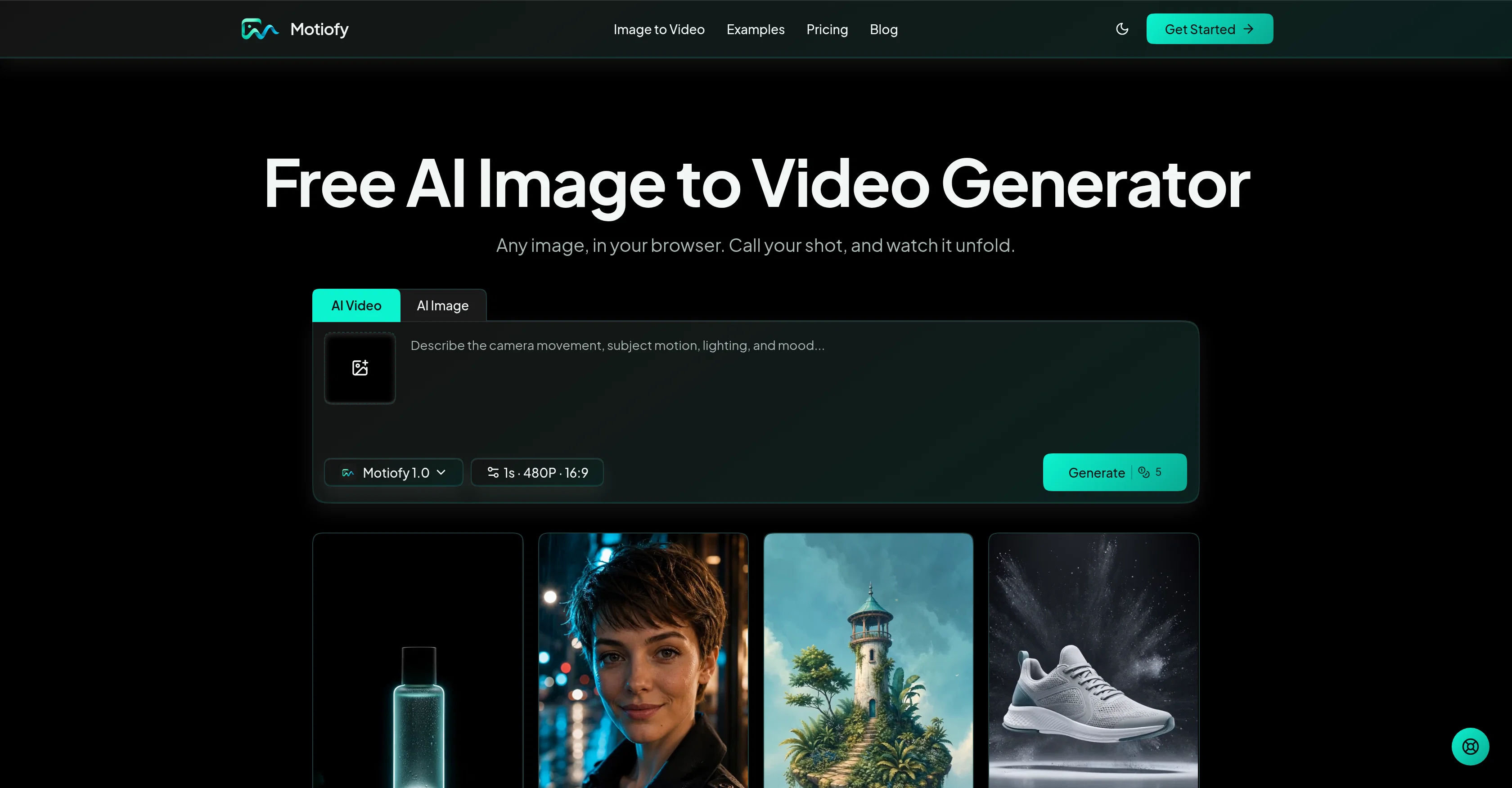
Motiofy is a free online AI-powered tool that converts static images into a dynamic video. The tool allows users to upload an image and describe the motion they wish to generate.
Users are then able to select an AI model and generate a video based on their parameters.Motiofy offers a unique approach that aids in creating engaging content for product ads, social media posts, artwork, and portraiture.
Notably, one does not require any technical expertise to use this tool. The process is expressed in plain English, without the need for specific coding or command language.
Both the starting and ending frames of the video can be set, and the software generates the transition between them, perfect for reveals, transformations, and before-and-after shots.
The Motiofy software provides flexibility that makes it possible to create unique product presentations from single product photos, animate artwork and illustrations, or convert photo concepts into short-form video clips for social media channels.
The tool integrates multiple models that allow users to choose a particular style that fits their idea. Before generating the video, the estimated credit cost is shown upfront, providing transparency in pricing.
Every new account starts with free credits, allowing users to test the capabilities of the tool before committing to a purchase.A distinguishing feature of Motiofy is providing a consolidated workspace for using AI models, managing image to video projects, keeping track of created videos, and maintaining visibility of credit costs for every clip that is created.
This makes the workflow both seamless and user-friendly.The tool offers various payment plans which provide users with features like faster queue speeds, access to more models, and more image to video generations.
The tool aims to shift users from traditional video editing methods by being cost-efficient, time-saving and user-friendly.
Best for
Short scenarios where Motiofy tends to shine.
-
Create Product and Social Videos Without Filming a Thing
Example outputs 1
Sample generations and before/after results for Motiofy.
Access & connections
Where you can use Motiofy.
Platforms
Capabilities
What this tool accepts, produces, and is strongest at.
Input
- Image
- Text
Output
- Video
- Image
Highlights
- SOTA
- Use code TAAFT
- Save $5
Supported features
- Viral baseball trend
Models
Text
Image
Audio
Video
Pros & cons
Pros
- Free online Tool
- Converts images into Video
- No technical expertise required
- Plain English tool description
- Defines starting and ending frames
- Transitional video generation
- Useful for social media
- Supports artwork animation
Show 36 more
- Supports portraits animation
- Transparent credit cost
- Free trials provided
- Managed workspace
- Track video creation
- Cost visibility
- Various payment plans
- Faster queue access
- Access to more models
- Cost and time-efficient
- User-friendly
- Video editing alternative
- Model integration
- Unique product presentations
- No coding required
- Automatic image animation
- Control over motion
- Control over framing
- Control over direction
- Credit cost shown upfront
- Organized creation history
- Instant video generation
- Custom animation sequence
- Editable video prompts
- Credit cost before generation
- Thumbnail versions included
- Free in-browser tool
- Seamless workflow
- Supports marketing aids
- High flexibility
- Clear model-aware controls
- Guided start and end frames
- Guided visual direction
- Prompt in plain English
- Single image requirement
- Transparent pricing
Cons
- Upload Only in JPG, PNG, WebP
- No Offline Version
- Surprise Credit Costs
- Requires Continuous Internet Connection
- Limited Free Credits
- Longer Queue Speeds For Free Users
- Limited Model Access in Basic Plan
- Start and End Frames Only
Show 2 more
- No In-Built Video Editor
- No Multi-Language Support
Compare alternatives
Similar tools in the catalog — with a clear reason to open each one.

MojoMake - AI Image to Video Generator ✓
FreemiumUse every top AI model and 100+ effects in one account.
Why look Typically cheaper
Full comparison
VidFlux - Photo to Video Generator ✓
PaidTransform photos into cinematic videos with AI.
Why look Typically cheaper
Full comparison
Grok Imagine ✓
FreemiumUnleash Your Creativity with Grok Imagine
Why look Offers a public API
Full comparison
VidFlux - Image to Video AI ✓
PaidTransform any image into stunning videos.
Why look Typically cheaper
Full comparison
MindVideo ✓
FreemiumCreate stunning videos from text or images.
Why look Typically cheaper
Full comparisonPeople also view
Tools that often show up alongside Motiofy in collections and comparisons.
VidFlux - Photo to Video Generator ✓
PaidTransform photos into cinematic videos with AI.
VidFlux - Image to Video AI ✓
PaidTransform any image into stunning videos.
MojoMake - AI Image to Video Generator ✓
FreemiumUse every top AI model and 100+ effects in one account.
MindVideo ✓
FreemiumCreate stunning videos from text or images.

Himedia AI Video Generator ✓
Free TrialCreate any AI Videos, Images and Music - No creative limits
Grok Imagine ✓
FreemiumUnleash Your Creativity with Grok Imagine

MorphLogo ✓
Free TrialStatic logo in, cinematic motion out.

MF0.ai ✓
PaidEvery top AI in one chat. Real memory. No subscription.
Releases 1
FAQ 12
What is Motiofy?
What is the process like to use Motiofy?
What kind of video content can you create with Motiofy?
Is coding or technical expertise required to use Motiofy?
What exactly can be adjusted and set within the Motiofy tool?
In what ways can Motiofy be used to create unique product presentations?
Can I convert a photo concept into a short video clip for social media using Motiofy?
How does the model selection in Motiofy work?
Does Motiofy provide the cost upfront before generating a video?
What are the benefits of the consolidated workspace in Motiofy?
What features are included in the various payment plans offered by Motiofy?
Can Motiofy be used as an alternative to traditional video editing methods?
Related tools
Recommended

GetLogit ✓
FreemiumArtificial intelligence, available for everyone.

ChatGPT ✓
FreemiumAsk anything, create anything, and move from idea to action.

freebeat AI ✓
FreemiumTurn Music & Ideas into Viral Videos In One Click

Pounce ✓
Free TrialGet real followers and engagement in minutes.

AirMusic ✓
Free TrialAI music generator and music video creator in one platform.

WebsitePublisher AI ✓
FreemiumYour AI builds a full app, right from your phone