

Clipfly AI Video Generator ✓
Create AI-generated videos from text prompts effortlessly.
Free + from $5/mo
Verdict
A quick read before you dig into the full page.
- Best if
- You are beginners and need: Create engaging videos for social media
- Skip if
- Limited media resources
- Pick this when
- Text prompts to video
Considering freebeat AI instead? Compare side by side
Overview
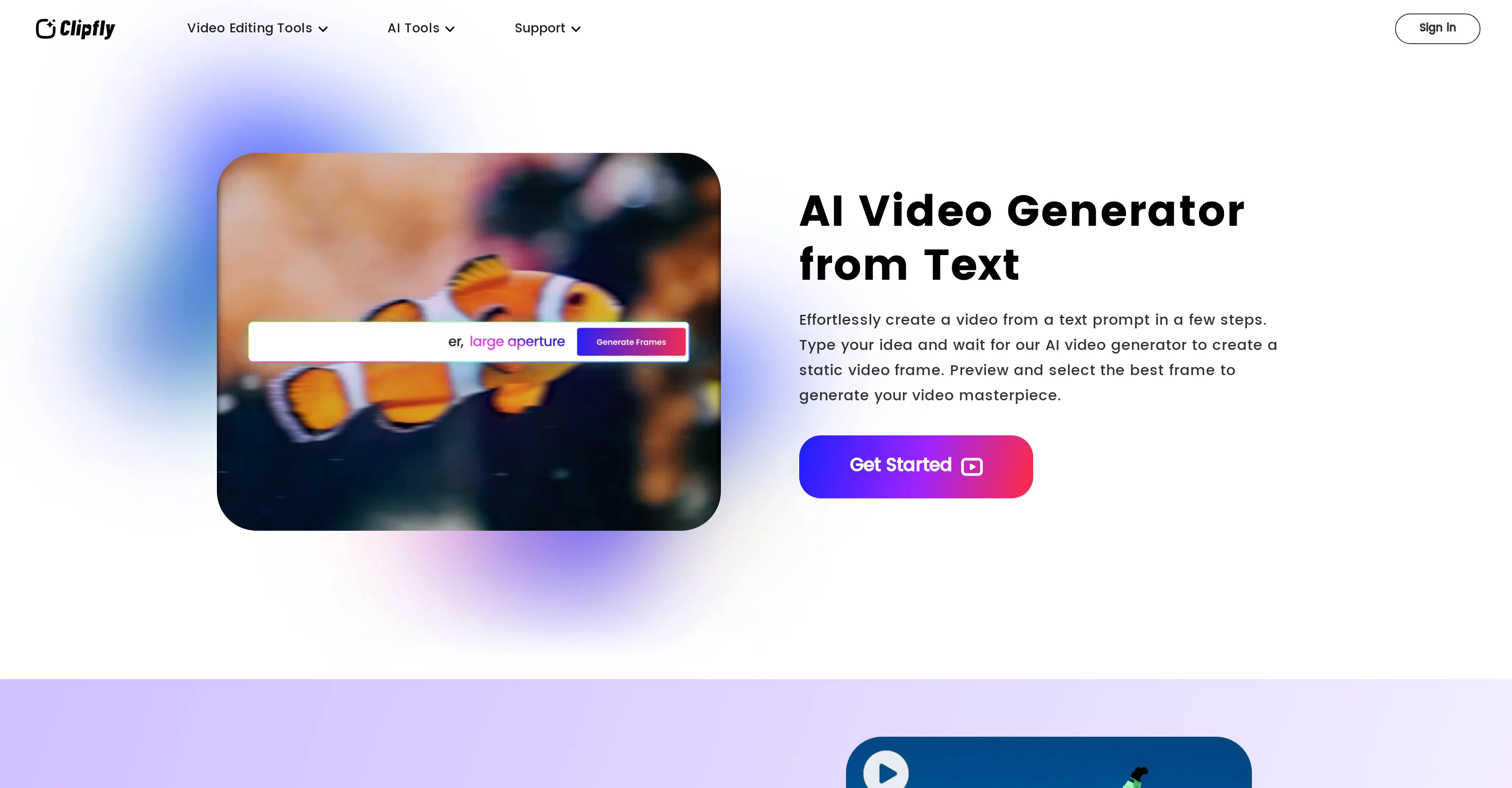
Clipfly is an AI-powered video creation platform engineered to convert text prompts into captivating videos. Users input their ideas and the AI video generator creates a static video frame, which can be previewed and selected to generate a video output.
The tool aims to simplify the video production process by eliminating the need for advanced skills or manual video production. Multiple static frames can be repetitively produced and merged together into a seamless, engaging cinematic video.
Aside from text-to-video conversion, Clipfly also features an AI voiceover from text capability, converting scripts into natural AI voiceovers. Clipfly also allows users to add a humorous touch by enabling face swaps in AI-generated clips with their choice of photo.
The platform allows users to customize their videos further through text additions, filters, effects, and more. Additionally, Clipfly is a web-based platform, enabling usage without software installations and giving users the ability to create videos anytime, anywhere.
To ensure a unique video creation, Clipfly also offers a variety of media resources, including stylish fonts, stickers, royalty-free music, and images.
Best for
Short scenarios where Clipfly AI Video Generator tends to shine.
-
Create engaging videos for social media
Best for Beginners
-
Enhance blurry videos for better quality
Best for Social media marketers
-
Transform static images into animated video content
Best for Content creators
-
Add creative elements to videos
Best for Small business owners
Example outputs 1
Sample generations and before/after results for Clipfly AI Video Generator.
Access & connections
Where you can use Clipfly AI Video Generator.
Platforms
Capabilities
What this tool accepts, produces, and is strongest at.
Supported features
- Clipping
- Outpainting
Pros & cons
Pros
- Text prompts to video
- Automatic video frame creation
- Seamless video merging
- Face swap feature
- Wide video customization
- Web-based platform
- No software installations
- Variety of media resources
Show 16 more
- Royalty-free music and images
- Video filters and effects
- Text overlays
- Rich stock resources
- Easy video customization
- Funny face swap feature
- Preview before video generation
- Stylish fonts and stickers
- Advanced video transitions
- Capable of repeated frame generation
- Allows video frames selection
- Video creation and refinement
- Cinematic video output
- Saves time in video production
- Removes advanced skills requirement
- Allows video editing after merging
Cons
- Limited to static frames
- No software installation available
- Web-based only
- Face swap limited to photos
- No direct voiceover recording
- No multi-language support
- Limited media resources
- Relies heavily on text prompts
Show 1 more
- Requires successive frame editing
Compare alternatives
Similar tools in the catalog — with a clear reason to open each one.

freebeat AI ✓
FreemiumTurn Music & Ideas into Viral Videos In One Click
Why look Offers a public API
Full comparison
MagicLight ✓
FreemiumTransform text into captivating videos instantly.
Free + from $8.4/mo
Full comparison


Seedance ✓
FreemiumMulti-shot video generation from text and image.
Why look Stronger for image work
Full comparisonPeople also view
Tools that often show up alongside Clipfly AI Video Generator in collections and comparisons.

D-ID ✓
FreemiumCreate AI-generated videos with ease

Supercreator ✓
FreemiumCreate short videos 10x faster with AI

Roll ✓
FreeEnhanced mobile video editing with advanced technology.

Marketing Assistant (Elsa AI) ✓
FreemiumDefine your ideal customers and craft a winning marketing strategy with Elsa.

Image-to-Video Maker ✓
PaidCreate AI videos from text, images, or clips instantly.

GoEnhance ✓
FreemiumTransform videos into different anime styles, enhance and upscale images.

DreamFace ✓
FreemiumAnimate photos with AI face editing magic.

Digibate ✓
Free TrialSmart marketing, done for you in minutes
Releases 1
Imported reviews 9
5 star cause is usefull
I used to be able to generate NSFW content with clipfly but now it’s no longer about that unfortunately useless for me
Wrong information about its free it's not free guys
Not free, no free trial that I can see. Asked me to get pro right away. Lame.
I think it could be great...but the 4 second clip-thing wasn't explicit and so it took a more complex prompt and confused itself into 4 seconds.
This video generator did much better than I expected on complex subjects. Unfortunately, it isn't as free as I wished. I could not iterate my creation to create a resolved result.
so so so bad. doesnt register prompt given, gives you a 4 second video of something completely random. it's not even coherant, it's like fake letters smeared across the screen
Wow video was amazingly generated by the description
Nice site! Decent video and avatar text to speech, although the limited voice types is disappointing. The end products were of good quality.
@midlarts
Would use again in the future for sure.
FAQ 12
What is Clipfly?
How does Clipfly convert text prompts into videos?
How does the AI voiceover feature work on Clipfly?
Can I add my own face to the AI-generated videos on Clipfly?
What customization options does Clipfly provide for video creation?
Is Clipfly a web-based platform?
What type of media resources does Clipfly offer for video creation?
How does the video merging feature work on Clipfly?
Do I need any advanced skills to use Clipfly?
With Clipfly, can I preview and select the generated static video frame?
What is the process of creating a video on Clipfly from a text prompt?
How to add a humorous touch by enabling face swaps in AI-generated clips with a chosen photo?
Related tools
Recommended

Free Text-To-Speech ✓
FreeText transformed into customizable spoken output.
Supercreator ✓
FreemiumCreate short videos 10x faster with AI

VenturusAI ✓
FreemiumBusiness idea analysis and reporting.

Viddyoze ✓
Free TrialCreate incredible video content in seconds with AI.

Business Idea Generator AI ✓
FreeGenerate innovative business ideas with AI

LearningStudioAI ✓
Free TrialAI-powered authoring tool for effortless online course creation.