

Logo animation 2026 Rank: #2241
MorphLogo ✓
Static logo in, cinematic motion out.
Verdict
A quick read before you dig into the full page.
- Best if
- Static logo in, cinematic motion out
- Skip if
- 24MB size limit
- Pick this when
- Supports multiple file types
Considering LogoTeddy instead? Compare side by side
Overview
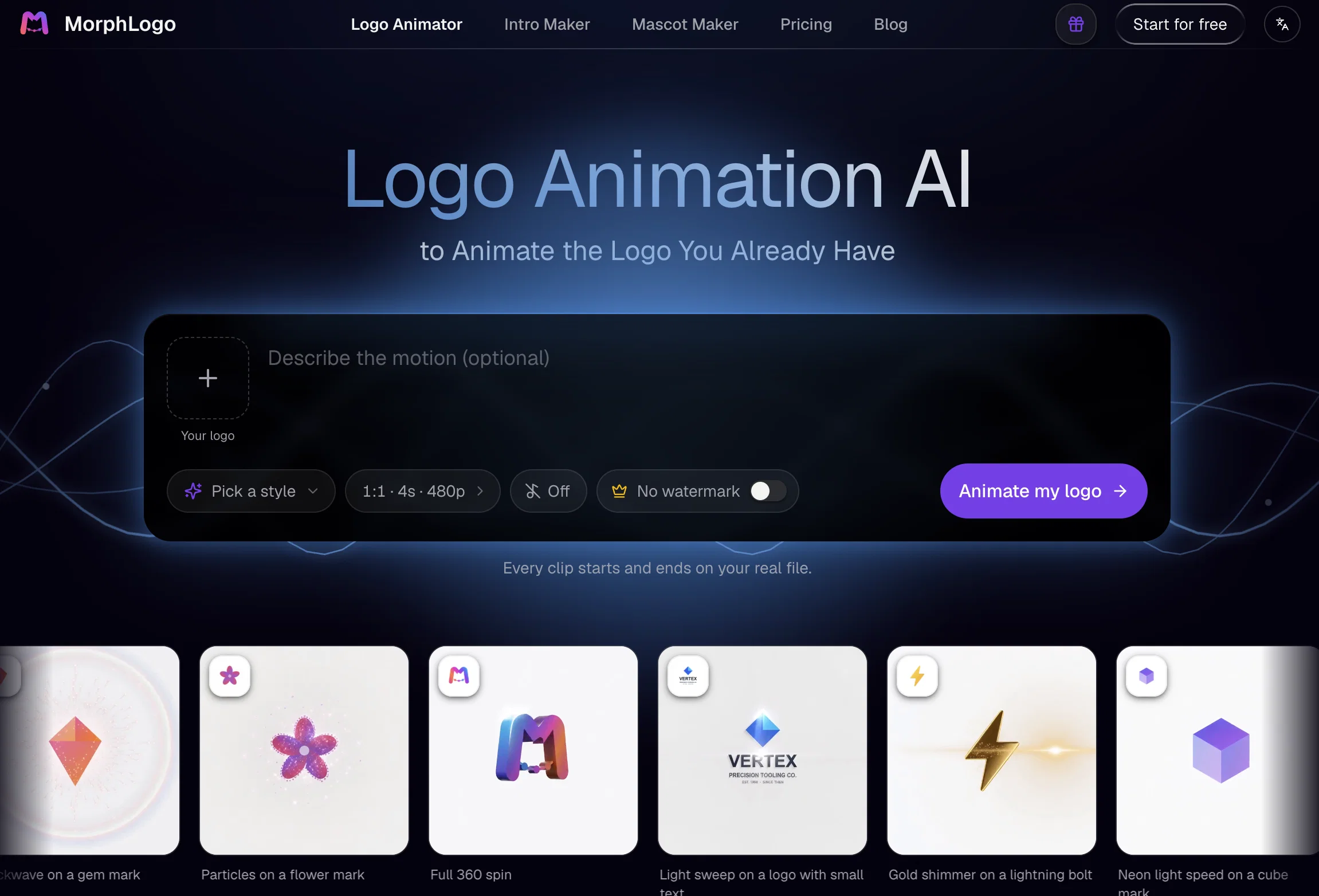
MorphLogo is an AI-driven logo animation tool that allows brands and creators to turn static logos into dynamic motion graphics quickly and efficiently.
This tool offers several features that include guided animation and support for different file types and sizes, including .jpeg, .jpg, .png, and .webp, up to 24MB.
Users select from an array of pre-set styles or define the motion themselves to customize the animation of their logo. MorphLogo's AI also allows user-defined instructions for the motion, lighting, and camera angles.
The AI-powered system ensures the animation begins and concludes on the original logo, maintaining the logo's shape, colors, and proportions. This tool does not redesign or redraw the original logo in the animation process.
Completed animations can be exported as MP4, WebM, or GIF formats in a variety of ratios to fit different platforms. Rendered in HD, these motion animations maintain crisp and clean edges suitable for various applications, including website headers, social intros, advertisements, and more.
MorphLogo offers a user-friendly interface that does not require design or After Effects skills to create noticeable animations.
- 4k & Hd Video Export (mp4, Webm, Gif)
- Watermark-free Downloads
- Custom Animation Styles (cinematic, Glitch, Liquid, 3d Orbit, Neon, Particles)
- Auto Captions In Multiple Languages
- 40 Free Credits On Signup
- Commercial Use Included
Access & connections
Where you can use MorphLogo.
Platforms
Capabilities
What this tool accepts, produces, and is strongest at.
Input
- Tabular
- Image
- Text
Output
- Video
Highlights
- SOTA
Pros & cons
Pros
- Supports multiple file types
- 24MB file size support
- User-defined motion customization
- User-defined lighting control
- User-defined camera angles
- Maintains original logo shapes
- Maintains original logo colors
- Doesn't redesign or redraw
Show 31 more
- Exports as MP4, WebM, GIF
- Varied export aspect ratios
- HD render quality
- User-friendly interface
- No design skills required
- Automatic animation
- Preserves logo proportions
- Animations for different applications
- Fast animation processing
- Multiple preset animation styles
- Cinematic quality
- High-resolution exports up to 4K
- Automated sound effect generation
- Prompt-driven animation
- Real logo animation
- Export customization options
- User-controlled reveal, lighting, camera
- Transparent background support
- No timeline or keyframing
- Exports fit all platforms: web, social, video
- No watermark on exports
- 3D-style animations possible
- Animated logo stays intact
- Animated logo usable on website headers, ads and more
- Clean edges on renders
- No need for After Effects skills
- Preserves logo aspects in animations
- Can animate logo in about a minute
- 3-step logo animation
- Free credits upon sign-up
- Ready to publish exports
Cons
- Limited file support
- No API available
- 24MB size limit
- Lacks manual keyframing
- Limited control over motion
- No redrawing features
- Only pre-set styles available
- No watermark removal option
Show 2 more
- Low customization options
- Exports limited to certain formats
Compare alternatives
Similar tools in the catalog — with a clear reason to open each one.

LogoTeddy ✓
FreemiumTurn your static logo into a cinematic animation.
Free + from $19.99
Full comparison
IntroVideo - Logo Animation ✓
Free TrialCreate professional AI logo intro videos in minutes
Why look Typically cheaper
Full comparison
Logo Animation App ✓
PaidTransform static logos into stunning motion graphics in seconds.
Why look Higher community rating
Full comparison
Releases 1
FAQ 12
What is MorphLogo?
What file types and sizes does MorphLogo support?
How can I customize the animation of my logo with MorphLogo?
What does it mean when MorphLogo allows user-defined instructions for the motion, lighting, and camera angles?
Does MorphLogo change the original design of my logo during the animation process?
What formats can MorphLogo export completed animations to?
What are the different ratios MorphLogo supports for various platforms?
Can MorphLogo create HD quality animations?
What are the various applications for MorphLogo's animated logos?
Do I need design or After Effects skills to use MorphLogo?
How do pre-set styles in MorphLogo work?
What user instructions does MorphLogo support for animation?
Related tools
Recommended

ChatGPT ✓
FreemiumAsk anything, create anything, and move from idea to action.

freebeat AI ✓
FreemiumTurn Music & Ideas into Viral Videos In One Click

Kinovi - AI Video Generator ✓
Free TrialAI video generator powered by Seedance 2.0

GetLogit ✓
FreemiumArtificial intelligence, available for everyone.

Grok ✓
FreemiumConversational AI for understanding the universe.

Pounce ✓
Free TrialGet real followers and engagement in minutes.