

AnimateMyPic | Image to Video ✓
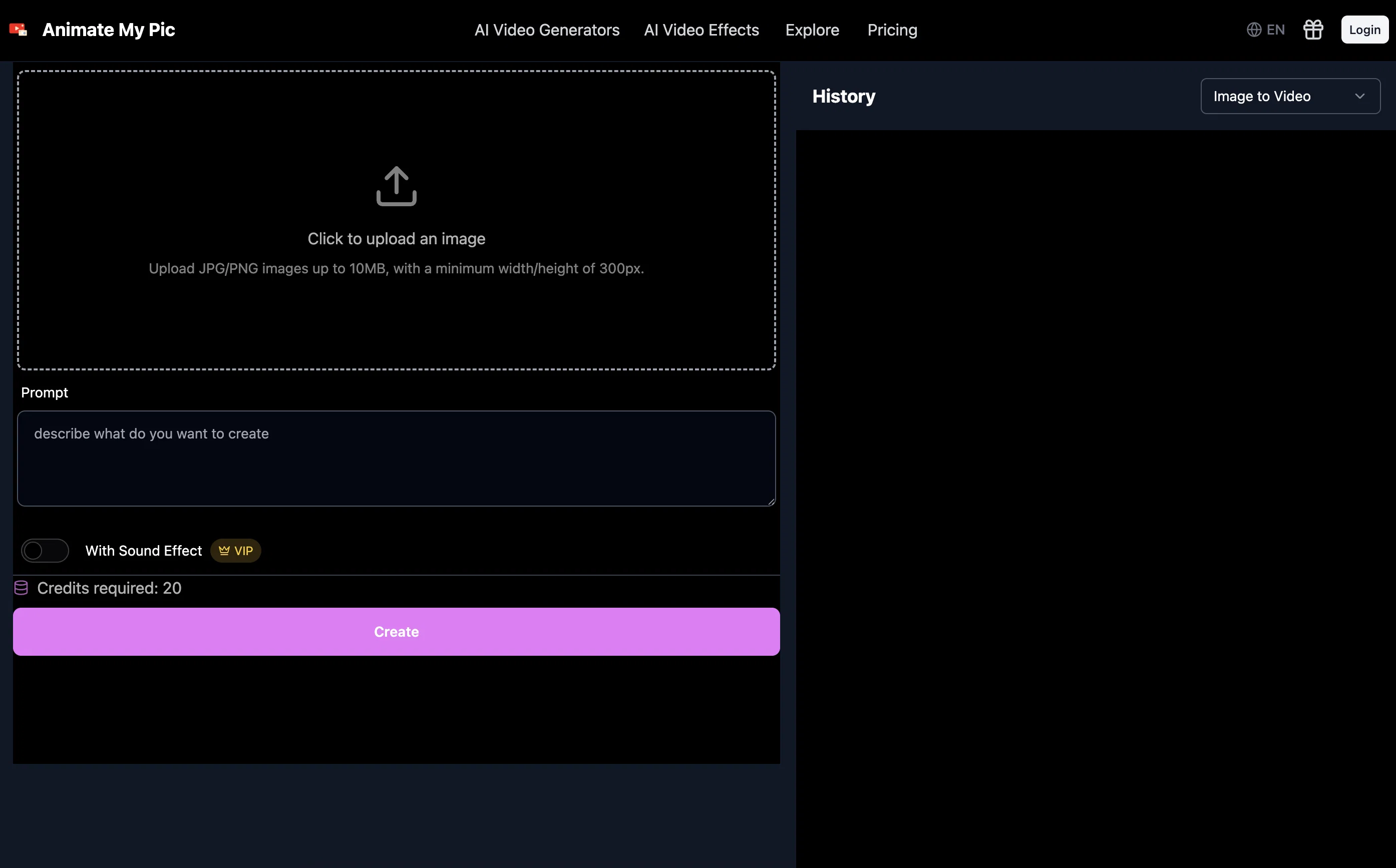
Animate Image to Video with AI
Trial; then from $6.99/mo
Verdict
A quick read before you dig into the full page.
- Best if
- Animate Image to Video with AI
- Skip if
- Free access is limited and requires credits for most outputs
- Pick this when
- Simple upload-to-video workflow
Considering MojoMake - AI Image to Video Generator instead? Compare side by side
Overview
The platform supports advanced models for high-quality animation, with features like start-frame adjustments, batch processing, and resolution controls. In addition to its core image-to-video capabilities, AnimateMyPic offers a variety of AI video effects such as fight scenes, surfing simulations, cosplay transformations, and even fantasy character animations.
It’s designed for creators, hobbyists, and businesses looking for quick, engaging visual content without manual editing or complex software.
Best for
Short scenarios where AnimateMyPic | Image to Video tends to shine.
-
Animate Image to Video with AI
Example outputs 1
Sample generations and before/after results for AnimateMyPic | Image to Video.
Access & connections
Where you can use AnimateMyPic | Image to Video.
Platforms
Capabilities
What this tool accepts, produces, and is strongest at.
Input
- Image
- Text
Output
- Video
Pros & cons
Pros
- Simple upload-to-video workflow
- Supports realistic and animated effects
- Advanced customization options (frames, quality, batch size)
- Wide library of fun and creative AI effects
- Fast results with minimal effort
- Accessible via browser with no heavy software needed
Cons
- Free access is limited and requires credits for most outputs
- Some effects lean more toward novelty rather than professional use
- Output length and resolution may be restricted on lower plans
- Heavily reliant on the prompt for quality results
Compare alternatives
Similar tools in the catalog — with a clear reason to open each one.

MojoMake - AI Image to Video Generator ✓
FreemiumUse every top AI model and 100+ effects in one account.
Why look Offers a public API
Full comparison
VidFlux - Photo to Video Generator ✓
PaidTransform photos into cinematic videos with AI.
from $6.75/mo
Full comparison
Grok Imagine ✓
FreemiumUnleash Your Creativity with Grok Imagine
Why look Offers a public API
Full comparison
VidFlux - Image to Video AI ✓
PaidTransform any image into stunning videos.
from $9/mo
Full comparison
MindVideo ✓
FreemiumCreate stunning videos from text or images.
Free + from $7.9/mo
Full comparisonPeople also view
Tools that often show up alongside AnimateMyPic | Image to Video in collections and comparisons.
VidFlux - Photo to Video Generator ✓
PaidTransform photos into cinematic videos with AI.
VidFlux - Image to Video AI ✓
PaidTransform any image into stunning videos.
MojoMake - AI Image to Video Generator ✓
FreemiumUse every top AI model and 100+ effects in one account.
MindVideo ✓
FreemiumCreate stunning videos from text or images.

Himedia AI Video Generator ✓
Free TrialCreate any AI Videos, Images and Music - No creative limits
Grok Imagine ✓
FreemiumUnleash Your Creativity with Grok Imagine

Motiofy ✓
Free TrialCreate Product and Social Videos Without Filming a Thing

MorphLogo ✓
Free TrialStatic logo in, cinematic motion out.
Releases 1
Imported reviews 4
I generate video for ads. I upload image before and after, and explait litteraly that i need, movement by movement, and it generate somehing other (or just one movement from my list). And it is undrstandable what i write there, becasue in other version it generates some of this movements, but cann't generate is one by one. And i tried different models (Kling, Advanced), both of them dont generate what i write (Kling is more or less good). So i wouldn't say that it is waste of my money, because some result i have, but it so diffecult, i need to cut all videos and merge.
Waste of time
tried it on selfies and random shots and it did fine. faces look good objects get weird if the source is rough. free tier is tight too on my account it gave 20 credits which basically covered one export then a small daily drip of +2 or +5 before I could play more. would love more runway up front. paid packs lift the watermark and quality if you need it.
It is so cool
FAQ 6
What is AnimateMyPic?
What types of images can I use?
Is AnimateMyPic free to use?
What makes it unique?
How do I generate a video?
Can I use generated videos commercially?
Related tools
Recommended

Img2Video AI ✓
FreemiumConvert photos to videos instantly with AI.

freebeat AI ✓
FreemiumTurn Music & Ideas into Viral Videos In One Click

MixHub AI | Image to Video ✓
Free TrialTurn Any Image Into a Dynamic Video in Minutes

Image to Video by PixNova ✓
FreemiumTurn images into videos with one click.

Yolly AI ✓
Free TrialAll-in-One AI Video & Image Generator

Xole AI | Text to Video ✓
Free TrialTransform text into professional-quality videos