

MindVideo ✓
Create stunning videos from text or images.
Free + from $7.9/mo
Verdict
A quick read before you dig into the full page.
- Best if
- You are college students and need: Social Media Content Creation: Create engaging videos for social media to attract followers. Use MindVideo to turn text and…
- Skip if
- No offline version
- Pick this when
- Supports various styles
Considering MojoMake - AI Image to Video Generator instead? Compare side by side
Overview
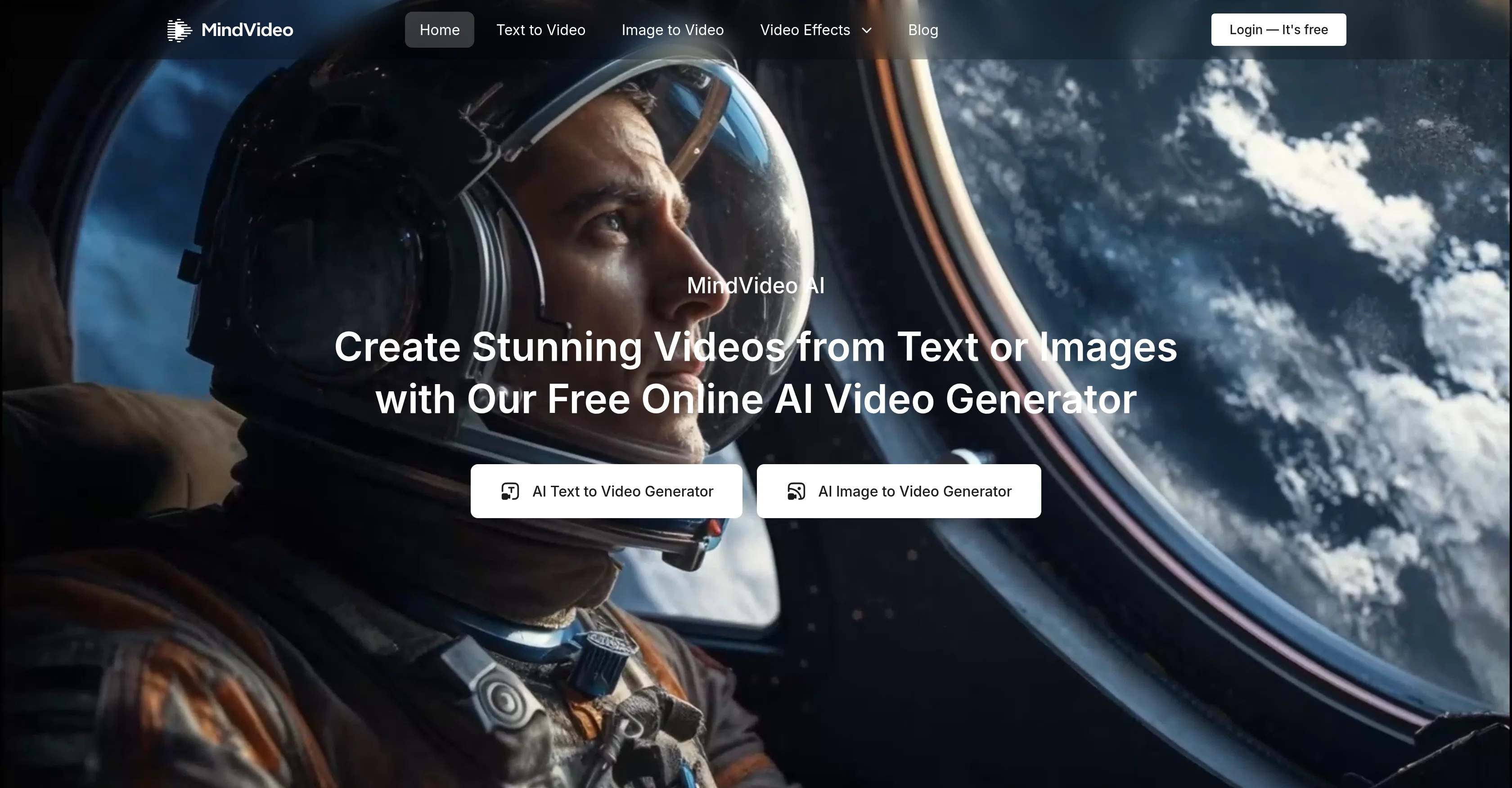
MindVideo is an advanced online tool for creating AI-generated videos from text, images, or references. This tool is designed to transform static content into videos using a wide variety of unique AI video effects.
Among these include AI Kiss, AI Hug, AI Inflate, and many more, allowing users to explore their creativity in video creation. MindVideo also provides access to numerous other advanced AI models like Kling AI, Runway, Luma AI, Veo 3, and Seaweed, enabling users to create high-quality videos using the most effective AI resources.
The process is straightforward: users can input text or images to generate engaging videos instantly. MindVideo supports various styles, including cyberpunk, retro, realistic, cartoon, minimalist, and collage.
Moreover, this tool can help convert different styles of photos into videos, preserving scene consistency and intricate details such as facial expressions, gestures, and backgrounds for maximum realism.
It also ensures privacy and data security by allowing users to delete uploaded photos and generated videos at their discretion without collecting personal data.
Users across the globe have noted the tool's efficiency in creating vibrant videos for various purposes, from YouTube Shorts to product demos to graphic novel presentations.
Best for
Short scenarios where MindVideo tends to shine.
-
Social Media Content Creation: Create engaging videos for social media to attract followers. Use MindVideo to turn text and images into dynamic short videos, making it easy to produce content for platforms like Instagram, TikTok, or YouTube.
Best for College students
-
Marketing and Advertising: Businesses can use MindVideo to create eye-catching promotional videos. Turn product features and advertising copy into creative videos that boost brand visibility and sales.
Best for Marketing professionals
-
Personal Projects and Memories: Make personal memory videos with MindVideo, capturing special moments like birthdays, trips, or family gatherings. Turn photos and text into lively stories to share with family and friends.
Best for Content creators
-
Video Briefs and Presentations: Professionals can use MindVideo to create short project briefs or presentations. Easily turn data and information into visually appealing animated videos that enhance the presentation and improve communication.
Best for Small business owners
Example outputs 1
Sample generations and before/after results for MindVideo.
Access & connections
Where you can use MindVideo.
Platforms
Capabilities
What this tool accepts, produces, and is strongest at.
Input
- Image
- Text
Output
- Video
Pros & cons
Pros
- Supports various styles
- Converts photos into videos
- Maintains scene consistency
- Preserves facial expressions, gestures
- Ensures data security, privacy
- User discretion for data deletion
- Efficient video creation
- Supports YouTube Shorts creation
Show 24 more
- Allows product demos
- Ideal for graphic novel presentations
- Instant video generation
- Feature-packed free tool
- Supports Cyberpunk, Retro styles
- Supports Realistic, Cartoon styles
- Supports Minimalist, Collage styles
- Consistent with original content
- Large model design for privacy
- Keeps backgrounds in videos
- Transforms static content
- Quick text to video conversion
- Allows image to video conversion
- High-quality output
- Realtime video creation
- Advanced text-to-video features
- Advanced image-to-video features
- Transforms anime images, oil paintings
- Ideal for YouTube Shorts
- Ideal for comic book transformation
- Supports instant video generation
- User-friendly interface
- High creative flexibility
- Supports vivid storytelling video creation
Cons
- No offline version
- No integration with other software
- Does not allow real-time collaboration
- Only online availability
- Lacks advanced user customizations
- No direct social media posting
- Lacks multi-language support
Compare alternatives
Similar tools in the catalog — with a clear reason to open each one.

MojoMake - AI Image to Video Generator ✓
FreemiumUse every top AI model and 100+ effects in one account.
Why look Offers a public API
Full comparison
VidFlux - Photo to Video Generator ✓
PaidTransform photos into cinematic videos with AI.
from $6.75/mo
Full comparison
Grok Imagine ✓
FreemiumUnleash Your Creativity with Grok Imagine
Why look Offers a public API
Full comparison
VidFlux - Image to Video AI ✓
PaidTransform any image into stunning videos.
from $9/mo
Full comparisonPeople also view
Tools that often show up alongside MindVideo in collections and comparisons.

Vidnix | AI Image to Video Generator ✓
Free TrialTurn text into stunning AI videos.
VidFlux - Photo to Video Generator ✓
PaidTransform photos into cinematic videos with AI.
VidFlux - Image to Video AI ✓
PaidTransform any image into stunning videos.
MojoMake - AI Image to Video Generator ✓
FreemiumUse every top AI model and 100+ effects in one account.

Himedia AI Video Generator ✓
Free TrialCreate any AI Videos, Images and Music - No creative limits
Grok Imagine ✓
FreemiumUnleash Your Creativity with Grok Imagine

Motiofy ✓
Free TrialCreate Product and Social Videos Without Filming a Thing

MorphLogo ✓
Free TrialStatic logo in, cinematic motion out.
Releases 1
Imported reviews 1
Requires previous login, not fully free
Related tools
Recommended

Img2Video AI ✓
FreemiumConvert photos to videos instantly with AI.

Free Text-To-Speech ✓
FreeText transformed into customizable spoken output.

AIVideoMaker - Free AI Video Maker ✓
FreemiumTransform static images into animated videos instantly.

freebeat AI ✓
FreemiumTurn Music & Ideas into Viral Videos In One Click

Veo ✓
PaidGenerate high-quality, cinematic videos with AI.

AI YouTube Title Generator ✓
Free TrialGenerate eye-catching YouTube titles that boost views and engagement.