

AI Video Generator by RenderFlow AI ✓
AI Video Generator by RenderFlow AI - Wan, Sora 2, Kling etc.
Free + from $10/mo
Verdict
A quick read before you dig into the full page.
- Best if
- You are artists and need: Generate stunning, unique images from text prompts for creative projects
- Skip if
- Complex features, steep learning curve
- Pick this when
- Text descriptions to videos
Considering freebeat AI instead? Compare side by side
Overview
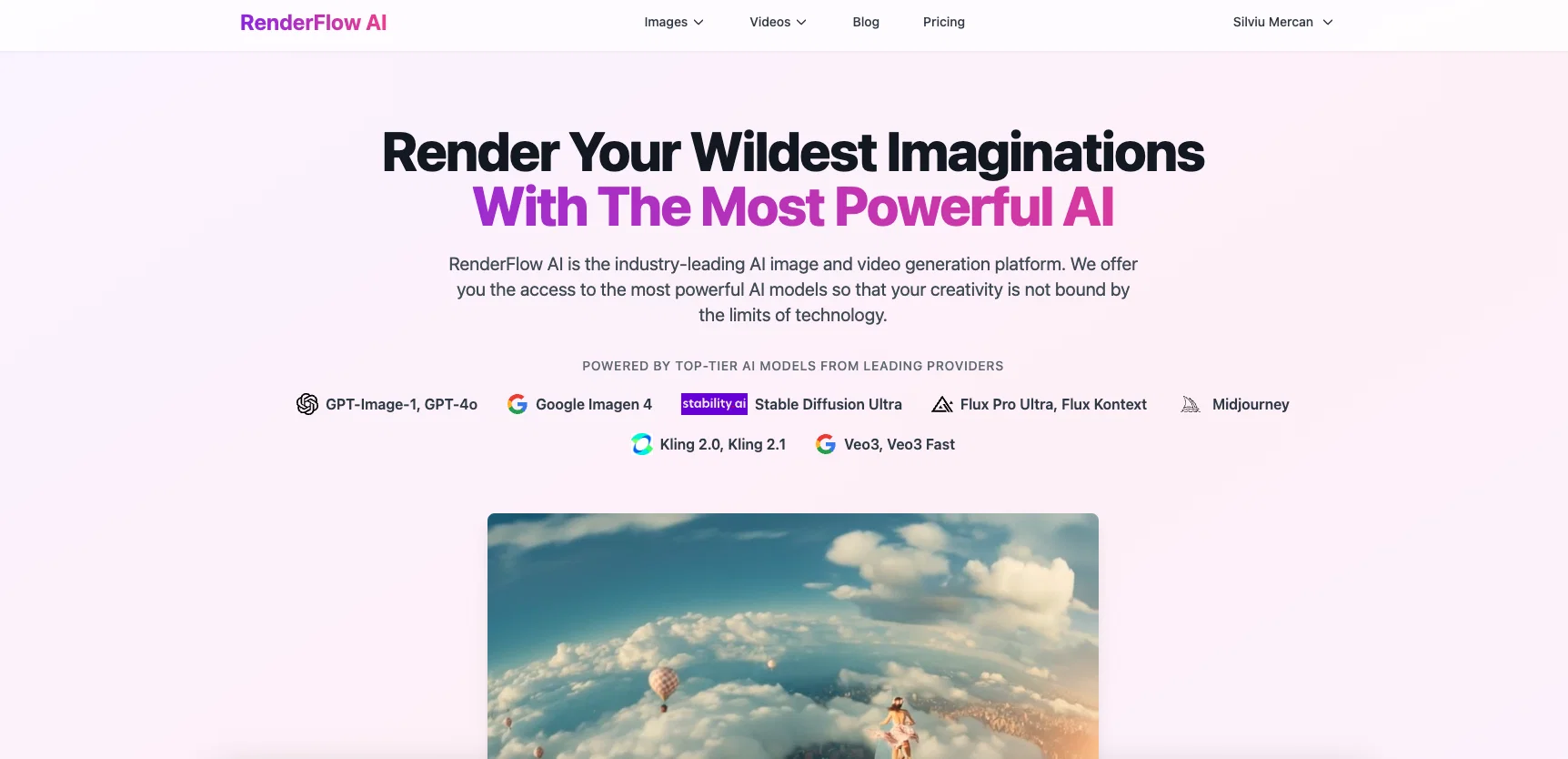
RenderFlow AI Video Generator is a tool for transforming text descriptions into dynamic videos using cutting-edge AI models. The application accepts input in the form of text prompts, onto which users can optionally upload reference images to add detail.
Users can fine-tune their generated video by selecting various parameters such as video length, frame rate, resolution, and others. Amongst the sophisticated models supported by RenderFlow AI are Veo3, Kling 2.1, and Hailuo 2, which facilitate an array of video styles and genres.
These models can generate a range of videos including scenic nature clips, character animations, abstract motion graphics, and product showcases. Users retain full usage rights to the videos they generate, for either personal or commercial purposes.
RenderFlow AI also offers an AI Image Generator and Flux Kontext AI Image Editor, which help in generating AI images from text prompts, and transforming existing images using natural language prompts, respectively.
RenderFlow AI offers both a free and a premium plan, that users can select based on their needs.
- Veo3 With Your Own Watermark
Best for
Short scenarios where AI Video Generator by RenderFlow AI tends to shine.
-
Generate stunning, unique images from text prompts for creative projects.
Best for Artists
-
Create gorgeous video clips from text or images for storytelling and marketing.
Best for Marketers
-
Edit and transform existing images with AI-powered tools for precision modifications.
Best for Creators
-
Develop professional-grade visuals for marketing campaigns, product shots, and social media.
Best for Concept Artists
-
Produce hyper-realistic or imaginative visuals for indie game development and fantasy art.
Best for Marketing Specialists
-
Create custom art styles and consistent characters for illustrations and children's books.
Best for Indie Game Developers
-
Generate natural and expressive voices for various applications.
Best for E-commerce Entrepreneurs
Example outputs 1
Sample generations and before/after results for AI Video Generator by RenderFlow AI.
Access & connections
Where you can use AI Video Generator by RenderFlow AI.
Platforms
Capabilities
What this tool accepts, produces, and is strongest at.
Input
- Tabular
- Image
- Text
Output
- Video
Pros & cons
Pros
- Text descriptions to videos
- Input of text prompts
- Upload reference images
- Fine-tuning video parameters
- Variety of video styles
- Produces nature clips
- Produces character animations
- Produces motion graphics
Show 35 more
- Produces product showcases
- Full usage rights
- Supports commercial use
- Supports personal use
- Image editing capabilities
- Natural language processing
- Supports Veo3 model
- Supports Kling 2.1 model
- Supports Hailuo 2 model
- Premium and free plans
- Option to enhance prompt
- Generates preview before downloading
- Video length selection
- Frame rate selection
- Resolution selection
- Free credits upon sign-up
- Supports Google Veo 3
- Model parameter tuning
- High-quality video download
- Multiple model options
- Video creation from images
- Sound compatibility
- Videos up to 8 sec
- Videos up to 10 sec
- Professional image editing
- Generates videos from illustrations
- Can follow detailed prompts
- Supports variety of genres
- Easy to use interface
- Guided video generation process
- High consistency in output
- Supports multi-image input
- Wide variety of video styles
- Terms of service clarity
- Offers regular free usage
Cons
- Limited video length
- Text input reliant
- No sound generation
- Variability in model output
- Complex features, steep learning curve
- Doesn't support all video formats
- Resolution limitations
- No real-time editing
Show 2 more
- Free version restrictions
- Exclusively online, requires internet
Compare alternatives
Similar tools in the catalog — with a clear reason to open each one.

freebeat AI ✓
FreemiumTurn Music & Ideas into Viral Videos In One Click
Why look Typically cheaper
Full comparison
MagicLight ✓
FreemiumTransform text into captivating videos instantly.
Why look Typically cheaper
Full comparison
Seedance ✓
FreemiumMulti-shot video generation from text and image.
Why look Stronger for image work
Full comparisonPeople also view
Tools that often show up alongside AI Video Generator by RenderFlow AI in collections and comparisons.
Seedance ✓
FreemiumMulti-shot video generation from text and image.
MagicLight ✓
FreemiumTransform text into captivating videos instantly.

Kaiber Superstudio ✓
Free TrialAI Video Generation

HeyGen ✓
FreemiumCreate AI spokesperson videos from text
freebeat AI ✓
FreemiumTurn Music & Ideas into Viral Videos In One Click

D-ID ✓
FreemiumCreate AI-generated videos with ease

ResearchMonkey AI | YouTube Summarizer ✓
Free TrialSave Hours of Research in Seconds with 40+ AI Tools

OutlierKit ✓
PaidEnter one channel, see the entire niche.
Releases 1
Imported reviews 6
Needed a short video for something on tiktok and the free trial of this was the perfect solution for my problem. Thank you!
the quality of the video looks way more professional than i'd expect. the problem is you can generate only one video with the credits u re granted, but the prices aren't extremely big so u might be good to go.
it gives you 35 credits and it does nothing
the free version is useless
cant test the product
Says you get 70 credits/month for free. But, I only started with 35. And when I tried to create a video, the cost was 300 credits!!
The free version is basically useless.
FAQ 12
What is the RenderFlow AI Video Generator?
Can RenderFlow AI Video Generator transform text into videos?
Which AI models does RenderFlow AI support?
How can I fine-tune my video in RenderFlow AI?
What video parameters can I control in RenderFlow AI?
What types of videos can RenderFlow AI generate?
What are Veo3, Kling 2.1, and Hailuo 2 models?
Can I upload reference images in RenderFlow AI?
Do I retain usage rights for the videos I generate using RenderFlow AI?
Does RenderFlow AI have image generation and editing capabilities?
What is Flux Kontext AI Image Editor?
Does RenderFlow AI offer both free and premium plans?
Related tools
Recommended
VisImagine - AI VIdeo Creation Platform ✓
Free TrialBring Your Stories To Life in Minutes

Clipfly AI Video Generator ✓
FreemiumCreate AI-generated videos from text prompts effortlessly.

remio: Your Personal ChatGPT ✓
FreemiumGet Tailored Answer with Your Personal ChatGPT

Veo ✓
PaidGenerate high-quality, cinematic videos with AI.