

AIVideoMaker - Free AI Video Maker ✓
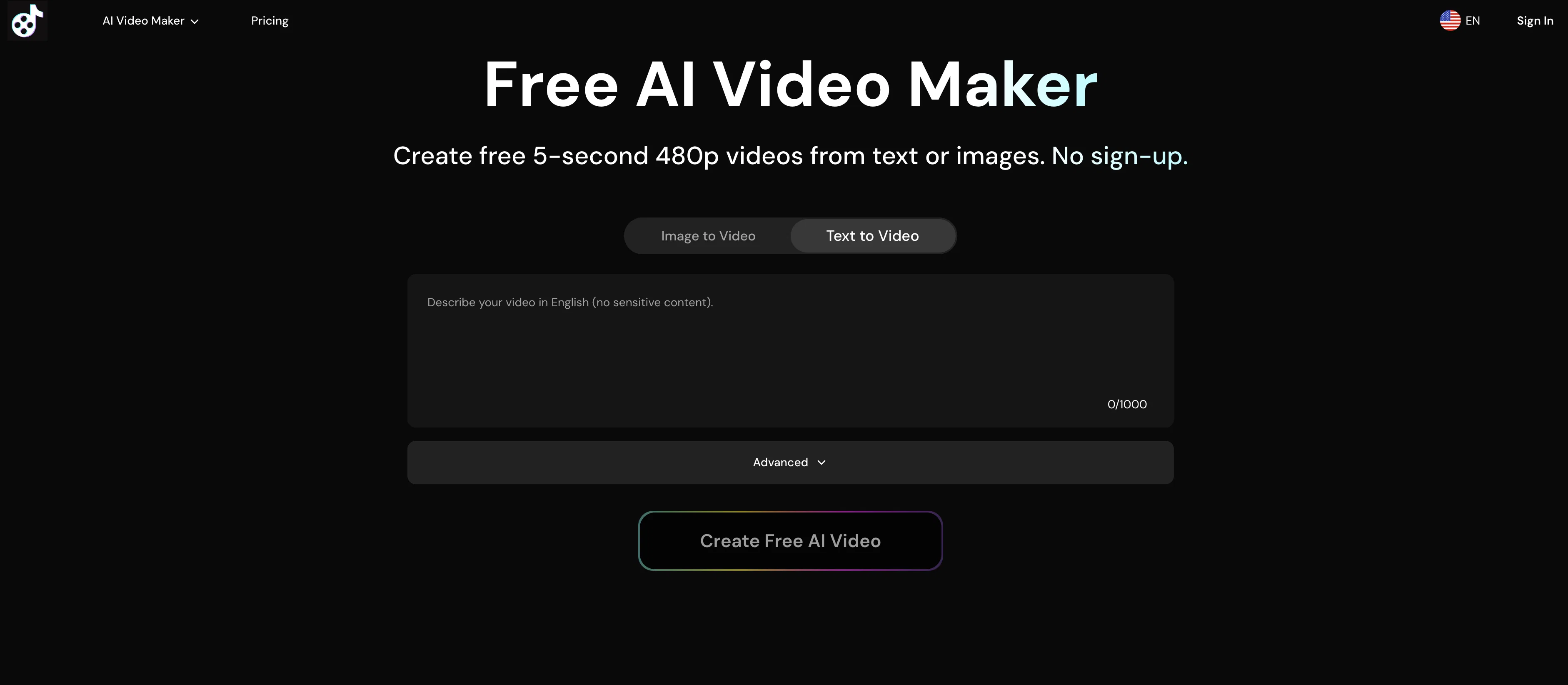
Transform static images into animated videos instantly.
Free + from $19.96/mo
Verdict
A quick read before you dig into the full page.
- Best if
- You are marketers and need: Marketers creating short ads, promos, or product teasers
- Skip if
- Concurrent generation limit
- Pick this when
- Transforms images to videos
Considering MojoMake - AI Image to Video Generator instead? Compare side by side
Overview
AI Image to Video Generator is a tool that allows users to transform static images into animated videos. It uses artificial intelligence to animate any photo instantly, creating dynamic, visually stunning videos from otherwise static images.
Users have the ability to upload images in JPG and PNG format that are not exceeding a certain file size and dimension. To animate an image, a user simply uploads the photo, adds a description of how they want their image animated, then clicks the 'Create Video Now' button.
Animated videos produced by this tool can be maximized by using high-quality photos with clear subjects, good lighting, and sharp details. Output videos from this tool are generated as 5 seconds 480p resolution for free users and up to 8 seconds 720p HD quality for premium users, all in MP4 format.
The tool provides an option to add AI-powered audio to videos and offers features such as AI Video Upscaler for enhancing video quality and AI Product Avatar for transforming product images into AI avatars.
Subscribed users benefit from faster generation speeds, higher concurrent generation limits, and other premium features. The tool respects privacy by securely storing the uploaded image only momentarily and the original photo is retained without changing the main elements and style during the animation process.
Best for
Short scenarios where AIVideoMaker - Free AI Video Maker tends to shine.
-
Marketers creating short ads, promos, or product teasers.
Best for Marketers
-
Content creators making social clips for platforms like TikTok, YouTube Shorts, and Reels.
Best for Content creators
-
Educators developing quick explainers and visual aids.
Best for Educators
Example outputs 1
Sample generations and before/after results for AIVideoMaker - Free AI Video Maker.
Access & connections
Where you can use AIVideoMaker - Free AI Video Maker.
Platforms
Capabilities
What this tool accepts, produces, and is strongest at.
Input
- Image
- Text
Output
- Video
Supported features
- Video Generation
- Upscaling
- Sound Creation
Pros & cons
Pros
- Transforms images to videos
- Instant animation
- Supports JPG and PNG
- User-defined animation choice
- High-quality photo compatible
- Generates 480p videos (free)
- Generates 720p videos (premium)
- Outputs in MP4 format
Show 11 more
- Fast generation speed (premium)
- High concurrent generation (premium)
- Privacy-respecting
- Retains original image style
- No watermark on videos
- Animated videos from text
- No sign-up required
- Immediate download and share
- Good for social media
- Shared queue (free users)
- Dedicated queue (premium users)
Cons
- Only supports JPG and PNG
- Max 8-seconds video length
- Limited video resolution
- Lacks personalization in animation
- Delayed processing for free users
- Concurrent generation limit
- No real-time editing
- Only securely stores image momentarily
Show 1 more
- No watermark removal for free
Compare alternatives
Similar tools in the catalog — with a clear reason to open each one.

MojoMake - AI Image to Video Generator ✓
FreemiumUse every top AI model and 100+ effects in one account.
Why look Typically cheaper
Full comparison
VidFlux - Photo to Video Generator ✓
PaidTransform photos into cinematic videos with AI.
Why look Typically cheaper
Full comparison
Grok Imagine ✓
FreemiumUnleash Your Creativity with Grok Imagine
Why look Offers a public API
Full comparison
VidFlux - Image to Video AI ✓
PaidTransform any image into stunning videos.
Why look Typically cheaper
Full comparison
MindVideo ✓
FreemiumCreate stunning videos from text or images.
Why look Typically cheaper
Full comparisonPeople also view
Tools that often show up alongside AIVideoMaker - Free AI Video Maker in collections and comparisons.
VidFlux - Photo to Video Generator ✓
PaidTransform photos into cinematic videos with AI.
VidFlux - Image to Video AI ✓
PaidTransform any image into stunning videos.
MojoMake - AI Image to Video Generator ✓
FreemiumUse every top AI model and 100+ effects in one account.
MindVideo ✓
FreemiumCreate stunning videos from text or images.

Himedia AI Video Generator ✓
Free TrialCreate any AI Videos, Images and Music - No creative limits
Grok Imagine ✓
FreemiumUnleash Your Creativity with Grok Imagine

Motiofy ✓
Free TrialCreate Product and Social Videos Without Filming a Thing

MorphLogo ✓
Free TrialStatic logo in, cinematic motion out.
Releases 1
Imported reviews 3
It's not free, requires credits or premium plan
Great stuff. I like that I can sample. Definitely gong to look into getting asubscription
Hi everyone! I'm the creator of AI Video Maker.
It's completely free to use and doesn't require any signup. You can instantly generate unlimited 5-second AI videos from text or images. Great for testing ideas before upgrading to HD or commercial plans. Excited to see what you all create!
FAQ 12
What is the AIVideoMaker?
How does AIVideoMaker work?
Can the AIVideoMaker transform all image formats?
What image formats does AIVideoMaker support?
Does the image size affect the AIVideoMaker's performance?
What is the maximum file size AIVideoMaker can handle?
What video quality does AIVideoMaker offer for free users?
What is the difference in video quality between premium and free users in AIVideoMaker?
Does AIVideoMaker respect user privacy?
How can I enhance the quality of videos using AIVideoMaker?
Can I add AI-powered audio in my videos using AIVideoMaker?
What is the AI Product Avatar feature of AIVideoMaker?
Related tools
Recommended

freebeat AI ✓
FreemiumTurn Music & Ideas into Viral Videos In One Click

Img2Video AI ✓
FreemiumConvert photos to videos instantly with AI.

PixPal - Free AI Chat with Image Editor & Video Gener... ✓
FreeAI chat with images – Create, edit, innovate for free!
Clever AI Humanizer ✓
FreeMake AI text undetectable and human-like.

Image Editor Online ✓
FreeTransform images with AI prompts instantly online.

D-ID ✓
FreemiumCreate AI-generated videos with ease