Image Editor Online ✓
Transform images with AI prompts instantly online.
Verdict
A quick read before you dig into the full page.
- Best if
- You are content Creators and need: Social Media Content Creation
- Skip if
- Potentially limited advanced features
- Pick this when
- Supports continuous editing
Considering Viyou AI Image Generator instead? Compare side by side
Overview
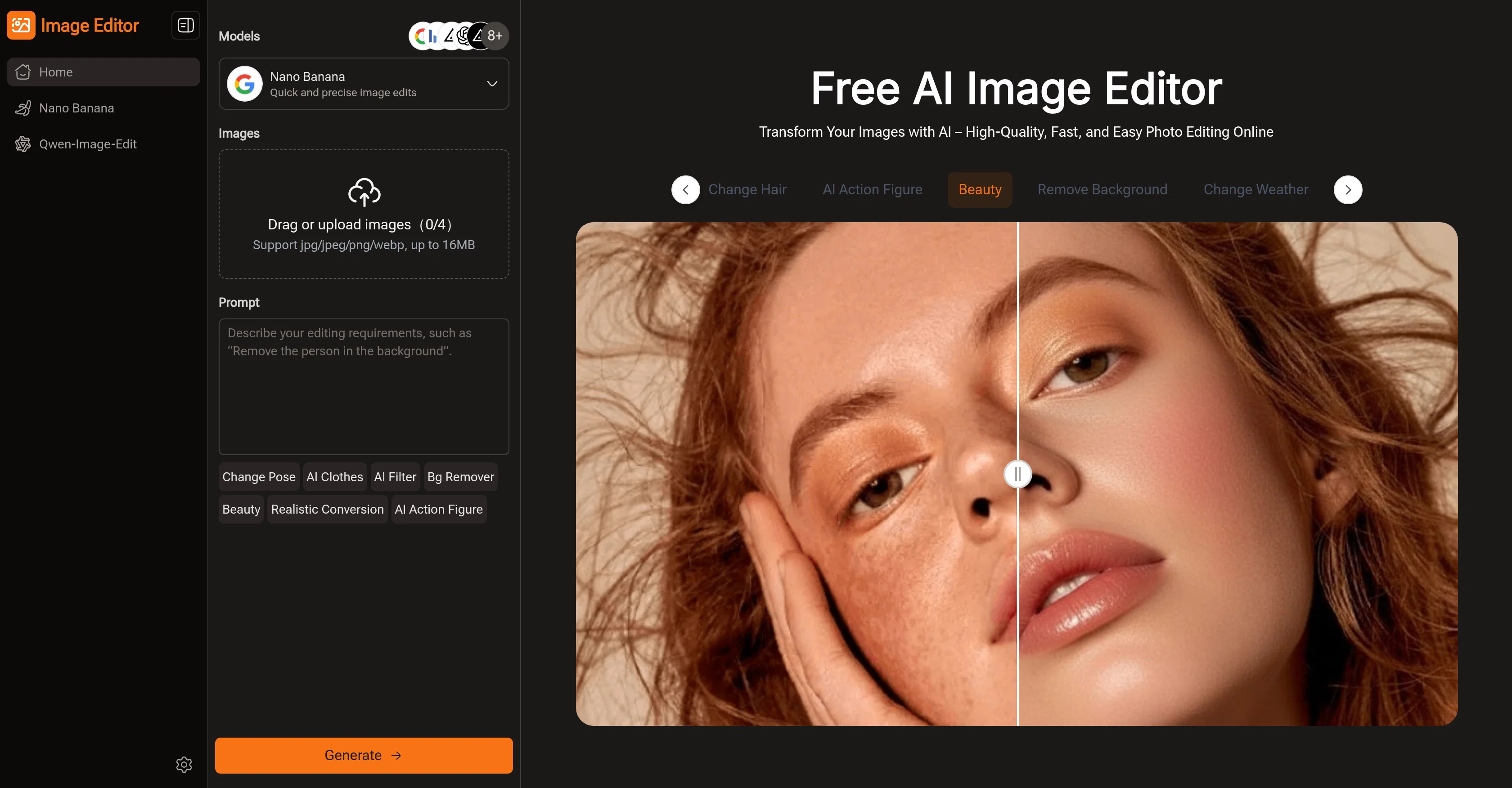
Image Editor is an AI-assisted photo editing tool designed to simplify and expedite the process of refining and transforming images. Leveraging advanced AI models such as Nano Banana, Flux Kontext, Seedream, and GPT, it provides precision, variety and speed in photo editing tasks, bringing professional-quality results without the complexity typically associated with traditional software like Photoshop.
Key features include background removal, pose adjustment, AI-enhanced clothing and style transformation. A standout component of the Image Editor is its natural language editing function.
This allows users to instruct the AI on desired modifications using simple text prompts, reducing the need for extensive design or editing skills and making the program accessible to a broader audience with different needs and skill levels.
Clients can choose from a library of pre-designed templates, prompts, and styles to fast-track their editing process, or alternatively, may input their own original ideas to ensure a unique end result.
The tool supports repeated, one-stop editing, so users can refine their images to satisfaction without having to switch between different tools or platforms.
In terms of output, the Image Editor enables high-resolution free downloads, providing users with professional-grade visuals at no cost. A versatile tool adapts to varying scenarios, from enhancing personal photos to creating social media posts, posters, or educational materials, making it a go-to solution for content creators, educators, marketers and more.
Best for
Short scenarios where Image Editor Online tends to shine.
-
Social Media Content Creation
Best for Content Creators
-
E-Commerce / Product Photography
Best for Marketing Managers
-
Marketing & Advertising Visuals
Best for Bloggers
-
Educational & Learning Materials
Best for Teachers
-
Blogging / Content Writing
Best for Product Managers
-
Batch / Multiple Image Editing
Best for Designers
-
Background Removal & Compositing
Best for Social Media Managers
-
No-Skill / Non-Designer Use
Best for Educators
Example outputs 1
Sample generations and before/after results for Image Editor Online.
Access & connections
Where you can use Image Editor Online, and what it plugs into.
Platforms
Integrations
Capabilities
What this tool accepts, produces, and is strongest at.
Input
- Image
- Text
Output
- Image
Highlights
- SOTA
- No Signup
Supported features
- Background Removal
- Image Edit
- Image Generation
- No Signup
- Styling
- Upscaling
- Visual Creation
Pros & cons
Pros
- Supports continuous editing
- Natural language processing enabled
- Pre-designed templates and styles available
- High-resolution image download
- Free to use
- Pose adjustments feature
- Supports removal of image background
- Makes marketing images
Show 35 more
- Creates educational materials
- Requires no sign-up
- Supports image resolution selection
- Supports aspect ratio adjustment
- Provides fast image edits
- Allows for quick image uploads
- Supports jpeg/png/webp image formats
- Supports personal photo enhancements
- Enables poster creation
- Provides one-stop editing
- Preview results before download
- Edit images in-browser
- Creates high-quality professional images
- Editable images for social media
- Handles multiple use-cases
- Change weather in images
- Remove objects from images
- Preset prompts for easy editing
- Eliminates need for professional software
- User-friendly for all skill levels
- Supports creative effects and filters
- Suitable for e-commerce product images
- Easy transformation of images
- Processes and edits image quickly
- Merge multiple images into one
- Image editing through descriptive text
- Enables creation of visually appealing content
- Efficiency in handling multiple images
- Perfect for content creators
- Can use for blog visuals
- Features for removing backgrounds
- Assists in quick color adjustments
- Offers hundreds of prompt options
- Supports style references with GPT model
- Image blending feature for creative ideas
Cons
- No offline functionality
- Not user-friendly for beginners
- No support for batch processing
- Limited image format support
- Requires high-speed internet connection
- Overly dependent on text prompts
- No multi-language support
- No mention of data privacy
Show 1 more
- Potentially limited advanced features
Compare alternatives
Similar tools in the catalog — with a clear reason to open each one.

Viyou AI Image Generator ✓
FreemiumTransform text and images into stunning videos and visuals.
Free + from $39.99/yr
Full comparison
Img2Img AI ✓
FreemiumTransform any image with AI in seconds.
Why look Offers a public API
Full comparisonPeople also view
Tools that often show up alongside Image Editor Online in collections and comparisons.
Viyou AI Image Generator ✓
FreemiumTransform text and images into stunning videos and visuals.

Photoeditor ✓
PaidEnhanced image editing with object and text removal.
Img2Img AI ✓
FreemiumTransform any image with AI in seconds.

Creen AI ✓
Paid40+ AI models for video, image and art. Free, no sign-up.

Cleanup pictures ✓
FreemiumRemove unwanted elements from photos instantly.

MF0.ai ✓
PaidEvery top AI in one chat. Real memory. No subscription.

LineArt ✓
Free TrialTurn one photo into a whole coloring book.

Kyukoma ✓
Free TrialTurn your stories into manga pages with AI.
Releases 1
Imported reviews 12
Alright, but ain't free anymore
Superb website. Nice and clean and FAST.. Gets the job done easily.
Most accurate I've ever found
As an image tool, it's becoming as essential as VG, especially for finding models. The community should definitely check it out!
A good photo editing tool
Really love this tool, really amazing.
Cool! It's nice to edit pic online without any installation! I like it.
A powerful tool; I love using it to generate images for my blog and media.
This tool is awesome, and it's free! You can fix images with just one sentence—so easy!
Nice tool, I love it.
I’ve used a few AI tools before, but this one really stands out. It’s super easy to use and gives professional-looking results in seconds. I love how I can just describe what I want and get stunning images instantly.
Nice tool! I really like its background removal feature.
FAQ 12
What is the Image Editor AI?
How does the AI in Image Editor function?
How suitable is Image Editor for a beginner?
What are the AI models available in Image Editor?
What unique capabilities does each AI model in Image Editor have?
Can I edit multiple photos simultaneously using Image Editor?
Does the Image Editor provide high-resolution outputs?
What kind of prompts does the Image Editor have for easy editing?
How does the Image Editor help in creating professional visuals?
Can I use Image Editor for free?
How effective is Image Editor compared to Photoshop?
Can Image Editor handle both simple and complex photo editing tasks?
Related tools
Recommended

AI Image to Image.io ✓
FreemiumTransform images with simple text commands.

AI Image Editor ✓
FreemiumImage editing

VisualGPT ✓
FreemiumCreate, edit, and enhance images with AI.

PixPal - Free AI Chat with Image Editor & Video Gener... ✓
FreeAI chat with images – Create, edit, innovate for free!

Video Transcriber AI ✓
FreeTranscribe video to text online free

AI Humanizer.work ✓
FreeTransform AI text into natural, undetectable human writing.