
AI PPT Maker ✓
AI turns your ideas into PowerPoint presentations instantly.
Free + from $3.9/mo
Verdict
A quick read before you dig into the full page.
- Best if
- You are business professionals and need: Creating presentations for business meetings
- Skip if
- Limited file size restrictions
- Pick this when
- Supports various file formats
Considering PPT.AI instead? Compare side by side
Overview
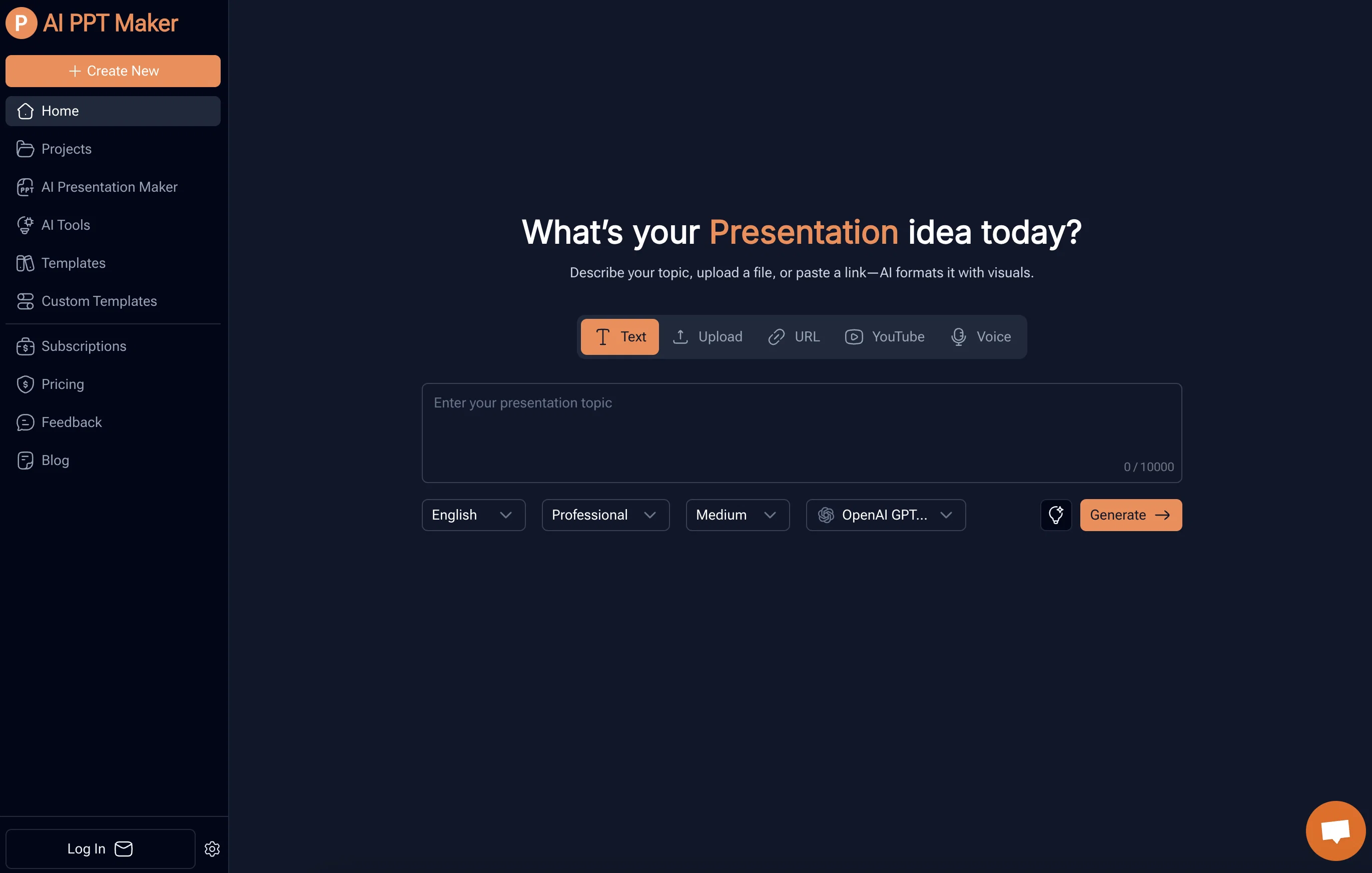
AI PPT Maker is an AI-driven tool designed for generating PowerPoint presentations. The tool utilizes DeepSeek and ChatGPT to transform different types of content into professional presentations.
Users can upload text documents, PDFs, URLs, and even voice recordings. The AI then formats the data, creating visually appealing presentations while preserving the original context and structure of the information.The AI PPT Maker also houses a feature to convert media files, including YouTube videos and audio files, into structured PowerPoint slides.
This conversion also extends to various file types such as doc, docx, pdf, ppt, pptx, among others. Users can create professional presentations by simply uploading a file or describing their topic, enabling the AI to generate a structured outline for the presentation and generate the slides.
Additionally, the tool provides customization opportunities, allowing users to select from various templates and adjust the presentation to match their style.
The user can then view, edit, and download the completed presentation, promoting easy sharing and collaboration. Due to its versatility and convenience, AI PPT Maker caters to a range of professional needs, from creating business meeting presentations to crafting educational materials and investor pitch decks.
The platform offers the freedom to adjust presentation flavors, thereby meeting various industry-specific needs.
Best for
Short scenarios where AI PPT Maker tends to shine.
-
Creating presentations for business meetings
Best for Business professionals
-
Preparing reports and proposals for clients
Best for Educators
-
Crafting educational presentations for class or training
Best for Trainers
-
Designing investor pitches and fundraising decks
Best for Startup founders
-
Preparing conference or webinar presentations
Best for Entrepreneurs
-
Transforming personal projects into visual presentations
Best for Speakers
Example outputs 1
Sample generations and before/after results for AI PPT Maker.
Access & connections
Where you can use AI PPT Maker.
Platforms
Capabilities
What this tool accepts, produces, and is strongest at.
Input
- Image
- Text
- Video
- Audio
Output
- Video
- Tabular
- Text
Supported features
- Slides
Pros & cons
Pros
- Supports various file formats
- Supports voice recordings
- Intelligent content formatting
- Converts YouTube videos
- Converts media files
- Customization options available
- Different templates provided
- Generates structured outlines
Show 37 more
- User can edit presentations
- Supports easy sharing
- Adaptable to different professions
- Allows adjustment to presentation styles
- Preserves original context
- Generates professional presentations
- Works with DeepSeek technology
- Works with ChatGPT technology
- Supports doc, docx, pdf, ppt, pptx files
- Provides collaboration tool
- Versatile usage
- Easy to use
- Industry-specific adjusting
- Fast presentation generation
- Accurate content understanding
- Converts large PDF files
- Handles media files up to 100MB
- Presentation Outline Generator
- Speech Outline Generator
- 1000+ free templates
- Online presentation editing
- Online sharing of presentation
- Supports online presentation playback
- Customize own PowerPoint templates
- User-friendly 3-step guide
- Can customize number of slides
- Adaptable to business meetings
- Useful for educational materials
- Beneficial for investor pitches
- Useful for creating reports
- Transforms personal ideas to presentations
- Supports documents with tables
- Supports multiple languages
- Handles file size less than 10M
- Handles doc/docx files of 20,000 words
- Supports MP3, MP4, MPEG, MPGA, M4A, WAV, WEBM files
- Allows upload of own templates
Cons
- No offline version
- Potential data security issues
- No mobile application
- Varied quality with different content types
- Limited customization options
- Limited file size restrictions
- No real-time collaboration feature
- Dysfunction with poorly structured inputs
Compare alternatives
Similar tools in the catalog.

PPT.AI ✓
Free TrialTransform ideas into stunning presentations instantly
Free + from $3.9/mo
Full comparison
Slideteam - Presentation Maker ✓
FreemiumGenerate professional presentations in seconds with AI
Free + from $43.57/mo
Full comparison
workppt ✓
Free TrialCreate unlimited presentations with AI in seconds.
Free + from $8.33/mo
Full comparison
People also view
Tools that often show up alongside AI PPT Maker in collections and comparisons.
PPT.AI ✓
Free TrialTransform ideas into stunning presentations instantly

Twistly ✓
Free TrialThe fastest AI presentation maker add-in made for PowerPoint

SlideSpeak ✓
FreemiumCreate PowerPoint presentations with AI

Plus AI for PowerPoint ✓
UnknownCreate stunning presentations in minutes with AI.

Glimmer ✓
UnknownAI-powered magic for stunning presentations

Gamma ✓
FreemiumAI-powered content creation, minus the hassle.

ClassPoint AI ✓
FreemiumAI-powered classroom engagement tool

Autoppt ✓
PaidCreate stunning AI presentations and mind maps effortlessly
Releases 1
Imported reviews 6
I've been using AI PPT Maker for my work presentations, and it's been a game-changer. It saves me hours by instantly generating well-designed slides from just a simple prompt. The layouts look professional, and I can easily tweak the content to match my style. Perfect for anyone who needs to make slides quickly without compromising on quality.
The PowerPoint presentation I made met my expectations very well
This is the AI tool I use that generates results the fastest.
The PDF to PPT conversion is absolutely brilliant! I had a 40-page research report and it turned it into a perfect slide deck in seconds. No more copy-pasting paragraphs one by one.
best ai ppt tool
people are gonna think i'm working for gamma but no it's just ppt ai are my main tool so i always search for better and here it's good like all other for the text but the for the presentation 2/10 you just used an old ppt theme and you apply text and if you do that yourself you are sure it's better sorry i can't post image but the text is in mess it's cut etc.
FAQ 12
What types of file can I upload to the AI PPT Maker?
Can I upload a YouTube video to AI PPT Maker for conversion to slides?
How does the AI PPT Maker generate a structured outline for my presentation?
Does the AI PPT Maker offer template selection for my presentations?
Can I adjust the AI PPT Maker presentation to match my style?
In what format can I download my presentation?
Can I make edits to the AI PPT Maker generated presentation?
Is there a feature to convert PDFs to PPT using AI PPT Maker?
How does the media file conversion in AI PPT Maker work?
Can I convert doc or docx files into presentation slides using AI PPT Maker?
Is AI PPT Maker useful for making business presentations?
Can I use AI PPT Maker to create educational presentations?
Related tools
Recommended

Image Editor Online ✓
FreeTransform images with AI prompts instantly online.

TutorGPT ✓
FreemiumFree AI homework helper with instant step-by-step solutions.

Thea ✓
FreemiumAI study tools to master material, not just memorize it.

freebeat AI ✓
FreemiumTurn Music & Ideas into Viral Videos In One Click
SlidesPilot
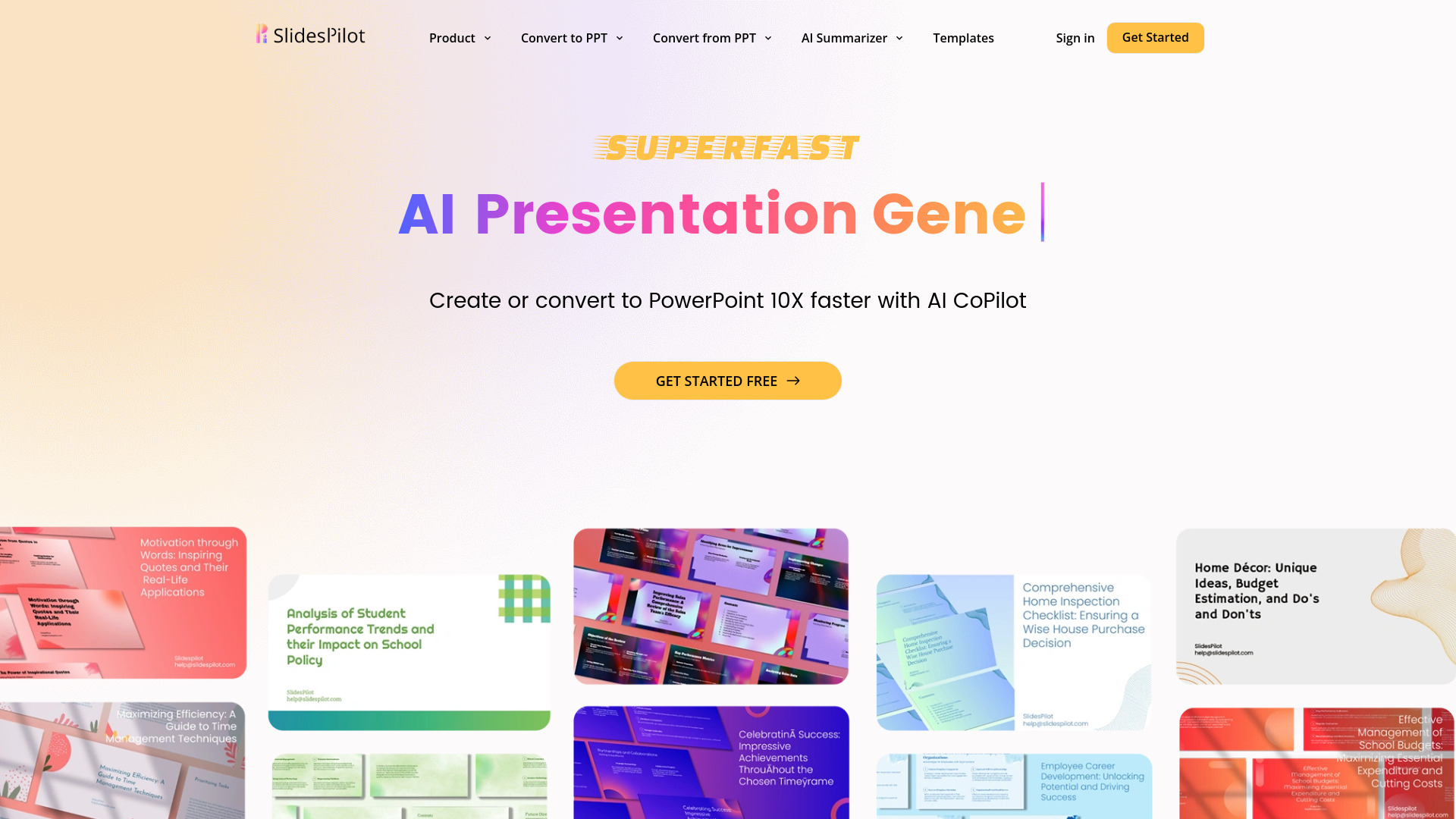
UnknownAI Presentation Suite for creating, converting, and enhancing presentations.

DeepSeek ✓
FreeUnravel the mystery of AGI with curiosity