

Xpptx ✓
Xpptx - Create Presentations with One Click
Trial; then from $9.9/mo
Verdict
A quick read before you dig into the full page.
- Best if
- You are business professionals and need: Market research presentations
- Skip if
- Complex structures hard to handle
- Pick this when
- Presentation generator
Considering PPT.AI instead? Compare side by side
Overview


Tailored for individual creators, Xpptx supports two core workflows to meet diverse needs: one is creating new presentations via simple text descriptions; the other is importing existing files (including TXT, DOC/DOCX, PDFs, and website links) for quick conversion into PowerPoint.
Leveraging advanced AI models, Xpptx automatically preserves the original content while generating structured outlines, visually appealing layouts, and concise summaries. It offers a wide range of templates covering diverse industry scenarios such as business, finance, and education. Users can customize slide templates to align with their company’s specific branding or personal style, and utilize intuitive editing tools to refine content, layout, and design directly within the platform.
Whether you’re drafting a presentation, revising an existing file, or converting multi-format content into structured slides, Xpptx delivers a user-friendly yet powerful experience that balances speed, quality, and versatility.

Best for
Short scenarios where Xpptx tends to shine.
-
Market research presentations
Best for Business professionals
-
Work reports and summaries
Best for Students
-
Marketing plan decks
Best for Educators
-
Training and educational materials
Best for Marketers
-
Strategic planning and project summaries
Best for Project managers
-
Sales presentation slides
Best for Sales teams
Example outputs 1
Sample generations and before/after results for Xpptx.
Access & connections
Where you can use Xpptx.
Platforms
Capabilities
What this tool accepts, produces, and is strongest at.
Input
- Image
- Text
Output
- Text
- Image
Supported features
- Slides
Pros & cons
Pros
- Presentation generator
- Powerpoint generator
- Powerpoint
- Presentation
- Presentations
- Slide
- Slides
Cons
- Overhead with repeating structure names
- Limited data types support
- File size restrictions
- Doesn't preserve order of objects
- Complex structures hard to handle
Compare alternatives
Similar tools in the catalog — with a clear reason to open each one.

PPT.AI ✓
Free TrialTransform ideas into stunning presentations instantly
Why look Typically cheaper
Full comparison
AI PPT Maker ✓
FreemiumAI turns your ideas into PowerPoint presentations instantly.
Why look Typically cheaper
Full comparison
Slideteam - Presentation Maker ✓
FreemiumGenerate professional presentations in seconds with AI
Free + from $43.57/mo
Full comparison
workppt ✓
Free TrialCreate unlimited presentations with AI in seconds.
Why look Typically cheaper
Full comparison
AI Presentations App ✓
FreemiumTurn text into PowerPoint slides instantly.
Why look Typically cheaper
Full comparison
Twistly ✓
Free TrialThe fastest AI presentation maker add-in made for PowerPoint
Why look Typically cheaper
Full comparisonPeople also view
Tools that often show up alongside Xpptx in collections and comparisons.
workppt ✓
Free TrialCreate unlimited presentations with AI in seconds.
Twistly ✓
Free TrialThe fastest AI presentation maker add-in made for PowerPoint
Slideteam - Presentation Maker ✓
FreemiumGenerate professional presentations in seconds with AI
PPT.AI ✓
Free TrialTransform ideas into stunning presentations instantly
AI Presentations App ✓
FreemiumTurn text into PowerPoint slides instantly.
AI PPT Maker ✓
FreemiumAI turns your ideas into PowerPoint presentations instantly.

Zetane ✓
Free TrialCompress document work from days to minutes

Tome App AI ✓
FreemiumCreate professional presentations in minutes with AI.
Releases 1
Imported reviews 6
I uploaded a structured presentation plan with the main thesises.
There was a slides structure with the amount of slides I need.
It generated some pile of related slides, but no structure and plan I had. Not useful.
This PPT is well generated and I use it very conveniently
I just tried out the product, and the generated PPT meets my needs.
It's a good product that can meet my needs.
Gives error, it doesn´t work properly.
Xpptx: Your One-Click Professional PowerPoint Solution. Making PowerPoint & Slides Creation Easier
FAQ 12
What does JSON stand for?
What is the primary use of JSON?
How does JSON serve as an alternative to XML?
Why is JSON considered easy for humans to read and write?
How is data organized in JSON?
What makes JSON useful for programming tasks?
What kind of tasks can JSON handle?
Why do JSON file formats have universal compatibility?
What makes JSON a versatile tool?
How does JSON enable effective data exchange between server and client?
How does JSON help in storage of complex data structures?
How does JSON support the transmission of structured data over a network?
Related tools
Recommended

Thea ✓
FreemiumAI study tools to master material, not just memorize it.

Marketing Assistant (Elsa AI) ✓
FreemiumDefine your ideal customers and craft a winning marketing strategy with Elsa.

NotebookLM ✓
FreemiumAI-powered note-taking and research assistant
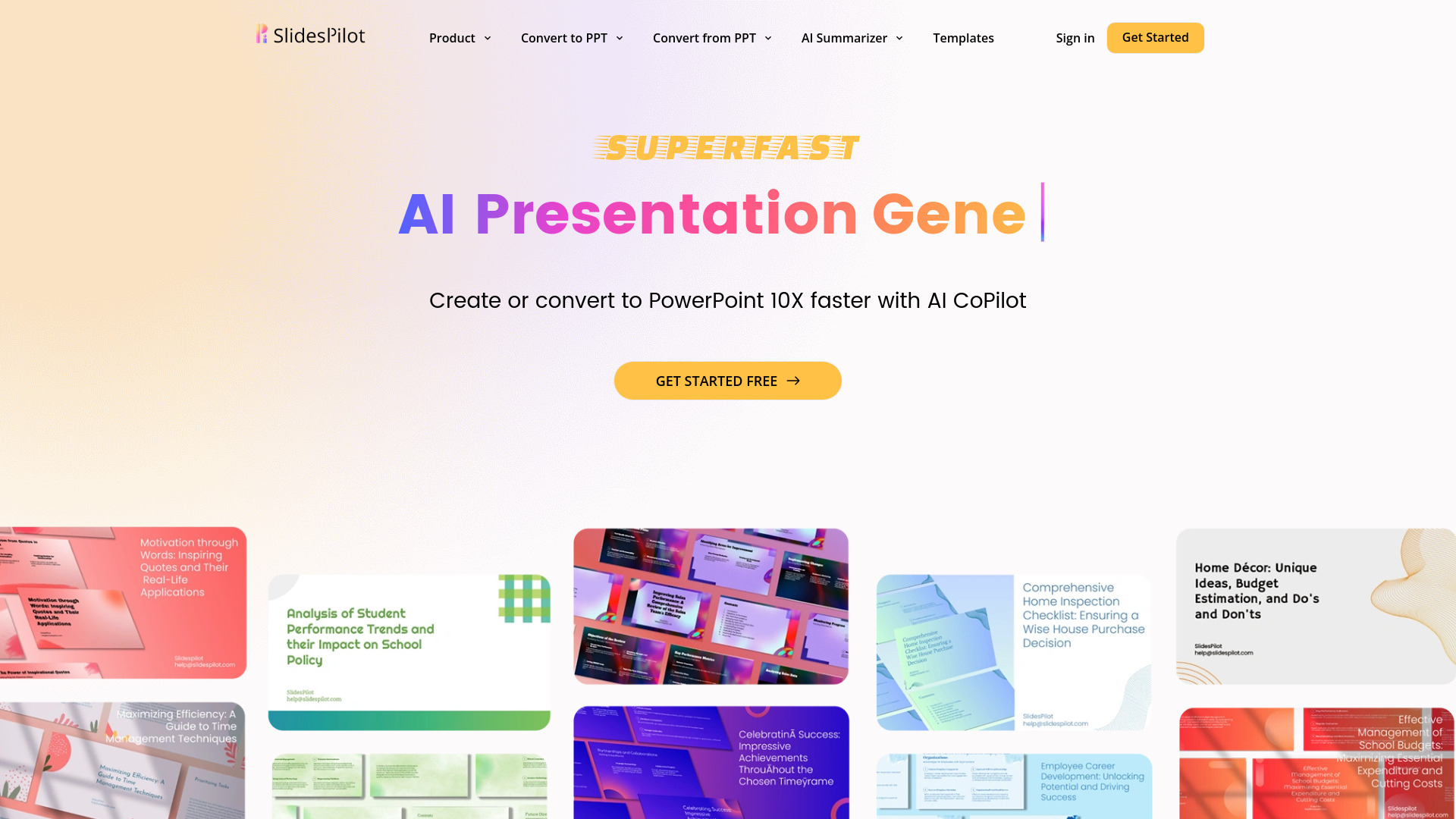
SlidesPilot
UnknownAI Presentation Suite for creating, converting, and enhancing presentations.

MarketAlerts.ai ✓
FreemiumInvest smarter with AI on your side

PrompTessor ✓
FreemiumAI Prompt Workspace for Better AI Results