

workppt ✓
Create unlimited presentations with AI in seconds.
Trial; then from $8.33/mo
Verdict
A quick read before you dig into the full page.
- Best if
- You are managers and need: Quickly creating professional presentations for business meetings or academic purposes
- Skip if
- May oversimplify complex concepts
- Pick this when
- Creates presentations quickly
Considering PPT.AI instead? Compare side by side
Overview
workppt is an advanced AI tool designed to simplify the creation and refinement of PowerPoint presentations and other digital content. The platform uses artificial intelligence to generate concise, engaging slides in a matter of seconds, reducing the time and effort traditionally associated with designing presentations.
Beyond this, workppt features an AI summarizing function that enables rapid summarization of documents, further enhancing its content creation capabilities.
This tool is not limited to local files, as it supports online links and PDF documents as well, allowing users to upload documents and generate concise summaries quickly and easily.
Furthermore, workppt embraces an intuitive design, promising a smooth flow in creating complete slides which can then be easily shared online using its publish and analyze function.
It is configured to work across different devices, allowing users to engage with their presentations at any time and place. The tool is suitable for both individual and business use, as noted in the testimonials from users across different industries.
The platform offers flexible usage plans, including monthly, quarterly, and yearly subscriptions, as well as a lifetime plan, catering to a wide range of user needs.

Best for
Short scenarios where workppt tends to shine.
-
Quickly creating professional presentations for business meetings or academic purposes.
Best for Managers
-
Summarizing lengthy reports, articles, or research papers for efficient information extraction.
Best for Product Managers
-
Transforming raw ideas into visually appealing and structured presentations with minimal effort.
Best for Co-founders
-
Generating slides for company needs, saving significant time and resources.
Best for Business Professionals
-
Engaging users on any device by sharing online presentations.
Best for Students
Example outputs 1
Sample generations and before/after results for workppt.
Access & connections
Where you can use workppt.
Platforms
Capabilities
What this tool accepts, produces, and is strongest at.
Input
- Tabular
- Text
Output
- Text
Pros & cons
Pros
- Creates presentations quickly
- Supports online links
- Supports PDF documents
- Document upload capability
- Content sharing feature
- Publish and Analyze function
- Multi device compatibility
- Useful for individuals and businesses
Show 13 more
- Flexible usage plans
- Unlimited presentations creation
- Cloud-based
- Intuitive UI
- Generates slides in seconds
- Online link support
- Multiple language options
- Supports local documents
- One click summary generation
- One click document upload
- Testimonials from various industries
- Automatic renewal plans
- One-time fee lifetime plan
Cons
- May oversimplify complex concepts
- Potential loss of personal touch
- Dependence on user's input quality
- Possible inconsistency in summarization
- Doesn't support all file formats
- No offline access
- Lacks advanced design customization
- Limited advanced analytical capabilities
Show 2 more
- Subscription can be expensive
- Only supports cloud-based usage
Compare alternatives
Similar tools in the catalog — with a clear reason to open each one.

PPT.AI ✓
Free TrialTransform ideas into stunning presentations instantly
Why look Typically cheaper
Full comparison
AI PPT Maker ✓
FreemiumAI turns your ideas into PowerPoint presentations instantly.
Why look Typically cheaper
Full comparison
Slideteam - Presentation Maker ✓
FreemiumGenerate professional presentations in seconds with AI
Free + from $43.57/mo
Full comparison
AI Presentations App ✓
FreemiumTurn text into PowerPoint slides instantly.
Why look Typically cheaper
Full comparison
Twistly ✓
Free TrialThe fastest AI presentation maker add-in made for PowerPoint
Why look Typically cheaper
Full comparisonPeople also view
Tools that often show up alongside workppt in collections and comparisons.

Xpptx ✓
Free TrialXpptx - Create Presentations with One Click
Twistly ✓
Free TrialThe fastest AI presentation maker add-in made for PowerPoint
Slideteam - Presentation Maker ✓
FreemiumGenerate professional presentations in seconds with AI
PPT.AI ✓
Free TrialTransform ideas into stunning presentations instantly
AI Presentations App ✓
FreemiumTurn text into PowerPoint slides instantly.
AI PPT Maker ✓
FreemiumAI turns your ideas into PowerPoint presentations instantly.

Zetane ✓
Free TrialCompress document work from days to minutes

Tome App AI ✓
FreemiumCreate professional presentations in minutes with AI.
Releases 1
Imported reviews 7
It save my life! Not perfect for the first PPT version, but it let me easily modify and export. AI save life!!
I've used it before when rushing to prepare for a class presentation, and it worked great. It helped me quickly organize my documents and thoughts, summarizing them into a polished PowerPoint. It really saved me a lot of trouble.
An excellent AI tool. Its generation speed and various templates save me a lot of manual time.
I like this small tool. Not as famous as others, but good to use!
It’s more than just a presentation maker, it also helps organize information.A great alternative to PowerPoint or Google Slides when you need something fast and professional. It has become part of my daily workflow at the office.
It works well! I just type in my topic and it generates a clean, professional deck in minutes.
an other dump of gamma but it's work well just it's not spectacular or anything like that all the ai ppt have bad template no beautiful animation like you can see on youtube or thing like that it's sad just add cool template and you become top leader of the market trust me i'm pro in ppt
FAQ 12
What is workppt?
How does workppt use AI to simplify presentation creation?
What is the AI summarizing function in workppt?
What types of files does workppt support?
How can you upload documents in workppt?
How does workppt ensure an intuitive design?
Can workppt be used across different devices?
How does workppt cater to both individual and business use?
What are the available plans and subscriptions for workppt?
How does the AI in workppt generate engaging slides?
Can I use workppt to generate summaries for online sources?
How does workppt's publish and analyze function work?
Related tools
Recommended

leania.ai ✓
Free TrialMRI scan for Businesses: Find What to Cut, Replace, Automate with AI

Prezi ✓
Free TrialBring ideas to life with dynamic presentations

Thea ✓
FreemiumAI study tools to master material, not just memorize it.
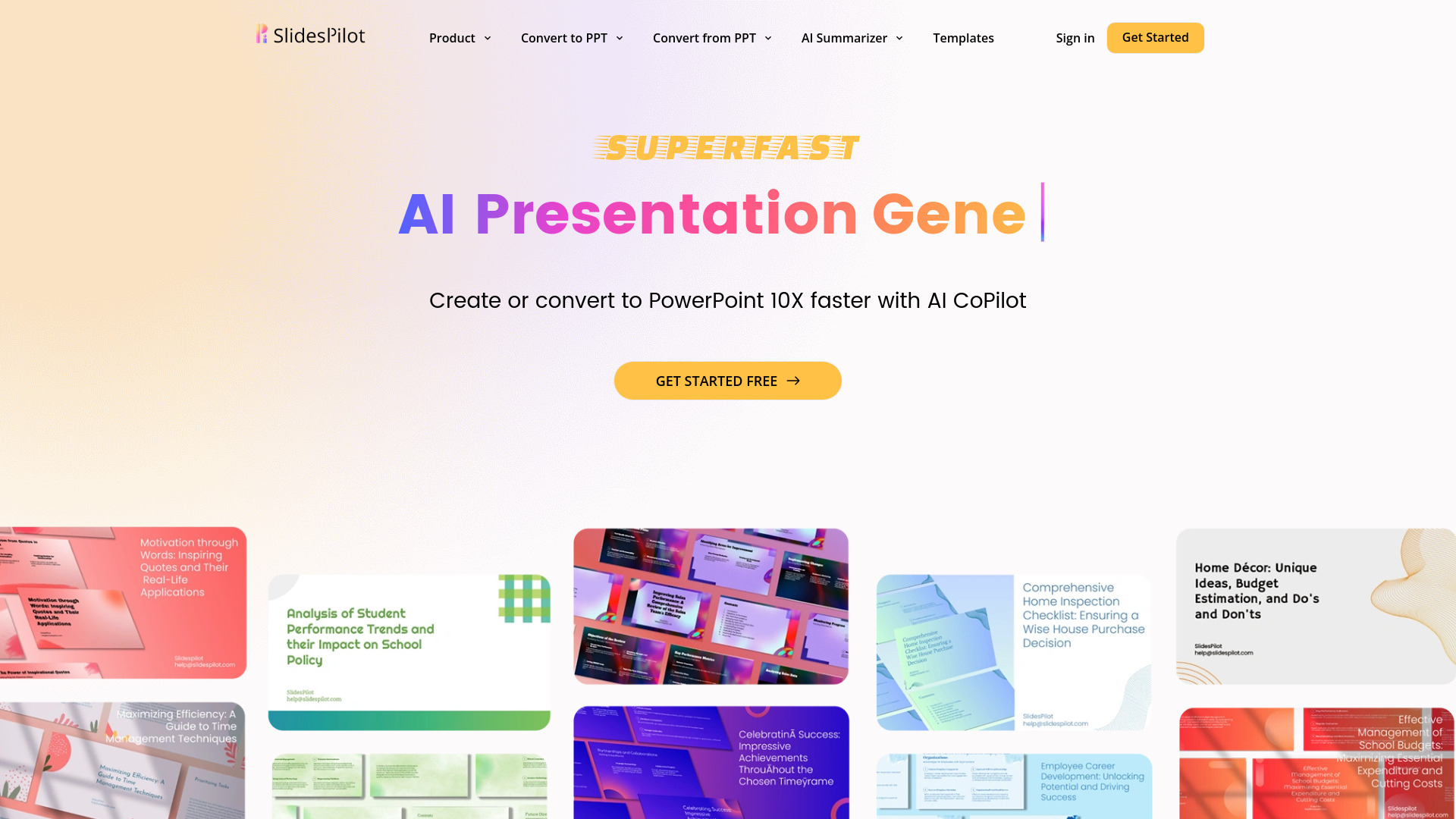
SlidesPilot
UnknownAI Presentation Suite for creating, converting, and enhancing presentations.

PrompTessor ✓
FreemiumAI Prompt Workspace for Better AI Results
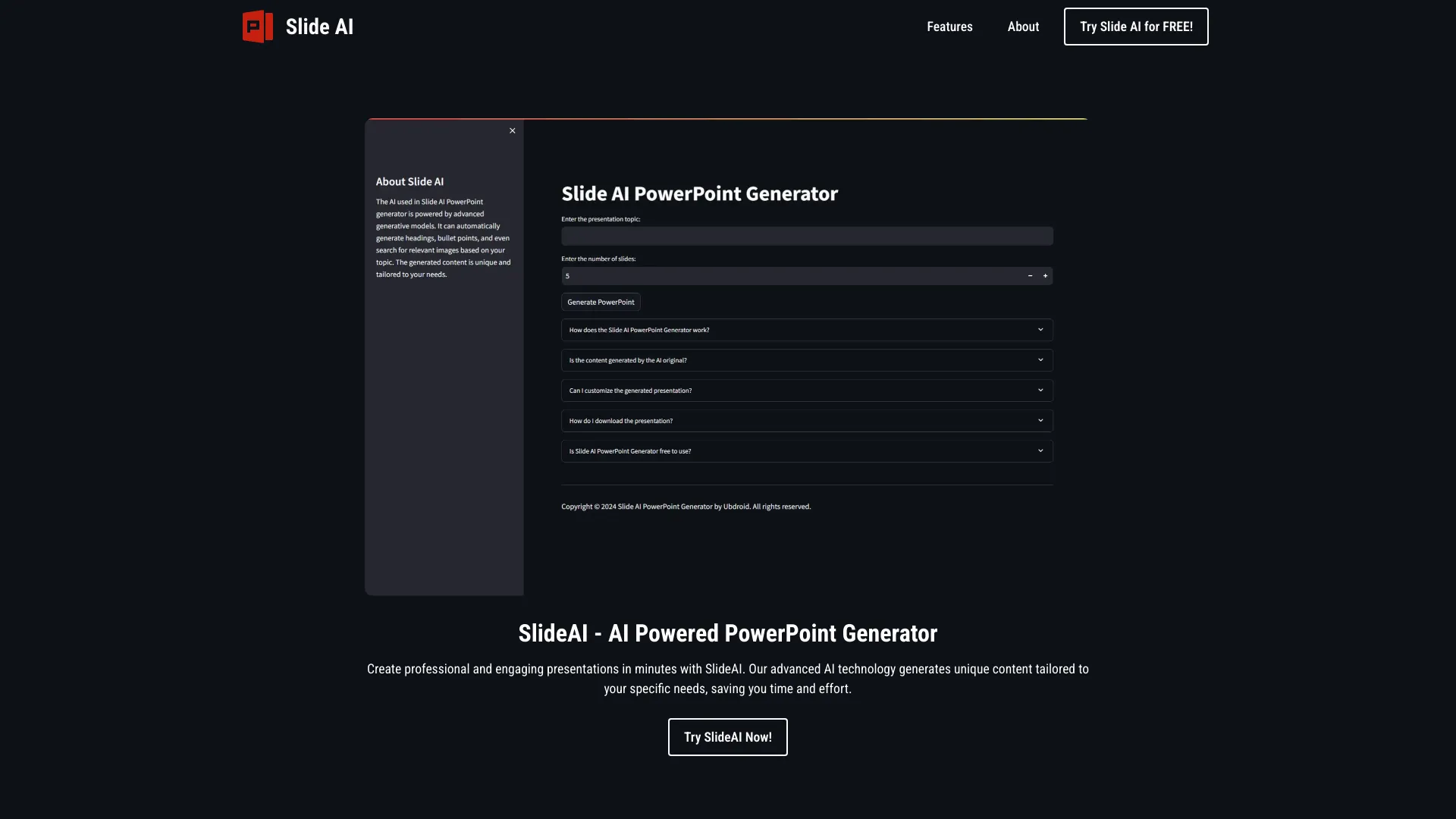
SlideAI
UnknownAI-powered tool for generating professional PowerPoint presentations quickly and easily.