
Plus AI for PowerPoint ✓
Create stunning presentations in minutes with AI.
Verdict
A quick read before you dig into the full page.
- Best if
- Create stunning presentations in minutes with AI
- Skip if
- May oversimplify complex information
- Pick this when
- Streamlined presentation creation
Considering PPT.AI instead? Compare side by side
Overview
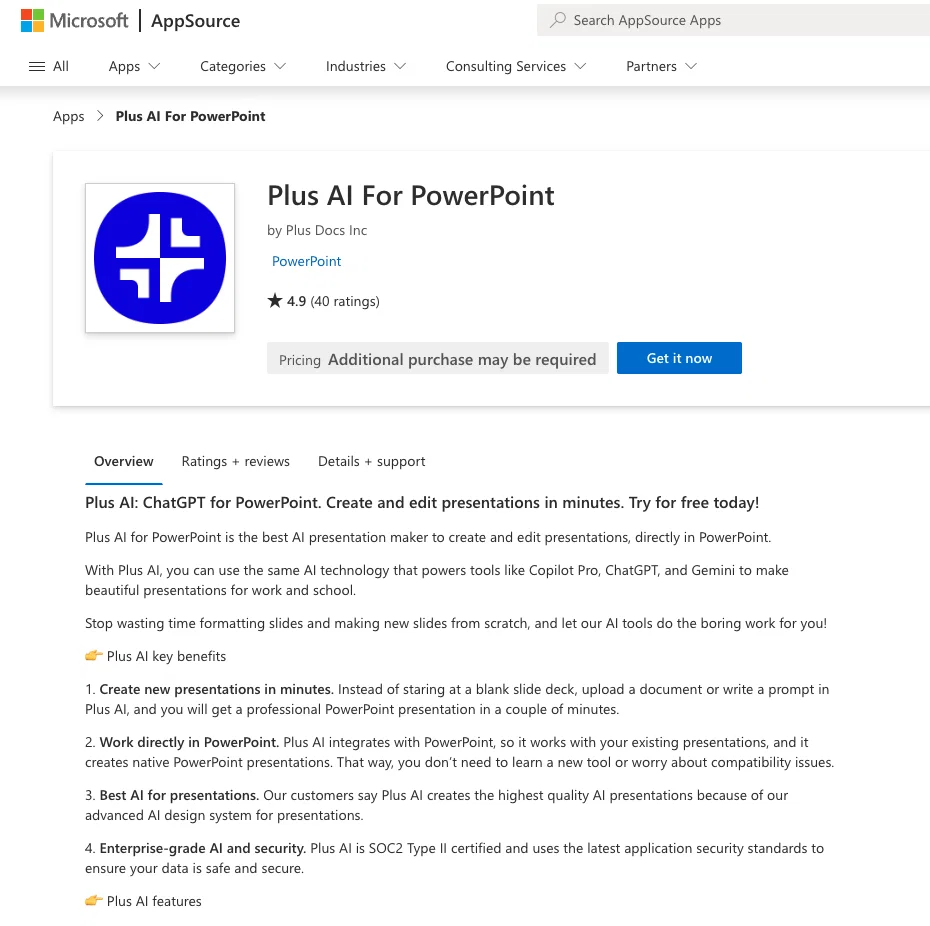
Plus AI for PowerPoint is a unique tool that leverages the power of artificial intelligence to provide users with a streamlined and efficient process for creating and editing presentations.
By implementing ChatGPT technology, this platform automates the process of presentation design, significantly reducing time and effort typically required.
The technology enables users to generative narrative content and arrange slides, providing a comprehensive solution for all presentation-related tasks.
With its user-friendly interface, Plus AI for PowerPoint promises a seamless user experience, making it suitable for individuals without specialist design or technical backgrounds.
As it integrates directly with PowerPoint, it offers a familiar, easy-to-use environment. But keep in mind, the tool may require sign up or subscription for use.
Best for
Short scenarios where Plus AI for PowerPoint tends to shine.
-
Create stunning presentations in minutes with AI.
Example outputs 1
Sample generations and before/after results for Plus AI for PowerPoint.
Access & connections
Where you can use Plus AI for PowerPoint.
Platforms
Capabilities
What this tool accepts, produces, and is strongest at.
Input
- Text
Output
- Text
Supported features
- Slides
Pros & cons
Pros
- Streamlined presentation creation
- Efficient editing process
- Automates design process
- Time-saving technology
- Generative narrative content capability
- Automates slide arrangement
- Comprehensive presentation solution
- User-friendly interface
Show 6 more
- Suitable for non-tech users
- PowerPoint integration
- Familiar operating environment
- ChatGPT technology application
- Possible subscription-based model
- Microsoft Office compatibility
Cons
- Subscription required
- Only integrates with PowerPoint
- Limited to presentation tasks
- May oversimplify complex information
- Depends on ChatGPT technology
- User interface not customizable
- Unsuitable for specialist design tasks
- Not specified offline functionality
Show 2 more
- Lacks detailed editing features
- No mentioned collaboration capabilities
Compare alternatives
Similar tools in the catalog.

PPT.AI ✓
Free TrialTransform ideas into stunning presentations instantly
Free + from $3.9/mo
Full comparison
AI PPT Maker ✓
FreemiumAI turns your ideas into PowerPoint presentations instantly.
Free + from $3.9/mo
Full comparison
Slideteam - Presentation Maker ✓
FreemiumGenerate professional presentations in seconds with AI
Free + from $43.57/mo
Full comparison
workppt ✓
Free TrialCreate unlimited presentations with AI in seconds.
Free + from $8.33/mo
Full comparison
People also view
Tools that often show up alongside Plus AI for PowerPoint in collections and comparisons.
PPT.AI ✓
Free TrialTransform ideas into stunning presentations instantly
AI PPT Maker ✓
FreemiumAI turns your ideas into PowerPoint presentations instantly.

Twistly ✓
Free TrialThe fastest AI presentation maker add-in made for PowerPoint

SlideSpeak ✓
FreemiumCreate PowerPoint presentations with AI

ClassPoint AI ✓
FreemiumAI-powered classroom engagement tool

Xpptx ✓
Free TrialXpptx - Create Presentations with One Click
workppt ✓
Free TrialCreate unlimited presentations with AI in seconds.
Slideteam - Presentation Maker ✓
FreemiumGenerate professional presentations in seconds with AI
Releases 1
Imported reviews 2
Forbiden for personal users. Just for commercial accounts! People are nuts!!!
I want a presentation on the topic **Travel**. I want words that are easy to read and pronounce and have an expressive, useful and scientific meaning.
FAQ 12
What is Plus AI for PowerPoint?
How does Plus AI for PowerPoint use artificial intelligence?
What is ChatGPT technology?
How does Plus AI automated the process of presentation design?
How does Plus AI assist in creating narrative content?
How can Plus AI for PowerPoint help in arranging slides?
Who can use Plus AI for PowerPoint?
Is Plus AI for PowerPoint user-friendly for a non-technical individual?
Does Plus AI integrate directly with PowerPoint?
Will Plus AI for PowerPoint require sign up or subscription?
Can Plus AI for PowerPoint save time in creating presentations?
Can Plus AI for PowerPoint generate content?
Related tools
Recommended

Scisummary ✓
Free TrialCutting-edge scientific articles summarization.

WebFill ✓
FreemiumFilling forms and emails, solving MCQs, for students and professionals.

Recall ✓
FreemiumSummarize Anything, Forget Nothing!

Wix AI Website Builder ✓
FreemiumAI-powered websites, instantly ready for business.

Papers ✓
Free TrialDiscover, Organize, and Analyze Research with AI-Powered Precision

Macky ✓
FreemiumAI-executed, consultant-certified engagements for SMEs.