

Autoppt ✓
Create stunning AI presentations and mind maps effortlessly
from $19.99/mo
Verdict
A quick read before you dig into the full page.
- Best if
- You are business professionals and need: Creating business meeting presentations
- Skip if
- Limited template variety
- Pick this when
- Streamlines presentation creation
Considering PPT.AI instead? Compare side by side
Overview
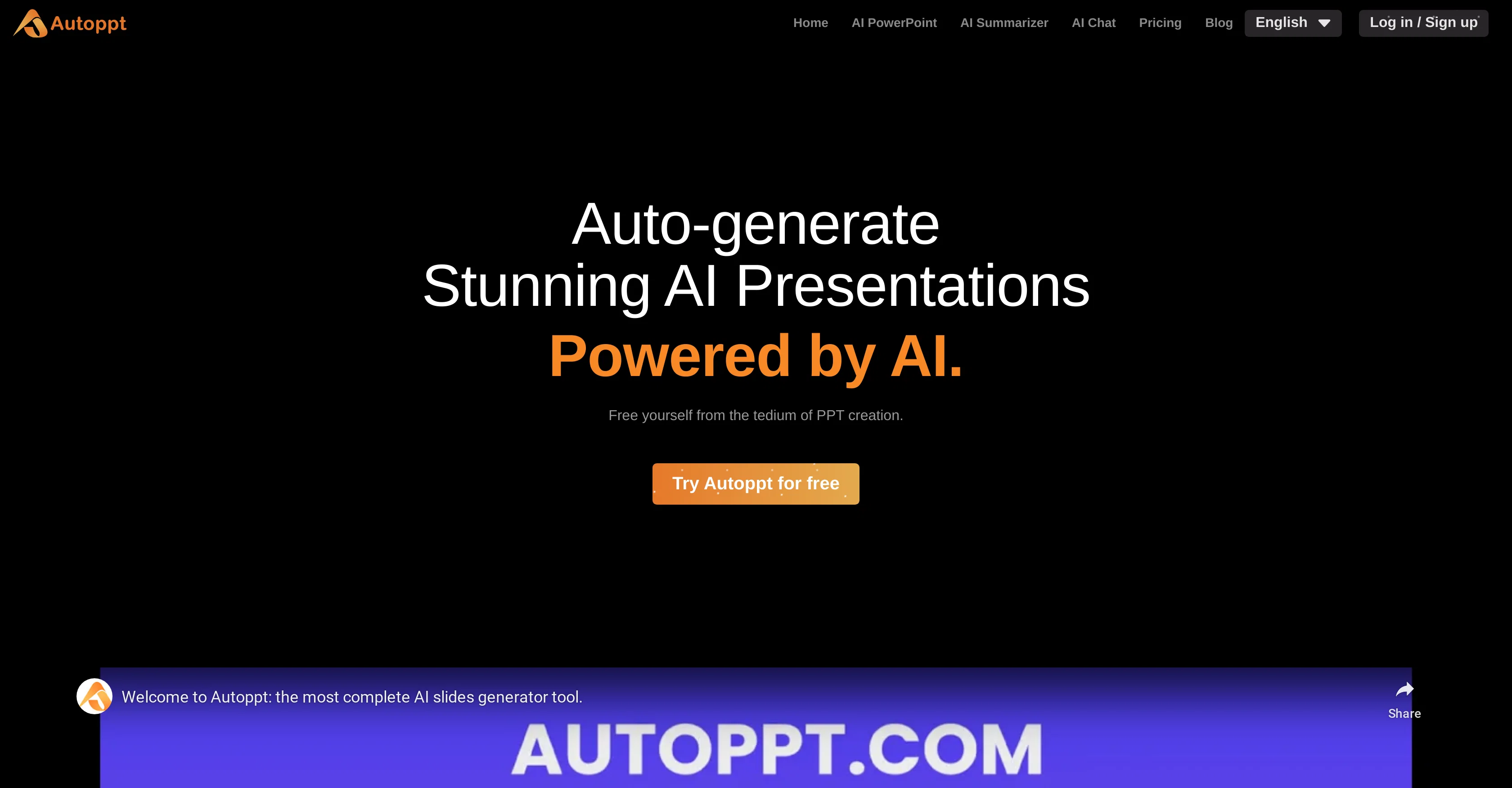
Autoppt is an AI-powered tool designed to streamline the creation of presentations and mind maps. At its core, Autoppt aims to simplify the process of designing stunning Powerpoint slides and mind maps.
To use Autoppt, users simply input their topic and the tool immediately generates a well-structured, visually appealing slideshow. It allows the user to polish their slides with ease, offering a variety of templates that can be switched with a single click.
In addition to creating presentations, the tool can also generate mind maps. Once the presentation or mind map is ready, it can be exported in PPTX, PDF, and Image formats.
The platform also offers file storage capabilities, allowing users to easily retrieve their work. Autoppt is committed to a user-focused approach, continuously working towards perfection and providing customer support for any issues users might encounter.
The AI system at the heart of Autoppt eliminates the tedious parts of Powerpoint creation and achieves efficiency, making work easier. The tool is commended for its ability to generate high-quality presentations quickly, making it an indispensable tool for those wanting to enhance their presentations while saving time.
Best for
Short scenarios where Autoppt tends to shine.
-
Creating business meeting presentations
Best for Business professionals
-
Generating work summaries
Best for Educators
-
Developing study reports
Best for Students
-
Knowledge sharing
Best for Marketing teams
-
Creating presentations about favorite foods or hobbies
Best for Project managers
Example outputs 1
Sample generations and before/after results for Autoppt.
Access & connections
Where you can use Autoppt.
Platforms
Capabilities
What this tool accepts, produces, and is strongest at.
Input
- Text
Output
- Tabular
- Text
- Image
Pros & cons
Pros
- Streamlines presentation creation
- Generates well-structured slideshows
- Variety of templates
- Single-click template switching
- Generates mind maps
- Exports in PPTX, PDF, Image formats
- Offers file storage capabilities
- User-focused approach
Show 12 more
- Continuous improvements
- Active customer support
- Saves time
- Ensures visually appealing slides
- Eliminates tedious aspects of PowerPoint creation
- Quickly generates high-quality presentations
- Supports multiple languages
- User testimonials available
- Various pricing plans
- Free trial available
- Well-defined data, service, privacy policies
- Refund policy available
Cons
- No offline access
- No multi-language support
- No collaboration feature
- No mobile app
- Limited export formats
- Only Powerpoint slides
- Limited template variety
- No free version
Compare alternatives
Similar tools in the catalog — with a clear reason to open each one.

PPT.AI ✓
Free TrialTransform ideas into stunning presentations instantly
Why look Typically cheaper
Full comparison
AI PPT Maker ✓
FreemiumAI turns your ideas into PowerPoint presentations instantly.
Why look Freemium alternative
Full comparison
Slideteam - Presentation Maker ✓
FreemiumGenerate professional presentations in seconds with AI
Why look Freemium alternative
Full comparison
workppt ✓
Free TrialCreate unlimited presentations with AI in seconds.
Why look Typically cheaper
Full comparison
Xpptx ✓
Free TrialXpptx - Create Presentations with One Click
Why look Typically cheaper
Full comparison
AI Presentations App ✓
FreemiumTurn text into PowerPoint slides instantly.
Why look Freemium alternative
Full comparisonPeople also view
Tools that often show up alongside Autoppt in collections and comparisons.
PPT.AI ✓
Free TrialTransform ideas into stunning presentations instantly
AI PPT Maker ✓
FreemiumAI turns your ideas into PowerPoint presentations instantly.

Glimmer ✓
UnknownAI-powered magic for stunning presentations

Gamma ✓
FreemiumAI-powered content creation, minus the hassle.
Xpptx ✓
Free TrialXpptx - Create Presentations with One Click
workppt ✓
Free TrialCreate unlimited presentations with AI in seconds.
Slideteam - Presentation Maker ✓
FreemiumGenerate professional presentations in seconds with AI
AI Presentations App ✓
FreemiumTurn text into PowerPoint slides instantly.
Releases 1
FAQ 12
What is Autoppt?
How does Autoppt work?
What kind of presentations can Autoppt create?
How does Autoppt generate a slideshow?
What types of templates does Autoppt offer?
Can Autoppt create only one type of presentation or different kinds?
Can Autoppt help create mind maps?
In which formats can the created presentations or mind maps be exported?
Does Autoppt offer file storage capabilities?
How quick can Autoppt generate a presentation?
How can Autoppt enhance my presentations?
What types of customer support does Autoppt offer?
Related tools
Recommended

Slidey ✓
PaidEasy presentation maker app for students offline.
SlideAI
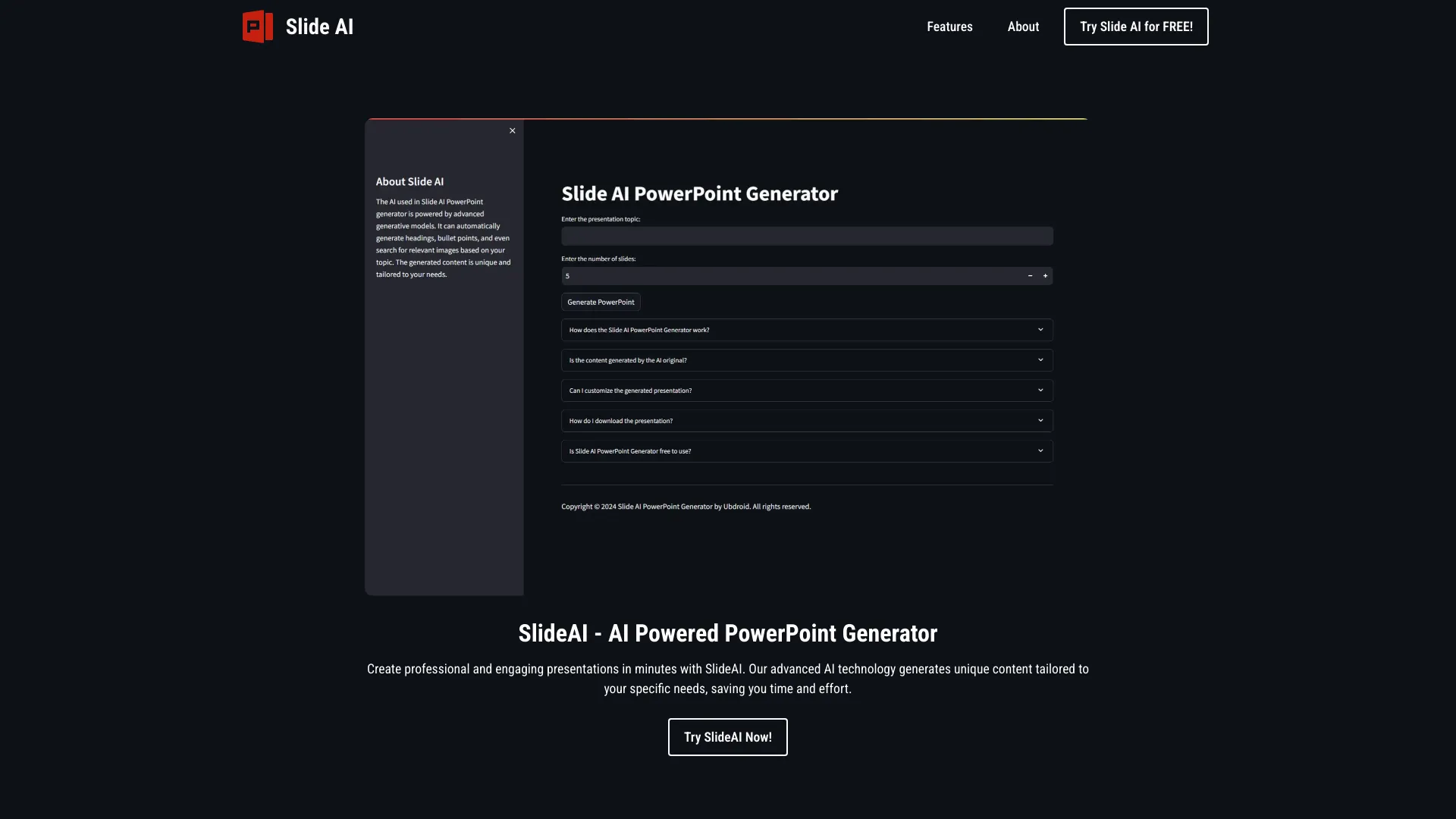
UnknownAI-powered tool for generating professional PowerPoint presentations quickly and easily.

SlideFlow ✓
FreemiumCreate PowerPoint presentations with AI in seconds

MagicSlides.app AI PPT Maker ✓
FreemiumCreate Stunning PPTs in Seconds with the AI PPT Maker

Text to Infographic ✓
FreemiumTurn your text into visuals in minutes.

TurboScribe ✓
Freemium🎯 3 free transcripts every day. 🔥 Unlimited transcription starting at $10/mo.