
PowerPoint presentations vv1.2
PPT.AI ✓
Transform ideas into stunning presentations instantly
Trial; then from $3.9/mo
Verdict
A quick read before you dig into the full page.
- Best if
- You are business professionals and need: Creating professional presentations from text, documents, PDFs, websites, and videos
- Skip if
- Limited document processing capabilities
- Pick this when
- Smart automation
Considering AI PPT Maker instead? Compare side by side
Overview






PPT.AI is a next-generation AI-powered presentation platform that transforms your ideas into professional, visually engaging presentations — in minutes. Built for entrepreneurs, professionals, educators, and teams, PPT.AI eliminates the time-consuming process of designing slides from scratch.
Key Features:
AI-Powered Content Generation: Turn your ideas into full slide decks using advanced AI.
PPT.AI supports multiple input types — Text, File Upload, Web URLs, YouTube links, and even Images — to generate structured outlines, polished slides, and relevant visuals automatically.
800+ Premium Templates: Choose from a rich library of designer-made templates for all industries and use cases.
Smart Editing Tools: Easily customize content, layouts, and themes with AI-assisted suggestions.
Multilingual Support: Generate presentations in multiple languages for global audiences.
1-Click Export: Download editable PowerPoint files (PPTX) instantly and use them anywhere.
Why Choose PPT.AI:
Save up to 95% of the time needed to create presentations manually.
Maintain brand consistency and visual polish across every slide.
Ideal for sales decks, investor pitches, reports, educational content, and more.

Best for
Short scenarios where PPT.AI tends to shine.
-
Creating professional presentations from text, documents, PDFs, websites, and videos
Best for Business professionals
-
Generating presentations for business, education, healthcare, marketing, and company profiles
Best for Educators
-
Automating the presentation creation process to save time and effort
Best for Healthcare professionals
Example outputs 1
Sample generations and before/after results for PPT.AI.
Access & connections
Where you can use PPT.AI.
Platforms
Capabilities
What this tool accepts, produces, and is strongest at.
Input
- API
- Tabular
- Image
- Text
- Video
Output
- API
- Text
- Image
Pros & cons
Pros
- Smart automation
- Upload any document
- Intelligent content analysis
- Structure optimization
- Smart generation feature
- Automated formatting
- 800 professionally designed templates
- Smart template matching
Show 37 more
- Automated design optimization
- Smart visual placement
- Intelligent content arrangement
- Customization tools
- Real-time cloud collaboration
- Version control
- Time efficient
- Quality enhancement
- One-click style switching
- Collaborative features
- Intelligent Formatting
- Presentation Automation
- Structure Optimization
- Built for teams
- Premium template collection
- Saves 95% creation time
- Smart Assistant
- Automated visualization
- Presentation framework construction
- Cloud-based
- Three steps creation process
- Team collaboration
- Easy content input
- Intelligent design process
- Document processing
- Real-time Collaboration
- Solutions for common problems
- Customer success stories
- Loved by users
- 5-star reviews
- Professional Plan options
- Free PPT generations
- Professional quality guaranteed
- Cut creation time by 75%
- Transformed presentation quality
- Presentation in 3 simple steps
- Revolutionizing presentation creation
Cons
- Limited customization options
- Intelligent formatting unpredictable
- Dependent on quality input
- Template selection may be overwhelming
- Occasional design optimization errors
- Collaboration feature lacks advanced controls
- Version control may be confusing
- Limited document processing capabilities
Show 1 more
- Potential cloud storage issues
Compare alternatives
Similar tools in the catalog.
AI PPT Maker ✓
FreemiumAI turns your ideas into PowerPoint presentations instantly.
Free + from $3.9/mo
Full comparison
Slideteam - Presentation Maker ✓
FreemiumGenerate professional presentations in seconds with AI
Free + from $43.57/mo
Full comparison
workppt ✓
Free TrialCreate unlimited presentations with AI in seconds.
Free + from $8.33/mo
Full comparison
People also view
Tools that often show up alongside PPT.AI in collections and comparisons.
AI PPT Maker ✓
FreemiumAI turns your ideas into PowerPoint presentations instantly.

Twistly ✓
Free TrialThe fastest AI presentation maker add-in made for PowerPoint

Gamma ✓
FreemiumAI-powered content creation, minus the hassle.

SlideSpeak ✓
FreemiumCreate PowerPoint presentations with AI

Plus AI for PowerPoint ✓
UnknownCreate stunning presentations in minutes with AI.

Glimmer ✓
UnknownAI-powered magic for stunning presentations

ClassPoint AI ✓
FreemiumAI-powered classroom engagement tool

Autoppt ✓
PaidCreate stunning AI presentations and mind maps effortlessly
Releases 2
PPT.AI, the AI-powered presentation generator, has recently introduced several new features designed to enhance user experience and streamline the presentation creation process.
🛠️ Expanded Input Options
Web Page to PPT: Convert web pages into presentations by simply providing a URL.
YouTube Video to PPT: Generate slides summarizing YouTube video content by inputting the video link.
PDF and Word to PPT: Transform PDF and Word documents into editable presentations effortlessly.
Image to PPT: Convert images into slides, allowing for quick visual content integration.
Imported reviews 9
PPT is good but not downlable in free version
ppt.ai has saved me at least 80% of the time spent on making PPTs. I just need to submit rough ideas or drafts to ppt.ai, and it can create a relatively usable PPT. This is simply amazing! Although some revisions and optimizations are still needed afterward, it’s already a huge relief compared to starting from scratch.
I’ve tried countless tools for making presentations, but PPT.AI genuinely stands out. It takes my rough ideas, notes, or even links and turns them into clean, professional slides in just a few minutes. The template selection is huge—there’s something for every situation—and tweaking the design is super easy. What I love most is how much time it saves; I can focus on my content instead of wrestling with formatting. Collaboration with my team has been smooth, thanks to the real-time editing and version history. If you want your presentations to look polished without spending hours on them, this is the tool to use.
PPT.AI is an outstanding AI-powered presentation tool that has completely transformed my workflow! With just a few clicks, it turns my ideas, documents, or even YouTube links into polished, professional slides in minutes. The platform offers over 800 premium templates and smart editing tools, making customization both powerful and intuitive. I especially appreciate the real-time cloud collaboration and version control features, which make working in teams seamless. Whether you’re a professional, educator, or entrepreneur, PPT.AI saves a tremendous amount of time and ensures every presentation looks visually engaging and consistent. Highly recommended—definitely a five-star experience!
I had given one PPT to optimise. It did a lot of Format
Tried PPT.AI out of curiosity and was genuinely impressed. It turned my notes into a clean, professional deck in just a few clicks. Super handy!
I've been testing a bunch of AI tools for slide creation, and PPT.AI honestly stands out. I love how it takes just a text prompt — or even a file or YouTube link — and turns it into a full, polished presentation in minutes. The templates look great, and the ability to customize is super intuitive. Well done!
The latest version has been updated on PPT.AI (https://ppt.ai), and the previous illustrations are the original versions (the theresanaiforthat team has not updated them yet).
Bad interface
FAQ 12
How quickly can PPT AI generate a presentation?
What kind of documents can I upload to PPT AI?
What is the smart generation feature in PPT AI?
Does PPT AI offer template customization options?
Can PPT AI help optimize my slide design?
How does PPT AI facilitate team collaboration?
How does PPT AI ensure the quality of the final presentation?
Can I use PPT AI if I have no design skills?
How does PPT AI's algorithm match the templates to my content?
What are the key features of PPT AI?
What is PPT AI's process for automating the formatting?
Does PPT AI offer real-time cloud collaboration?
Related tools
Recommended

Thea ✓
FreemiumAI study tools to master material, not just memorize it.

TheLibrarian.io ✓
Free TrialYour WhatsApp AI assistant for instant productivity.
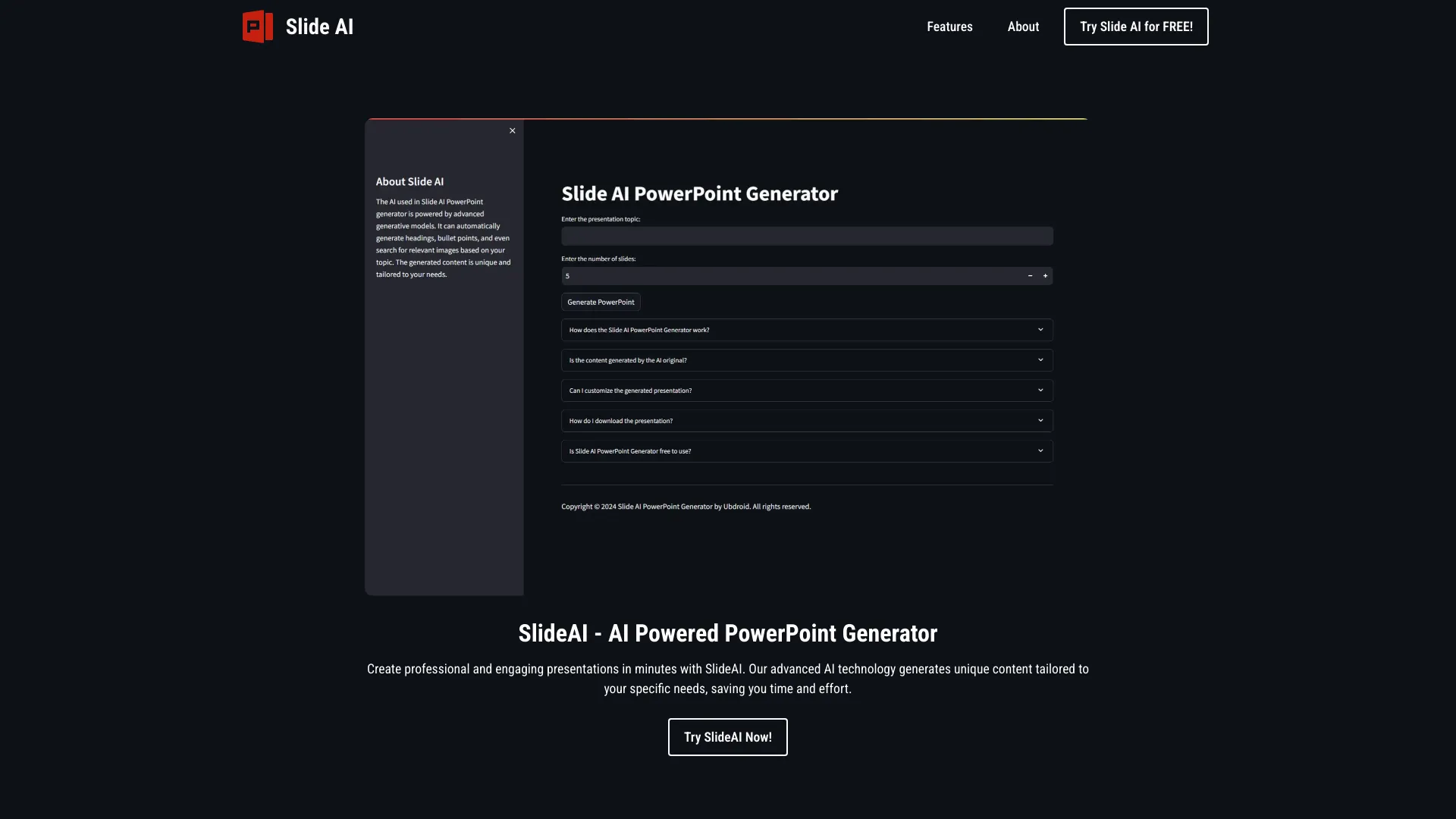
SlideAI
UnknownAI-powered tool for generating professional PowerPoint presentations quickly and easily.

Mindsmith ✓
FreemiumPlatform for building and sharing eLearning content
Gamma ✓
FreemiumAI-powered content creation, minus the hassle.

Mind Map Wizard ✓
FreemiumGenerate mind maps with AI: free, no sign-up, no ads