

SlideFlow ✓
Create PowerPoint presentations with AI in seconds
Free + from $8.99/mo
Verdict
A quick read before you dig into the full page.
- Best if
- You are business professionals and need: Creating professional presentations quickly for business meetings
- Skip if
- Possibly expensive for startups
- Pick this when
- Transforms text to PowerPoint
Considering PPT.AI instead? Compare side by side
Overview
SlideFlow AI is a tool that uses artificial intelligence to transform text content into attractive PowerPoint presentations quickly and efficiently. Users can input content directly, or import it from another source, and SlideFlow AI will leverage its AI capabilities to create visually compelling slides.
The platform provides an intuitive dashboard that allows users to begin their creation process seamlessly. In addition to generating presentations, SlideFlow AI includes a 'Magic Editor' feature designed for content refinement and customisation.
Users can tweak or expand their content effortlessly using this interactive component, and can even select a desirable backdrop from the tool's extensive library to create a tone and message appropriate for their presentations.
After creating the presentation, the platform offers users the opportunity to review and make adjustments to ensure that the slideshow meets their exact requirements.
Furthermore, the tool supports over 85 languages, and created presentations can be exported for use outside the platform. SlideFlow AI offers different pricing plans tailored to varying user needs, from casual use to business purposes.
It also offers storage capabilities with varying duration depending on the plan selected.

Best for
Short scenarios where SlideFlow tends to shine.
-
Creating professional presentations quickly for business meetings
Best for Business professionals
-
Generating educational slides for online courses
Best for Educators
-
Automating the design process for marketing presentations
Best for Marketing teams
Example outputs 1
Sample generations and before/after results for SlideFlow.
Access & connections
Where you can use SlideFlow, and what it plugs into.
Platforms
Integrations
Capabilities
What this tool accepts, produces, and is strongest at.
Input
- Text
Output
- Image
Pros & cons
Pros
- Transforms text to PowerPoint
- Intuitive user dashboard
- Magic Editor for refinement
- Extensive backdrop library
- In-depth content review
- Supports 85+ languages
- Exportable presentations
- Varying pricing plans
Show 22 more
- Storage capabilities
- Presentation design automation
- Content-to-PowerPoint conversion
- Comprehensive template library
- Input content directly or import
- Ability to fine-tune presentations
- Adjust presentation after creation
- Create presentations in seconds
- Tailored to varying user needs
- Allows casual and business use
- Different storage durations per plan
- Automation for presentation creation
- Multilingual support
- Easily editable content
- Variety in backdrop selection
- Customizable presentation tone and message
- Interactive content adjustment component
- Personal presentation review opportunity
- Optimized for presentation design
- Efficient PowerPoint creation
- Visually compelling slide generation
- Offers free starter pack
Cons
- Limited slide generation
- Character input restrictions
- Fixed storage duration
- No lifetime storage option
- Limited templates
- Subscription based
- Possibly expensive for startups
- Only outputs PowerPoint presentations
Show 1 more
- Limited free usage
Compare alternatives
Similar tools in the catalog — with a clear reason to open each one.

PPT.AI ✓
Free TrialTransform ideas into stunning presentations instantly
Why look Typically cheaper
Full comparison
AI PPT Maker ✓
FreemiumAI turns your ideas into PowerPoint presentations instantly.
Why look Typically cheaper
Full comparison
Slideteam - Presentation Maker ✓
FreemiumGenerate professional presentations in seconds with AI
Free + from $43.57/mo
Full comparison
workppt ✓
Free TrialCreate unlimited presentations with AI in seconds.
Free + from $8.33/mo
Full comparison
AI Presentations App ✓
FreemiumTurn text into PowerPoint slides instantly.
Why look Typically cheaper
Full comparisonPeople also view
Tools that often show up alongside SlideFlow in collections and comparisons.

Xpptx ✓
Free TrialXpptx - Create Presentations with One Click
workppt ✓
Free TrialCreate unlimited presentations with AI in seconds.
Slideteam - Presentation Maker ✓
FreemiumGenerate professional presentations in seconds with AI
PPT.AI ✓
Free TrialTransform ideas into stunning presentations instantly
AI Presentations App ✓
FreemiumTurn text into PowerPoint slides instantly.
AI PPT Maker ✓
FreemiumAI turns your ideas into PowerPoint presentations instantly.

Zetane ✓
Free TrialCompress document work from days to minutes

Tome App AI ✓
FreemiumCreate professional presentations in minutes with AI.
Releases 1
FAQ 12
What is SlideFlow AI?
How does SlideFlow AI work?
Can I customize the slides created by SlideFlow AI?
What languages does SlideFlow AI support?
What is the character limit for presentations?
How does SlideFlow AI ensure presentations are relevant to my content?
Are there any free trials available for SlideFlow AI?
How long can I store my presentations on SlideFlow AI?
Can I export the presentations created by SlideFlow AI?
What pricing plans does SlideFlow AI offer?
Can I select a backdrop for my presentation from SlideFlow AI's library?
How many slides can SlideFlow AI generate per presentation?
Related tools
Recommended
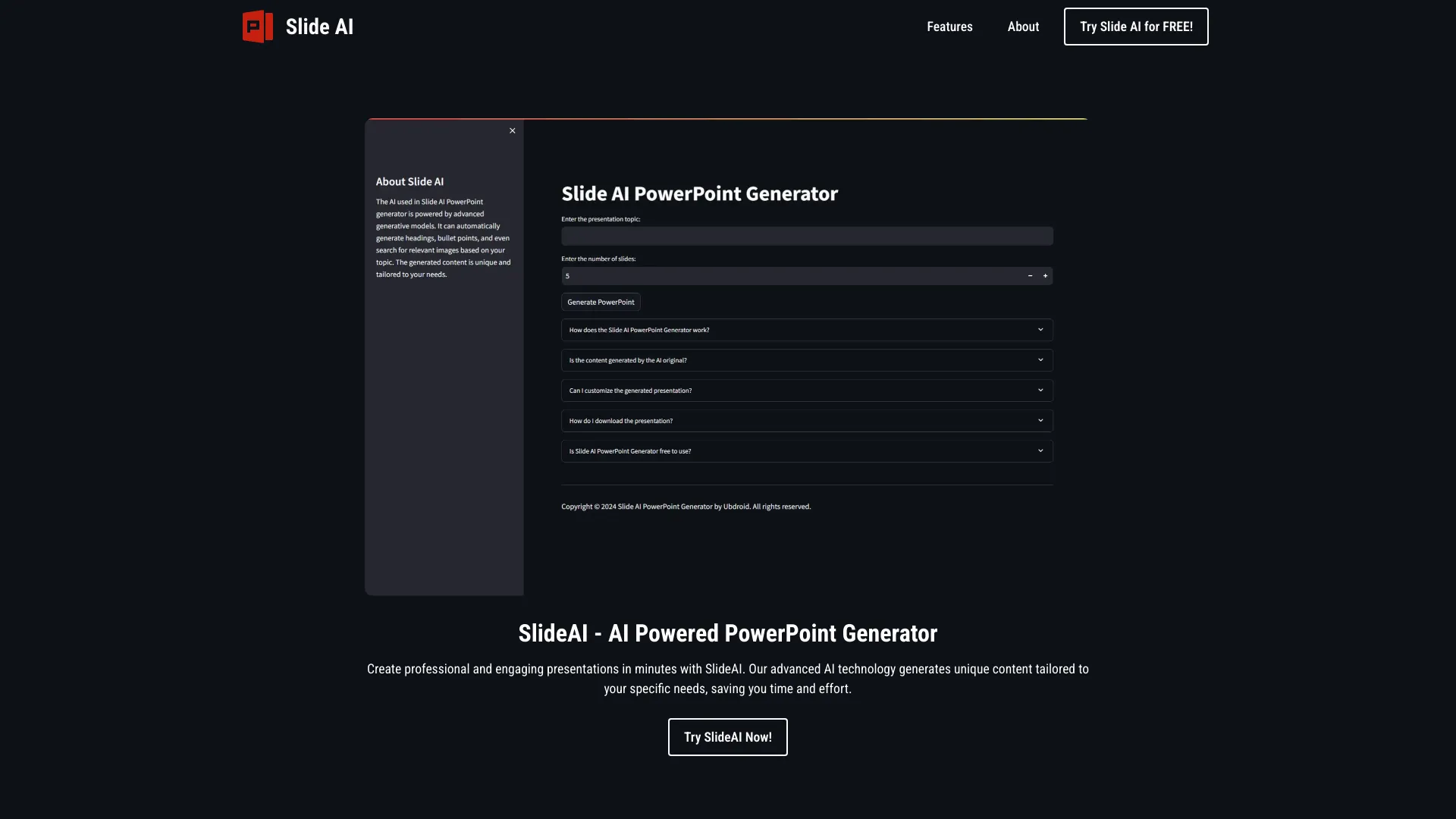
SlideAI
UnknownAI-powered tool for generating professional PowerPoint presentations quickly and easily.

Slidey ✓
PaidEasy presentation maker app for students offline.

Autoppt ✓
PaidCreate stunning AI presentations and mind maps effortlessly

SlidesGo ✓
FreemiumCreate customizable presentations in seconds with AI

MagicSlides.app AI PPT Maker ✓
FreemiumCreate Stunning PPTs in Seconds with the AI PPT Maker
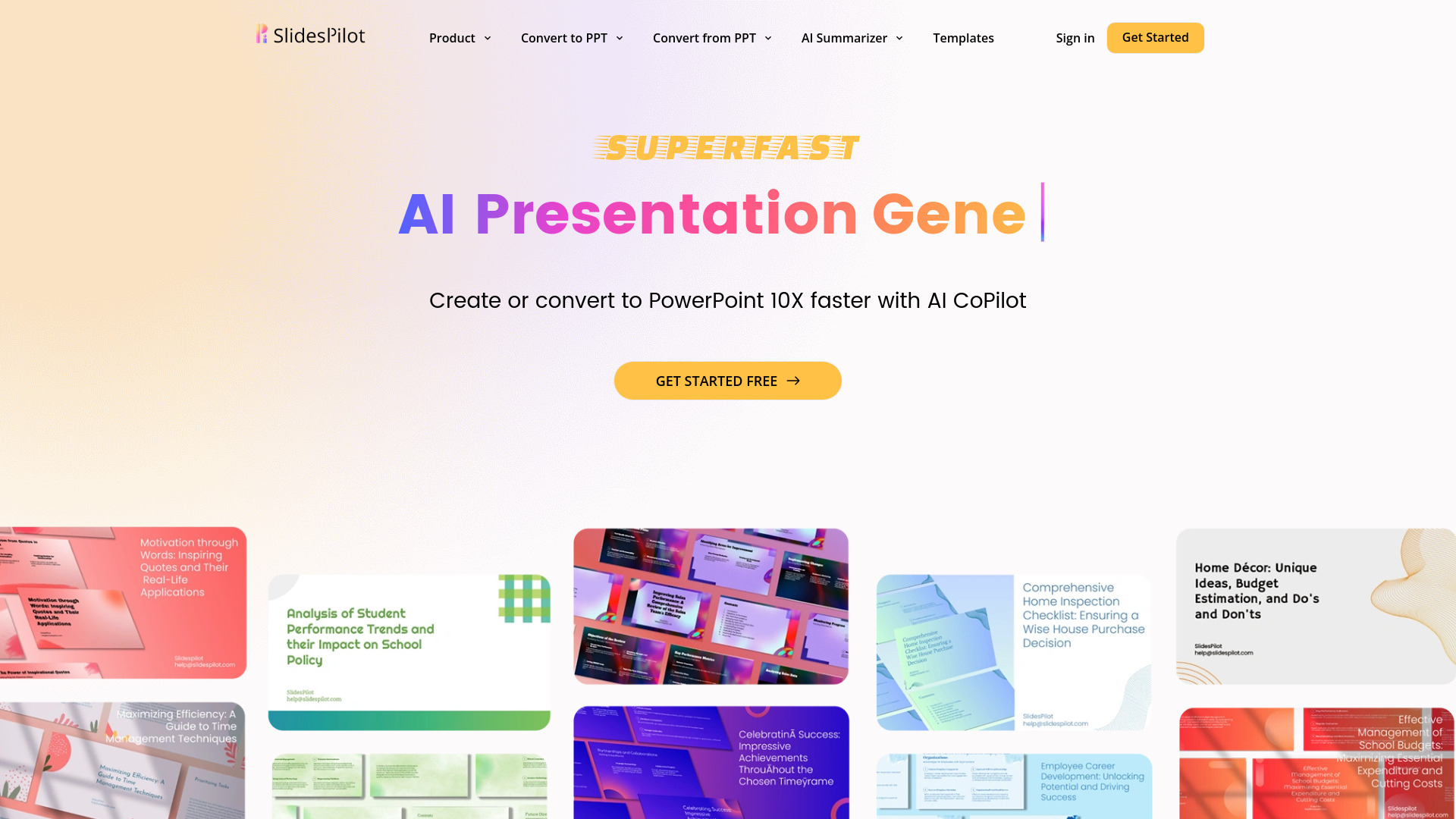
SlidesPilot
UnknownAI Presentation Suite for creating, converting, and enhancing presentations.