

Presentations 2026 Rank: #287
Tome App AI ✓
Create professional presentations in minutes with AI.
Verdict
A quick read before you dig into the full page.
- Best if
- You are business professionals and need: Quickly generating a business pitch deck from a basic text description
- Skip if
- Limited Format Support
- Pick this when
- Creates presentations from text
Considering MagicSlides.app AI PPT Maker instead? Compare side by side
Overview


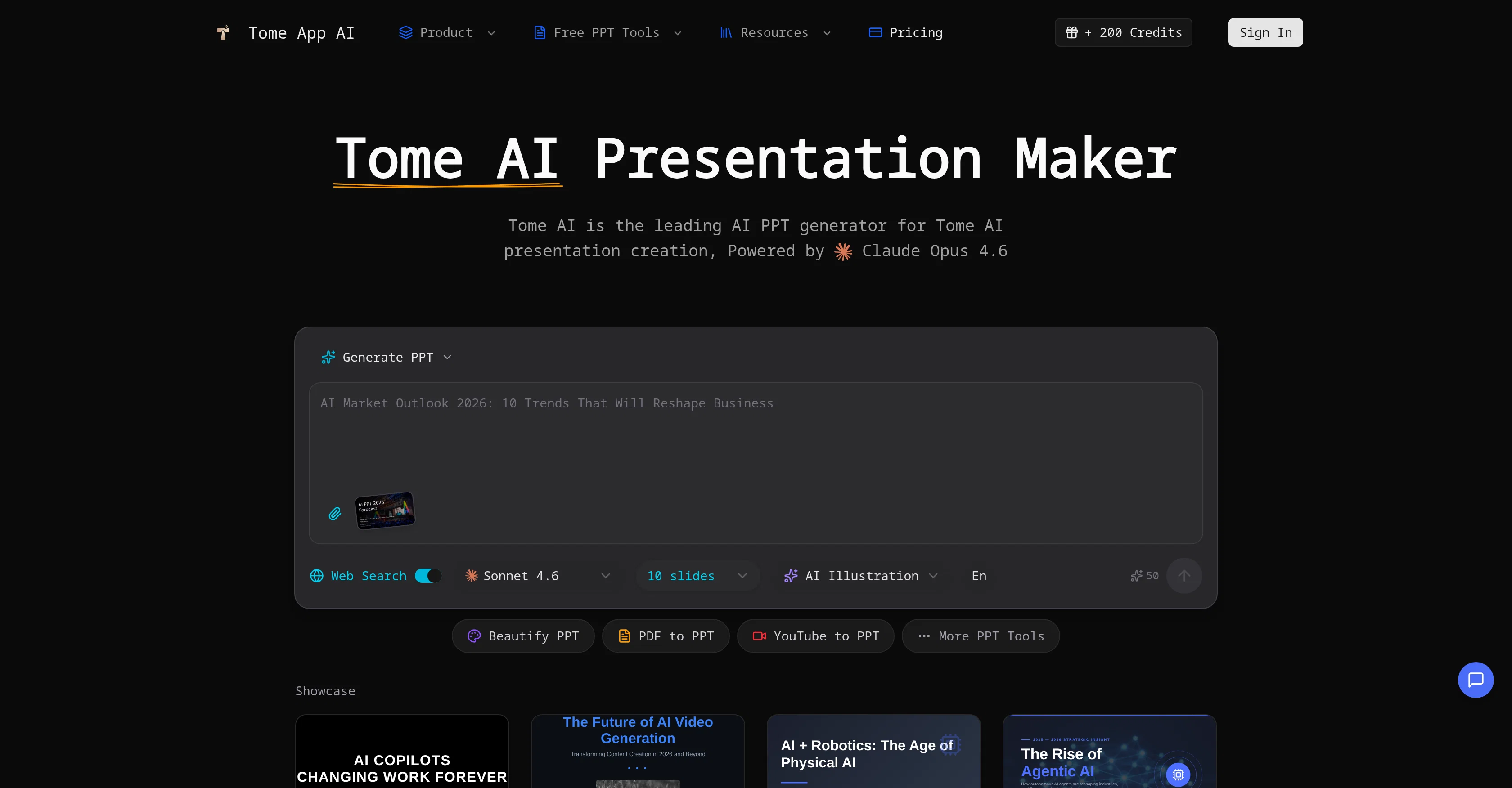
Tome AI Presentation Maker is an AI-powered tool primarily designed for generating and enhancing PowerPoint presentations. It leverages advanced artificial intelligence methods for management of design, layout, and content structure, with applications across business and educational contexts.
The tool provides a suite of functions that allow for the creation of presentations from text prompts, slide enhancement and redesign, and the conversion of PDF files, web pages, and Word documents into PowerPoint presentations.
Additionally, it delivers functionality for speaker note generation for slides, text-to-slide transformations, and an option to extract prompts from presentations.
Acknowledging the varied presentation needs, the tool comes equipped with a real-time preview and editing feature as well as the capabilities to do text-to-slides conversion and automatic layout selections.
A unique aspect of Tome AI Presentation Maker is its ability to beautify presentations by enhancing design, fixing layouts, and applying professional styling.
Using its AI technology, it can transform regular slides into visually compelling presentations. Another functionality of this tool includes generating detailed speaker notes to aid confident and impactful presentation delivery.
Furthermore, it supports multilingual presentation creation with proper formatting and typography.
- Ai Generate Ppt
- Ai Beautify Ppt
- Ai Pdf To Ppt
- Youtube To Ppt
- Word To Ppt
- Ppt Reverse Prompt
Best for
Short scenarios where Tome App AI tends to shine.
-
Quickly generating a business pitch deck from a basic text description
Best for Business professionals
-
Converting a training video from YouTube into a structured educational presentation
Best for Educators
-
Redesigning and professionalizing old, messy PowerPoint slides
Best for Entrepreneurs
-
Transforming a detailed PDF report into a concise executive summary presentation
Best for Marketing specialists
Example outputs 1
Sample generations and before/after results for Tome App AI.
Access & connections
Where you can use Tome App AI.
Platforms
Capabilities
What this tool accepts, produces, and is strongest at.
Input
- API
- Tabular
- Image
- Text
Output
- API
- Text
- Image
Highlights
- API
Supported features
- API
- Slides
Pros & cons
Pros
- Creates presentations from text
- Enhances existing PowerPoint decks
- Converts PDFs to presentations
- Translates websites to PPT
- Translates word docs to PPT
- Real-time editing and preview
- Automatic layout selections
- Generates detailed speaker notes
Show 19 more
- Multilingual presentation creation
- Converts plain text to slides
- Enhances slide design and layout
- Extracts prompts from presentations
- Specifically designed for business/education
- Exports presentations to PPTX
- Beautifies existing presentations
- Appropriate for international teams
- Appropriate typography for different languages
- Facilitates confident presentation delivery
- Creates visually compelling presentations
- Processes document formats for conversion
- Creates slides 10x faster
- Consistent branding features
- Automatic chart generation
- Automatic image suggestions
- Guarantees MS PowerPoint compatibility
- Offers Google Slides compatibility
- Offers Apple Keynote compatibility
Cons
- No Mobile App
- No MacOS Support
- No Linux Support
- No Hyperlink Support
- No Offline Mode
- No Customization Options
- Limited Format Support
- Incompatible With Standard PPT
Show 2 more
- No Version Control
- No Team Collaboration Features
Compare alternatives
Similar tools in the catalog — with a clear reason to open each one.

MagicSlides.app AI PPT Maker ✓
FreemiumCreate Stunning PPTs in Seconds with the AI PPT Maker
Why look Typically cheaper
Full comparison
NextDocs.io ✓
FreemiumThe AI-native editor for docs, slides, and more
Free + from $20/mo
Full comparison
Gamma ✓
FreemiumAI-powered content creation, minus the hassle.
Why look Typically cheaper
Full comparison
AI Slide Generator ✓
Free TrialCreate stunning presentations from any text in seconds
Why look Typically cheaper
Full comparisonPeople also view
Tools that often show up alongside Tome App AI in collections and comparisons.
NextDocs.io ✓
FreemiumThe AI-native editor for docs, slides, and more

okkslides ✓
FreemiumTransform ideas into professional PowerPoint slides in minutes.
MagicSlides.app AI PPT Maker ✓
FreemiumCreate Stunning PPTs in Seconds with the AI PPT Maker
AI Slide Generator ✓
Free TrialCreate stunning presentations from any text in seconds

GenPPT ✓
PaidThe AI Presentation Tool for Deep, Research-Backed Slides
Gamma ✓
FreemiumAI-powered content creation, minus the hassle.

Skywork ✓
Free Trial10 tasks in 1 hour, not 10 hours

OpenDeck ✓
FreeSlide decks that speak for themselves.
Releases 1
Imported reviews 2
I had problems (misaligned images and colors) exporting as pptx and PDF (compressed and misaligned images). Suggestion: faster service (I had to send it twice), more FeeMod credit for testing and customer acquisition, and improved design and font sizes. Note 4/10
made a presentation for my site with just 1 prompt, lol how did the AI get so much information out of my website lol
FAQ 12
What is the main function of Tome App AI?
How does Tome App AI enhance PowerPoint presentations?
Can I turn simple text prompts into whole presentations using Tome App AI?
Is it possible to upload and modify existing presentations on Tome App AI?
Can Tome App AI transform other document types, like PDFs and Word docs, into presentations?
What extra aids does Tome App AI provide for presentation delivery?
Does Tome App AI support real-time editing and previewing of presentations?
Can I export the presentations created on Tome App AI to PPTX format?
Does Tome App AI support multilingual presentation creation?
What types of users can benefit from using Tome App AI?
Is Tome AI helpful for content creators?
Can I use Tome App AI to redesign my existing presentations?
Related tools
Recommended

Suno ✓
FreemiumMake music at the speed of your ideas.

Thea ✓
FreemiumAI study tools to master material, not just memorize it.

Automateed ✓
Free TrialCreate eBooks effortlessly with Automateed, the AI-powered writing tool.

Notis ✓
Free TrialThe first WhatsApp assistant that runs on your ChatGPT and Claude subscriptions

Claude ✓
FreemiumBuilding reliable, interpretable AI systems

DeepSeek ✓
FreeUnravel the mystery of AGI with curiosity