

Slidey ✓
Easy presentation maker app for students offline.
Verdict
A quick read before you dig into the full page.
- Best if
- You are social media influencers and need: Creating content for social media sharing
- Skip if
- Limited export options
- Pick this when
- User-friendly interface
Considering PPT.AI instead? Compare side by side
Overview
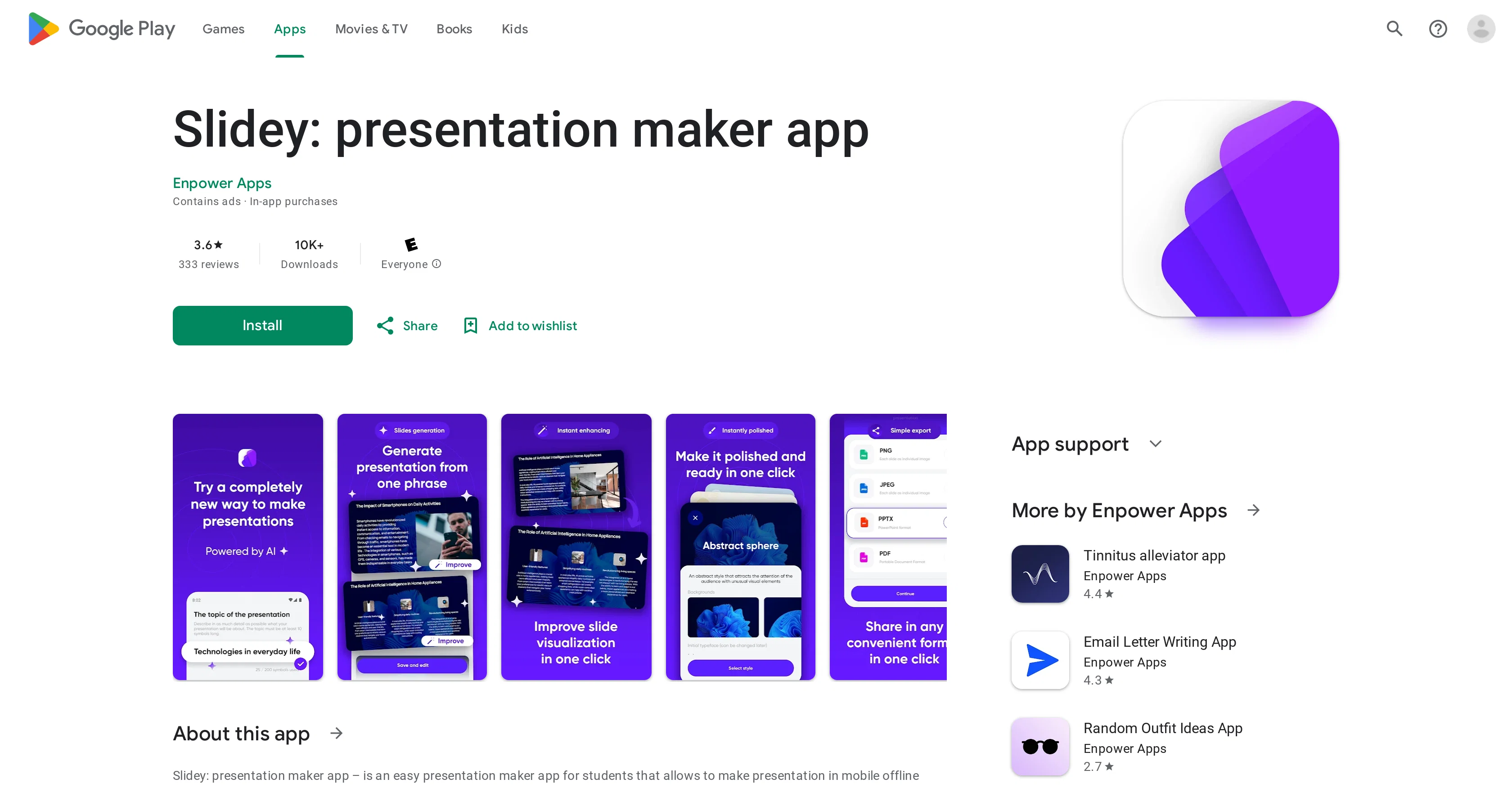
Slidey is a user-friendly presentation making tool designed for students. The application is mobile-centric, allowing students to craft presentations offline with minimal time and effort.
Slidey's key feature is its assortment of pre-constructed templates and one-click slide design functionality. The process to generate a presentation includes selecting a template, editing its structure if desired, and choosing a suitable layout.
Subsequently, users focus on adding content to their slides, including text, images, graphics, tables, and more. The created presentations can be exported as PDF or JPEG files.
Slide design features are adjustable with a few clicks to suit users' needs. The application allows for flexible customization of themes and layouts corresponding to slide content.
Slidey also offers a built-in tracking system to monitor presentation progress. Updates to the application are made periodically to enhance the user experience and operational performance.
Notably, the application can be used in offline mode, and despite the primary target demographic being students, it can serve any individuals needing simplified, efficient means to produce presentations.
Best for
Short scenarios where Slidey tends to shine.
-
Creating content for social media sharing
Best for Social media influencers
-
Generating profile pictures
Best for Content creators
-
Sharing creations with friends
Best for Digital artists
-
Monetizing unique AI-generated content
Best for Social media influencers
Example outputs 1
Sample generations and before/after results for Slidey.
Access & connections
Where you can use Slidey.
Platforms
Capabilities
What this tool accepts, produces, and is strongest at.
Input
- Image
- Text
Output
- Video
Pros & cons
Pros
- User-friendly interface
- Offline functionality
- Pre-constructed templates
- One-click slide design
- Multiple content types
- Export as PDF or JPEG
- Adjustable theme and layout
- Tracking system integration
Show 19 more
- Regular application updates
- Suitable for different user profiles
- Customizable slide designs
- Quick presentation generation
- Minimal effort required
- Mobile-centric design
- Offline work capability
- Comfortable template-based design
- Convenient slide content management
- Flexible theme customization
- Adjustments to layout by need
- Operational performance enhancements
- Text, Graphics, Tables support
- Prepared themes and layouts
- Smart blocks managing
- Progress notifications
- Customizable picture/icon use
- Preloaded themes and elements
- Fast editing with smart editor
Cons
- Mobile-centric application
- Limited export options
- No desktop version
- Lack of advanced features
- No data encryption
- Data can't be deleted
- Assortment of templates only
- Periodical updates only
Show 2 more
- Targeted primarily at students
- Ads and in-app purchases
Compare alternatives
Similar tools in the catalog — with a clear reason to open each one.

PPT.AI ✓
Free TrialTransform ideas into stunning presentations instantly
Why look Typically cheaper
Full comparison
AI PPT Maker ✓
FreemiumAI turns your ideas into PowerPoint presentations instantly.
Why look Freemium alternative
Full comparison
Slideteam - Presentation Maker ✓
FreemiumGenerate professional presentations in seconds with AI
Why look Freemium alternative
Full comparison
workppt ✓
Free TrialCreate unlimited presentations with AI in seconds.
Free + from $8.33/mo
Full comparison
AI Presentations App ✓
FreemiumTurn text into PowerPoint slides instantly.
Why look Freemium alternative
Full comparisonPeople also view
Tools that often show up alongside Slidey in collections and comparisons.

Xpptx ✓
Free TrialXpptx - Create Presentations with One Click
workppt ✓
Free TrialCreate unlimited presentations with AI in seconds.
Slideteam - Presentation Maker ✓
FreemiumGenerate professional presentations in seconds with AI
PPT.AI ✓
Free TrialTransform ideas into stunning presentations instantly
AI Presentations App ✓
FreemiumTurn text into PowerPoint slides instantly.
AI PPT Maker ✓
FreemiumAI turns your ideas into PowerPoint presentations instantly.

Zetane ✓
Free TrialCompress document work from days to minutes

Tome App AI ✓
FreemiumCreate professional presentations in minutes with AI.
Releases 1
FAQ 12
What is Slidey?
What are the main features of Slidey?
Does Slidey work offline?
What types of files can I export my Slidey presentations as?
Can I customize slide designs on Slidey?
How does the one-click slide design functionality of Slidey work?
Can I edit the structure of the pre-constructed templates on Slidey?
What kind of content can I add to slides on Slidey?
Is Slidey suitable for non-students?
What is the built-in tracking system in Slidey for?
Are there regular updates on Slidey?
What is the process to generate a presentation on Slidey?
Related tools
Recommended

Gulf Picasso ✓
FreemiumSimple AI Magic to Achieve Your Creative Goals

PrometAI ✓
FreemiumTurn ideas into viable reality with AI business plan generator.
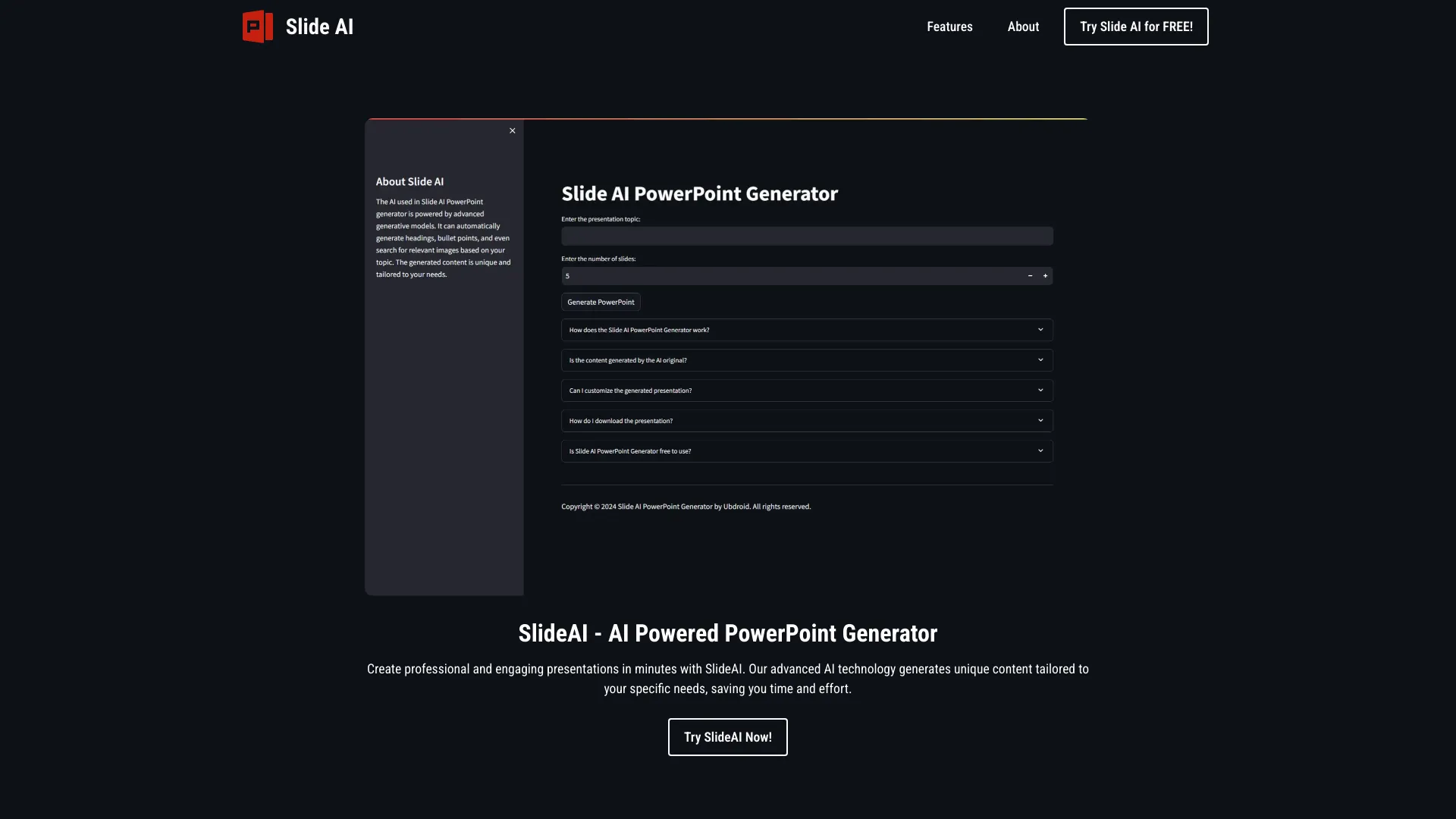
SlideAI
UnknownAI-powered tool for generating professional PowerPoint presentations quickly and easily.

Transcript LOL ✓
FreemiumUnlimited transcripts, summaries, 99.8% accuracy, speaker recognition, superfast

Recall ✓
FreemiumSummarize Anything, Forget Nothing!

AI E-books ✓
FreemiumEasily generate e-books using advanced GPT models.