

Filmmaking v3.1
Veo ✓
Generate high-quality, cinematic videos with AI.
from $49.9/mo
Verdict
A quick read before you dig into the full page.
- Best if
- Generate high-quality, cinematic videos with AI
- Skip if
- Limited to 60 seconds video
- Pick this when
- Generates high-quality videos
Considering Runway instead? Compare side by side
Overview
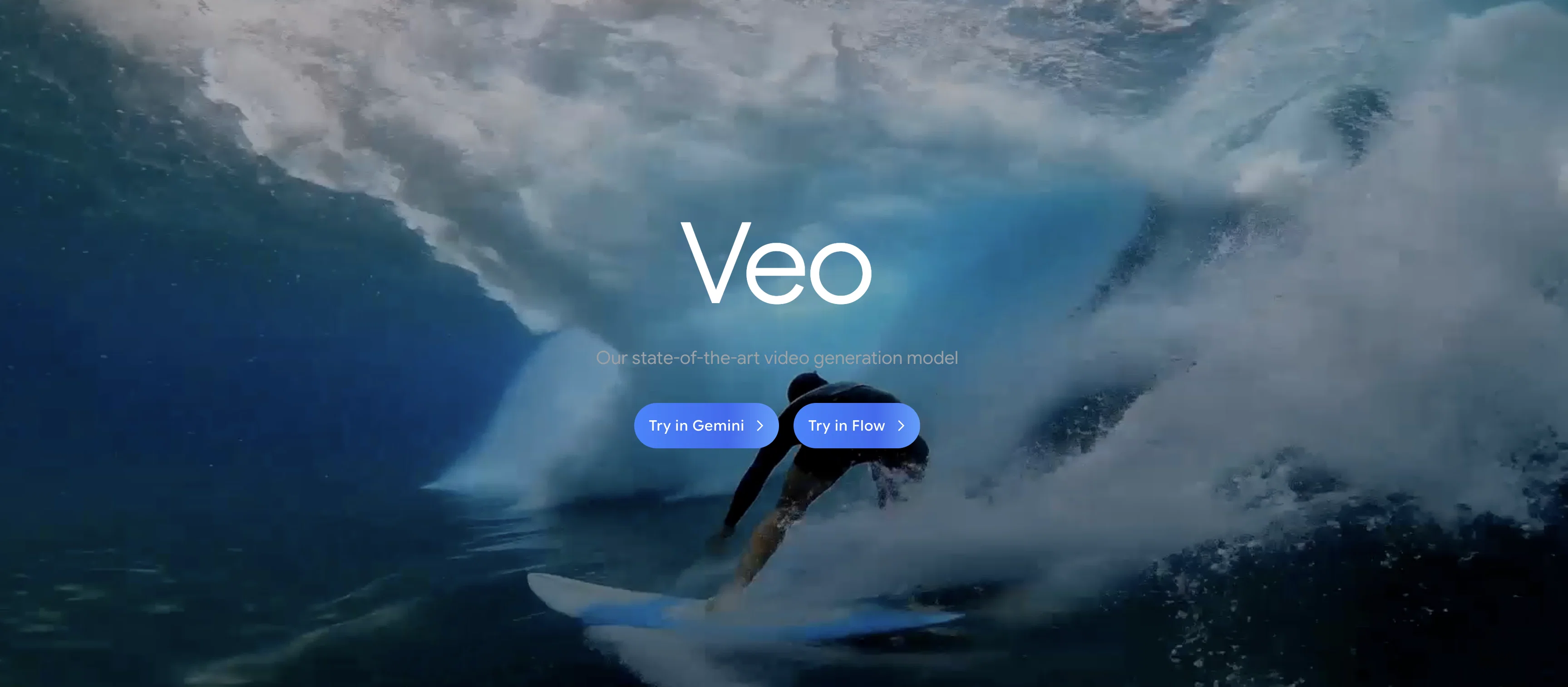
Veo is a video generation model developed by Google's DeepMind. Its main function is to generate high-quality, 1080p resolution videos that can be longer than a minute, with a diverse range of visual effects and cinematic styles.
The tool is exceptionally skillful at capturing the subtlety and tone of a given prompt, providing users with a high degree of creative control. It can interpret various types of cinematic prompts and craft them into accurate video outputs, from time-lapse videos to elaborate scenes.
Besides regular video generation, Veo also comes with a rarity of allowing for editing commands within video inputs, such as adding specific elements or focusing on certain areas.
By supporting masked editing and using textual prompts in conjunction with image input, Veo can generate videos that follow a certain style and instructions.
It also has the ability to extend video clips to last longer periods. All these characteristics make Veo a powerful tool for a wide range of people, from experienced filmmakers to educators, offering new opportunities in storytelling, visual education and more.
Best for
Short scenarios where Veo tends to shine.
-
Generate high-quality, cinematic videos with AI.
Example outputs 5
Sample generations and before/after results for Veo.


Access & connections
Where you can use Veo, and what it plugs into.
Platforms
Integrations
Capabilities
What this tool accepts, produces, and is strongest at.
Input
- Image
- Text
Output
- Video
Highlights
- SOTA
Supported features
- Video Generation
- Realism
- Viral baseball trend
- SynthID
Pros & cons
Pros
- Generates high-quality videos
- 1080p resolution output
- Produces longer duration videos
- Diverse range of styles
- Exceptional subtlety capturing
- Interprets various cinematic prompts
- Capable of time-lapse creation
- Supports editing within inputs
Show 33 more
- Allows added elements in videos
- Facilitates focus on certain areas
- Supports masked editing
- Generates videos from prompts
- Extends video clip duration
- Suitable for various user profiles
- Supports storytelling and education
- Accurately captures nuance, tone
- Can interpret complex scenes
- Generates videos from image input
- Conditions video generation from prompts
- Consistently replicates video frames
- Reduces frame inconsistency
- Built on significant research
- Improved quality from training data
- Efficient video representations usage
- Reduces video generation time
- SynthID watermarked outputs
- Safety filters for created videos
- Memorization checking processes
- Regular feedback implementation from users
- Text-to-video product development
- Video-extension beyond a minute
- Generates videos with intricate details
- Supports editing commands
- Enhances creative control for users
- Visual education enhancement
- High degree of creative control
- Optimized for performance & efficiency
- Follows image style and text prompts
- Allows adding specific elements or objects
- Can extend pre-existing video clips
- Produces videos in a diverse range of visual styles
Cons
- No real-time video generation
- Limited editing options
- No simultaneous multi-input support
- No built-in collaborative features
- No mobile application
- Dependent on Google infrastructure
- Fixed 1080p resolution only
- May require specific hardware specifications
Show 2 more
- Lack of public API documentation
- Limited to 60 seconds video
Compare alternatives
Similar tools in the catalog — with a clear reason to open each one.

Runway ✓
Free TrialAI-powered creative tools for content generation and editing
Why look Typically cheaper
Full comparison

LTX Studio ✓
FreemiumAI-powered filmmaking platform for creators and studios.
Why look Freemium alternative
Full comparison
FilmmakerPRO ✓
FreeElevate your filmmaking with AI-powered storytelling.
Why look Fully free option
Full comparison
Movie Maker Studio ✓
FreeTurn Ideas into finished Ad, TV show, or short movie in Minutes
Why look Fully free option
Full comparison
TheFluxTrain ✓
FreemiumCreate AI ads, infographics, and films with agents or reusable workflows
Why look Freemium alternative
Full comparisonPeople also view
Tools that often show up alongside Veo in collections and comparisons.

Kling ✓
FreemiumCreate high-fidelity videos from text with lifelike motion and real-world physics

Suno ✓
FreemiumMake music at the speed of your ideas.

Lovable ✓
Free TrialBuild software products using chat

Ideogram ✓
FreemiumAI-powered creativity booster

HeyGen ✓
FreemiumCreate AI spokesperson videos from text

Github Copilot ✓
FreemiumAI-powered coding assistant for faster development

Rabbithole
FreemiumA launchpad for your curiosity

Pika Labs ✓
FreemiumTurn text into stunning videos effortlessly.
Prompts 5
Animated Pet Image Video Prompt · Pushkar John
Bring a single photo of your pet to life with subtle, realistic animation while preserving every detail. Perfect for transforming a static portrait into a lively, heartwarming video that feels true to your pet’s character.
Core Prompt: Animate a single high-quality image of a pet by adding gentle, natural movement that stays true to the animal's real behavior. Include subtle breathing, soft ear or whisker twitches, slow blinking, or mild head tilts without changing the pet's appearance or anatomy.…
Loading full prompt…
360-degree room tour. · Andrew Pellegrini
Smooth 360-degree room tour video from a photo with accurate, realistic, untouched details.
Transform a single static room photo into a smooth, immersive 360-degree video that accurately showcases the entire space without altering any of its details. Simulate a slow, steady rotation as if standing in the center of the room, revealing all walls, corners, and decor evenl…
Loading full prompt…
Basketball Court Training Video Prompt · Raydel Akino
A text-to-video prompt designed to create cinematic footage of a basketball training session. This template fixes the core idea of a focused athlete on a polished court while giving you control over player details, moves, camera style, angles, lens, lighting, and mood. Perfect for sports reels, training demos, or dramatic short videos.
Quality Control — What to Avoid: "List anything you want excluded for clean, professional results: visual artifacts, distortions, flickering frames, unrealistic anatomy, blurred limbs, duplicate players, messy textures, overexposed or underexposed lighting, unintended props." Yo…
Loading full prompt…
Coral Reef Dive Prompt · Jan Tang
A text-to-video prompt for creating stunning cinematic underwater reef scenes. This template keeps the core idea of a colorful coral reef dive while letting you customize details like location, marine life, camera movement, angles, lens, and lighting. Perfect for immersive, professional-quality dive videos with control over look and feel. Includes an exclusion list to avoid visual errors and keep results clean and polished.
Imagine a cinematic underwater scene showcasing a vibrant coral reef teeming with life in crystal-clear tropical waters. The core theme remains fixed: colorful corals, swaying sea plants, schools of fish darting through rocky formations, and shafts of sunlight piercing the surfa…
Loading full prompt…
Vehicle Showroom 360° · Carlos Mekola
Bring your dream ride to life in a sleek, cinematic showroom. This prompt lets you choose any vehicle, from sports cars to monster trucks, and design a stunning 360° showcase with custom camera moves, lighting, and decor. Perfect for creating dramatic, polished videos that make every curve and detail shine.
Scene Overview Capture a cinematic scene inside a modern vehicle showroom with polished floors, large glass windows, and carefully positioned spotlights. The core theme remains fixed: a clean, high-end space designed to showcase a single vehicle type in dramatic, professional de…
Loading full prompt…
Releases 5
Native vertical (portrait) video output for Ingredients-to-Video.
Stronger reference-image guidance (up to multiple images) to lock characters, textures, and backgrounds.
Higher-quality upscaling options that reach 1080p and 4K for more production-ready results.
More expressive motion and better controllability even from simpler prompts.
Rollout tied to creator workflows, including integration into YouTube Shorts and the YouTube Create app.
Richer native audio generation: supports natural conversations, synchronized sound effects, ambient audio, and better mixing.
Better understanding of cinematic styles, giving users more control over the narrative tone and visual storytelling.
Stronger prompt adherence: generated videos more faithfully reflect input prompts, especially from images.
Character consistency across scenes: visual consistency in appearance (e.g., faces, objects) is improved over multi‑shot sequences.
Reference image conditioning (“Ingredients to video”): up to 3 reference images can be provided (character, object, scene) to guide style or consistency.
Scene extension: existing video clips can be extended by generating new segments that tie into the last second of preceding video, preserving visual continuity.
First → Last frame transitions: you can provide a starting frame and an ending frame, and Veo 3.1 will generate a smooth bridging animation (with audio) between them.
Native Audio Generation: Generates synchronized audio (dialogue, sound effects, music) with video.
High Realism: Produces lifelike visuals, realistic physics, accurate human features, and lip-sync.
Cinematic Camera Controls: Offers manual control over camera angles, motion, and perspectives.
Scene Builder: Allows editing/extending shots, maintaining motion and character consistency.
Asset Management: Organize, reference, and reuse characters, props, and prompts across scenes.
Prompt Adherence: Follows complex, detailed text/image prompts accurately.
Seamless Transitions: Maintains continuous motion and consistent characters between shots.
Learning Tools: Flow TV shows user-generated clips with prompts for inspiration and learning.
Deepfake Mitigation: Embeds invisible watermarks to identify AI-generated videos.
Enhanced Realism and Fidelity: Significantly better detail, realism, and reduction of visual artifacts.
Advanced Motion Representation: Improved physics simulation for accurate, lifelike movements.
Higher Output Quality: Supports 4K resolution, surpassing Veo 1’s lower-resolution capabilities.
Expanded Camera Control: Offers a wider range of shot styles, angles, and movements.
Broader Visual Styles: Faithfully follows complex and intricate prompts with greater precision.
Improved Benchmark Performance: Outperforms Veo 1 in human evaluations for prompt adherence and overall preference.
Cinematic Capabilities: Better suited for dynamic scenes, complex lighting, and artistic storytelling.
In the news
Launch coverage and community mentions for Veo.
Imported reviews 5
I like Veo 3!
Gave Veo 3.1 a chance. Prompt + a few ref picks kept the subject locked and first-to-last frame made smooth transitions that feel shot on camera. It even lets you extend your own Veo clips in 7-seconds hops up to about 2 minutes, with audio. Queues pop up sometimes but for quick concept is insane.
W, veo’s lowkey a banger for toon vibes, fed it a goofy storyboard and got smooth motion with clean frames. not perfect on character consistency and waits can drag but when it lands it’s good. i’d say this one is great for shorts.
Tried veo for a weekend project and it delivered. I fed it a loose prompt plus a few stills, and it stitched a clean, believable short, colors pop, motion feels natural. Interface is straightforward, presets help and the learning curve felt light. Solid and fun to use :D
tried veo 3 today and it honestly feels like a sneak peek into the future. one short prompt and it gave me a crisp 4K video with perfect audio and cinematic camera moves. not flawless yet, but wow.
FAQ 12
What is Google DeepMind's Veo?
How does Veo generate high-quality videos?
What kind of visual effects and cinematic styles can Veo create?
Can Veo interpret various cinematic prompts?
Does Veo have editing capabilities within video inputs?
What is masked editing in the context of Veo?
Can Veo extend existing video clips to last longer periods?
Who can benefit from using Veo?
How does Veo use textual prompts and image input?
Can Veo interpret complex scene prompts?
Can Veo apply editing commands to existing videos?
How does Veo handle consistency across video frames?
Related tools
Recommended
Suno ✓
FreemiumMake music at the speed of your ideas.

Midjourney ✓
PaidExpand human imagination through AI-powered visuals.

ChatGPT ✓
FreemiumAsk anything, create anything, and move from idea to action.
HeyGen ✓
FreemiumCreate AI spokesperson videos from text
Ideogram ✓
FreemiumAI-powered creativity booster

ElevenLabs ✓
FreemiumCreate lifelike AI voices for compelling storytelling.
More from this creator

Gemini ✓
FreemiumGemini: Google's most capable AI model yet

Google Imagen ✓
Free TrialTransform images with AI-powered creativity

Nano Banana ✓
FreemiumAI-powered image editing, faster than ever with Nano Banana.

AlphaGenome ✓
UnknownDecipher DNA function with DeepMind's genomics model.

Lyria ✓
FreeGenerate high fidelity music and audio

Gemini Robotics ✓
UnknownMultimodal AI for next-generation helpful robots.