

Deep Image ✓
Enhance photos with advanced editing features.
Trial; then from $9/mo
Verdict
A quick read before you dig into the full page.
- Best if
- Enhance photos with advanced editing features
- Skip if
- Limited language options
- Pick this when
- Image upscaling
Considering Upscayl instead? Compare side by side
Overview





Deep Image has two groups of products:
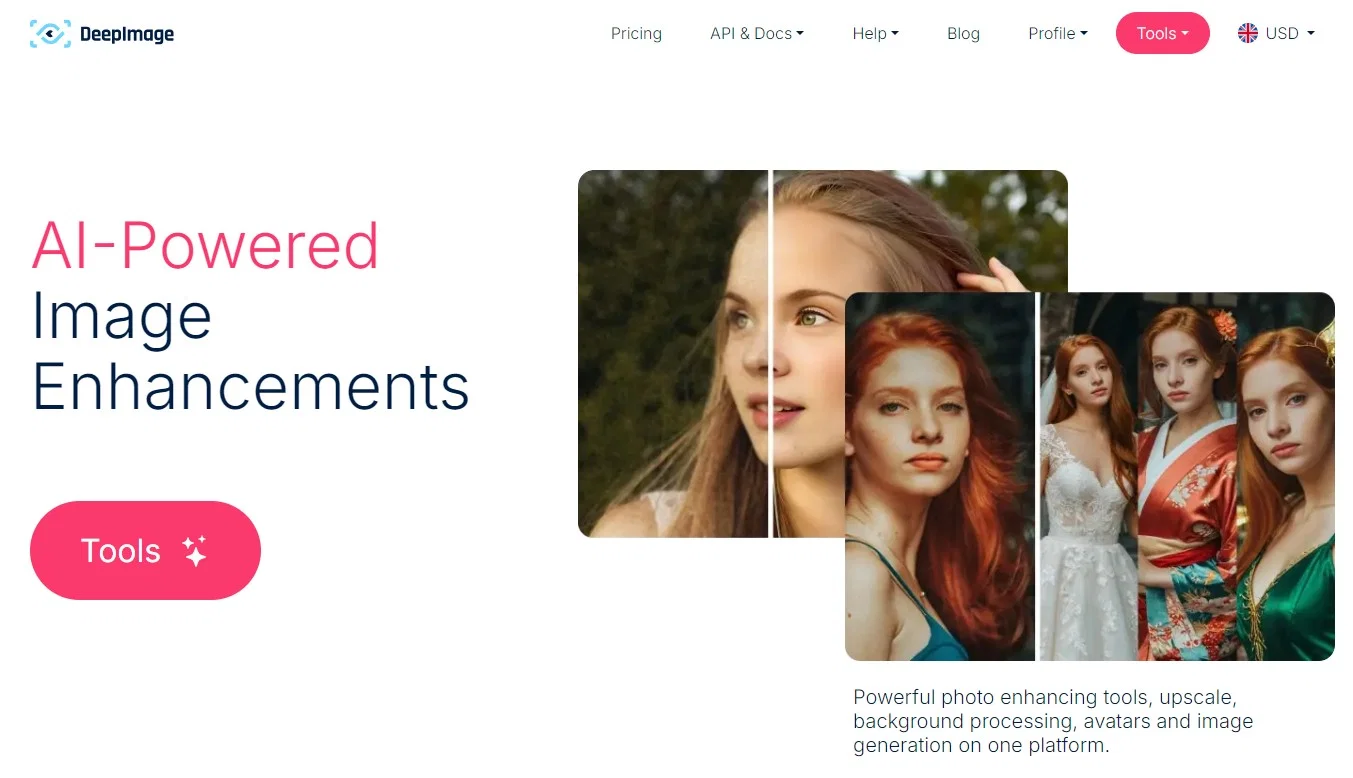
AI Photo Enhancer - with multiple features for upscaling, denoising, cleaning, correcting photos and images
AI Image Generator - to create images from scratch, or based on existing photo. It can be an avatar from a face photo, or interior redesign for a photo of an empty house.
Best for
Short scenarios where Deep Image tends to shine.
-
Enhance photos with advanced editing features.
Example outputs 1
Sample generations and before/after results for Deep Image.
Access & connections
Where you can use Deep Image.
Platforms
Capabilities
What this tool accepts, produces, and is strongest at.
Supported features
- Denoise
Pros & cons
Pros
- Image upscaling
- Noise reduction
- Sharpening feature
- Color and light correction
- Background removal
- Customizable filters
- eCommerce site compatibility
- Improves print quality
Show 24 more
- Enhanced digital art images
- Enhanced real estate images
- Intuitive interface
- Automated photo processing
- Free trial
- Resolution maintenance during enhancements
- Able to print digital art
- Agile frame rendering for animation
- High resolution images for print
- Python library available
- User-friendly API & Tools
- Assured Quality for eCommerce
- Scalability for animation frames
- Automated eCommerce photo processing
- Dedicated filters for each segment
- Supports multiple languages
- Premium print quality achievement
- Individual approach to each case
- Free test package
- Appointment scheduling available
- Partnerships with existing businesses
- Testimonials from trusted users
- Wide-ranging use case applications
- Integrated with popular eCommerce platforms
Cons
- No batch processing
- No mobile app
- Limited image upscaling (5x max)
- Requires internet connection
- Limited API documentation
- Lack of customization options
- No offline version
- Limited language options
Show 1 more
- No integration with non-eCommerce platforms
Compare alternatives
Similar tools in the catalog — with a clear reason to open each one.

Upscayl ✓
Free TrialEnhance images with free, open-source AI upscaling.
Why look More privacy-focused
Full comparison
AI Upscaler ✓
FreemiumSmarter AI 4K Upscaler for Images & Videos
Why look Typically cheaper
Full comparison
Img Upscaler ✓
FreemiumUpscale images by 400% without quality loss
Free + from $19/mo
Full comparison
SciFig ✓
FreemiumTurn text into publication-ready scientific figures.
Free + from $12/mo
Full comparison
Neurohelper AI ✓
PaidEvery leading AI model. One workspace.
Why look Better for writing
Full comparisonPeople also view
Tools that often show up alongside Deep Image in collections and comparisons.
Upscayl ✓
Free TrialEnhance images with free, open-source AI upscaling.
Img Upscaler ✓
FreemiumUpscale images by 400% without quality loss
AI Upscaler ✓
FreemiumSmarter AI 4K Upscaler for Images & Videos
Neurohelper AI ✓
PaidEvery leading AI model. One workspace.

Monipix ✓
FreemiumUpscale blurry photos to 4K & 16K instantly.

MojoMake - AI Image to Video Generator ✓
FreemiumUse every top AI model and 100+ effects in one account.

Kyukoma ✓
Free TrialTurn your stories into manga pages with AI.

ClipBG - The Ultimate Bulk AI Background Remover ✓
Freemium100% private, browser-based bulk background removal with flawless AI precision.
Releases 1
Imported reviews 5
so baddddddddddddddddddddddddddddddddddddd
Everything is good. But I won't purchase it because there is not try-before-buy option.
I have tried upscaling but too many details were lost in the outcome.
I've got great results with my photo enhancements. Auto-enhance is easy to use. Just 1 click and done. Avatars are fun.
5 minutes to create account.
1 minute to discover poor photo enhancing.
Waste of time
FAQ 12
What is Deep Image AI?
🛠️ 1
tool
wrote:
Deep Image AI is a photo enhancement tool that uses artificial intelligence to improve the quality of images. It offers features such as image upscaling, noise reduction, sharpening, color and light correction, and background removal. It can be used for various purposes including to enhance images for digital art, real estate, and improving print quality. It offers a free credits for all new accounts and has an intuitive interface for ease of use.
Lately Deep Image also offers various features for image generation, avatars, image to image and much more.
What main features does Deep Image offer?
What is image upscaling?
🛠️ 1
tool
wrote:
Image upscaling is the process of increasing the resolution of a digital image without losing quality. It involves creating new pixels and performing calculations to determine what color they should be, to best match the surrounding pixels. Deep Image AI can upscale images up to five times their original size.
There are multiple types of image upscaling in Deep Image:
- Image upscale - classic upscaler staying true to the original photo
+Documents and text - add on to classic upscale that works best when there is some text on the image. For example a label on the bottle on a product photo
- Generative Upscale - allows to recover even extremely bad quality photos, with the optional boost of manually added prompt to the upscale, so AI can be even more aware of what it is doing.
How can Deep Image improve the quality of my images without sacrificing resolution?
🛠️ 1
tool
wrote:
Deep Image enhances image quality without sacrificing resolution through its image upscaling feature. It uses artificial intelligence to create new pixels and accurately determine their color based on surrounding pixels. This allows it to increase an image's size and improve its quality simultaneously, without any loss in resolution.
How does Deep Image's noise reduction work?
Can Deep Image sharpen my photos?
Can Deep Image enhance the color and light of my images?
Can Deep Image remove the background from my photos?
🛠️ 1
tool
wrote:
Yes, Deep Image can remove the background from your photos. This feature is particularly helpful for creating professional looking product photos for eCommerce, focusing on the subject of the image, and preparing images for graphic design work.
Not only can it just remove the background, but also it can generate alternative background according to your choice from existing presets, or your own text prompt.
How can Deep Image be used to enhance images for digital art?
🛠️ 1
tool
wrote:
Many artists are using Deep Image to upscale, denoise and sharpen images generated elsewhere, but you can also use the native built in image generator with excellent results.
So you can process your digital art to make them up to the printing standard (300DPI is the most popular requirement) by upscaling them, removing noise and blur, correcting light. You can also use image to image AI generator, avatar maker, and text based image generation for your artistic adventures. It is a complex tool with a lot of potential.
Is Deep Image useful for improving real estate photos?
🛠️ 1
tool
wrote:
You can use AI real estate designer, upload photos of your house, bedrooms, living room etc. And with the use of existing presets or your own text prompt, reimagine the real estate completely into something fresh and new. It can be great to help a customer visualize the full potential of the real estate. A potential that might not be available to see in the real world, but is still there.
Deep Image is highly beneficial for improving real estate photos. It can enhance original images by multiplying pixels and improve any photo taken by the agent or client. High-quality images are key in real estate as they contribute significantly to the sales process.
For Real Estate websites, there is API connection available, so you can display designs directly on your website.
Is there a free trial available for Deep Image?
🛠️ 1
tool
wrote:
Yes, each person who create a free account, automatically receives a number of free credits they can use the way they like. Also if the customers rate some of their tasks, to help us understand if they like the results or not, then they might receive extra free credits for that action.
Can Deep Image be used to improve the print quality of posters?
🛠️ 1
tool
wrote:
Yes, Deep Image can be used to improve the print quality of posters. By increasing image resolution and reducing noise, it helps to achieve high-quality print results. It will work for posters and any other print. Deep Image is capable to upscale most of images up to 300DPI and more if needed.
Related tools
Recommended

Photo AI ✓
PaidCreate beautiful AI photos and videos of real people

LearningStudioAI ✓
Free TrialAI-powered authoring tool for effortless online course creation.

AI Course Creator ✓
FreemiumAI-powered course creation in minutes.

VenturusAI ✓
FreemiumBusiness idea analysis and reporting.

Stratup.ai ✓
FreemiumInnovative idea generation for businesses.

Stockimg AI ✓
PaidGenerated images and text for design ease.