

Upscayl ✓
Enhance images with free, open-source AI upscaling.
Trial; then from $9.99
Verdict
A quick read before you dig into the full page.
- Best if
- You are creators and need: Enhance blurry or pixelated photos
- Skip if
- Limited format support
- Pick this when
- Free and open source
Considering Deep Image instead? Compare side by side
Overview
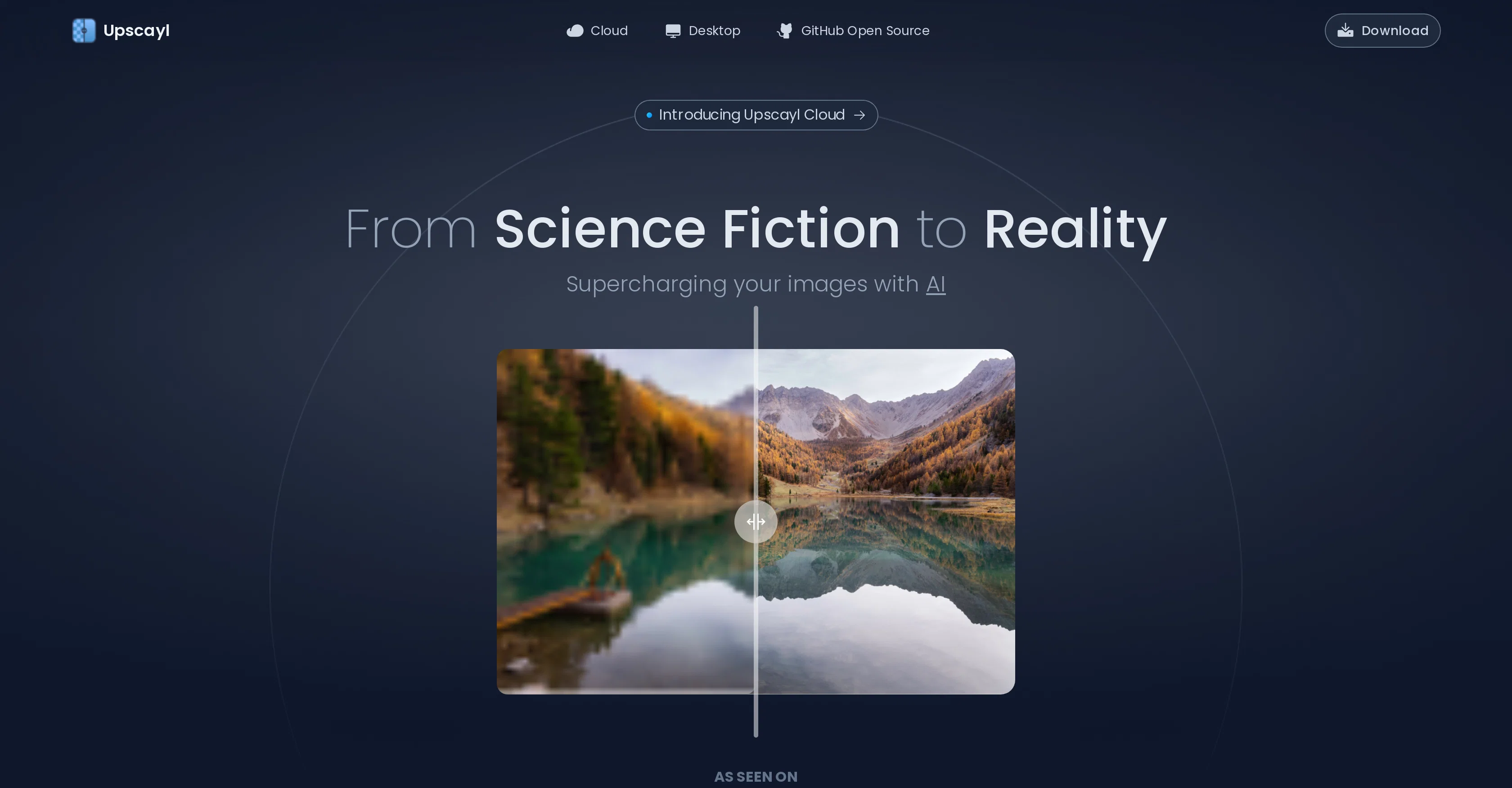
Upscayl is a free and open source AI tool used for image upscaling. The tool uses advanced AI algorithms to enlarge or upscale images, making them larger and clearer without losing important details in the process.
Upscayl is compatible with various operating systems including MacOS, Linux, and Windows. Upscayl provides an easy-to-use interface that allows users to upload images, choose the desired upscale factor (2x, 4x, or 8x), and then upscale the image.
The tool utilizes deep learning algorithms to create new pixels based on existing ones and then enhances them to produce higher resolution images. The tool is developed by TGS963 and Nayam Amarshe, and it is available for download on GitHub.
Upscayl is built using open-source libraries, which makes it stand out among commercial tools used for the same function. The tool is also supported by donations from users on their BuyMeACoffee page.
In summary, Upscayl is a user-friendly and free-to-use AI image upscaler that produces high-quality results by using advanced AI algorithms. It is a great tool for anyone who wants to upscale their images without losing important details, and who wants to do so using open-source software.
Best for
Short scenarios where Upscayl tends to shine.
-
Enhance blurry or pixelated photos
Best for Creators
-
Improve the quality of low-resolution images
Best for Businesses
-
Upscale images for printing
Best for Designers
-
Increase image resolution for better viewing experience
Best for Artists
-
Restore old or damaged photos
Best for Developers
Example outputs 1
Sample generations and before/after results for Upscayl.
Access & connections
Where you can use Upscayl, and what it plugs into.
Platforms
Integrations
Capabilities
What this tool accepts, produces, and is strongest at.
Input
- Image
Output
- Image
Supported features
- Upscaling
Pros & cons
Pros
- Free and open source
- Preserves details when upscaling
- Multi-platform compatibility
- User-friendly interface
- Allows varied upscaling factors
- Uses deep learning algorithms
- Produces high-resolution images
- Supported by user donations
Show 2 more
- Downloadable from GitHub
- Built with open-source libraries
Cons
- Requires manual installation
- Dependent on user donations
- No auto-update feature
- Limited upscaling options
- No batch processing feature
- No mobile support
- Limited format support
- Requires technical expertise
Show 2 more
- No direct support channel
- No customizable settings
Compare alternatives
Similar tools in the catalog — with a clear reason to open each one.

Deep Image ✓
Free TrialEnhance photos with advanced editing features.
Free + from $9/mo
Full comparison
AI Upscaler ✓
FreemiumSmarter AI 4K Upscaler for Images & Videos
Why look Typically cheaper
Full comparison
Img Upscaler ✓
FreemiumUpscale images by 400% without quality loss
Free + from $19/mo
Full comparison
SciFig ✓
FreemiumTurn text into publication-ready scientific figures.
Free + from $12/mo
Full comparison
Neurohelper AI ✓
PaidEvery leading AI model. One workspace.
Why look Better for writing
Full comparisonPeople also view
Tools that often show up alongside Upscayl in collections and comparisons.
Img Upscaler ✓
FreemiumUpscale images by 400% without quality loss
Deep Image ✓
Free TrialEnhance photos with advanced editing features.
AI Upscaler ✓
FreemiumSmarter AI 4K Upscaler for Images & Videos
Neurohelper AI ✓
PaidEvery leading AI model. One workspace.

Monipix ✓
FreemiumUpscale blurry photos to 4K & 16K instantly.

MojoMake - AI Image to Video Generator ✓
FreemiumUse every top AI model and 100+ effects in one account.

Kyukoma ✓
Free TrialTurn your stories into manga pages with AI.

ClipBG - The Ultimate Bulk AI Background Remover ✓
Freemium100% private, browser-based bulk background removal with flawless AI precision.
Releases 1
Imported reviews 4
WOW!! THIS ONE BROUGHT BACK A REALLY BLURRY OLD PHOTO AND MADE IT LOOK SO MUCH CLEARER!! I LOVE THAT IT RUNS LOCALLY TOO, SO I DON’T HAVE TO WORRY ABOUT UPLOADING PERSONAL PICTURES. IT CAN’T FIX EVERY WEIRD DETAIL, BUT FOR A FREE TOOL THIS IS REALLY IMPRESSIVE!!
Used it alot, but needs a a model update
Blows everything else out of the water, (reviewed 26 July 2023).
Very good job. File size concerns me, it was 10.2mb from a 1.63mb file. That was only one image, what if I had 50?
FAQ 12
What is Upscayl?
How does Upscayl work?
What operating systems is Upscayl compatible with?
How do I use Upscayl to upscale my images?
What upscale factors does Upscayl offer?
How does Upscayl manage to preserve details when upscaling images?
Who developed Upscayl?
Where can I download Upscayl?
Why is Upscayl free?
What makes Upscayl different from commercial image upscalers?
Is Upscayl an open-source tool?
How can I support the development of Upscayl?
Related tools
Recommended

Business Idea Generator AI ✓
FreeGenerate innovative business ideas with AI

LearningStudioAI ✓
Free TrialAI-powered authoring tool for effortless online course creation.

VenturusAI ✓
FreemiumBusiness idea analysis and reporting.

GPTExcel ✓
FreemiumGenerate spreadsheet formulas with AI

Agentgpt ✓
FreemiumDeploy autonomous AI Agents effortlessly in your browser.

Stockimg AI ✓
PaidGenerated images and text for design ease.