

Courses vv3
Mindsmith ✓
Platform for building and sharing eLearning content
Free + from $31
Verdict
A quick read before you dig into the full page.
- Best if
- You are eLearning Designers and need: Employee onboarding training
- Skip if
- Limited content formats
- Pick this when
- Simplified course authoring
Considering LearningStudioAI instead? Compare side by side
Overview



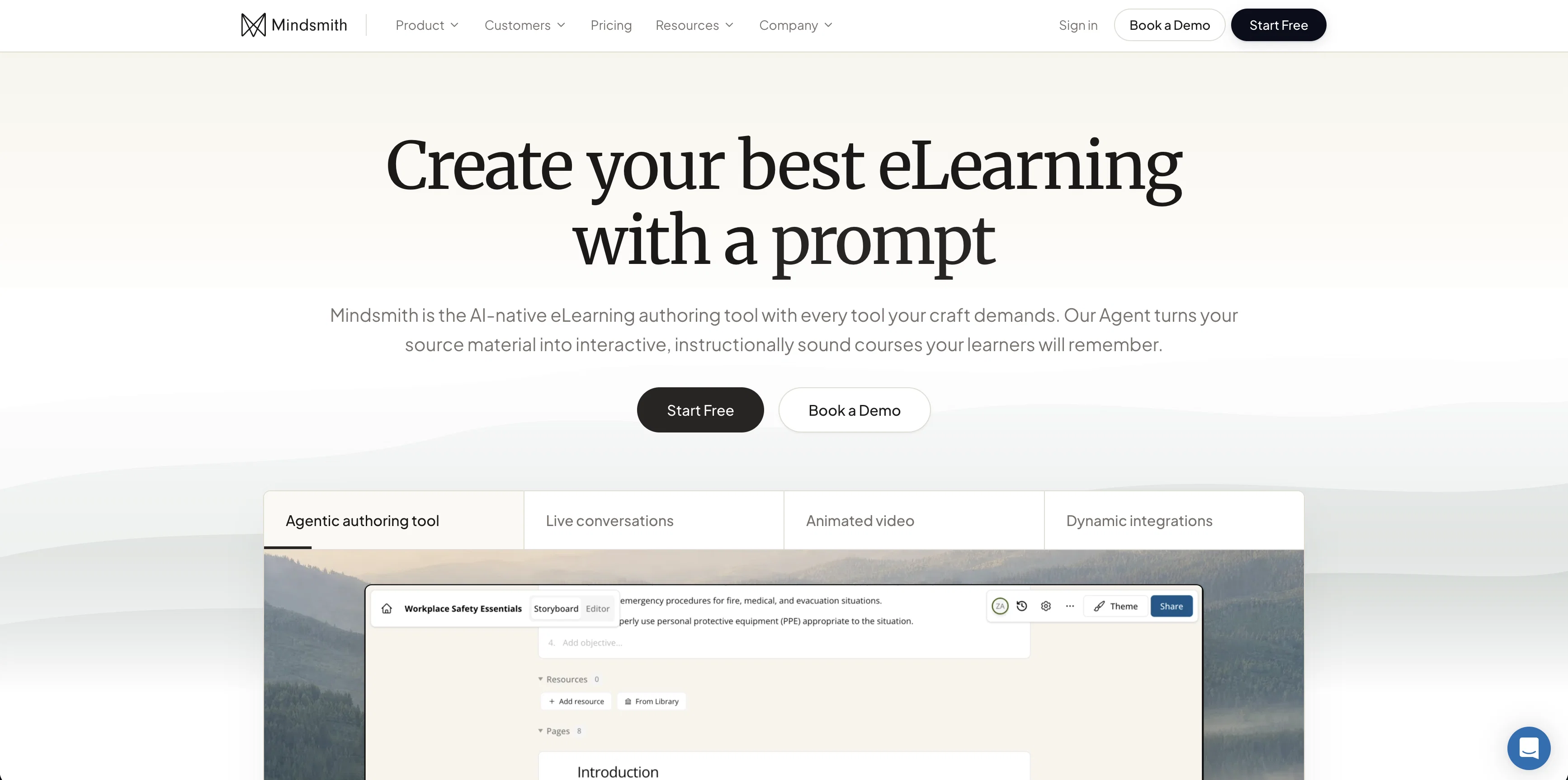
Content can be shared via a dynamic SCORM package that allows for robust language support, auto-updating lessons (when you change something in Mindsmith, it updates in the learning management system automatically), short upload times (seconds rather than hours), and granular analytics. Lessons can also be shared via link, QR code, SMS, email, or embed code.
Mindsmith is designed to make deep human learning a defining characteristic of any organization. It is also mobile friendly and collaborative, easily adaptable to any team size.
Best for
Short scenarios where Mindsmith tends to shine.
-
Employee onboarding training
Best for eLearning Designers
-
Safety and compliance training
Best for Instructional Designers
-
Higher education interactive asynchronous eLearning
Best for Training Teams
Example outputs 1
Sample generations and before/after results for Mindsmith.
Access & connections
Where you can use Mindsmith, and what it plugs into.
Platforms
Integrations
Pros & cons
Pros
- Simplified course authoring
- Intuitive authoring tool
- Works on any screen size
- Generates entire lessons
- Insert questions that fit content
- Makes content more digestible
- Shares via link, SMS, email
- Integrates with your learning system
Show 18 more
- Tracks learner completion
- Tracks performance
- Flexible for various use cases
- Used for onboarding
- Used for course reviews
- Used for safety training
- Used for compliance training
- Used for homework
- Promotes deep human learning
- Quickly generate and publish courses
- Produces bite-sized learning modules
- Augment lessons with images
- Augment lessons with assessment questions
- Augment lessons with GIFs
- Used by over 500 organizations
- Mobile friendly
- Allows self-assessment
- Adaptable to learning styles
Cons
- No offline usage
- Limited integration options
- Less customizable
- No multilingual support
- No user documentation
- Not open source
- No version control
- Limited content formats
Show 2 more
- No live interaction features
- Lacks advanced analytics
Compare alternatives
Similar tools in the catalog — with a clear reason to open each one.

LearningStudioAI ✓
Free TrialAI-powered authoring tool for effortless online course creation.
Free + from $39/mo
Full comparison
AiCoursify ✓
PaidBuild your online course in minutes with AI.
Why look Higher community rating
Full comparison
CraftedCourses.io ✓
PaidCreate and Share High-Quality Online Courses in Minutes
Why look Typically cheaper
Full comparison
Mexty ✓
FreemiumAI-native interactive learning platform with LMS and SCORM
Why look Typically cheaper
Full comparison
AI Course Creator ✓
FreemiumAI-powered course creation in minutes.
Why look Typically cheaper
Full comparisonPeople also view
Tools that often show up alongside Mindsmith in collections and comparisons.
CraftedCourses.io ✓
PaidCreate and Share High-Quality Online Courses in Minutes
LearningStudioAI ✓
Free TrialAI-powered authoring tool for effortless online course creation.

Coursebox ✓
PaidEffortless online course creation
AI Course Creator ✓
FreemiumAI-powered course creation in minutes.

Kin - Personal AI Advisors ✓
FreePrivacy-first & designed your for mind, and life at work

IllumiChat ✓
FreemiumFrom Ticket Backlog to Instant Answers Powered by AI

Synthesia ✓
FreemiumCreate AI videos from text in minutes.

Search Alkemy ✓
FreemiumClient-Ready Keyword Research in Minutes
Releases 3
Course generator (multiple lessons for longer course experiences)
Updated UI for generating a lesson/course
More powerful AI engine (more ways to use documents, upload videos for AI, use images from document for AI)
AI snips up videos into relevant clips and brings those clips into the lesson
More interactives (timelines, carousels, process, tabs, etc)
AI branching scenario generator (and branching scenario editor)
Articulate Rise SCORM file converter
Static and dynamic SCORM export
PDF certification export
Storyboard (workflow) enhancements
AI is way more powerful. Document processing works 10x better. AI assistant can edit/add any part of the lesson from a tile, a page, a section, or the entire lesson. AI can pull images from docs into the lesson (it understands the image and pulls it into a relevant place). You can generate an entire course with multiple lessons. Editing interface is way more intuitive and powerful -- everything is drag-and-drop and WYSIWYG. We also added lots of enterprise features like real-time collaboration, sharing links, deep branding/customization, license management, and more.
Imported reviews 12
Mindblown at the capability of this tool. It's hard to imagine that E-learning modules can be created at such quality, speed, and ease. Well done Mindsmith team!
My wife uses this and it has helped her as she is a teacher in a university. Great stuff
Wow. This tool is amazing.
One of the best authoring tools I've used -- super intuitive/smooth, and I like that the AI follows a more involved ID workflow.
My wife uses this and it has helped her as she is a teacher in a university. Great stuff!
I gotta check this out again!
Suppppeeeeerrr! Wowwww! Mindsmith is absolutely fantastic! It is incredibly useful, easy to use, and very professional.
Super useful, very intuitive
Mindsmith is a beautiful tool - it makes authoring super smooth and easy
Mindsmith is my favorite AI instructional design program! So easy to work with.
Great tool. Created in minutes, professional with necessary interactions.
muito bom mesmo, gostei de criar o meu curso através dele.
FAQ 12
What is MindSmith?
What features does MindSmith offer for creating course materials?
How does the AI assistant in MindSmith work?
Is MindSmith easy to use?
How can I share my course materials created on MindSmith?
Can MindSmith be integrated with other learning systems?
What are some use cases for MindSmith?
Is MindSmith mobile-friendly?
How does MindSmith help with student self-assessment?
How does MindSmith's generative AI work?
What types of training can MindSmith be used for?
How many organizations are currently using MindSmith?
Related tools
Recommended
IllumiChat ✓
FreemiumFrom Ticket Backlog to Instant Answers Powered by AI

VenturusAI ✓
FreemiumBusiness idea analysis and reporting.

B12 AI Website Builder ✓
FreemiumAI-powered website builder

Stunning ✓
PaidBuild AI-powered websites in seconds

GPTExcel ✓
FreemiumGenerate spreadsheet formulas with AI

Transcript LOL ✓
FreemiumUnlimited transcripts, summaries, 99.8% accuracy, speaker recognition, superfast