

Scientific visualization 2026 Rank: #1035
SciFig ✓
Turn text into publication-ready scientific figures.
Verdict
A quick read before you dig into the full page.
- Best if
- Turn text into publication-ready scientific figures
- Skip if
- Potential learning curve
- Pick this when
- Generates science-grade figures
Considering SciFigureAI instead? Compare side by side
Overview
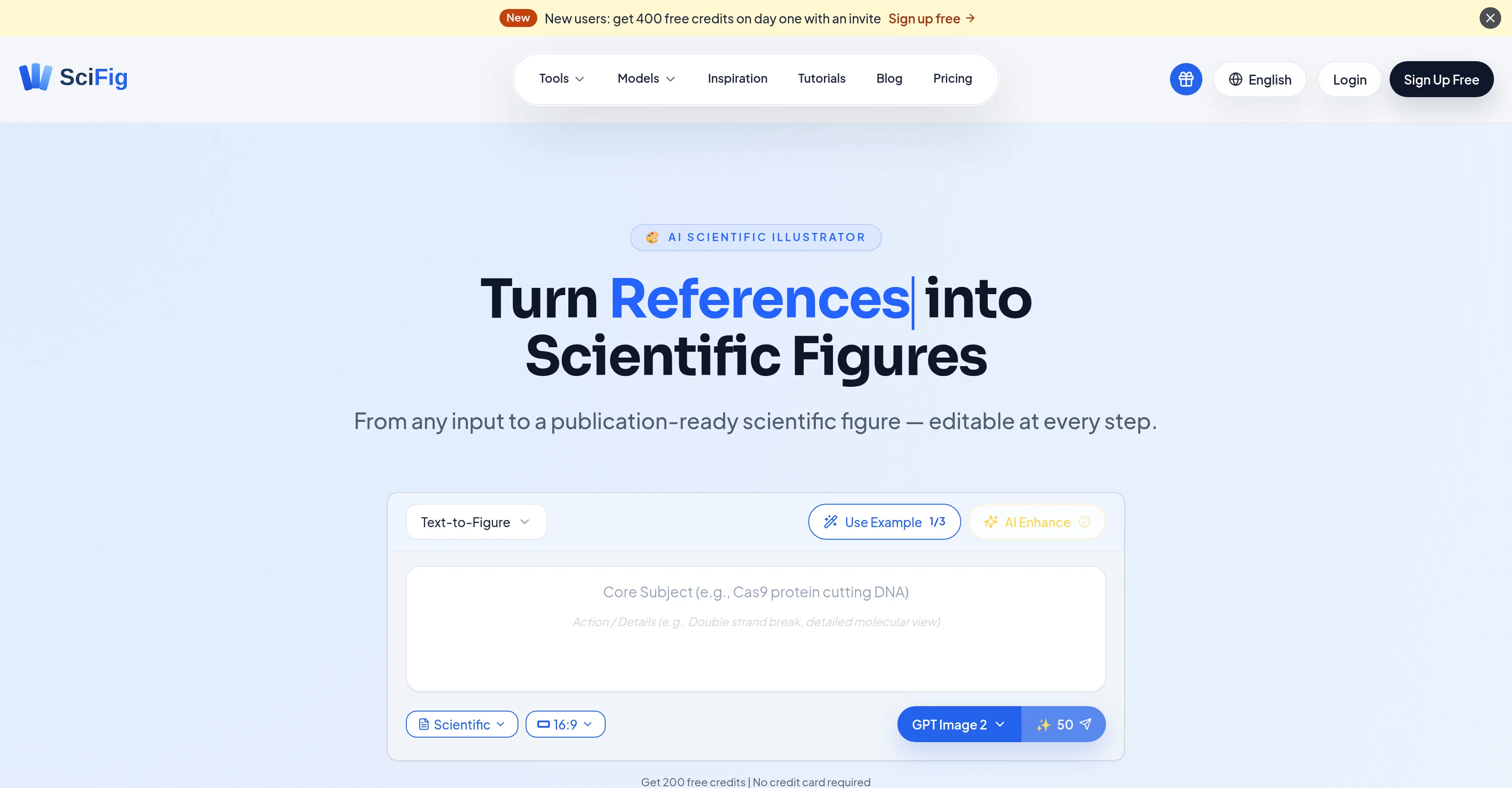
SciFig is an AI-powered tool designed to facilitate researchers in generating publication-ready scientific figures. The tool creates figures by transforming various types of input, such as text, sketches, references, PDFs, or photos.
Utilising special models like GPT Image 2 for journal submissions, Nano Banana Pro for slides and posters, and Nano Banana 2 for routine tasks, SciFig accurately serves different types of figure work.
This tool maintains quality balances concerning speed and accuracy for everyday routine figures preparation. SciFig also has an auto mode to accommodate the style overlay based on your prompt, creating figures in six publication styles, including Scientific, line, 3D, editorial, sketch, or watercolor.
SciFig provides an enhance feature that allows users to refine details without starting over. All generated figures remain editable after generation, and users can change any text's content, font, size or position.
Users can generate figures more efficiently by selecting a region and regenerating it with a natural-language prompt, or feeding a PDF for smarter edits.
With SciFig, you can export figures as editable PPTX or layered SVG. Furthermore, it has a built-in canvas where researchers can fine tune every shape, color, and label of the figures with full undo/redo options available.
This makes it a comprehensive tool for creating scientific figures.
Access & connections
Where you can use SciFig.
Platforms
Capabilities
What this tool accepts, produces, and is strongest at.
Input
- Tabular
- Image
- Text
Output
- Code
- Tabular
- Image
Supported features
- Image Generation
- Image Edit
- Visual Creation
- Styling
Pros & cons
Pros
- Generates science-grade figures
- Editable shapes, labels, arrows
- Built-in vector canvas
- No full re-render needed
- Export to PPTX, SVG, PNG
- Can inpaint or upscale
- Use text prompts as input
- Use hand-drawn sketches as input
Show 37 more
- Use reference images as input
- Use research PDFs as input
- Use lab photos as input
- Purpose-tuned image models
- 200 free credits on signup
- Turns text into scientific figures
- Helps in data visualization
- Transforms sketches to figures
- Interprets references into figures
- PDF editing capability
- Auto-style overlay
- Editable output
- Customized figures
- Canvas editing
- Different types of figure work
- Quality balances speed and accuracy
- Accommodates style overlay
- Enhance features to refine details
- Generates figures through region selection
- Smarter edits by feeding PDF
- Layered SVG export
- Undo/redo options available
- Exports to 8K PNG / JPG
- Six Input modes
- Six publication styles
- Precision region inpaint
- Multimodal enhance
- 8K upscaling
- Click to retype label
- Circle region to regenerate
- Engineered for top journals
- Auto mode for style selection
- Multiple export formats
- Supports multimodal input
- Content-aware label generation
- PDF as context for edits
- Figure Generation Model customizability
Cons
- Limited free credits
- Dependent on three models
- Lacks support for older formats
- No dedicated mobile app
- Potential learning curve
- Limited to 11+ disciplines
- Needs constant internet connection
- No options for collaboration
Show 2 more
- Unknown handling of complex edits
- Response time for regeneration unclear
Compare alternatives
Similar tools in the catalog — with a clear reason to open each one.

SciFigureAI ✓
Free TrialTurn research ideas into scientific figure drafts.
Why look Typically cheaper
Full comparison
SciDraw AI ✓
FreemiumAI-powered scientific illustration and data visualization platform.
Why look Typically cheaper
Full comparison
PaperPlot ✓
PaidGenerate publication-ready scientific diagrams from text.
Why look Typically cheaper
Full comparison
FigCanvas ✓
Free TrialAI scientific figure generator for researchers.
Why look Typically cheaper
Full comparison
PaperClaw ✓
Free TrialMake publication-ready scientific figures with AI.
Free + from $13.5/mo
Full comparisonReleases 1
FAQ 12
What is SciFig?
How does SciFig work to create scientific figures?
What types of inputs does SciFig accept?
Are the figures created by SciFig editable?
What are the different built-in models in SciFig?
What is the functionality of GPT Image 2 in SciFig?
How is Nano Banana Pro used in SciFig?
What is the purpose of Nano Banana 2 in SciFig?
Can I modify the text content, font size, or position in the figures generated by SciFig?
How does the natural-language prompt feature work in SciFig?
What export options does SciFig provide?
Does SciFig have a built-in vector editor?
Related tools
Recommended

AI Infographic Generator - CartoMind ✓
FreemiumTurn notes into perfect infographics from 500+ designs.

Exmergo Viz ✓
FreemiumTurn messy data into beautiful dashboards in minutes.

AI Council Chat ✓
FreemiumDebating AI models, tireless agents, and workspaces. Unlocked, pay-as-you-go.

Automateed ✓
Free TrialCreate eBooks effortlessly with Automateed, the AI-powered writing tool.

Notis ✓
Free TrialThe first WhatsApp assistant that runs on your ChatGPT and Claude subscriptions

CodeRabbit ✓
Free TrialEnhanced code review for improved workflow and quality.