

PhotoCat AI Image Extender ✓
Expand images naturally with AI uncropping.
Trial; then from $59.99/yr
Verdict
A quick read before you dig into the full page.
- Best if
- Expand images naturally with AI uncropping
- Skip if
- Limited preset expansion options
- Pick this when
- Online platform
Considering Uncrop by Stability AI instead? Compare side by side
Overview
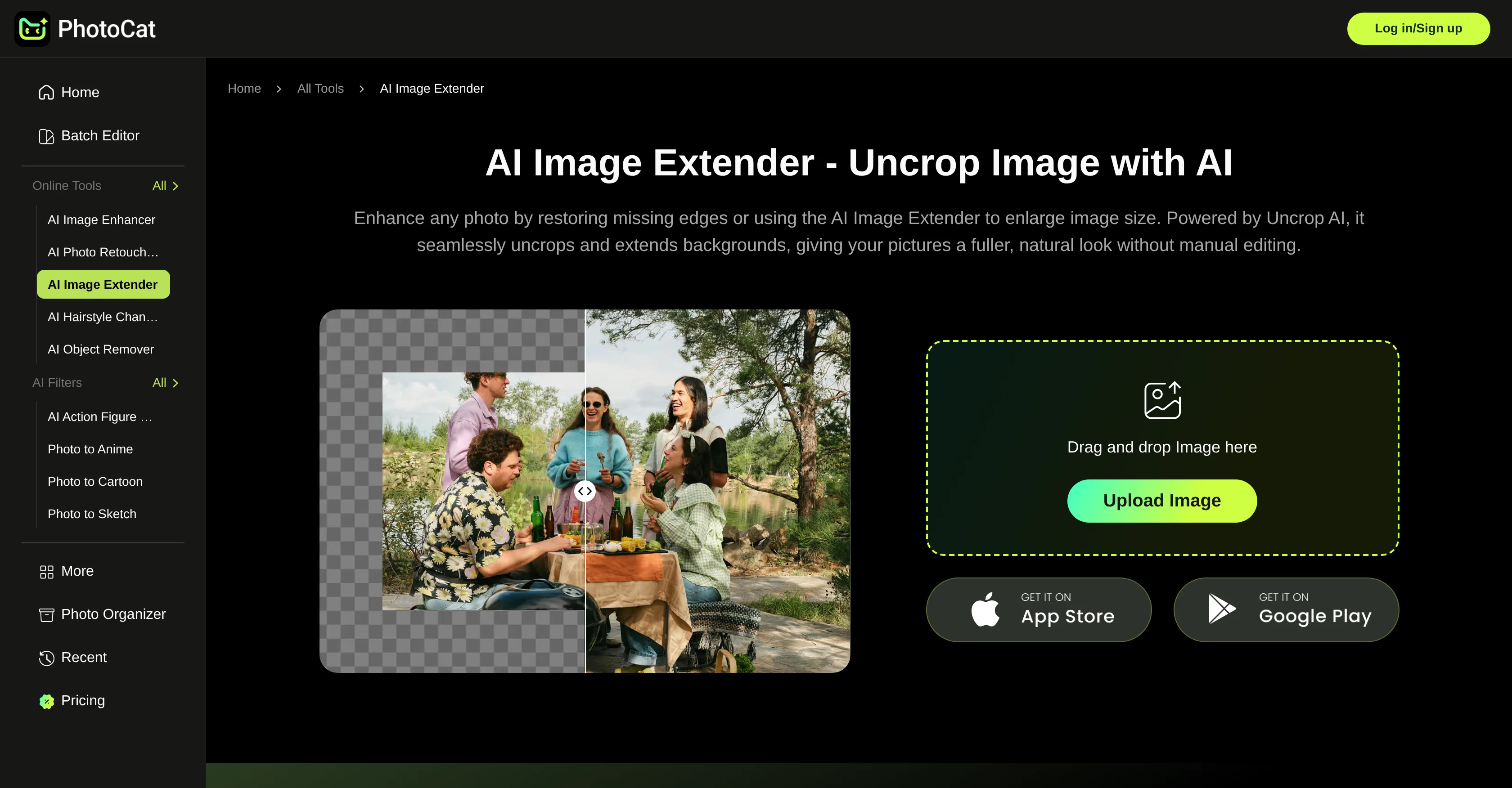
PhotoCat AI Image Extender is an online AI-powered tool designed to effortlessly expand and uncrop photo backgrounds. The generative AI technology of this tool extends images in a way that retains their authenticity and natural look, avoiding any quality loss.
The AI carries out an in-depth image analysis then scales the photo accordingly, ensuring the resulting image does not seem artificial. It enlarges images without distorting their details, maintaining sharpness and clear details even at high resolutions, making it ideal for social media posts, prints, and commercial projects.
The tool also allows for the expansion of image sizes in line with specific requirements of major online platforms such as Instagram, TikTok, Facebook, YouTube, and others.
It's also versatile in its application, proving useful across arenas like product photos, banner designs, landscape photography, and portraits. Furthermore, this tool is user-friendly, allowing users to upload images, select size from some preset options, auto-generate expanded pictures, and save for later use.
Access & connections
Where you can use PhotoCat AI Image Extender, and what it plugs into.
Platforms
Integrations
Capabilities
What this tool accepts, produces, and is strongest at.
Input
- Image
Output
- Image
Supported features
- Image Edit
- Image Generation
- Outpainting
Pros & cons
Pros
- Online platform
- Seamless photo expansion
- Quality preservation
- Multi-purpose usability
- Natural look
- No watermarks
- Detail preservation
- Avoids pixel distortion
Show 19 more
- Seven preset expansion options
- Platform-specific image resizing
- User-friendly process
- In-depth image analysis
- Clear details at high resolutions
- Preserves authenticity
- Versatile applications
- 4K image expansion
- No image distortion
- Sharp banner designs
- Ideal for social media
- For product photography
- For landscape photography
- For portrait photography
- For e-commerce needs
- Cost effective
- For wider views of sceneries
- Enchanting portraits
- Simple steps to usage
Cons
- Requires internet connection
- No mobile app
- Limited preset expansion options
- No batch processing feature
- No custom size option
- Missing quality setting feature
- Doesn't support all image formats
- Delayed results on heavy usage
Show 1 more
- No integration with social platforms
Compare alternatives
Similar tools in the catalog — with a clear reason to open each one.

Uncrop by Stability AI ✓
FreemiumUncrop photos to any image format.
Why look Typically cheaper
Full comparison
Image Extender by Picsman ✓
FreemiumExpand images with AI without distortion.
Why look Typically cheaper
Full comparison
AI Image Extender.io ✓
FreemiumExpand your photos with AI image extender.
Why look Typically cheaper
Full comparison
PixExtender ✓
Free TrialExpand images to your custom size up to 4096 pixels.
Why look Typically cheaper
Full comparison
ImageStretcher ✓
FreemiumStretch locally, or expand edges with AI.
Why look Typically cheaper
Full comparisonReleases 1
FAQ 12
What is the main function of PhotoCat's AI Image Extender?
How does PhotoCat's AI Image Extender maintain image quality when expanding a photo?
Can PhotoCat's AI Image Extender be used to enlarge images without losing quality?
Does PhotoCat's AI Image Extender result in pixel distortion?
In what scenarios can PhotoCat's AI Image Extender be used?
How does PhotoCat's AI Image Extender contribute to professional product photography?
What are the seven preset expansion options provided by PhotoCat's AI Image Extender?
How does PhotoCat's AI Image Extender ensure photos fit perfectly on major platforms like Instagram and TikTok?
What is the process to use PhotoCat's AI Image Extender?
Can PhotoCat's AI Image Extender extend images for personal and professional use?
Does PhotoCat's AI Image Extender ensure images are watermark free?
How can PhotoCat's AI Image Extender improve portrait photos?
Related tools
Recommended

VentureVault ✓
FreeDiscover validated startup ideas with AI-powered market analysis.

Organize with AI ✓
PaidAI photo organizer that speaks your language

Watermark removal - MarkGone ✓
FreemiumInstantly remove watermarks from images and videos.

Scanned.to ✓
Free TrialAI OCR that recreates documents with perfect formatting.

Editimg AI ✓
Free TrialAdvanced AI-powered image editing and transformation tools.

YouMind ✓
FreemiumWhere learning meets creation with AI agents.
More from this creator
Airbrush ✓
FreemiumGenerate AI-powered images in one click.

Vmake Video Enhancer ✓
FreemiumTransform low-res videos into high-quality masterpieces.

Vmake ✓
FreemiumAI-powered photo and video editing made easy

BeautyPlus AI Image Enhancer ✓
FreemiumEnhance images with AI for superior quality instantly.

AI Background Remover - Picsman ✓
Free TrialInstantly remove image backgrounds with AI

Airbrush AI Background Remover ✓
FreemiumRemove backgrounds from images with AI in seconds.