

Editimg AI ✓
Advanced AI-powered image editing and transformation tools.
Trial; then from $7.99/mo
Verdict
A quick read before you dig into the full page.
- Best if
- Advanced AI-powered image editing and transformation tools
- Skip if
- Complex user interface
- Pick this when
- Advanced image editing
Considering Viyou AI Image Generator instead? Compare side by side
Overview
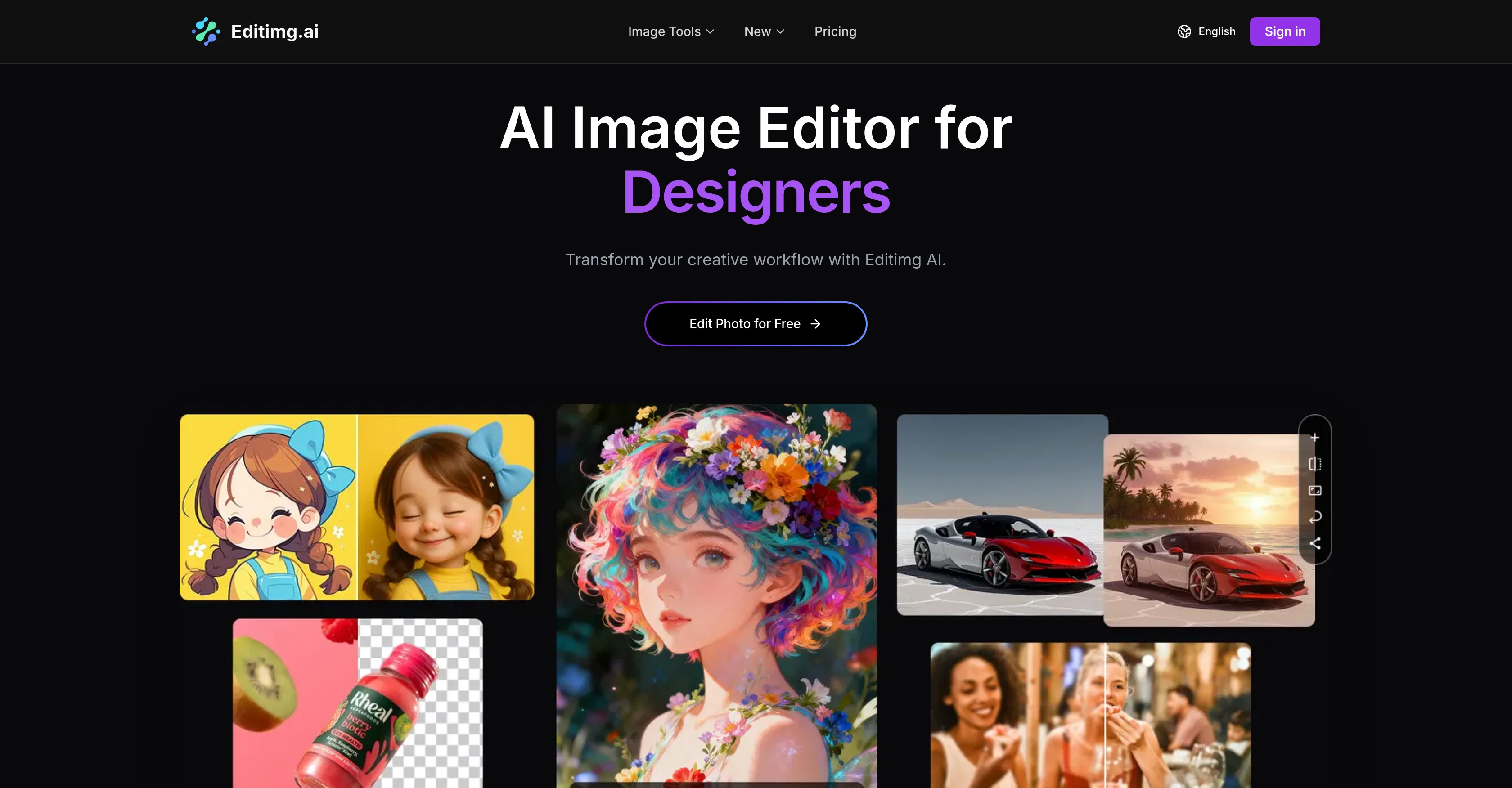
Editimg AI is an advanced AI-powered image editing tool offering a range of services for transforming, enhancing, and generating new images. Features include style transfer, background removal, object replacement, image recomposition, and much more.
The tool offers AI image upscaling to enhance image clarity and resolution, and uses AI to extend images beyond their original borders with content that matches the existing scene.
Editimg AI also provides a tool for removing watermarks and facilitates the transformation of your photos with artistic styles and effects. In addition, it features a text-to-image tool that allows users to generate images from text descriptions, creating unique artwork, designs, and visuals.
Editimg AI also offers a range of AI effects, including the ability to add creative filters, convert photos to artwork, and even colourize black and white photos.
Furthermore, it provides a service for professional portrait editing, including facial feature adjustment, blemish removal, and natural-looking makeup effects.
The platform integrates several industry-leading AI models, each offering unique strengths, allowing users to choose based on specific needs.
Access & connections
Where you can use Editimg AI.
Platforms
Capabilities
What this tool accepts, produces, and is strongest at.
Input
- Image
- Text
Output
- Image
Supported features
- Image Edit
- Image Generation
- Image Understanding
- Image to prompt
- Styling
- Denoise
Pros & cons
Pros
- Advanced image editing
- Background removal
- Object replacement
- Image upscaling
- Extend images beyond original borders
- Remove unwanted objects
- Remove watermarks
- Artistic style and effect application
Show 31 more
- Old photo restoration
- Professional portrait editing
- Skin smoothing
- Facial feature adjustment
- Expression perfecting
- Text to image generation
- Image recomposition
- Supports image conversion
- Black & white photo colorization
- Provides makeup effects
- Removes blemishes
- Integrated text-to-image tool
- Creative filters addition
- Professional-grade editing precision
- Custom emoji creation
- Motion blur removal
- Edit text within images
- Age progression simulation
- 2D to 3D image conversion
- Maintains character consistency
- Background replacement
- Batch processing support
- Produces high-resolution images
- Edit and download in three steps
- Platform integration with industry-leading models
- Sketch to photo conversion
- Creates 3D visualizations
- Supports multiple languages
- Passport Photo Maker
- Skin Color Changer
- Context-aware multimodal engine
Cons
- Complex user interface
- Facial feature adjustments not always accurate
- Difficulties with detailed style transfers
- Imperfect watermark removal
- Limited text-to-image results
Compare alternatives
Similar tools in the catalog — with a clear reason to open each one.

Viyou AI Image Generator ✓
FreemiumTransform text and images into stunning videos and visuals.
Free + from $39.99/yr
Full comparison
Img2Img AI ✓
FreemiumTransform any image with AI in seconds.
Why look Typically cheaper
Full comparison

Photoeditor ✓
PaidEnhanced image editing with object and text removal.
from $9.99/mo
Full comparison
Cleanup pictures ✓
FreemiumRemove unwanted elements from photos instantly.
Why look Typically cheaper
Full comparisonReleases 1
FAQ 12
What exactly is Editimg AI?
How do I use Editimg AI to edit photos?
Can Editimg AI remove object or background from images?
Does Editimg AI support image upscaling?
What is the 'Image Extender' feature in Editimg AI?
Can the Editimg AI remove watermarks from images?
How does Editimg AI facilitate altering photos with artistic styles and effects?
Can I restore old and damaged photos using Editimg AI?
Does Editimg AI offer professional portrait editing features?
How does Editimg AI's image generator work?
Can I create original images using text descriptions in Editimg AI?
Can Editimg AI be beneficial for designers, marketers and content creators?
Related tools
Recommended

ZestyGen ✓
Free TrialTransform any photo with AI style transfer instantly.

AI Image to Image.io ✓
FreemiumTransform images with simple text commands.

EzEditor AI Magic Editor ✓
Free TrialEdit photos instantly with text prompts.

VidFlux AI Image Editor ✓
PaidGenerate and edit stunning images with AI.

AVCLabs PhotoPro AI ✓
Free TrialAI-powered photo editor to simplify photo editing.

Notis ✓
Free TrialThe first WhatsApp assistant that runs on your ChatGPT and Claude subscriptions