

Image expansion 2026 Rank: #2685
ImageStretcher ✓
Stretch locally, or expand edges with AI.
Verdict
A quick read before you dig into the full page.
- Best if
- Stretch locally, or expand edges with AI
- Skip if
- Limited export formats
- Pick this when
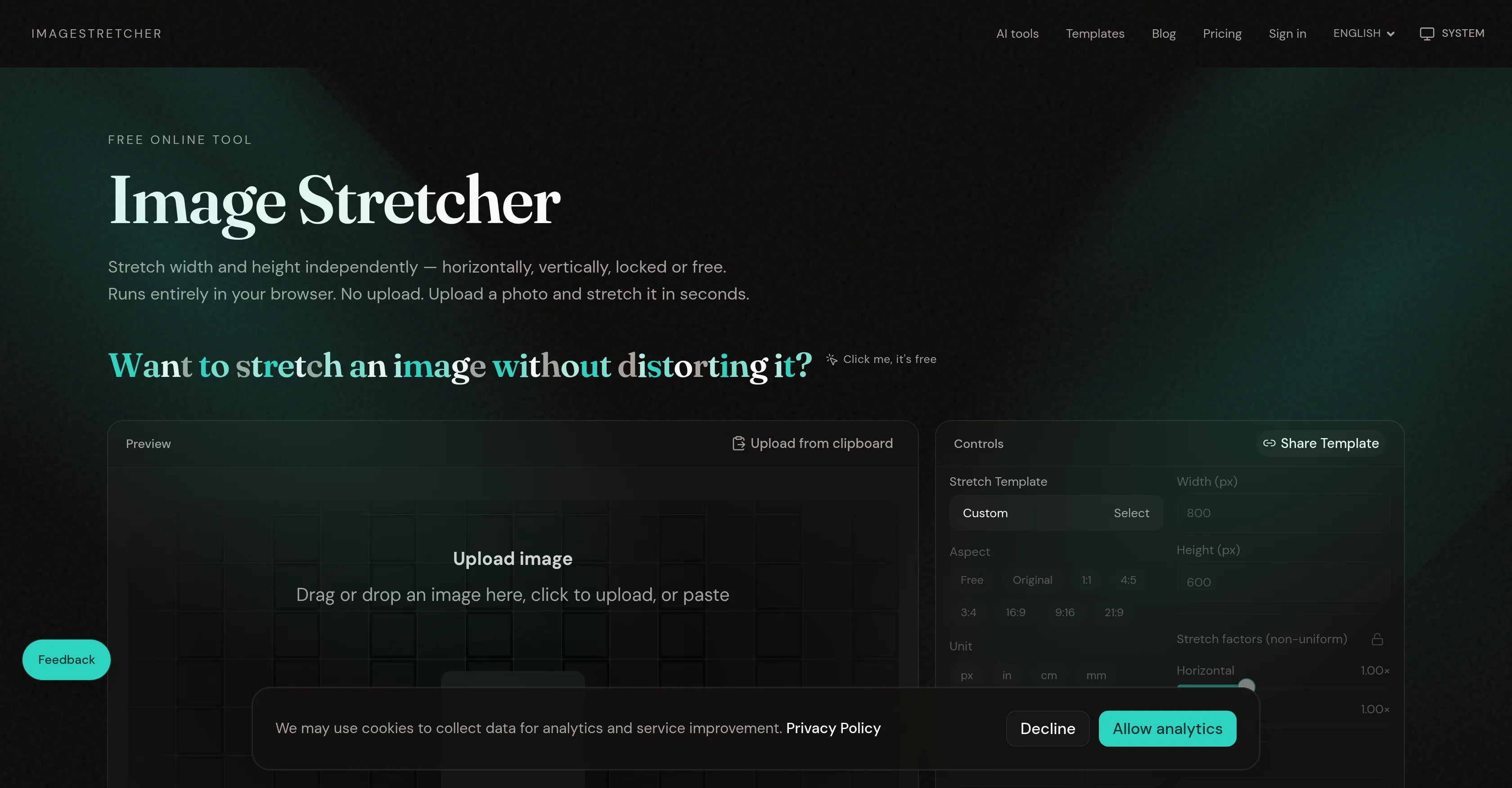
- Stretch width & height independently
Considering Uncrop by Stability AI instead? Compare side by side
Overview
Need new borders instead of warped pixels? AI Image Expander fills the extra canvas. The same site also crops, compresses to a target file size, converts JPG/PNG/WebP, and can brush out an object or overlay text. AI tools can be tried free; sign in when you want monthly credits, or use Pricing for Pro and pay-as-you-go.
Unlike a layout app, this is for a finished photo that already exists. Set pixels, physical units and DPI, or pick a social/print template, then export when the frame looks right.
- Independent Width And Height Stretch
- In-browser Processing — No Upload For Stretch, Crop, Compress
- No Account Required For Core Tools
- Live Canvas Preview
- Crop Before Stretch
- Target File Size Compression
- Jpg, Png, And Webp Convert
- Ai Image Expand (outpaint)
- Remove Object Or Text From A Photo
- Social And Print Size Templates
- Optional Share Link
Access & connections
Where you can use ImageStretcher.
Platforms
Capabilities
What this tool accepts, produces, and is strongest at.
Input
- Image
- Text
Output
- Image
Pros & cons
Pros
- Stretch width & height independently
- Online tool, no installation
- Local processing ensures privacy
- No upload or account required
- Live preview feature
- Download in PNG, JPEG, WebP
- Free tool, no subscription
- Ideal for banners, stories, marketing
Show 14 more
- Works offline once loaded
- Allows non-uniform stretching
- Can adjust aspect ratio freely
- Specialized for adjusting finished bitmaps
- Ideal for meme and cover art formatting
- Preserves original image
- Does not store user pictures
- Tools for social media formatting
- Stretcher & converter on same platform
- Process common formats: PNG, JPEG, WebP, GIF
- Capped processing for large photos
- Built for quick local edits
- Download with quality slider (JPEG, WebP)
- Guides available on blog
Cons
- No support for GIF output
- No batch processing feature
- No API for automation
- Limited export formats
- Offline usability not mentioned
- Lacks sharing to social media
- No built-in templates/layouts
- Lacks collaborative features
Show 2 more
- No cloud storage option
- No undo/redo functionality provided
Compare alternatives
Similar tools in the catalog.

Uncrop by Stability AI ✓
FreemiumUncrop photos to any image format.
Free + from $11.83/mo
Full comparison
Image Extender by Picsman ✓
FreemiumExpand images with AI without distortion.
Free + from $4.99/mo
Full comparison
AI Image Extender.io ✓
FreemiumExpand your photos with AI image extender.
Free + from $4.99/mo
Full comparison

Releases 1
FAQ 12
What is Image Stretcher?
How does Image Stretcher work?
Can Image Stretcher stretch both the width and height of an image?
Does Image Stretcher maintain privacy?
How does Image Stretcher process images locally without the need for upload?
Can the aspect ratio be adjusted freely using Image Stretcher?
What image formats can be downloaded using Image Stretcher?
Can Image Stretcher be used for preparing banners for social media platforms?
Can Image Stretcher be used for meme formatting and cover art editing?
Can Image Stretcher perform free online image resizing and reshaping?
Is there a preview feature in Image Stretcher?
Can I use Image Stretcher without creating an account?
Related tools
Recommended

Kick ✓
FreemiumAccounting software that does the work for you

Supernormal App ✓
FreemiumThe AI assistant app that turns meetings into completed work

Macky ✓
FreemiumAI-executed, consultant-certified engagements for SMEs.

HappySeeds ✓
FreemiumTurn ideas into AI-powered apps instantly.

MiDash AI ✓
FreemiumInvest naturally with conversational AI.

Base44 Superagents ✓
FreemiumBuild your own AI agent in minutes, not days.