

Image Extender by Picsman ✓
Expand images with AI without distortion.
Free + from $4.99/mo
Verdict
A quick read before you dig into the full page.
- Best if
- You are e-commerce businesses and need: E-commerce product photo editing
- Skip if
- Limited number of free expansions
- Pick this when
- ai image extender
Considering Uncrop by Stability AI instead? Compare side by side
Overview
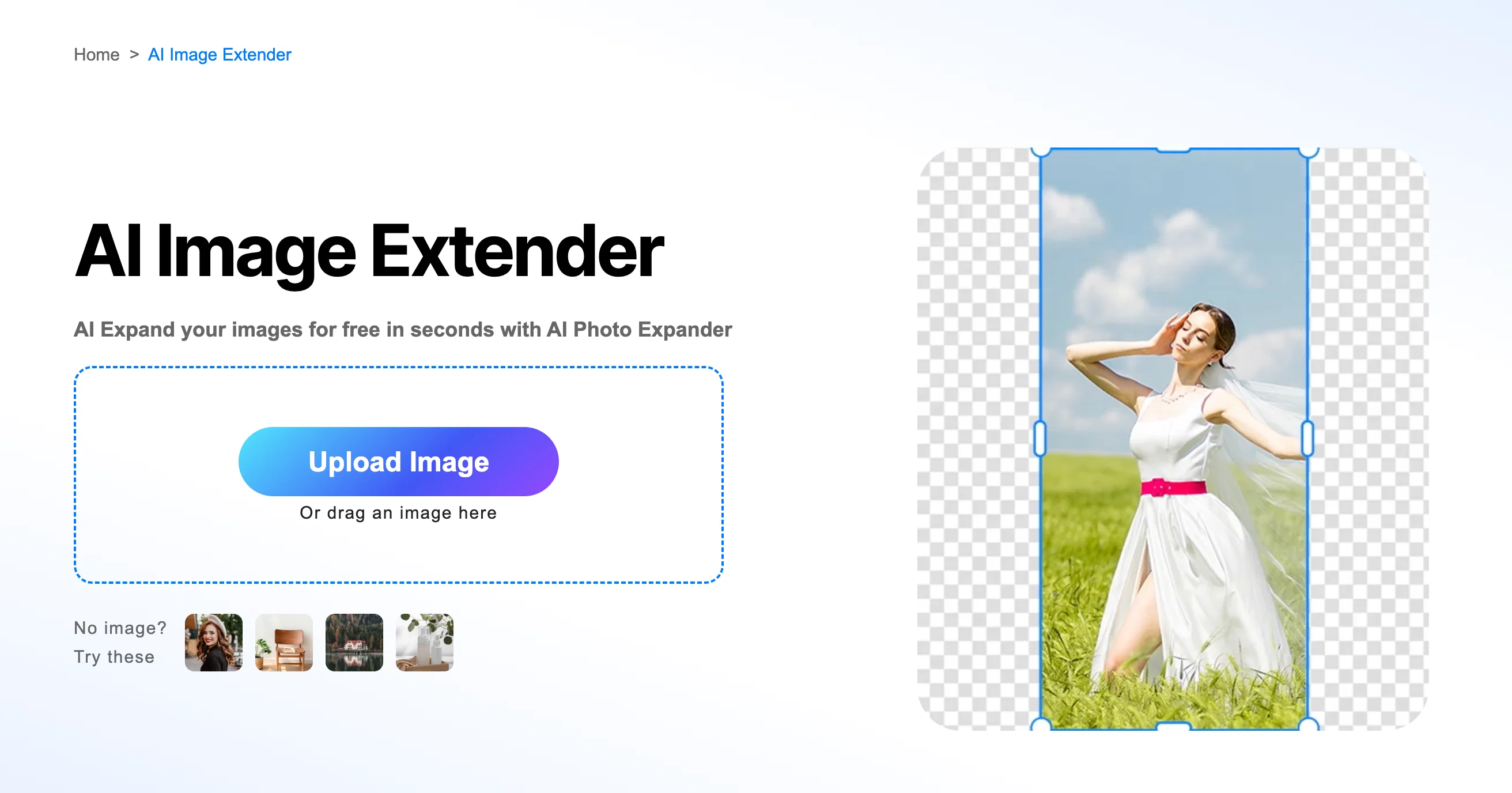
1)Get a peak outside of what the lens captured with AI image extender
2)Magically expand your images naturally and realistically, and fix imperfections in your images
3)Enlarge images to different sizes to provide better visuals for any project or purpose
Best for
Short scenarios where Image Extender by Picsman tends to shine.
-
E-commerce product photo editing
Best for E-commerce businesses
-
Social media content creation
Best for Social media marketers
-
General photo enhancement and retouching
Best for Photographers
Example outputs 1
Sample generations and before/after results for Image Extender by Picsman.
Access & connections
Where you can use Image Extender by Picsman.
Platforms
Capabilities
What this tool accepts, produces, and is strongest at.
Input
- Image
Output
- Image
Supported features
- Outpainting
- Upscaling
- Image Edit
- Realism
Pros & cons
Pros
- ai image extender
- Corrects over-cropped photos
- Adjusts image framing
- Transforms image orientations
- Produces harmonious new content
- Preserves original image quality
- Amplifies visual impact
- Customizable extension directions
Show 18 more
- Supports specific aspect ratios
- Allows manually adjusted sizes
- Optimizes images for social media
- Repairs image imperfections
- Supports many image formats
- Efficiently serves e-commerce needs
- Meet graphic design requirements
- Maintain image's integrity
- Tailors to use-case needs
- Enhances print media visuals
- Supports marketing campaign imagery
- Serves varied resizing needs
- Easy usability
- Saves time and effort
- Enables image defenses
- Adaptable to different platforms
- Prevents image distortion
- Suits photography needs
Cons
- Limited number of free expansions
- Additional functions require upgrade
- Not mentioned offline usage
- No direct sharing option
- Output quality might vary
- No video extension support
- Doesn't support all image formats
- Need account for full services
Show 2 more
- No detailed customization options
- Doesn't mention error handling
Compare alternatives
Similar tools in the catalog.

Uncrop by Stability AI ✓
FreemiumUncrop photos to any image format.
Free + from $11.83/mo
Full comparison
AI Image Extender.io ✓
FreemiumExpand your photos with AI image extender.
Free + from $4.99/mo
Full comparison
PixExtender ✓
Free TrialExpand images to your custom size up to 4096 pixels.
Free + from $8.3/mo
Full comparisonPeople also view
Tools that often show up alongside Image Extender by Picsman in collections and comparisons.

ImageStretcher ✓
FreemiumStretch locally, or expand edges with AI.
Uncrop by Stability AI ✓
FreemiumUncrop photos to any image format.
PixExtender ✓
Free TrialExpand images to your custom size up to 4096 pixels.

PhotoCat AI Image Extender ✓
Free TrialExpand images naturally with AI uncropping.
AI Image Extender.io ✓
FreemiumExpand your photos with AI image extender.

WhereToOpen.ai ✓
Free TrialFind the perfect business location in 60 seconds.

Restore Old Photos.io ✓
Free TrialRestore old photos online with AI for free.

Promtist AI ✓
FreeGenerate optimized prompts for better AI results.
Releases 1
Imported reviews 1
Supports unlimited preview, which is good
FAQ 12
What is the Image Extender by Picsman used for?
How does Image Extender by Picsman maintain the quality of original images while extending them?
Can I use Image Extender to correct over-cropped photos?
Can the Image Extender tool transform a vertical image into a horizontal one?
How does Image Extender by Picsman employ AI outpainting technology?
What are the potential use-cases of Image Extender by Picsman?
What types of images can the Image Extender tool work with?
How does Image Extender by Picsman cater to specific aspect ratios or manually adjusted sizes in image extensions?
How can Image Extender by Picsman enhance the visual impact of my images?
How can I use the Image Extender tool for my social media posts?
Can I use Image Extender by Picsman for my e-commerce site images?
In what formats can I save my extended image?
Related tools
Recommended

Image Editor Online ✓
FreeTransform images with AI prompts instantly online.

Unblur Image by Uluch ✓
FreeTransform blurry photos into crystal-clear images instantly.
Restore Old Photos.io ✓
Free TrialRestore old photos online with AI for free.

TheLibrarian.io ✓
Free TrialYour WhatsApp AI assistant for instant productivity.

Suno ✓
FreemiumMake music at the speed of your ideas.

PrompTessor ✓
FreemiumAI Prompt Workspace for Better AI Results
