

Airbrush AI Background Remover ✓
Remove backgrounds from images with AI in seconds.
Free + from $9.95/mo
Verdict
A quick read before you dig into the full page.
- Best if
- Remove backgrounds from images with AI in seconds
- Skip if
- Limited to PNG output only
- Pick this when
- Handles handwritten signatures removal
Considering Remove Background by Picsart instead? Compare side by side
Overview
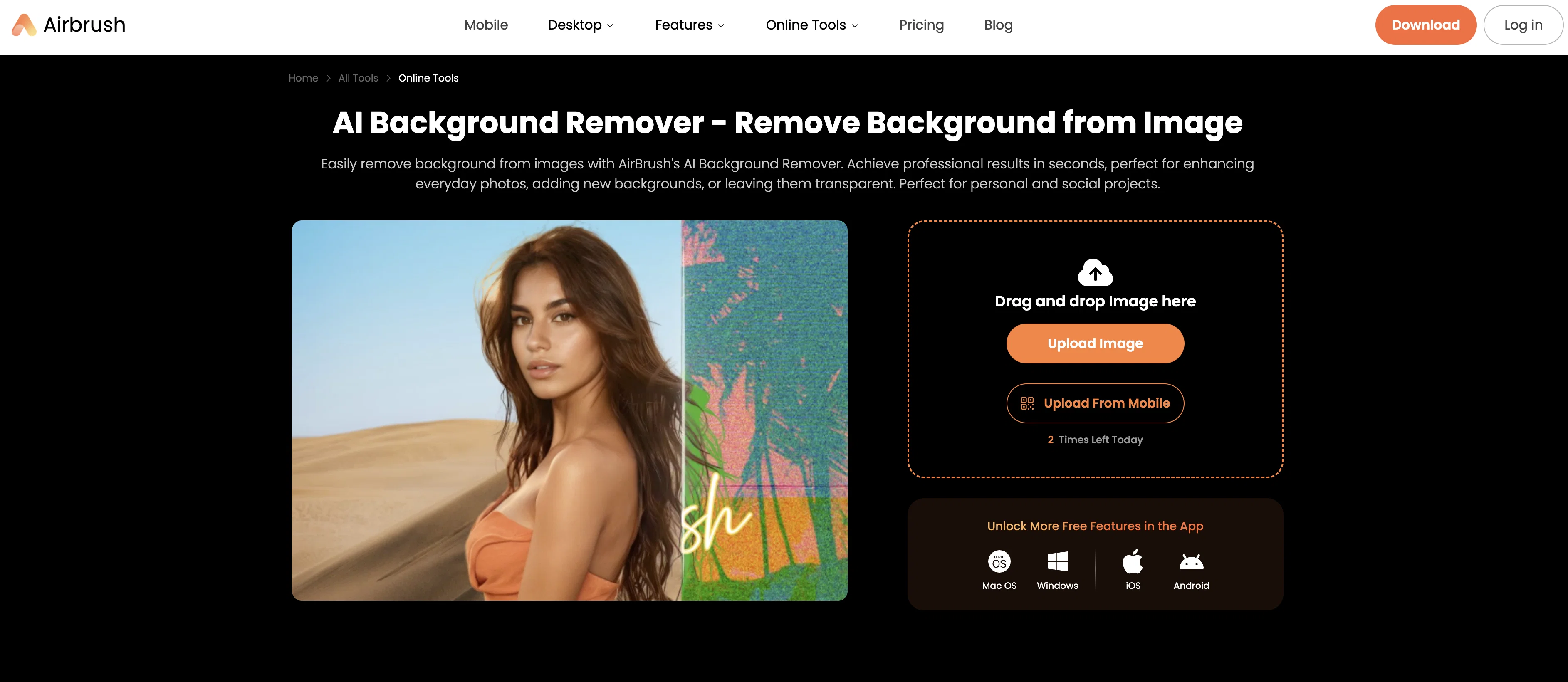
Airbrush's AI Background Remover is an online tool designed to alter the backgrounds of images for professional and personal use. Its primary function is to delete backgrounds from images, creating clean PNG files with transparent backgrounds.
This makes it ideal for use in a range of projects, from enhancing everyday photos to more extensive graphic design tasks. Removing the background from an image instantly can help to elevate the image, making it particularly suitable for use on social media platforms.
The tool also offers an easy-to-use function allowing users to change the background color post-removal to any desired hue, resulting in custom, realistic AI backgrounds.
In addition to its general use capabilities, Airbrush's AI Background Remover also features designated tools for changing ad backgrounds and removing backgrounds from product images, contributing to professional-quality results in advertising and enhancing online store visuals.
Other specific features include a facility for improving food blog images and optimizing visuals for websites by quickly eliminating the backgrounds for more polished, professional-looking images.
Using the tool involves uploading the image, after which the AI automatically removes the background, ready for the user to save and download the edited image.
Access & connections
Where you can use Airbrush AI Background Remover.
Platforms
Capabilities
What this tool accepts, produces, and is strongest at.
Input
- Image
Output
- Image
Supported features
- Image Edit
- Image Generation
- Background Removal
Pros & cons
Pros
- Handles handwritten signatures removal
- Processes vector graphics backgrounds
- Custom realistic background generation
- One-click ad background replacement
- Food blog image optimization
- Drag and drop upload
- Upload from mobile directly
- Pre-designed background options
Show 33 more
- Clean PNG transparent output
- Three-step operation process
- No graphic design skills
- Single click background change
- Product image enhancement focus
- Website visual optimization tools
- Professional advertising results quickly
- Portrait to product versatility
- Instant Instagram image processing
- Holiday photo enhancement feature
- Brand logo integration capability
- Online store enhancement tools
- Art project background eraser
- Digital art project support
- Creative presentation optimization
- Polished professional website images
- Fresh engaging content creation
- Consistent website look maintenance
- Image reuse with backgrounds
- Professional prints enhancement
- Social media optimization focus
- Unique gifts photo preparation
- Eye-catching advertising image creation
- Distraction removal from subjects
- Appeal boosting for products
- Sales enhancement through visuals
- Time-saving background replacement
- Effortless visual enhancement
- Clean attractive background options
- Quick distracting element removal
- Professional food photography results
- Content engagement improvement
- Website visual revamp capability
Cons
- No batch processing capability
- Limited to PNG output only
- Online-only dependency required
- No manual edge refinement
- Daily usage limits imposed
- No API access available
- Requires internet connection always
- No local processing option
Show 2 more
- Single image processing only
- No bulk export features
Compare alternatives
Similar tools in the catalog — with a clear reason to open each one.

Remove Background by Picsart ✓
FreemiumInstantly remove backgrounds for clean, transparent images—perfect for products, designs, and creative
Why look Offers a public API
Full comparison
Merchant Floor | Background Remover ✓
FreemiumRemove the background & retouch your product photos
Free + from $20
Full comparison
remove.bg ✓
FreemiumRemove image backgrounds in 5 seconds with one click
Why look Offers a public API
Full comparison
AI Background Remover - Picsman ✓
Free TrialInstantly remove image backgrounds with AI
Why look Typically cheaper
Full comparison
Removal.AI
FreemiumAI tool for instant automated image background removal and editing.
Why look Typically cheaper
Full comparisonReleases 1
FAQ 12
Is AirBrush AI Background Remover completely free to use?
How accurate is AirBrush at removing backgrounds from complex images?
Does AirBrush work well with hair and fine details?
How long does it take AirBrush to process one image?
Does AirBrush compress my images after background removal?
Can I use AirBrush on my phone or is it desktop only?
What happens to the image quality after using AirBrush?
Does AirBrush have a daily limit on free background removals?
Can AirBrush handle group photos with multiple people?
What file formats does AirBrush output after background removal?
Can I batch process multiple images at once with AirBrush?
How does AirBrush compare to Photoshop for background removal?
Related tools
More from this creator

Airbrush ✓
FreemiumGenerate AI-powered images in one click.

Vmake Video Enhancer ✓
FreemiumTransform low-res videos into high-quality masterpieces.

Vmake ✓
FreemiumAI-powered photo and video editing made easy

BeautyPlus AI Image Enhancer ✓
FreemiumEnhance images with AI for superior quality instantly.
AI Background Remover - Picsman ✓
Free TrialInstantly remove image backgrounds with AI

PhotoCat AI Image Extender ✓
Free TrialExpand images naturally with AI uncropping.