

Image expansion 2026 Rank: #1661
AI Image Extender.io ✓
Expand your photos with AI image extender.
Verdict
A quick read before you dig into the full page.
- Best if
- Expand your photos with AI image extender
- Skip if
- Limited to aspect ratio expansion
- Pick this when
- Expands images preserving quality
Considering Uncrop by Stability AI instead? Compare side by side
Overview
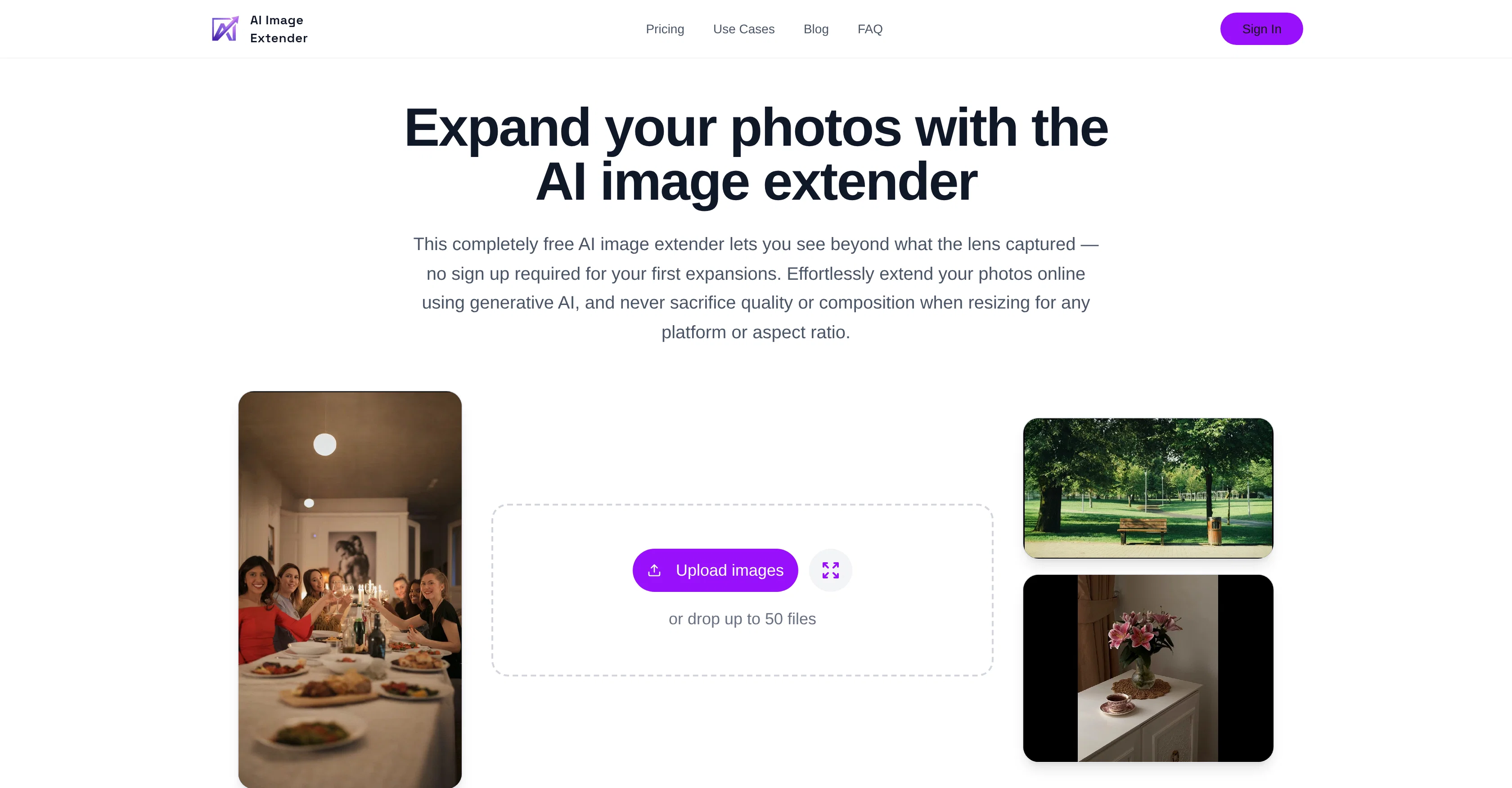
The AI Image Extender is an efficient tool designed to extend images beyond their original dimensions without sacrificing quality or composition. With a strong focus on usability and speed, it is built for fast turnarounds on both web and mobile platforms.
The service, free for initial uses, allows users to resize pictures for any platform or aspect ratio, seamlessly adding more space without disturbing the subject of the image.
This tool avails a much lighter workflow compared to tools like Photoshop, making it ideal when quick expansions rather than deep retouching are required.
With a simple process, users can upload an image, choose the direction or ratio, and generate a usable result without the need for setting up larger workflows.
The AI Image Extender also provides premium subscribers with batch expansion capabilities, offering the ability to simultaneously process up to 50 images.
Among its many applications, the extender is beneficial for content creators repurposing shoots for various platforms, designers preparing campaign assets, or photographers delivering client galleries.
The extended images maintain high quality and context, making them optimized and adaptable for use across various social media platforms.
Access & connections
Where you can use AI Image Extender.io.
Platforms
Capabilities
What this tool accepts, produces, and is strongest at.
Input
- Image
Output
- Image
Supported features
- Image Edit
- Image Generation
- Visual Creation
- Realism
- Automation
- Outpainting
Pros & cons
Pros
- Expands images preserving quality
- Quick adjustments capability
- Eliminates complex design suites
- Intelligently adds new pixels
- Preserves subject's context
- Adds natural background details
- Smooths image edges
- Creates extra space
Show 43 more
- Delivers professional outcome
- Supports batch processing
- 50 images simultaneous expansion
- Saves time
- Maintains output consistency
- Faster than traditional tools
- Image ratio control
- Social media optimization
- Photo optimization
- Fast processing
- Photoshop alternative
- Premium subscriptions
- Usability and speed focused
- Free for initial uses
- Resizes for any platform
- Lighter workflow
- Free to try
- No signup required initially
- HTTPS encryption
- No awkward crops
- Preserves image subject
- Clean output
- Preset aspect ratio templates
- Natural background details
- Perfect for every social media
- Generates new pixels
- Supports multiple aspect ratios
- Clear pricing plans
- Mobile usability
- Web usability
- Automated image expansion
- Secure data
- Retains original image context
- Comparative plans (Premium, Pro)
- Optimized for social media
- Supports multiple image formats
- Direction selection for expansion
- Quality retention on resizing
- Consistent output at scale
- Creates extra space in images
- Fast turnarounds on platforms
- Extension beyond original dimensions
- Automated batch expansion for subscribers
Cons
- No edit capabilities
- No design suite features
- No deep retouching
- Subscription for batch processing
- Limited to 50 images per batch
- No custom prompt option
- No free batch processing
- Limited to aspect ratio expansion
Show 1 more
- Not ideal for intricate designs
Compare alternatives
Similar tools in the catalog.

Uncrop by Stability AI ✓
FreemiumUncrop photos to any image format.
Free + from $11.83/mo
Full comparison
Image Extender by Picsman ✓
FreemiumExpand images with AI without distortion.
Free + from $4.99/mo
Full comparison
PixExtender ✓
Free TrialExpand images to your custom size up to 4096 pixels.
Free + from $8.3/mo
Full comparison

Releases 1
FAQ 12
What is the AI Image Extender tool?
How does AI Image Extender work to preserve the quality and context of an image?
Can I use AI Image Extender for professional photography purposes?
How does AI Image Extender add natural background details and smooth edges of an image?
What is the capacity of batch processing in AI Image Extender?
How can AI Image Extender help in image repurposing for multiple platforms?
How fast can AI Image Extender process an image?
How is AI Image Extender a better and faster alternative to traditional design tools?
What are the applications of AI Image Extender in content creation and social media preparation?
Is AI Image Extender a completely free tool?
What is the premium subscription plan of AI Image Extender?
Is there a sign-up required to use AI Image Extender?
Related tools
Recommended

BestPhotoAI ✓
FreemiumCreate amazing AI photos instantly

Viyou AI Image Generator ✓
FreemiumTransform text and images into stunning videos and visuals.

Idea2Clip ✓
FreemiumAll-in-One AI Video Factory

CozAIPhoto ✓
Free TrialCreate photoreal portraits and lifestyle photos in minutes.

Photo AI ✓
PaidCreate beautiful AI photos and videos of real people

Stockimg AI ✓
PaidGenerated images and text for design ease.