

ImgUpscaler.Online ✓
Transform low-resolution images into stunning 4K quality.
Free + from $8.9/mo
Verdict
A quick read before you dig into the full page.
- Best if
- Transform low-resolution images into stunning 4K quality
- Skip if
- Limited to 1 image for basic plan
- Pick this when
- Upscales to 4K quality
Considering Deep Image instead? Compare side by side
Overview
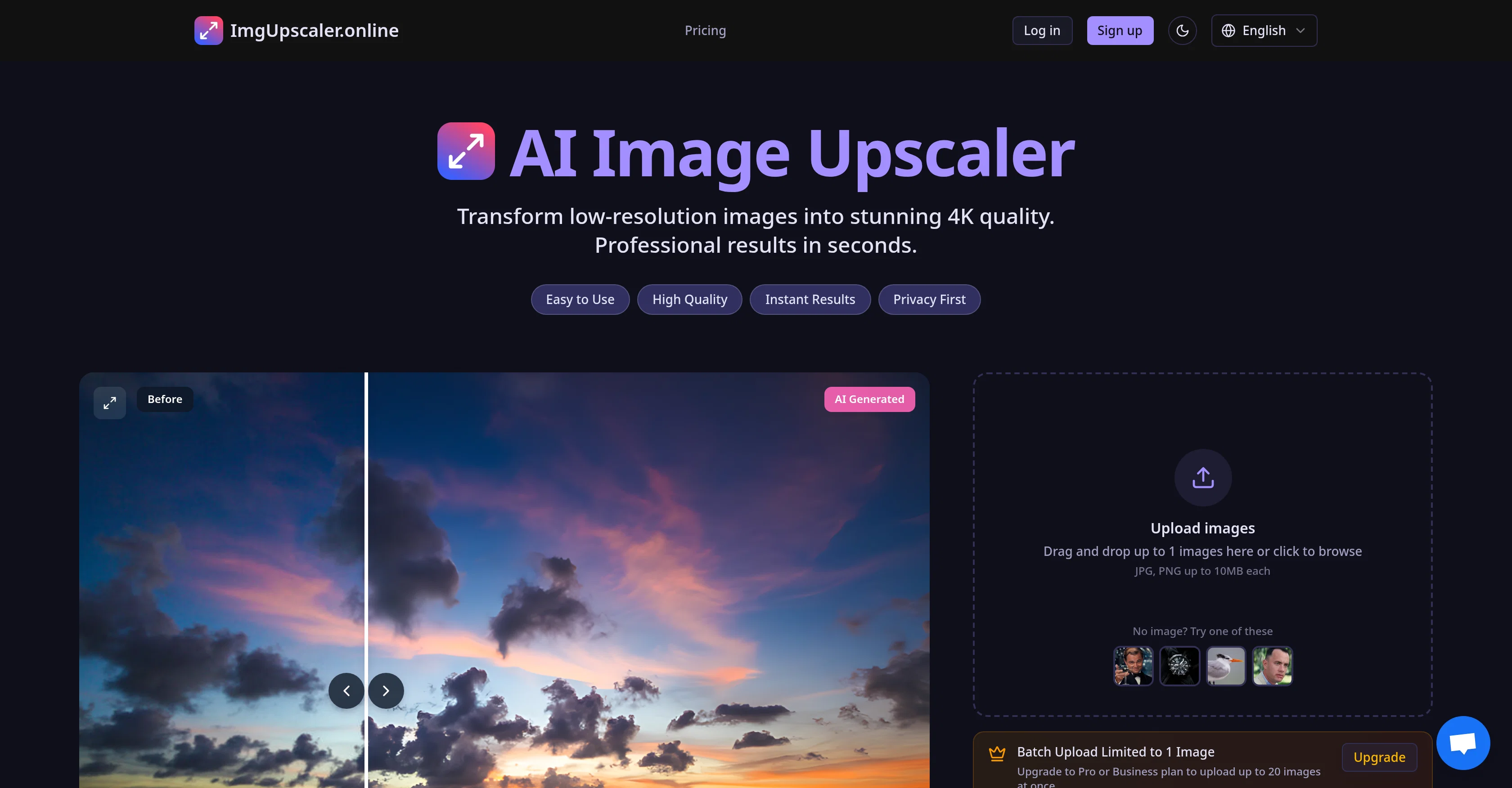
ImgUpscaler.online is an AI-based tool designed for image upscaling and quality enhancement. Utilizing advanced AI and deep learning technologies, this tool is capable of transforming low-resolution images into 4K quality by intelligently identifying and restoring image details.
It is particularly effective in bringing blurry or ragged photos back to life. The tool includes three AI-powered quality modes - HD Fast Mode, 4K Pro Mode, and Ultra Mode.
The HD Fast mode provides quick processing and is optimized for restoring facial details in old photos. The 4K Pro Mode and Ultra Mode provide intricate image enhancement for more demanding tasks.
This tool also offers batch processing features, which can be accessed with upgrading to a Pro or Business plan. Notably, it ensures privacy and security of images with its Privacy First policy and 24-Hour Auto-Delete feature.
Use-cases range from enhancing personal memories to scaling up business applications like professional photography, e-commerce product photos, social media content, real estate photography, print and publishing, etc.
Additionally, it also has a mobile-friendly interface, making it easily accessible.
Access & connections
Where you can use ImgUpscaler.Online.
Platforms
Capabilities
What this tool accepts, produces, and is strongest at.
Input
- Image
Output
- Image
Supported features
- Image Edit
- Upscaling
Pros & cons
Pros
- Upscales to 4K quality
- Deep learning technology
- Restores image details
- Revitalizes blurry photos
- Offers three modes
- HD Fast Mode
- 4K Pro Mode
- Ultra Mode
Show 41 more
- High quality results
- Supports batch processing
- Different plans available
- Ensures privacy
- Auto-delete feature
- Secure handling of images
- User-friendly interface
- Drag and drop feature
- Useful for personal photos
- Tool for professional photographers
- Optimizes e-commerce product images
- Improves social media content
- Enhances real estate images
- Suits large format printing
- Mobile-friendly interface
- Offers facial detail restoration
- Quick processing in HD mode
- Batch processing for Pro and Business plans
- Privacy First Policy
- 24-Hour Auto-Delete feature
- Variety of use-cases
- One-click fix feature
- Optimized for social media sharing
- 10-Second Processing
- Suits professional photography
- Useful for e-commerce & product photos
- Enhances social media content
- Ideal for real estate & architecture
- Supports print & publishing
- Enhances personal memories
- Supports JPG, PNG formats
- Maximum 10MB upload limit
- Scaling up business capabilities
- Lightning-fast processing
- Enterprise-grade security
- All image enhancing needs met
- Ideal for large-format printing
- Revitalises old family photos
- Ideal for print standards
- Fast processing for social sharing
- Upscales images 2x larger
Cons
- Limited to 1 image for basic plan
- Requires frequent purchase of credits
- Different modes consume different credits
- No free trial mentioned
- Potential delay in 10-second processing
- Supports only JPG, PNG formats
- Unclear commercial use policies
- 3 different modes may confuse
Show 2 more
- No information about failed deductions
- No refund policies clearly stated
Compare alternatives
Similar tools in the catalog — with a clear reason to open each one.

Deep Image ✓
Free TrialEnhance photos with advanced editing features.
Free + from $9/mo
Full comparison
Upscayl ✓
Free TrialEnhance images with free, open-source AI upscaling.
Why look More privacy-focused
Full comparison
AI Upscaler ✓
FreemiumSmarter AI 4K Upscaler for Images & Videos
Why look Typically cheaper
Full comparison
SciFig ✓
FreemiumTurn text into publication-ready scientific figures.
Free + from $12/mo
Full comparison

Neurohelper AI ✓
PaidEvery leading AI model. One workspace.
Why look Better for writing
Full comparisonReleases 1
Imported reviews 1
Fast & straightforward with acceptable quality
FAQ 12
What is ImgUpscaler.Online and what does it do?
How does ImgUpscaler.Online use AI to improve image quality?
What are the three modes available in ImgUpscaler.Online?
Which mode in ImgUpscaler.Online is best for restoring faces in images?
Can ImgUpscaler.Online process multiple images at once?
What are the use-cases for ImgUpscaler.Online?
How does ImgUpscaler.Online ensure the privacy of my images?
What does the auto-delete feature in ImgUpscaler.Online do?
How do I upload images to ImgUpscaler.Online?
Can ImgUpscaler.Online enhance old or low-resolution photos?
How does ImgUpscaler.Online enhance e-commerce product images?
How can ImgUpscaler.Online help with social media content enhancement?
Related tools
Recommended

Image Editor Online ✓
FreeTransform images with AI prompts instantly online.

Viyou AI Image Generator ✓
FreemiumTransform text and images into stunning videos and visuals.

freebeat AI ✓
FreemiumTurn Music & Ideas into Viral Videos In One Click

BeautyPlus AI Image Enhancer ✓
FreemiumEnhance images with AI for superior quality instantly.

Laike.AI ✓
FreemiumUpload images and describe how to edit or restyle them.

ImgEnhancer.app ✓
FreemiumTransform low-res images to 8K instantly.