

Laike.AI ✓
Upload images and describe how to edit or restyle them.
Free + from $6/mo
Verdict
A quick read before you dig into the full page.
- Best if
- Upload images and describe how to edit or restyle them
- Skip if
- Limit of five files
- Pick this when
- Text-driven image change
Considering Viyou AI Image Generator instead? Compare side by side
Overview
The Image to Image AI Generator & Editor from Laike.AI is an advanced AI tool designed to reimagine and edit images effectively. Users can upload one or more images and describe the desired edits or restyling via textual prompts, allowing for straightforward and intuitive image transformation.
This tool supports various image formats including .jpg, .jpeg, .png, .webp, .jfif, .pjpeg, and .pjp. The highly versatile capacities of this tool range from changing the visual style of an image, applying various artistic effects like cartoon, 3D model, oil painting, and sci-fi styles, to more complex manipulations such as adding objects or modifying an existing scene.
One of the key features of this platform is strength, which users can adjust to control the intensity of changes, ranging from subtle edits to complete image restyling.
With its advanced, prompt-based editing and ControlNet-style structural consistency, this AI tool ensures that the integrity of the originally uploaded images - including poses and layouts - is preserved.
Specifically designed to cater to creative needs, Laike.AIs Image to Image Generator is suitable for designers exploring design variations, photographers seeking to edit backgrounds or seasons, and AI artists looking to improve text-to-image outputs.
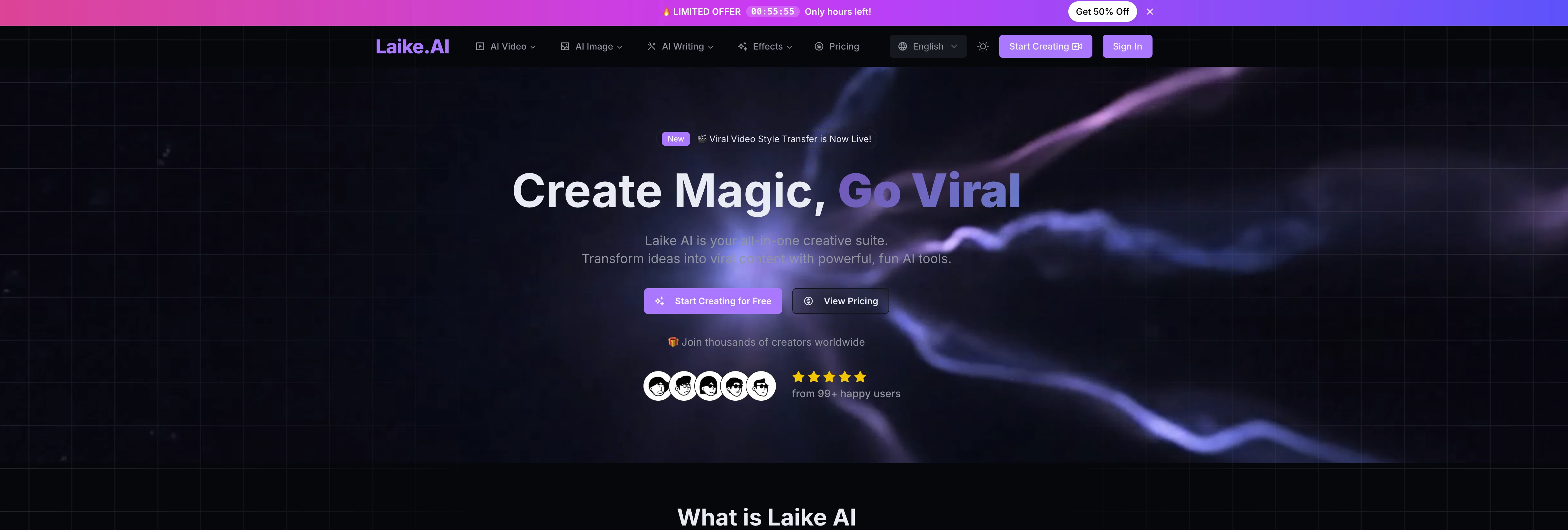
Access & connections
Where you can use Laike.AI, and what it plugs into.
Platforms
Integrations
Capabilities
What this tool accepts, produces, and is strongest at.
Input
- Image
- Text
Output
- Image
Supported features
- Image Edit
- Image Generation
- Styling
Pros & cons
Pros
- Text-driven image change
- Adjustable image transformation strength
- Maintains image structural consistency
- Supports several image formats
- Simultaneous editing for multiple files
- Prompt based editing
- ControlNet Style editing
- Design variations explorer
Show 20 more
- Background and seasons editing
- Preserves poses and layouts
- Generates creative and artistic effects
- Visual style changer
- Complex image manipulations
- Filter application
- Desirable for photographers
- Optimized for well-lit images
- Allows scene transformations
- Adjusts subtle to drastic changes
- Upload up to five files
- Changes environments in images
- Facilitates design variations
- Supports .png, .jpeg, .jpg, .webp, .jfif, .pjpeg, .pjp
- Transform images with text prompts
- Preserves integrity of original image
- Caters to creative needs
- Improves text-to-image outputs
- Increases editing precision
- Range of artistic effects
Cons
- Limit of five files
- No batch editing
- Doesn't handle poorly-lit images
- Doesn't mention resolution limits
- No localized edits
- Dependent on text descriptions
- No real-time modifications
- Limited to predefined styles
Show 2 more
- No API integration
- Requires post-processing for precise edits
Compare alternatives
Similar tools in the catalog — with a clear reason to open each one.

Viyou AI Image Generator ✓
FreemiumTransform text and images into stunning videos and visuals.
Free + from $39.99/yr
Full comparison
Img2Img AI ✓
FreemiumTransform any image with AI in seconds.
Why look Typically cheaper
Full comparison

Photoeditor ✓
PaidEnhanced image editing with object and text removal.
from $9.99/mo
Full comparison
Cleanup pictures ✓
FreemiumRemove unwanted elements from photos instantly.
Why look Typically cheaper
Full comparisonReleases 1
FAQ 12
What is Laike.AI Image to Image Generator & Editor?
How does Laike.AI Image to Image Generator & Editor work?
What kind of features does Laike.AI Image to Image Generator & Editor offer?
What image formats does Laike.AI Image to Image Generator & Editor support?
How many files can I upload at a time on Laike.AI Image to Image Generator & Editor?
How can I control the intensity of image transformations on Laike.AI Image to Image Generator & Editor?
What does the strength of transformation mean in Laike.AI Image to Image Generator & Editor?
Who can benefit from using Laike.AI Image to Image Generator & Editor?
What type of image works best with Laike.AI Image to Image Generator & Editor?
Can I do style alterations on Laike.AI Image to Image Generator & Editor?
Can I transform the complete scene in my image using Laike.AI Image to Image Generator & Editor?
Does Laike.AI Image to Image Generator & Editor allow object addition to images?
Related tools
Recommended

Image Editor Online ✓
FreeTransform images with AI prompts instantly online.

AI Image Editor ✓
FreemiumImage editing

PixArmory ✓
Free TrialYour Swiss Army Knife AI Photo Editor
Img2Img AI ✓
FreemiumTransform any image with AI in seconds.

PrompTessor ✓
FreemiumAI Prompt Workspace for Better AI Results

Grok ✓
FreemiumConversational AI for understanding the universe.