

Image upscaling 2026 Rank: #602
ImgEnhancer.app ✓
Transform low-res images to 8K instantly.
Verdict
A quick read before you dig into the full page.
- Best if
- Transform low-res images to 8K instantly
- Skip if
- Output limited to JPG, PNG, WEBP
- Pick this when
- Upscaling images to 8K
Considering Deep Image instead? Compare side by side
Overview

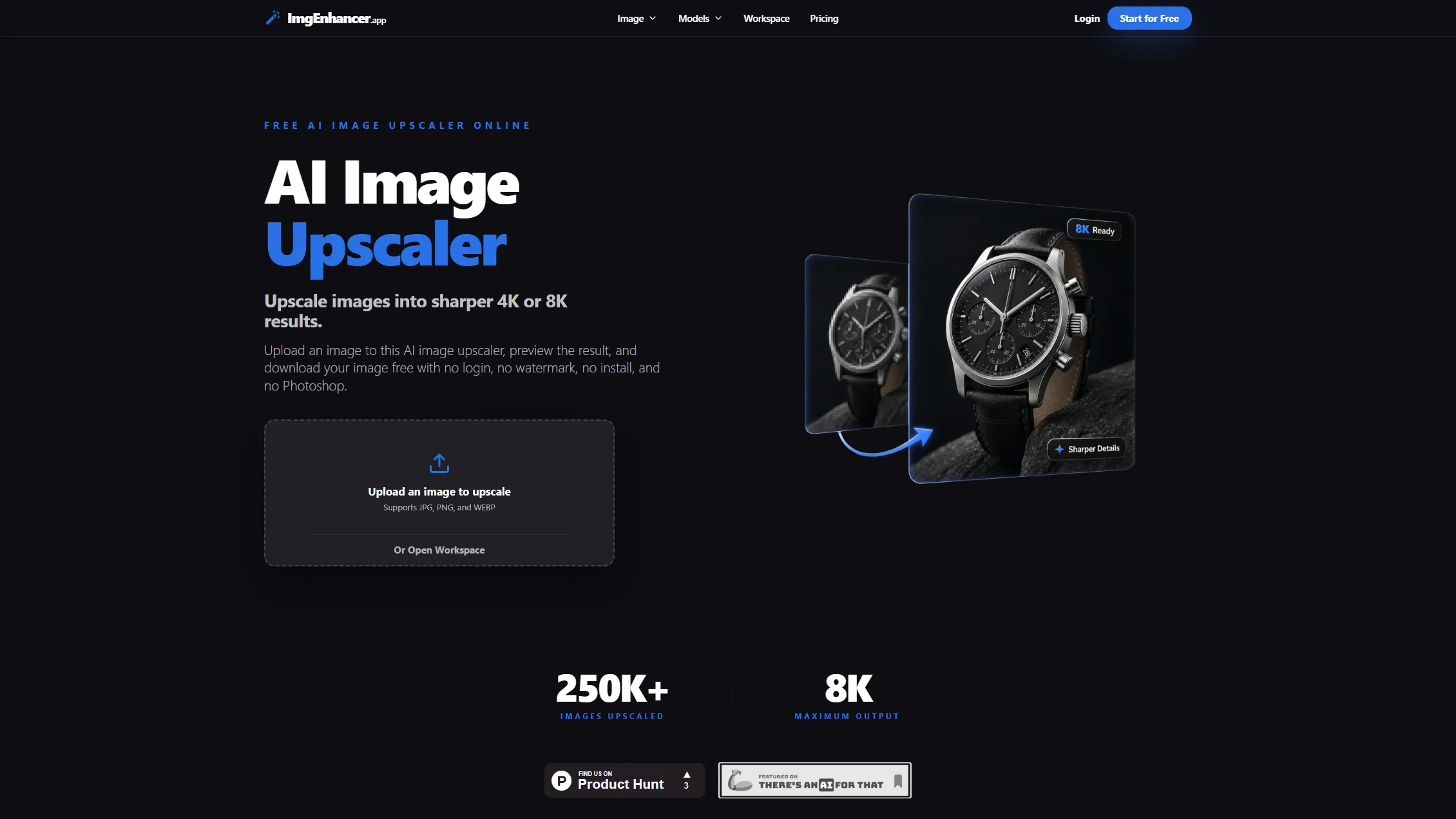
ImgEnhancer is an online tool leveraging AI to upscale images to varying resolution sizes including 1K, 2K, 4K, and 8K. The tool is free and does not require user sign up.
It allows you to fix blur, reduce noise, and restore the details of images within seconds right in your browser. The ImgEnhancer is built for a variety of professional use cases including ecommerce, photography, print, and social media.
The tool helps to upscale images, sharpen details, and export clean results quickly. It provides a variety of export formats including JPG, PNG, and WEBP.
In term of data control, it provides features to delete processed images with varying retention policy for free and paid users. The engine behind ImgEnhancer is an optimized AI pipeline that ensures high-quality upscaling of images while keeping the edges and textures natural and clean.
Additionally, ImgEnhancer prioritizes privacy, ensuring your images are processed securely and never stored long-term or used for training.
- Watermark Remover
- Ai Face Swap
- Old Photo Restoration
Access & connections
Where you can use ImgEnhancer.app.
Platforms
Capabilities
What this tool accepts, produces, and is strongest at.
Input
- Image
- Text
Output
- Image
Highlights
- No Signup
Supported features
- No Signup
Pros & cons
Pros
- Upscaling images to 8K
- Fast and seamless operation
- Image clarity restoration
- Removes image blur
- Noise reduction feature
- Maintains natural image textures
- Suits various professional use-cases
- Enhances e-commerce product photos
Show 35 more
- Easy-to-use interface
- No skills required for usage
- Data control through image deletion
- Images auto-deleted after periods
- Privacy-first operation
- Support batch processing
- Supports multiple resolution sizes
- No user sign-up required
- Reduced image noise
- Restores image details
- Maintains natural image edges
- Multiple image export formats
- Varied data retention policies
- Edges and textures maintenance
- Supports multiple use cases
- Fast image processing
- Zero learning curve
- Clean and clear quality
- 8K resolution output
- Built for professionals
- Supports ecommerce, social media
- Fixes high-ISO photos
- Preserves skin tones, fabric details
- Upscales thumbnails and social posts
- Gets rid of platform compression
- Improves ad creatives
- Upscales real estate listings
- Multiple export formats
- No sign up required
- Supports 1K/2K/4K/8K sizes
- 120K+ images upscaled
- 5 seconds processing speed
- No gatekeep quality in plans
- Billed yearly commercial license included
- Unlimited trials for free
Cons
- 24h data retention for free users
- Does not offer API
- Output limited to JPG, PNG, WEBP
- No offline version
- No accounts for preference retention
- Longer processing for large files
Compare alternatives
Similar tools in the catalog — with a clear reason to open each one.

Deep Image ✓
Free TrialEnhance photos with advanced editing features.
Free + from $9/mo
Full comparison
Upscayl ✓
Free TrialEnhance images with free, open-source AI upscaling.
Why look More privacy-focused
Full comparison
AI Upscaler ✓
FreemiumSmarter AI 4K Upscaler for Images & Videos
Why look Typically cheaper
Full comparison
SciFig ✓
FreemiumTurn text into publication-ready scientific figures.
Free + from $12/mo
Full comparison

Neurohelper AI ✓
PaidEvery leading AI model. One workspace.
Why look Better for writing
Full comparisonReleases 1
FAQ 12
What is ImgEnhancer?
How does ImgEnhancer upscale images?
Does ImgEnhancer require signing up?
Does ImgEnhancer require any software installations?
What are the key features of ImgEnhancer?
How does ImgEnhancer ensure data control and security?
How long does ImgEnhancer keep my uploaded images?
Can ImgEnhancer be used for professional photography?
What are some common use-cases for ImgEnhancer?
How does ImgEnhancer help in enhancing product photos for e-commerce?
How user-friendly is ImgEnhancer's interface?
Does ImgEnhancer offer noise reduction features?
Related tools
Recommended

remio: Your Personal ChatGPT ✓
FreemiumGet Tailored Answer with Your Personal ChatGPT

Claude ✓
FreemiumBuilding reliable, interpretable AI systems

AI Image to Image.io ✓
FreemiumTransform images with simple text commands.

X-Pilot AI ✓
FreemiumTurn Documents into Accurate Video Course Series

ImageUpscaling.net ✓
FreeUpscale images by 400% with AI, for free.

MiDash AI ✓
FreemiumInvest naturally with conversational AI.