Image Animator AI ✓
Animate still images into dynamic videos with AI.
Trial; then from $1.5
Verdict
A quick read before you dig into the full page.
- Best if
- Animate still images into dynamic videos with AI
- Skip if
- Pricing is credit-based
- Pick this when
- Web-based tool
Considering MojoMake - AI Image to Video Generator instead? Compare side by side
Overview
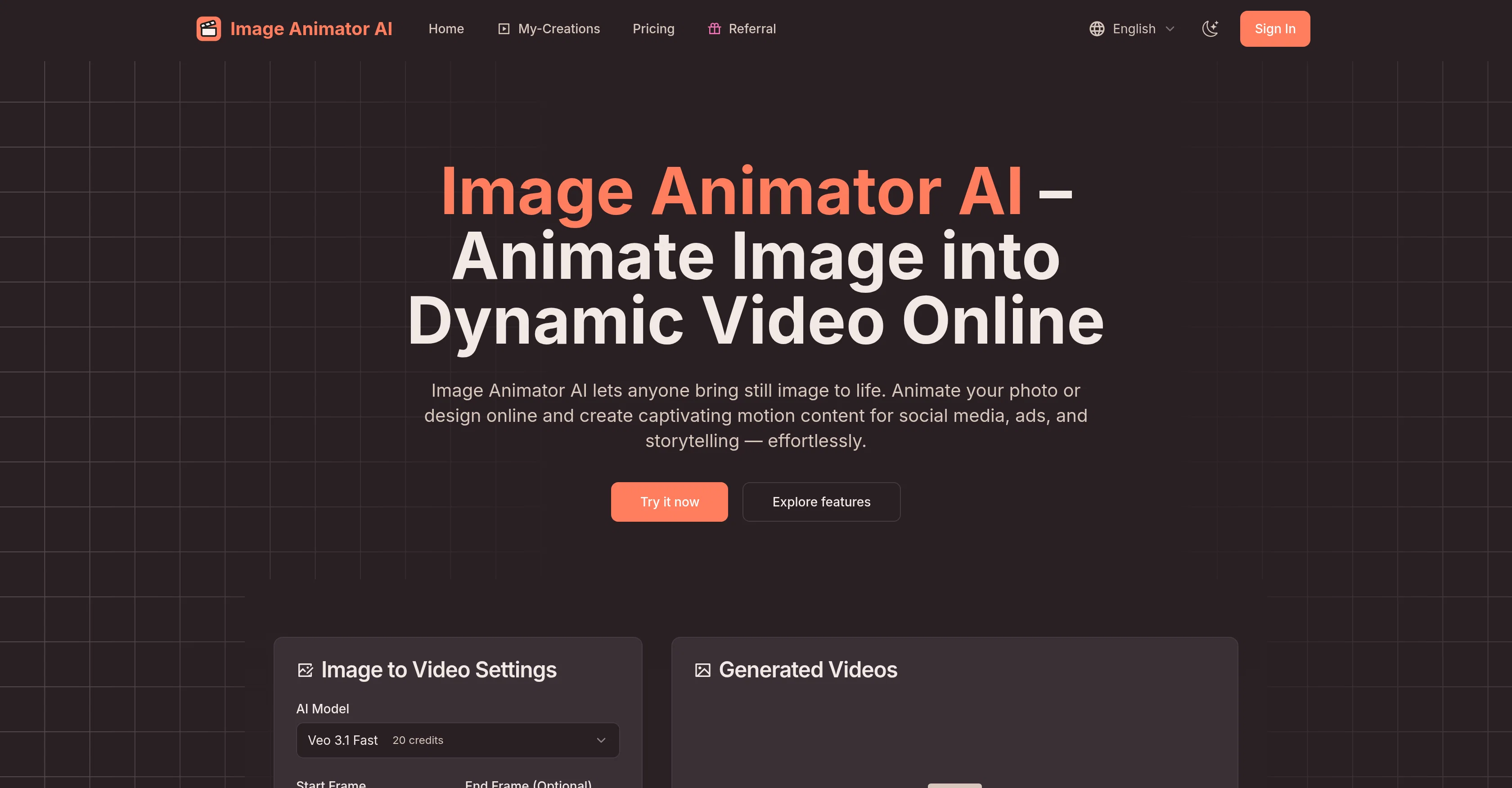
Image Animator AI is a web-based tool designed to enable users to animate still images into dynamic videos. It employs advanced AI animation models such as Veo3.1, Sora 2, and Kling to deliver professional-grade motion videos.
It is specifically designed for users with no video editing skills and requires no software installation. Users can create animated videos directly in their browser by uploading an image, providing a creative prompt and clicking generate.
The platform automatically creates an animated MP4, which users can then preview, download, or share directly on social media platforms to increase engagement and visibility.
Users also have the flexibility to customize their animations through a range of settings including aspect ratio and public visibility. Image Animator AI is tailored for a variety of use cases, such as creating motion content for social media, ads, and storytelling.
The tool provides an effortless online solution for converting still images into engaging videos.
Best for
Short scenarios where Image Animator AI tends to shine.
-
Animate still images into dynamic videos with AI.
Example outputs 1
Sample generations and before/after results for Image Animator AI.
Access & connections
Where you can use Image Animator AI.
Platforms
Capabilities
What this tool accepts, produces, and is strongest at.
Input
- Image
- Text
Output
- Video
Supported features
- Video Generation
Pros & cons
Pros
- Web-based tool
- No software installation required
- Professional-grade animations
- No video editing skills needed
- Direct saving, downloading and sharing
- Posts animations directly to Instagram, TikTok
- No additional plug-ins required
- Customizable aspect ratio
Show 23 more
- Public visibility option
- Animations suited for social media content
- Animations suited for advertisements
- Animations suited for creative storytelling
- Allows creative description for desired effect
- Variable pricing options
- Automatically creates MP4
- Helps to increase engagement
- Helps to increase visibility
- Generates animations in 4 steps
- My-Creations page for generated videos
- Effective tool for product ads
- Turns 2D images into videos
- Animations can be private
- Animations can be deleted permanently
- Paid versions offer commercial rights
- Export high-quality MP4 files
- Generated videos optimized for online sharing
- Community or showcase pages for creations
- Effortless image to video conversion
- Animations stay available online anytime
- Offers priority support in paid versions
- Results suitable for marketing purposes
Cons
- Limited to MP4 output
- Public visibility by default
- Only English interface
- Requires individual prompt input
- No batch processing
- Pricing is credit-based
- Initial public visibility on creations
- No free unlimited generation
Show 1 more
- Require internet connection
Compare alternatives
Similar tools in the catalog — with a clear reason to open each one.

MojoMake - AI Image to Video Generator ✓
FreemiumUse every top AI model and 100+ effects in one account.
Why look Offers a public API
Full comparison
VidFlux - Photo to Video Generator ✓
PaidTransform photos into cinematic videos with AI.
from $6.75/mo
Full comparison
Grok Imagine ✓
FreemiumUnleash Your Creativity with Grok Imagine
Why look Offers a public API
Full comparison
VidFlux - Image to Video AI ✓
PaidTransform any image into stunning videos.
from $9/mo
Full comparison
MindVideo ✓
FreemiumCreate stunning videos from text or images.
Free + from $7.9/mo
Full comparisonPeople also view
Tools that often show up alongside Image Animator AI in collections and comparisons.
VidFlux - Photo to Video Generator ✓
PaidTransform photos into cinematic videos with AI.
VidFlux - Image to Video AI ✓
PaidTransform any image into stunning videos.
MojoMake - AI Image to Video Generator ✓
FreemiumUse every top AI model and 100+ effects in one account.
MindVideo ✓
FreemiumCreate stunning videos from text or images.

Himedia AI Video Generator ✓
Free TrialCreate any AI Videos, Images and Music - No creative limits
Grok Imagine ✓
FreemiumUnleash Your Creativity with Grok Imagine

Motiofy ✓
Free TrialCreate Product and Social Videos Without Filming a Thing

MorphLogo ✓
Free TrialStatic logo in, cinematic motion out.