
Image to video 2026 Rank: #339
Photo2Video ✓
The AI photo to video generator with every top model
Verdict
A quick read before you dig into the full page.
- Best if
- The AI photo to video generator with every top model
- Skip if
- Credits are consumed per generation
- Pick this when
- Animates any image
Considering MojoMake - AI Image to Video Generator instead? Compare side by side
Overview
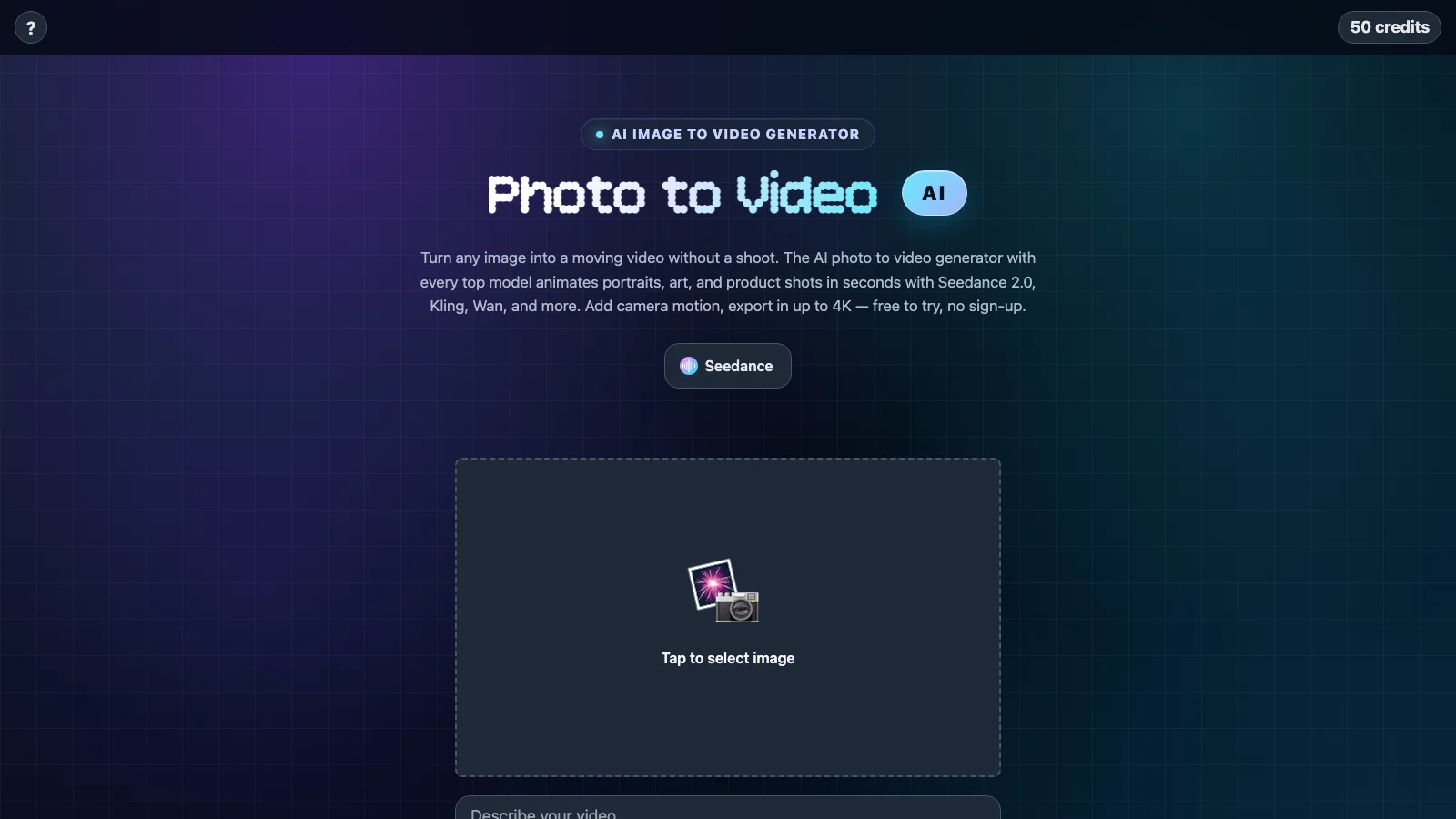
Photo to Video is an AI photo to video generator that puts every top video model in one place. Upload a photo or write a prompt, pick a model — Seedance 2.0, Kling 3.0, Wan 2.7, Veo 3.1, Sora 2, Hailuo 2.3, and more — and get a finished video with camera motion and native audio in up to 4K.
There are no subscriptions: sign in with Apple or Google, start with free credits, and pay per video only for what you generate. Built for creators, marketers, and anyone who wants to animate portraits, artwork, or product shots in seconds, on the web or in the companion iOS app.
Best for
Short scenarios where Photo2Video tends to shine.
-
The AI photo to video generator with every top model
Example outputs 1
Sample generations and before/after results for Photo2Video.
Access & connections
Where you can use Photo2Video.
Capabilities
What this tool accepts, produces, and is strongest at.
Input
- Image
- Text
Output
- Video
Pros & cons
Pros
- Animates any image
- Adds camera movement
- Advanced lighting application
- User maintains control
- No need for physical shoot
- Supports 4K output
- No-cost trial
- Applicable to various purposes
Show 28 more
- Supports advertising purposes
- Supports storytelling needs
- Supports artistic expression
- Facilitates image processing
- Applicable for ad creation
- Applicable for video production
- Supports digital marketing
- Beneficial for creative design
- Requires single image input
- Reference images guide output
- High accessibility tool
- Applicable to illustrations
- Applicable to simple drawings
- Image input to video output
- Powered by Seedance 2.0
- Powered by Kling
- Powered by Wan
- Powered by Veo
- Powered by Sora 2
- Powered by Hailuo
- Powered by Vidu
- Powered by Imagine
- Powered by Agnes
- Powered by Happy Horse
- Flexible user interface
- User-guided visual output
- Allows panoramic movement
- Supports prompt-based animation
Cons
- Credits are consumed per generation
- No collaborative features
- No free unlimited tier
- Web version has fewer modes than the iOS app
- Generation time varies by model and resolution
- Results vary between models, so some trial and error
Compare alternatives
Similar tools in the catalog — with a clear reason to open each one.

MojoMake - AI Image to Video Generator ✓
FreemiumUse every top AI model and 100+ effects in one account.
Why look Offers a public API
Full comparison
VidFlux - Photo to Video Generator ✓
PaidTransform photos into cinematic videos with AI.
from $6.75/mo
Full comparison
Grok Imagine ✓
FreemiumUnleash Your Creativity with Grok Imagine
Why look Offers a public API
Full comparison
VidFlux - Image to Video AI ✓
PaidTransform any image into stunning videos.
from $9/mo
Full comparison
MindVideo ✓
FreemiumCreate stunning videos from text or images.
Free + from $7.9/mo
Full comparisonPeople also view
Tools that often show up alongside Photo2Video in collections and comparisons.
VidFlux - Photo to Video Generator ✓
PaidTransform photos into cinematic videos with AI.
VidFlux - Image to Video AI ✓
PaidTransform any image into stunning videos.
MojoMake - AI Image to Video Generator ✓
FreemiumUse every top AI model and 100+ effects in one account.
MindVideo ✓
FreemiumCreate stunning videos from text or images.

Himedia AI Video Generator ✓
Free TrialCreate any AI Videos, Images and Music - No creative limits
Grok Imagine ✓
FreemiumUnleash Your Creativity with Grok Imagine

Motiofy ✓
Free TrialCreate Product and Social Videos Without Filming a Thing

MorphLogo ✓
Free TrialStatic logo in, cinematic motion out.
Releases 1
FAQ 12
What is the AI Photo to Video Generator?
How does the AI Photo to Video Generator work?
Can I use my own picture on the AI Photo to Video Generator?
Does the AI Photo to Video Generator work with drawings and illustrations?
What is the process of animating an image with the AI Photo to Video Generator?
Do I maintain creative control when using the AI Photo to Video Generator?
How do reference images work in the AI Photo to Video Generator?
Do I need to sign up to use the AI Photo to Video Generator?
What type of output resolution does the AI Photo to Video Generator support?
Can I use the AI Photo to Video Generator for commercial purposes like advertising?
What AI video models power the AI Photo to Video Generator?
What does 'no physical shoot or production design' mean in context of the AI Photo to Video Generator?
Related tools
Recommended

freebeat AI ✓
FreemiumTurn Music & Ideas into Viral Videos In One Click

SongGifter ✓
Free TrialA song written just for them.

GetLogit ✓
FreemiumArtificial intelligence, available for everyone.

ChatGPT ✓
FreemiumAsk anything, create anything, and move from idea to action.

remio: Your Personal ChatGPT ✓
FreemiumGet Tailored Answer with Your Personal ChatGPT

Pounce ✓
Free TrialGet real followers and engagement in minutes.