
Midjourney Video ✓
Bring still images to life—instantly animate your art with Midjourney Video V1
From $16.9 / month
Verdict
A quick read before you dig into the full page.
- Best if
- Bring still images to life—instantly animate your art with Midjourney Video V1
- Skip if
- Limited image resolution choices
- Pick this when
- Expansive personalization options
Considering MojoMake - AI Image to Video Generator instead? Compare side by side
Overview
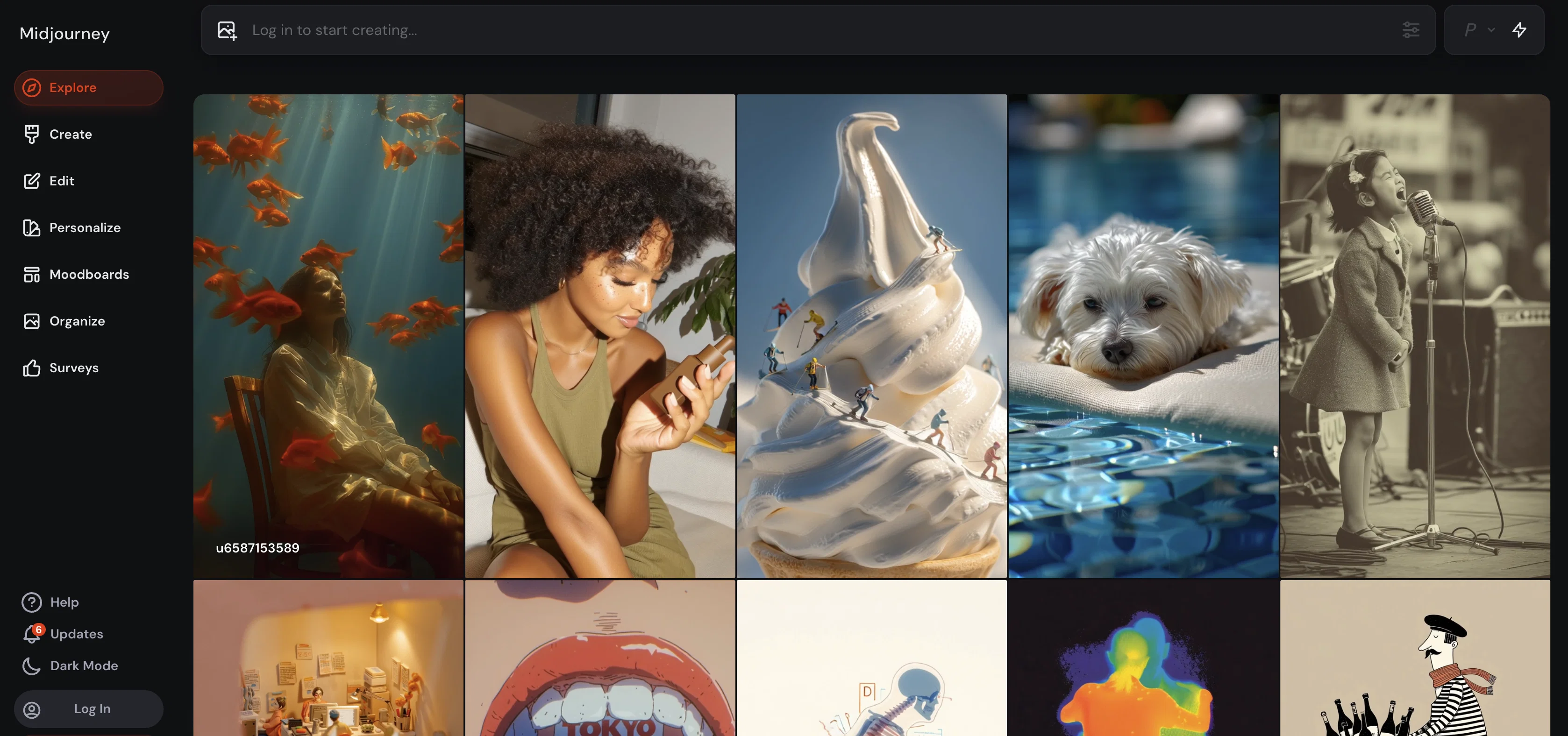
Powered by the same creativity-first philosophy as Midjourney’s acclaimed image models, V1 empowers artists and storytellers to breathe life into their work. Early adopters praise the seamless blend of motion and mood—although it currently runs at 480p and favors single-subject scenes, making it ideal for stylized shorts, social media moments, or animated concept reveal
Access & connections
Where you can use Midjourney Video.
Platforms
Capabilities
What this tool accepts, produces, and is strongest at.
Input
- Image
Output
- Image
Pros & cons
Pros
- Expansive personalization options
- Adjustable aesthetics
- Style personalization
- Content uniqueness
- Various modes for customization
- Standard, Raw, Fast, Turbo modes
- Unlimited image generation
- Draft Mode for quick drafts
Show 43 more
- Content organization features
- Different image formats
- Interactive user interface
- User Login
- Add Images option
- Personalizations option
- Moodboards option
- Integration with various user-contexts
- Ability to modify content
- Image to video capabilities
- Unique 'Relax' mode
- Various image resolution options
- Undo Option
- Image editing capabilities
- Option to adjust 'weirdness'
- Content Creation Option
- User-defined customization
- Ability to personalise 'weirdness'
- Ability to adjust stylization
- User interaction options
- Potential integration with Surveys
- Potential integration with Settings
- Feed of latest generations
- Option to select Personalizations
- Option to select Moodboards
- Customise content creation process
- Portrait, Square, Landscape formats
- Lower resolution draft-quality images
- Organization in different formats
- High speed content creation
- Fast and Turbo speed options
- Speed personalizations
- Lower resolution for faster creation
- Image Size Options
- Increased control over aesthetics
- Increased control over stylization
- Increased control over uniqueness
- Increased control over variety
- Control over Model Mode
- Control over Version
- Personalize Speed Options
- Moodboards for customization
- Profile Loading options
Cons
- Lacks clear user-context
- Undefined surveys and settings
- No video editing feature
- Limited speed options
- No explicit content classification
- Undefined 'weirdness' personalization
- Limited image resolution choices
- Unclear 'Relax' mode conditions
Show 2 more
- Lacks comprehensive image editing
- Undefined terms of Personalizations and Moodboards
Compare alternatives
Similar tools in the catalog — with a clear reason to open each one.

MojoMake - AI Image to Video Generator ✓
FreemiumUse every top AI model and 100+ effects in one account.
Why look Typically cheaper
Full comparison
VidFlux - Photo to Video Generator ✓
PaidTransform photos into cinematic videos with AI.
Why look Typically cheaper
Full comparison
Grok Imagine ✓
FreemiumUnleash Your Creativity with Grok Imagine
Why look Offers a public API
Full comparison
VidFlux - Image to Video AI ✓
PaidTransform any image into stunning videos.
Why look Typically cheaper
Full comparison
MindVideo ✓
FreemiumCreate stunning videos from text or images.
Why look Typically cheaper
Full comparison
Prompts 1
Time-lapse LEGO Build · Naser Williams
Capture the satisfying process of a LEGO build coming to life in a smooth, cinematic time-lapse. Perfect for tutorials, advertising, or creative showcases, this prompt guides you to highlight every colorful step from scattered bricks to finished model.
Camera_Settings] Define your camera position, movement, and style. Use overhead shots, angled views, or subtle pans. Decide on static or moving camera for cinematic depth. Lighting should be bright and even to make colors pop clearly without harsh shadows. Example: Top-down came…
Loading full prompt…
Releases 1
Imported reviews 2
Even though the images on the front page are beautiful, this specific page says 'no pricing' which is VERY false, with everything apart from the home page locked behind a pretty hefty monthly subscription
The highlighted images on the home page are stunning. I wish I could have just one free try to really understand the extent of it. :(
FAQ 12
What is MJ Explore?
What does MJ Explore offer in terms of content generation?
Which specific features allow me to personalize my content using MJ Explore?
Can I adjust aesthetics and stylization in MJ Explore?
What does 'weirdness' mean in the context of MJ Explore?
What are the modes available in MJ Explore and how do they differ?
What is the 'Relax' mode in MJ Explore?
Does MJ Explore have options for different image formats?
Can I log in and add images in MJ Explore?
How does the 'Draft Mode' work in MJ Explore?
What are 'Personalizations' and 'Moodboards' in MJ Explore?
In what ways can I organize my content in MJ Explore?
Related tools
Recommended

InstaWebAI ✓
FreemiumCreate, launch and grow your business website all in one platform

freebeat AI ✓
FreemiumTurn Music & Ideas into Viral Videos In One Click

Veo ✓
PaidGenerate high-quality, cinematic videos with AI.