

Meshy Image to 3D ✓
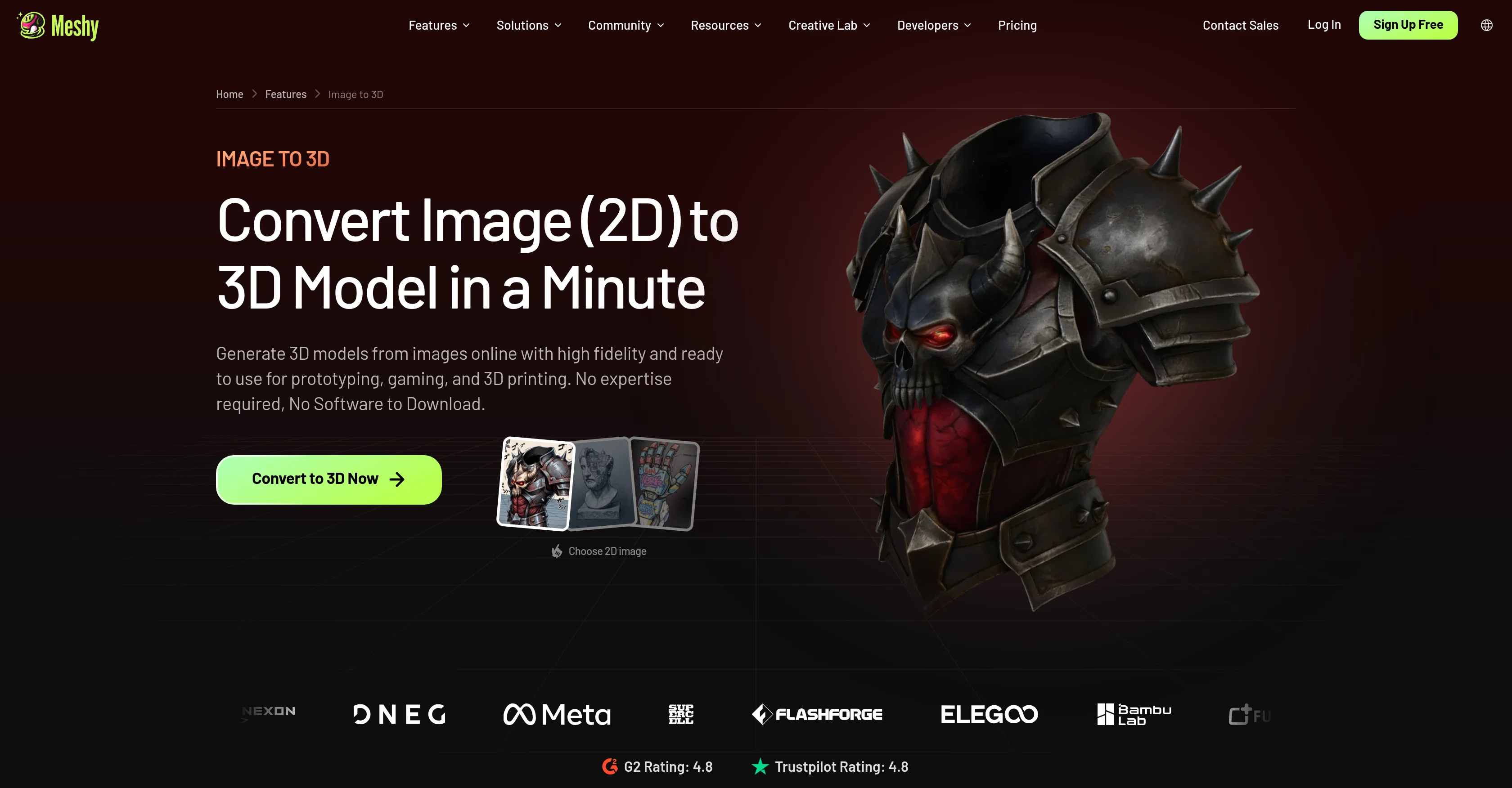
Turn any photo into a 3D model in seconds.
Free + from $8/mo
Verdict
A quick read before you dig into the full page.
- Best if
- Turn any photo into a 3D model in seconds
- Skip if
- Multi-view limited to 4 photos per object
- Pick this when
- Generates a fully textured 3D model from an image in about a minute
Considering 3D AI Studio instead? Compare side by side
Overview
You can generate from a single image, the fastest path, ideal for symmetric or front-facing subjects, or use Multi-view, uploading up to 4 photos of the same object so the AI reads geometry and texture from every angle, making the back, sides, and logos match your reference. For larger jobs, Batch mode turns up to 10 different images into 10 separate models in a single run, suited for product catalogs and asset libraries.
Every model comes with production-ready PBR texture maps (Diffuse, Roughness, Metallic, and Normal) and can reach nearly 600K faces for high-fidelity detail. Built-in tools let you inspect mesh quality with a Wireframe overlay and Statistics panel, then Remesh to optimize polygon count for your target platform. Choose between AI model versions (Meshy 6 or the latest Meshy 7) to balance speed and quality, and enable Image Enhancement or automatic Multi-view generation for more accurate reconstruction from a single photo.
Models export in GLB, OBJ, FBX, STL, USDZ and more, ready to drop into game engines (Unity, Unreal Engine, Blender, Godot, Maya), CAD and product visualization workflows, or straight to a slicer for 3D printing, with a 97% slicer pass rate in Meshy's internal testing.
- Converts A Single Image Into A Fully Textured 3d Model In About A Minute
- Multi-view Mode: Up To 4 Photos Of One Object Become One Accurate Model
- Batch Mode: Up To 10 Images Become 10 Separate Models In One Run
- Pbr-ready Texture Maps Included (diffuse, Roughness, Metallic, Normal)
- High-fidelity Mesh Output, Up To Nearly 600k Faces
- Choice Of Model Version (meshy 6 Or Meshy 7) To Balance Speed And Quality
- Image Enhancement And Automatic Multi-view Generation For Better Reconstruction
- Built-in Wireframe Overlay And Statistics Panel For Mesh Inspection
- Remesh Tool To Optimize Polygon Count For Target Platform
- Exports To Glb, Obj, Fbx, Stl, Usdz, And More
- No Software Download, Runs Entirely In-browser
- 97% Slicer Pass Rate For 3d Printing Exports
Access & connections
Where you can use Meshy Image to 3D.
Platforms
Capabilities
What this tool accepts, produces, and is strongest at.
Input
- Image
Output
- 3D
Highlights
- SOTA
- API
Supported features
- API
Pros & cons
Pros
- Generates a fully textured 3D model from an image in about a minute
- Supports single image, Multi-view (up to 4 photos), and Batch (up to 10 images) modes
- Includes production-ready PBR texture maps out of the box
- High mesh fidelity, up to nearly 600K faces
- Choice between Meshy 6 and Meshy 7 for speed/quality tradeoff
- Built-in mesh inspection and Remesh tools
- Wide export format support (GLB, OBJ, FBX, STL, USDZ, and more)
- 97% slicer pass rate for 3D printing
Show 2 more
- No software download, runs entirely in-browser
- No 3D modeling experience required
Cons
- No confirmed free tier beyond first generation, no credit card required but ongoing use may need a plan
- No country or company HQ disclosed
- Multi-view limited to 4 photos per object
- Batch mode capped at 10 images per run
- Best results noted for symmetric or front-facing subjects with single-image mode
Compare alternatives
Similar tools in the catalog — with a clear reason to open each one.

3D AI Studio ✓
PaidEasily generate free 3D models with our AI-powered 3D AI Studio.
from $15.55/mo
Full comparison
Mimetic Labs ✓
Free TrialTransform ideas into printable 3D models with AI.
Free + from $9.99
Full comparison
Image3D.io ✓
FreemiumImage to STL and 3D models from any image
Why look Typically cheaper
Full comparison
Hi3D ✓
Free TrialAI-powered 3D model generator with unprecedented precision.
Why look Higher community rating
Full comparison
TRELLIS 2 ✓
UnknownGenerate high-fidelity 3D assets from images instantly.
Why look Higher community rating
Full comparison
Neural4D | Image to 3D ✓
Free TrialTurn photos or prompts into 3D models instantly.
Why look Higher community rating
Full comparisonReleases 1
FAQ 9
Why use Meshy's Image to 3D AI converter?
How long does it take to generate a 3D model from an image?
What's the difference between single image, Multi-view, and Batch?
What image formats can I upload?
Do I need to download any software?
What 3D formats can I export?
Are the models compatible with Blender, Unity, Unreal, etc.?
What is Ultra Mode?
Who owns the rights to AI-generated 3D models?
Related tools
Recommended

Meshy Character Animation ✓
FreemiumTransform images and text into 3D models instantly.

Meshy 3D Agent ✓
FreemiumChat your idea into a print-ready 3D model
