
Meshy Character Animation ✓
Transform images and text into 3D models instantly.
Free + from $20/mo
Verdict
A quick read before you dig into the full page.
- Best if
- Transform images and text into 3D models instantly
- Skip if
- Limited preset motion clips
- Pick this when
- Instant 3D models generation
Considering Uthana instead? Compare side by side
Overview
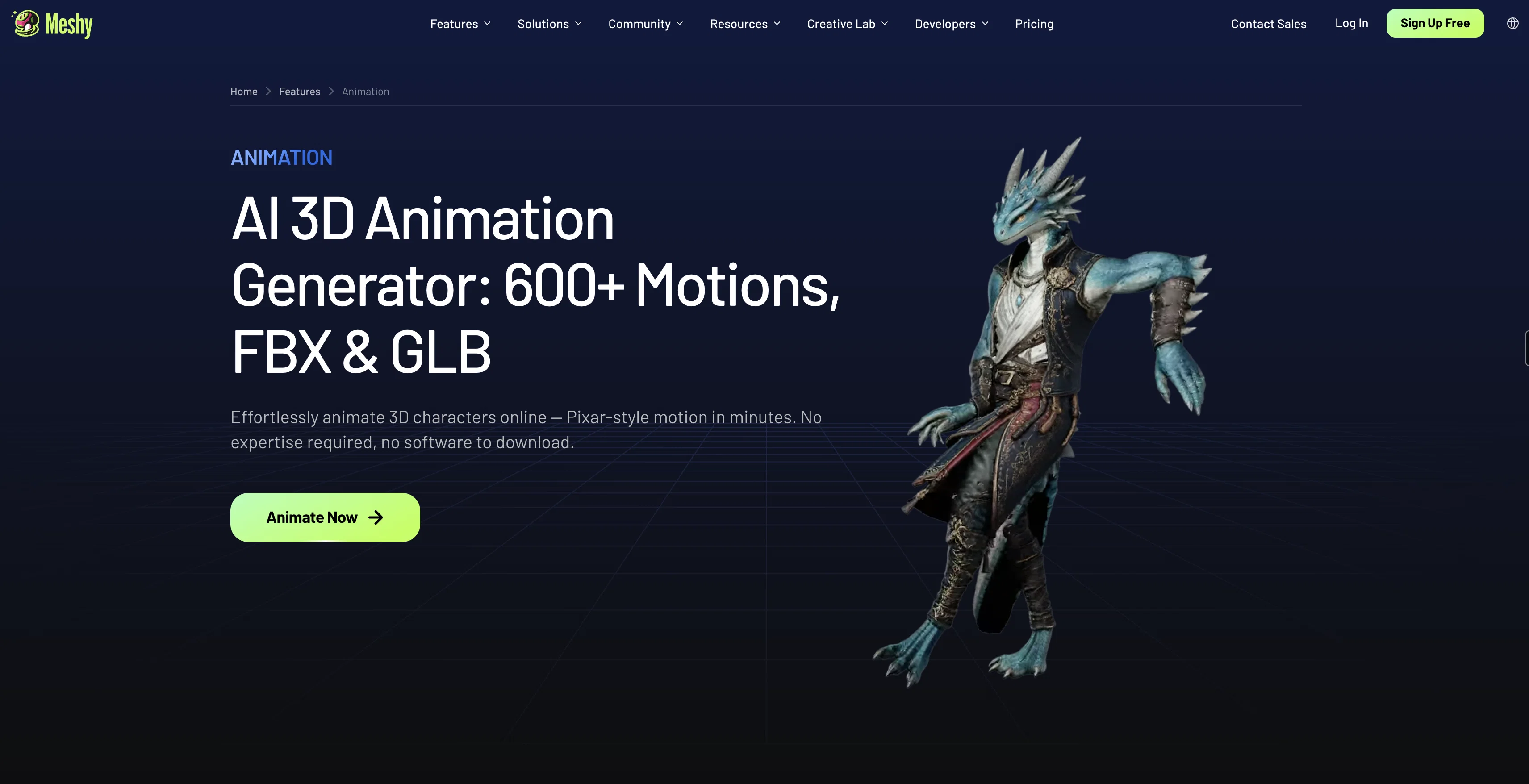
AI 3D Character Animation is a tool used to generate 3D model characters and animations. Designed for game developers, film artists, XR developers, and others, the tool transforms any image or text prompt into a 3D model within seconds.
The AI technology incorporated within the tool can automatically add realistic PBR textures to any 3D model and produce multi-view images optimized for 3D creation.
In addition, auto-rigging and animation features enable any 3D character to be animated in seconds. Users can also integrate the tool's 3D AI into respective apps or pipelines through provided APIs.
Use cases for this tool include creating and downloading 3D models for 3D printing purposes, supercharging game development processes by time and cost-saving on 3D modeling, providing quicker prototyping and previz for film production, enhancing the design process in various industries, and more.
The tool also allows for easy animation of Pixar-style 3D model characters without requiring expert knowledge or extra software downloads. In addition, the user can select their desired animation from a library of preset motion clips, then download and export the animated model in FBX or GLB formats for direct import into major tools like Unity, Unreal Engine, Blender, Godot, etc.
Access & connections
Where you can use Meshy Character Animation.
Platforms
Capabilities
What this tool accepts, produces, and is strongest at.
Input
- API
- 3D
- Tabular
- Image
- Text
Output
- 3D
- API
- Image
Pros & cons
Pros
- Instant 3D models generation
- Auto-textures 3D models
- Automatic rigging and animation
- API Integration capabilities
- Can create 3D print models
- Facilitates quick prototyping
- Hassle-free Pixar-style animation
- Library of preset animations
Show 39 more
- Exports in FBX and GLB
- No expert knowledge required
- No extra software downloads
- Optimized for Unity, Unreal Engine, Blender and Godot
- Text to 3D model conversion
- Multi-view images generation
- Time and cost efficient
- Useful for diverse industries
- Generates 3D models from images
- Realistic PBR texturing
- Animation and rigging made easy
- Supports FBX, OBJ, GLB file formats
- Preview feature in 3D viewer
- 100+ preset motion clips
- Capabilities for both bipeds and quadrupeds
- Generates animation-ready characters
- Large animation library
- Industry-standard bone hierarchies
- Adaptable for all character types
- Supports rapid prototyping and previz
- Reduces manual weight painting
- Clean animation looping and blending
- Eliminates need for intermediate conversion tools
- Adaptable for XR experiences
- Streamlines game development process
- Facilitates faster 3D model creation
- Humanoid and quadruped character rigging
- End-to-end modelling in one platform
- Streamlines previz and VFX pipelines
- Automatic bone placement
- Game-engine ready output
- FBX or GLB export
- Seamless blend with existing motion data
- Extensive style range for characters
- Lightweight outputs optimal for VR/AR
- Rapid preview creation for storyboarding
- Embed animations for WebXR and Apple ARKit
- Optimized rigging for smooth frame rates
- No file format juggling required
Cons
- Limited to humanoid/quadruped characters
- Requires high quality input
- Doesn't support custom bone structures
- No live preview of animations
- Limited preset motion clips
- No advanced texturing controls
- Automatic rigging may be inaccurate
- No option for manual rigging
Show 2 more
- No support for non-standard formats
- Dependent on quality of input images
Compare alternatives
Similar tools in the catalog — with a clear reason to open each one.

Uthana ✓
FreemiumGenerate motion on any character, from prompt to production.
Why look Typically cheaper
Full comparison



Releases 1
FAQ 12
What is Meshy Character Animation AI?
How does Meshy transform images or text prompts into 3D models?
What is the process of adding realistic PBR textures to 3D models in Meshy?
How does auto-rigging and animation in Meshy work?
How can users integrate Meshy into their apps or pipelines?
Can this AI tool be used for 3D printing?
How does Meshy facilitate faster 3D modeling in game development?
What benefits does Meshy offer for film production prototyping and previz?
Can Meshy animate Pixar-style 3D model characters?
How can users select their desired animation from the preset motion clips?
How can an animated model be downloaded and exported from Meshy?
What formats does Meshy support for model export?
Related tools
Recommended

Meshy ✓
FreemiumTurn text and images into production-ready 3D models with AI in seconds.

Animation Rigging ✓
FreemiumAnimate any 3D model with AI-powered rigging.

Tencent Hunyuan 3D ✓
FreeTurn text and images into stunning 3D assets instantly.
TRELLIS 2 ✓
UnknownGenerate high-fidelity 3D assets from images instantly.
AI Motion Transfer ✓
Free TrialAny motion, any character, ready in minutes.