

3D vv6 2026 Rank: #819
Meshy ✓
Turn text and images into production-ready 3D models with AI in seconds.
Verdict
A quick read before you dig into the full page.
- Best if
- You are game developers and need: Generating 3D models for game development
- Skip if
- Limited art styles
- Pick this when
- Generates high-poly 3D models
Considering Modelfy 3D instead? Compare side by side
Overview





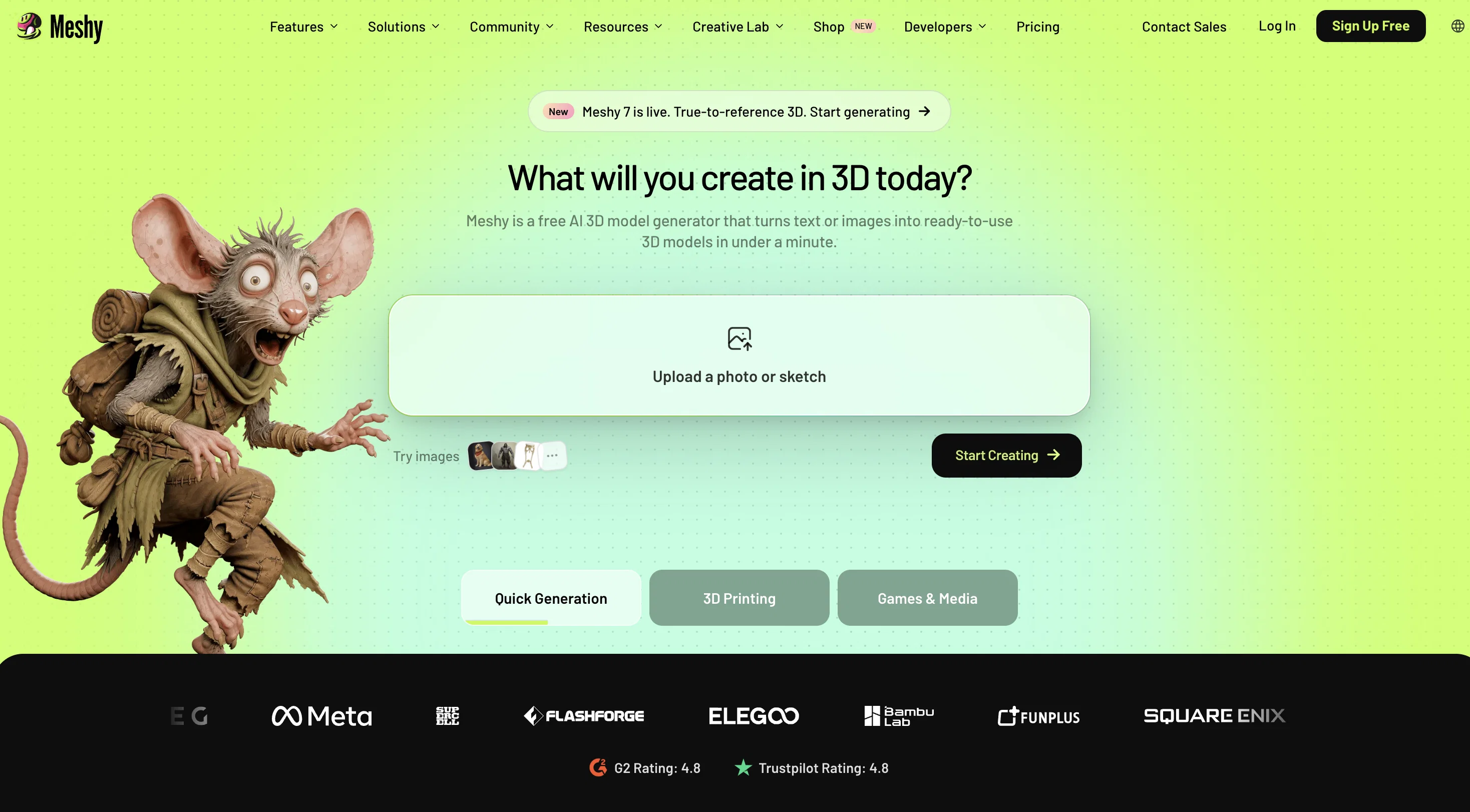
Text to 3D generates high-poly meshes from a text description across multiple art styles — realistic, cartoon, and sculpture. Image to 3D converts reference photos or concept art into 3D models while preserving the proportions of the source image. AI Texturing applies PBR-compatible surface textures to any uploaded or generated mesh using a text prompt. Auto Rigging adds a joint skeleton to character and creature models automatically, compatible with Blender, Maya, Unity, and Unreal Engine.
3D Agent is a chat-based 3D creation workflow. Users start with a photo, sketch, description, or creative direction and work through brainstorming, batch visual concept generation, and model output in a single conversation. Unlike single-prompt text-to-3D tools, 3D Agent supports a multi-step process — users can explore directions, compare concepts, ask questions about geometry or printing, and refine results before generating a final 3D model. Available to all users on meshy.ai.
Auto Split prepares any 3D model for FDM printing. It splits the model by structure and color zone, caps every cut surface watertight, arranges parts on the build plate, and exports directly to Bambu Studio, OrcaSlicer, or ElegooSlicer in one step. The split result is available in approximately 40 seconds. Currently available for untextured models.
Meshy supports multiple languages and offers an API for pipeline integration. Models can be previewed in-browser before export. Export formats include FBX, OBJ, GLB, STL, BLEND, USDZ, and 3MF. Recognized in the 2026 G2 Best Software Awards for Best Design Software and Highest Customer Satisfaction.
- 8k Texturing
- Auto Split
Best for
Short scenarios where Meshy tends to shine.
-
Generating 3D models for game development
Best for Game developers
-
Creating textures for existing 3D models
Best for 3D artists
-
Animating 3D characters for virtual reality experiences
Best for AR/VR developers
-
Converting 3D files between different formats
Best for Content creators
-
Quickly prototyping 3D assets for AR/VR applications
Best for 3D printing enthusiasts
How it works
Getting Started
• Sign up at https://www.meshy.ai
• Free tier available; paid plans unlock more generations & downloads
Main Features
• Text to 3D — describe what you want, get a 3D model
• Image to 3D — upload a reference image, convert to 3D
• Text to Texture — apply AI-generated textures to existing meshes
• AI Animate — rig and animate 3D characters
Workflow
1. Pick a mode (Text/Image to 3D)
2. Enter your prompt or upload an image
3. Generate a draft preview (fast, low-poly)
4. Refine → generate the textured final model
5. Download in formats like GLB, FBX, OBJ, STL, USDZ
API Access
• Available via REST API — models generated via API don't appear in the Workspace UI (intentional). Use the List Tasks API to retrieve them.
Docs: https://docs.meshy.ai
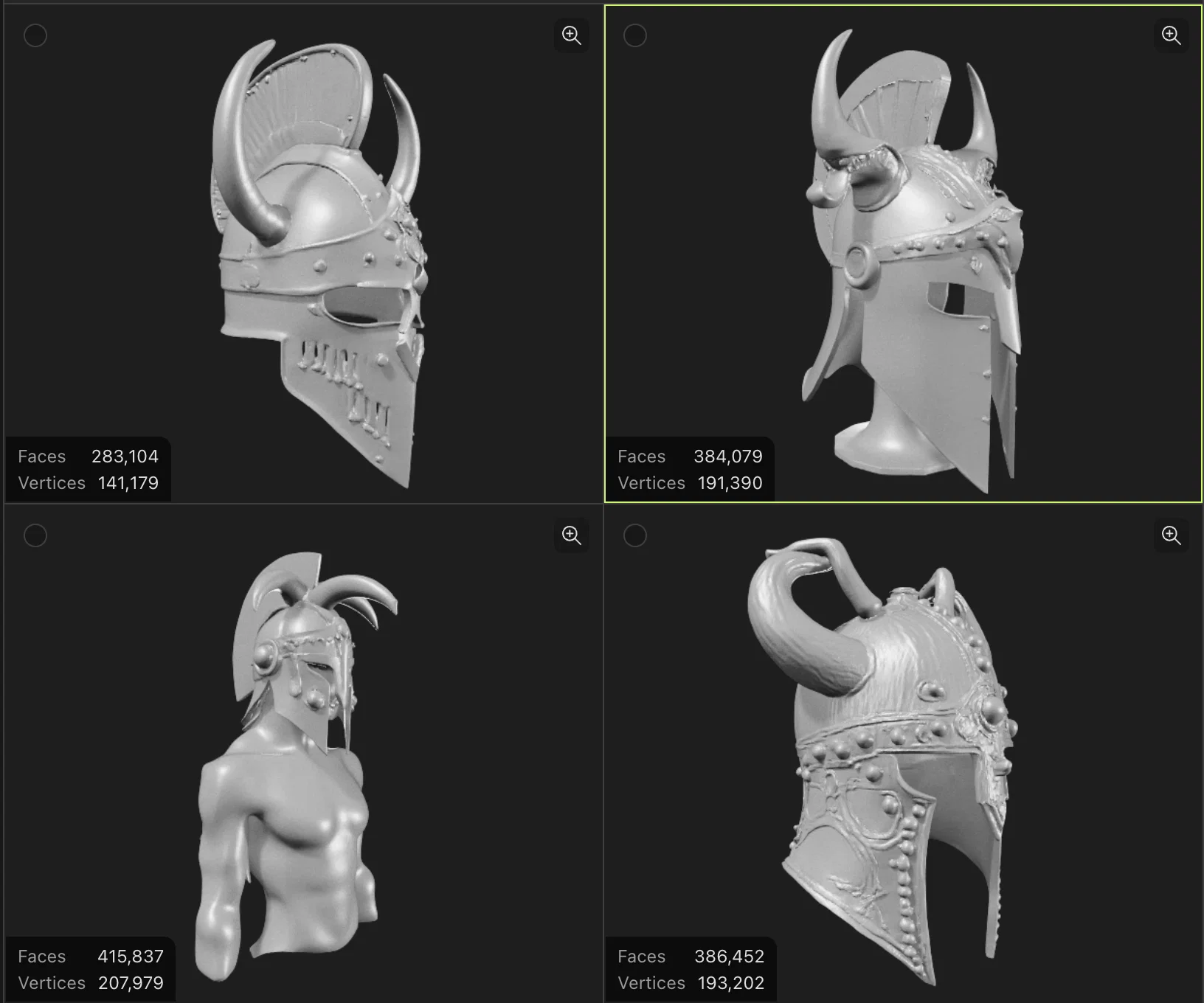
Example outputs 1
Sample generations and before/after results for Meshy.
Access & connections
Where you can use Meshy.
Platforms
Capabilities
What this tool accepts, produces, and is strongest at.
Input
- API
- Image
- Text
Output
- 3D
- API
- AR/VR
Highlights
- No Signup
- Agents
Supported features
- 3D Generation
- No Signup
- Agents
Pros & cons
Pros
- Generates high-poly 3D models
- Text to 3D features
- Very fast process
- Automate entire 3D production
- Texture models in minutes
- Create textures from prompts
- 3D asset creation
- User-friendly interface
Show 31 more
- Multilingual support
- Preview feature in browser
- Supports various export formats
- Suitable for non-experts
- Offers realistic style
- Offers cartoon style
- API for integration
- Art styles variety
- FBX, OBJ, STL export
- BLEND and USDZ export
- 3D models from images
- Seamless texture application
- Simple and Intuitive interface
- Textured rendering from text
- Lightning speed functionalities
- Integrates with other applications
- Text to texture feature
- Image to 3D transformation
- Free 3D model generator
- Auto-generated PBR maps
- Versatile art style options
- Preview results in-browser
- Productivity enhancement tool
- Generates 3D models instantly
- Direct 3D model export
- User-interactive Discord channel
- Asset creation in seconds
- Image conversion to 3D
- Text-to-texture channel support
- Realistic, cartoon, sculpture formats
- Enables creativity acceleration
Cons
- Output variability
- Prompt sensitivity
- Limited art styles
- No sculpting tool
- Gatcha element in texturing
Compare alternatives
Similar tools in the catalog — with a clear reason to open each one.

Modelfy 3D ✓
FreemiumTransform any image to 3D models instantly.
Why look Typically cheaper
Full comparison
digxi studio ✓
UnknownGenerate creative assets with AI-powered studio tools.
Why look Higher community rating
Full comparison
Adobe Substance 3D ✓
PaidCreate stunning 3D worlds with powerful texturing and material tools.
from $59.99/mo
Full comparison
Image to STL ✓
PaidTurn 2D images into 3D printable STL files.
Why look Typically cheaper
Full comparison
Next3D ✓
FreemiumTransform ideas into stunning 3D models
Why look Stronger for image work
Full comparison
Neural4D | Image to 3D ✓
Free TrialTurn photos or prompts into 3D models instantly.
Why look Typically cheaper
Full comparisonPeople also view
Tools that often show up alongside Meshy in collections and comparisons.
Modelfy 3D ✓
FreemiumTransform any image to 3D models instantly.
digxi studio ✓
UnknownGenerate creative assets with AI-powered studio tools.
Adobe Substance 3D ✓
PaidCreate stunning 3D worlds with powerful texturing and material tools.

ZORY AI ✓
FreemiumAI Visual Commerce for Furniture & Real Estate

Trify3D ✓
Free TrialTurn images and text into 3D models instantly.
Next3D ✓
FreemiumTransform ideas into stunning 3D models
Neural4D | Image to 3D ✓
Free TrialTurn photos or prompts into 3D models instantly.

MeshRefinery ✓
Free TrialFree online 3D model repair — fix STL, OBJ & GLB files
Prompts 1
Custom Fantasy Helmet Generator · Samuel Barlet
A simple, fast generator that turns your chosen specs into a polished 3D fantasy helmet. Just list the material, shape, motifs, accents, colors, and presentation, and it returns a single, high‑quality render with no extra text.
Prompt: Render a single high‑resolution 3D image (no text) of a fantasy helmet built from the specs below. Preserve the chosen material, silhouette, motifs, accents, and colors exactly. Fuse all details smoothly and add nothing not listed. User Input: 1. Material: (silver, bronz…
Loading full prompt…
Releases 2
New Feature: Auto Split
Auto Split is now available in Meshy.
Generating a 3D model and printing it are two different problems. Most models are not print-ready as generated — they exceed build plate dimensions, require color separation across multiple filaments, or contain open mesh surfaces that slicers cannot process. Until now, fixing these issues required manual work across Blender, Meshmixer, and a slicer, with no guarantee the parts would fit back together.
Auto Split handles that preparation inside Meshy. Any model you generate or upload can be split into parts, auto-capped, and auto-arranged on the build plate in one step.
How it works:
— Fast Preview. The split result is available in approximately 40 seconds. Splitting is iterative — cuts can be reviewed and re-run before anything is sent to the slicer.
— Smart Cuts. Cuts follow the model's natural structure — color zones, structural seams, component edges — rather than arbitrary planes across the mesh. Each cut is sized to fit the target build plate.
— Built to Assemble. Every cut surface is auto-capped watertight. Parts are auto-arranged on the build plate with plate usage displayed. One click exports the prepared 3MF directly to Bambu Studio, OrcaSlicer, or ElegooSlicer.
Imported reviews 2
gives enoughh of free trials
This tool is definitely good for basic stuff, no doubt. Just keep the prompts super duper simple and it gets the job done. But once I put in something a bit more complex at it… it kinda screwed up the thing. Still, I see potential here
FAQ 12
What is Meshy?
How does the AI texturing tool in Meshy work?
What is the 'text to 3D' feature offered by Meshy?
Does Meshy require knowledge of 3D sculpting or scanning tools?
How can I generate 3D models using the 'text to 3D' tool in Meshy?
What makes Meshy different from traditional modeling and texturing methods?
Who is the team behind Meshy?
Which art styles are supported by Meshy?
Does Meshy have an API and how does it enhance its functionality?
How does Meshy's multilingual support assist users?
What formats can I export my 3D models in Meshy?
What are the benefits of using the AI-native tools in Meshy?
Related tools
Recommended

Leonardo AI ✓
FreemiumCreate AI art, images, and videos with prompts

Deepmotion ✓
Freemium3D animations

Scenario ✓
FreemiumGenerate AI game assets in minutes

Stratup.ai ✓
FreemiumInnovative idea generation for businesses.

GPTGame ✓
FreemiumGenerate and play JavaScript games instantly.

Aitubo ✓
FreemiumTurn text and photos into high-quality AI art.