

Konch ✓
One-click transcription for audio and video.
from $10
Verdict
A quick read before you dig into the full page.
- Best if
- One-click transcription for audio and video
- Skip if
- Limited export file formats
- Pick this when
- Covers over 30 languages
Considering AI Transcriptions by Riverside instead? Compare side by side
Overview
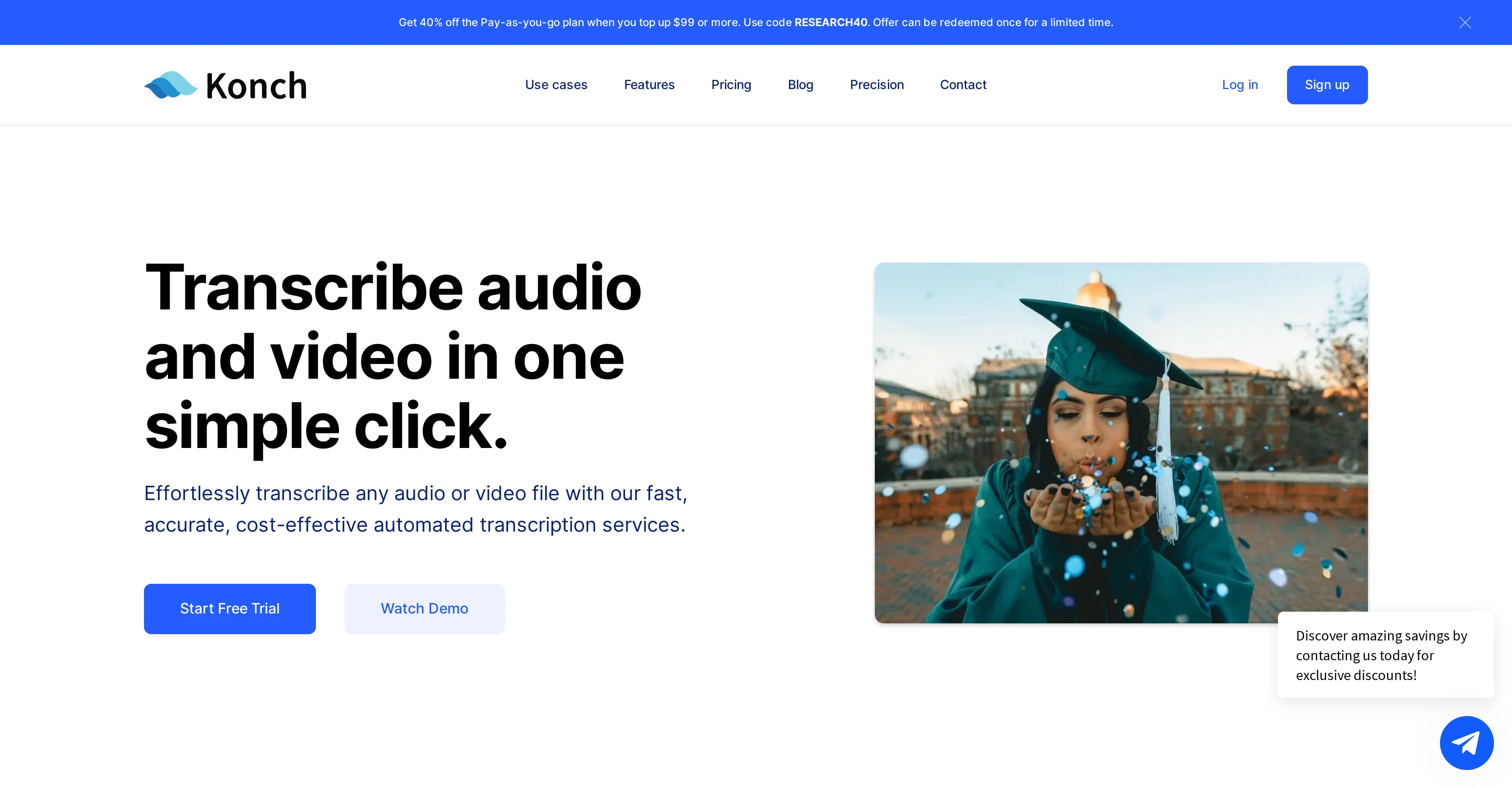
Konch is an automated platform for transcribing audio and video content, covering over 30 languages. Users can upload audio or video files of any format and the platform's AI will swiftly and accurately transcribe the content.
Users have the option to review and make any necessary edits to the transcription before downloading it in their preferred format. In addition to the fully AI generated transcripts, Konch also offers a 'Precision' service where human reviewers meticulously examine AI transcripts to ensure the highest accuracy.
Users can also convert YouTube content into text format by pasting the video link. The platform includes an advanced editor for further control over transcription outputs, such as adding speaker names, formatting, annotations, comments, and highlights.
Konch also allows for the translation of transcripts into over 30 languages and can export files in multiple formats. This tool is used by a number of top universities and businesses worldwide.
It prioritises data security with Cyber Essentials Plus compliance and stores all data on Amazon Web Services (AWS).
Access & connections
Where you can use Konch, and what it plugs into.
Platforms
Integrations
Capabilities
What this tool accepts, produces, and is strongest at.
Input
- Video
- Audio
Output
- Text
Pros & cons
Pros
- Covers over 30 languages
- Supports all file formats
- Fast transcription process
- Precision service available
- Supports YouTube content conversion
- Advanced editing features
- Translates into 30+ languages
- Exports in multiple formats
Show 17 more
- Used by top universities and businesses
- High data security
- Compliant with Cyber Essentials Plus
- Data stored on AWS
- Discount for bulk purchase
- Human review available
- Edits can be made before downloading
- Supports adding speaker names
- Can add annotations, comments, and highlights
- 24-hour turnaround for human transcription
- Time-coded editor for precision editing
- Transcribing YouTube content to text
- Generates transcript summaries
- Used for writing essays
- Transcribes Arabic to Welsh
- Offers free trial
- Available since 2018
Cons
- No free transcription plan
- Video link only for YouTube
- Data storage only on AWS
- Assuming user transcription editing
- Only offers Cyber Essentials Plus
- Limited export file formats
- No offline functionality
- No live transcription
Show 2 more
- App not mentioned
- No multi-user collaboration
Compare alternatives
Similar tools in the catalog — with a clear reason to open each one.

AI Transcriptions by Riverside ✓
FreemiumTranscribe audio and video in 100+ languages effortlessly
Why look Freemium alternative
Full comparison
Exemplary AI ✓
FreemiumTranscribes 120+ languages' audio/video.
Why look Freemium alternative
Full comparison
YouTube Transcript Optimizer ✓
PaidTransform YouTube videos into polished documents and quizzes.
from $10
Full comparison
Taption ✓
FreemiumConvert audio and video to text in 40+ languages.
Why look Freemium alternative
Full comparison

Releases 1
FAQ 12
What languages does Konch support for transcription?
How does Konch ensure the accuracy of its transcriptions?
What is the procedure for uploading files on Konch?
Can Konch convert YouTube content to text format?
How can users manage transcriptions on the Konch platform?
In what formats can Konch export transcription files?
Can Konch transcripts be translated into multiple languages?
What are the key features of Konch's advanced editor?
What is Konch's 'Precision' service and what does it involve?
How does Konch prioritize data security?
In which industries is Konch predominantly used?
What sets Konch apart from other automated transcription services?
Related tools
Recommended

LearningStudioAI ✓
Free TrialAI-powered authoring tool for effortless online course creation.

Transcript LOL ✓
FreemiumUnlimited transcripts, summaries, 99.8% accuracy, speaker recognition, superfast

TurboScribe ✓
Freemium🎯 3 free transcripts every day. 🔥 Unlimited transcription starting at $10/mo.

AI Course Creator ✓
FreemiumAI-powered course creation in minutes.

Ask Your PDF ✓
FreemiumChat with your PDFs and extract valuable insights

PrometAI ✓
FreemiumTurn ideas into viable reality with AI business plan generator.