

Vid2txt ✓
Drag, drop, done: Effortless video transcription.
from $10
Verdict
A quick read before you dig into the full page.
- Best if
- Drag, drop, done: Effortless video transcription
- Skip if
- Limited operating systems
- Pick this when
- Offline transcription
Considering AI Transcriptions by Riverside instead? Compare side by side
Overview
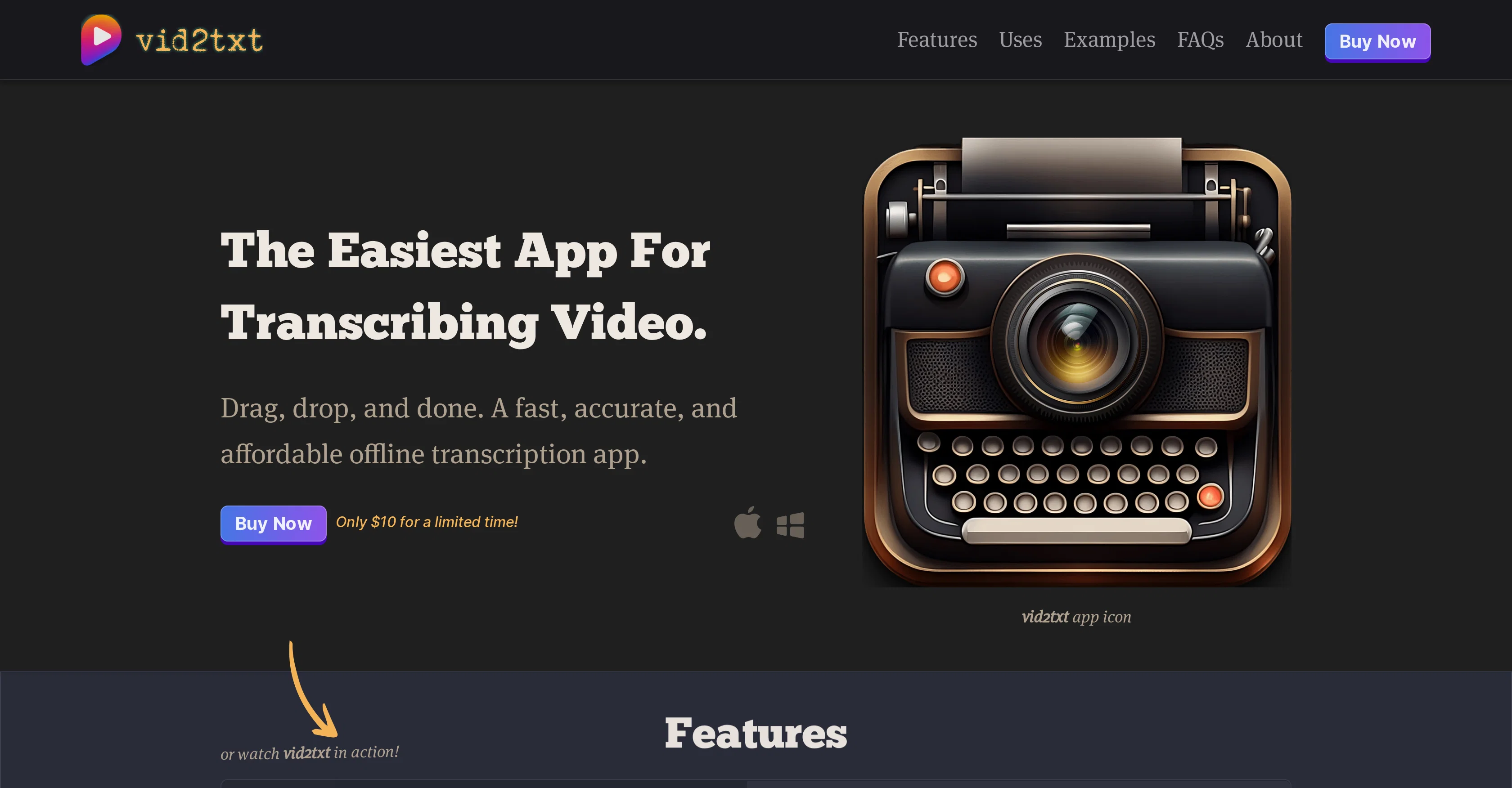
Vid2txt is an offline transcription application designed to transcribe both video and audio files. It simplifies the transcription process by working locally, eliminating the need for costly subscriptions and data sharing.
Its primary appeal is its straightforwardness and simplicity, as its function is encapsulated in a simple drag-and-drop interface. The app supports a wide range of file formats including mp4, mov, wmv, mkv, avi, flv, wav, mp3, m4a and others, and provides transcription outputs as .TXT, .SRT, and .VTT files.
Every transcription is generated offline offering users fast and secure transcription experience.By design, Vid2txt is focused, doing one thing but doing it excellently.
Its simplicity and accuracy make it an ideal tool for various users including content creators, journalists, students, business professionals, researchers, and even those who are hearing impaired.
For instance, content creators can use it to create transcripts of videos or podcasts for SEO and closed captioning, while students can use it to quickly transform recorded lectures into readily editable transcripts.
It aims to be affordable, providing unlimited transcriptions with no quotas or hidden fees. Users make a single purchase and retain lifetime access to the app's transcription capabilities, positioning the app as an 'anti-subscription' solution for those in need of regular transcription services.
Best for
Short scenarios where Vid2txt tends to shine.
-
Drag, drop, done: Effortless video transcription.
Example outputs 1
Sample generations and before/after results for Vid2txt.
Access & connections
Where you can use Vid2txt, and what it plugs into.
Platforms
Integrations
Capabilities
What this tool accepts, produces, and is strongest at.
Input
- Video
- Audio
Output
- Text
Pros & cons
Pros
- Offline transcription
- Supports multiple formats
- Drag-and-drop interface
- Generates .TXT, .SRT, .VTT files
- No subscription requirements
- Pay once, use forever
- Optimized for diverse industries
- Turns recorded lectures into transcripts
Show 17 more
- Helps hearing-impaired
- Future OS and language additions
- Transcribe video and audio
- Secure transcription experience
- Unlimited transcriptions
- Fast transcriptions
- No data sharing
- Affordable transcription tool
- No quotas or hidden fees
- Boosts SEO and closed captioning
- Creates searchable, editable text
- Can transcribe mp4, mov, wmv, etc.
- Useful for content creators, journalists
- Useful for students, professionals, researchers
- Future inclusion of additional languages
- Works with MacOS 13+ and Windows 10+
- No data collection
Cons
- Only supports English
- No free trial
- Might require upgrades
- No live-chat support
- No mobile versions
- Limited operating systems
- Single functionality
- No built-in editor
Show 2 more
- No collaborative features
- Not web-based
Compare alternatives
Similar tools in the catalog — with a clear reason to open each one.

AI Transcriptions by Riverside ✓
FreemiumTranscribe audio and video in 100+ languages effortlessly
Why look Freemium alternative
Full comparison
Exemplary AI ✓
FreemiumTranscribes 120+ languages' audio/video.
Why look Freemium alternative
Full comparison
YouTube Transcript Optimizer ✓
PaidTransform YouTube videos into polished documents and quizzes.
from $10
Full comparison
Taption ✓
FreemiumConvert audio and video to text in 40+ languages.
Why look Freemium alternative
Full comparison
ScriptMe ✓
Free TrialTranscribe and subtitle media faster than realtime.
Free + from $45/mo
Full comparison
Targum Video ✓
PaidTranslate videos into multiple languages in minutes.
Why look Typically cheaper
Full comparisonPeople also view
Tools that often show up alongside Vid2txt in collections and comparisons.
YouTube Transcript Optimizer ✓
PaidTransform YouTube videos into polished documents and quizzes.
Targum Video ✓
PaidTranslate videos into multiple languages in minutes.
Taption ✓
FreemiumConvert audio and video to text in 40+ languages.
ScriptMe ✓
Free TrialTranscribe and subtitle media faster than realtime.
Exemplary AI ✓
FreemiumTranscribes 120+ languages' audio/video.
AI Transcriptions by Riverside ✓
FreemiumTranscribe audio and video in 100+ languages effortlessly

UnMarkAI - Remove subtitles first. Translate video, d... ✓
Free TrialAI video translation with dubbing and lip-sync.
TubeVocab ✓
Free TrialTurn any YouTube video into AI flashcards you actually remember.
Releases 1
FAQ 12
What file formats does Vid2txt support for transcription?
Do I need a subscription to use Vid2txt?
Is Vid2txt a one-time purchase or do I need to pay for each transcription?
What output files does Vid2txt generate when transcribing?
Can I use Vid2txt for professional content creation?
How fast does Vid2txt transcribe videos and audio files?
Can Vid2txt be used to transcribe recorded lectures?
Can Vid2txt transcripts be edited?
How accurate is Vid2txt's transcription service?
Can Vid2txt be of use for the hearing-impaired?
Is Vid2txt planning to offer support for more operating systems?
Does Vid2txt have plans to support more languages?
Related tools
Recommended

TutorAI ✓
FreemiumInstant knowledge on any topic

Genmo ✓
FreemiumCreate videos from text with AI.

LearningStudioAI ✓
Free TrialAI-powered authoring tool for effortless online course creation.

VenturusAI ✓
FreemiumBusiness idea analysis and reporting.

PostPerfect ✓
FreemiumAutomated social media posts.

Voice AI ✓
FreemiumTransform your voice instantly with AI.