Ask Your PDF ✓
Chat with your PDFs and extract valuable insights
Free + from $11.99/mo
Verdict
A quick read before you dig into the full page.
- Best if
- You are students and need: Getting instant answers from any PDF
- Skip if
- Limited pages per document
- Pick this when
- Interactive PDF reading
Considering DocGPT.io instead? Compare side by side
Overview
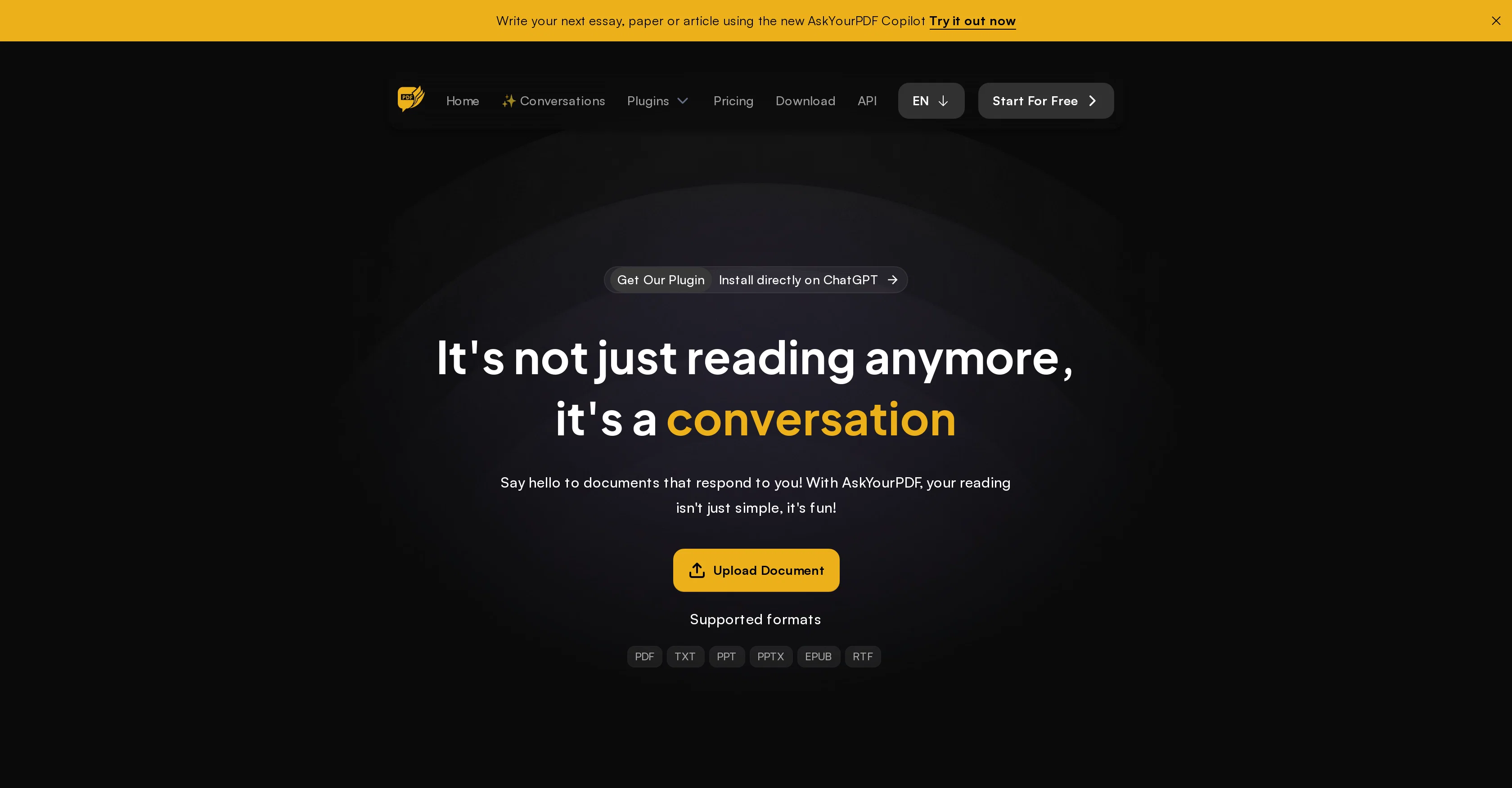
AskYourPDF is an AI-powered tool specifically designed to extract insights from PDF documents. The core functionality of this tool involves uploading PDF files and engaging with a smart chat interface.
This tool aims to revolutionize how users interact with documents. It employs AI to transform static documents into conversational entities. By introducing interactivity in the reading process, users can simply ask questions and extract knowledge directly from the document.
AskYourPDF allows users to communicate with multiple documents simultaneously, offering an innovative way to facilitate the information-seeking process.
The tool comes with a Chrome extension which when added to the web browser allows users to interact easily with any PDF file. The tool offers customization options through various plans, which include a limited free tier and more robust paid options with additional features.
Overall, AskYourPDF fosters an interactive learning experience, saves time by avoiding endless scrolling or page skimming, and enables users to get precise answers from the documents.
AskYourPDF has also released an API service, allowing developers to use its technology in building their applications or services.
Best for
Short scenarios where Ask Your PDF tends to shine.
-
Getting instant answers from any PDF
Best for Students
-
Saving hours of study time
Best for Researchers
-
Engaging effortlessly and gaining insights fast
Best for Academics
-
Generating clear, concise summaries instantly
Best for Professionals
-
Maintaining a well-organized library for all your documents
Best for Startups
Example outputs 1
Sample generations and before/after results for Ask Your PDF.

Access & connections
Where you can use Ask Your PDF, and what it plugs into.
Platforms
Integrations
Capabilities
What this tool accepts, produces, and is strongest at.
Input
- API
- Tabular
- Text
Output
- API
- Text
Supported features
- Instant file search
Pros & cons
Pros
- Interactive PDF reading
- Effective content extraction
- Intuitive chat interface
- Provides valuable insights
- Time-efficient document exploration
- Multiple document engagement
- Specific section finding
- Chrome extension availability
Show 37 more
- PDF interactions
- Customizable plans
- Readable on any device
- Multiple format support
- API service
- User-friendly
- Saves on scrolling
- Instant information extraction
- Document Chat capability
- Simultaneous document communication
- Efficient information seeking
- Flexible subscription options
- Precise answers provision
- Applicable to professionals
- Useful for students
- Productivity enhancement
- Academic research facilitation
- Robust paid features
- OCR Support
- Priority support option
- Better learning experience
- Browser extension functionality
- Massive page support
- Interactive learning
- Unlimited conversations per day
- Access to Summarization Service
- Concurring Chat with numerous documents
- Priority access to new features
- Longer Reply Length
- Zotero Plugin
- Mobile App
- Useful for developers
- Literature Review Writer Tool
- PDF Merger Tool
- PDF Splitter Tool
- OCR PDF Reader Tool
- Unlimited Document Exploration
Cons
- Limited number of questions
- Limited number of conversations
- Maximum upload size
- Limited document number per day
- Doesn't support all file formats
- Limited usage in free tier
- Extra features require credits
- Inefficient without Chrome extension
Show 2 more
- Limited pages per document
- Not all models available
Compare alternatives
Similar tools in the catalog — with a clear reason to open each one.

DocGPT.io ✓
Free TrialOnline assistant for creating and analyzing documents.
Why look Typically cheaper
Full comparison
docAnalyzer ✓
FreemiumTurn document overload into work worth putting your name on
Why look Typically cheaper
Full comparison
Humata ✓
FreemiumChat your way through long documents instantly.
Why look Typically cheaper
Full comparisonPeople also view
Tools that often show up alongside Ask Your PDF in collections and comparisons.
docAnalyzer ✓
FreemiumTurn document overload into work worth putting your name on
Humata ✓
FreemiumChat your way through long documents instantly.

DocsGPT ✓
FreemiumInstant answers from your documents.
DocGPT.io ✓
Free TrialOnline assistant for creating and analyzing documents.

ChatPDF.ae ✓
FreemiumChat with any PDF, ask questions, summarize and extract insights effortlessly.

ChatPDF ✓
FreemiumChat with any PDF instantly

Recall ✓
FreemiumSummarize Anything, Forget Nothing!

OpenParser AI ✓
Free TrialAsk questions. Get answers from your documents instantly.
Releases 1
Imported reviews 4
Nice interface, but no good at PDF answers, especially tables data.
I agree, with the below comment about the relevance of the answers. I found that the AI made assumptions that weren't always valid.
absolutely love it
I found this slow and its answers were often irrelevant to the questions.
FAQ 12
What is Ask Your PDF?
What does Ask Your PDF do?
What are the key features of Ask Your PDF?
How does Ask Your PDF transform PDF documents into conversational interfaces?
How can I upload my PDF documents to Ask Your PDF?
Do I need to download any software to use Ask Your PDF?
Is there a Chrome extension for Ask Your PDF?
What are the customization options in Ask Your PDF?
How can Ask Your PDF help me save time?
Who can benefit from using Ask Your PDF?
What are the different plans available for Ask Your PDF?
Is there a free tier for Ask Your PDF?
Related tools
Recommended

GPTExcel ✓
FreemiumGenerate spreadsheet formulas with AI

LearningStudioAI ✓
Free TrialAI-powered authoring tool for effortless online course creation.

MagicSlides.app AI PPT Maker ✓
FreemiumCreate Stunning PPTs in Seconds with the AI PPT Maker

Scisummary ✓
Free TrialCutting-edge scientific articles summarization.

TutorAI ✓
FreemiumInstant knowledge on any topic

VenturusAI ✓
FreemiumBusiness idea analysis and reporting.