

Img Upscaler ✓
Upscale images by 400% without quality loss
Free + from $19/mo
Verdict
A quick read before you dig into the full page.
- Best if
- You are photographers and need: Enhancing low-resolution photos for printing
- Skip if
- Reimagination requires paid credits
- Pick this when
- Free image upscaling tool
Considering Deep Image instead? Compare side by side
Overview
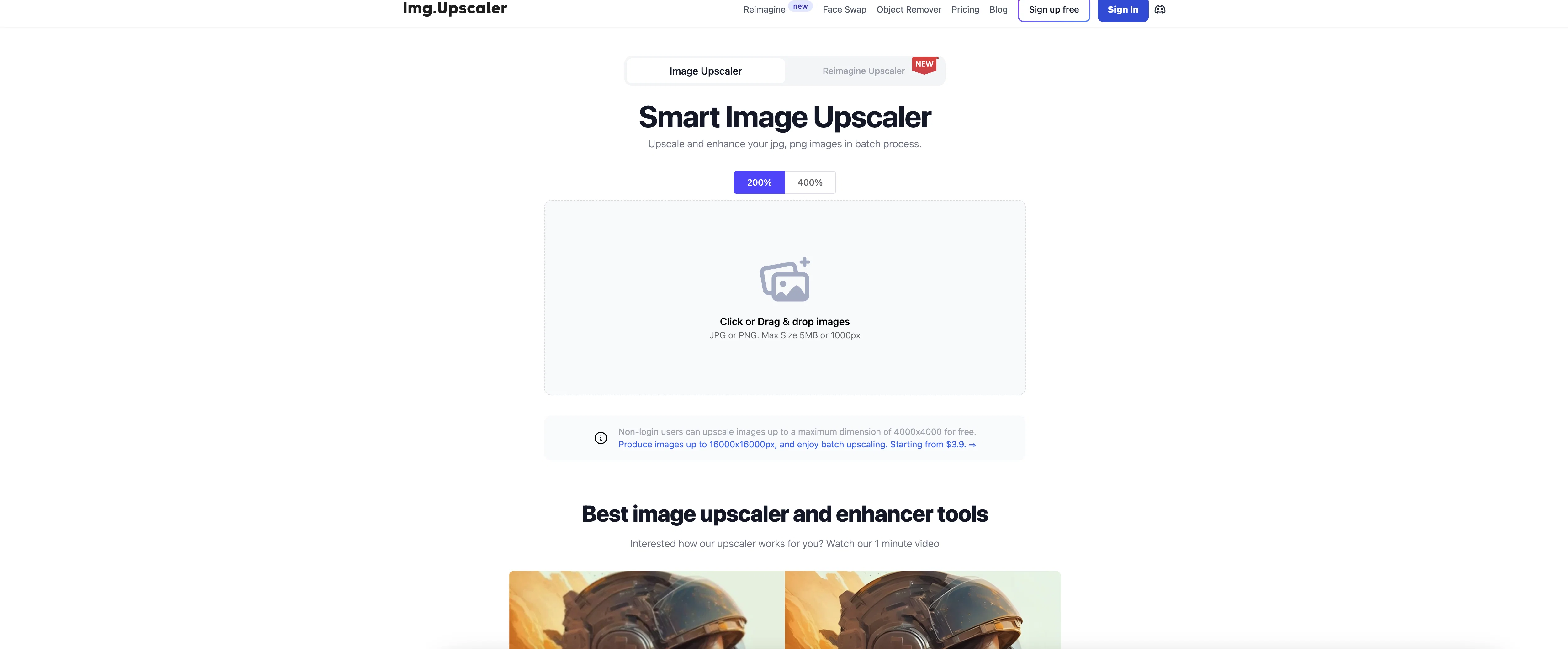
AI Image Upscaler is a tool dedicated to upscaling and enhancing images. It supports multiple image formats like JPG, PNG, and JPEG. This tool can upscale images up to large resolutions, enhancing details without compromising on the quality.
Users can upload their images in a batch process, allowing for efficient upscaling of multiple images. The tool offers two distinct upscaling models tailored to specific needs.
The 'portrait model' is designed to enhance portrait and facial images, refining skin tones and features. The 'detailed model' is intended to maintain intricate details of images, albeit requiring a bit more processing time.
The tool also provides a feature called 'Reimagine Upscaler', which allows users to create a modified version of their original image. Additionally, the users have control over 'creativity value' and 'resemblance strength' that influence the uniqueness and the adherence to the original image during the upscaling process respectively.
Built to support both mobile and web platforms, AI Image Upscaler can be accessed through the application named 'AI Enlarger', available for both iOS and Android.
Best for
Short scenarios where Img Upscaler tends to shine.
-
Enhancing low-resolution photos for printing
Best for Photographers
-
Improving image quality for websites and social media
Best for Graphic designers
-
Restoring old or blurry photos
Best for Web developers
-
Preparing images for commercial use
Best for Social media managers
Example outputs 1
Sample generations and before/after results for Img Upscaler.
Access & connections
Where you can use Img Upscaler.
Capabilities
What this tool accepts, produces, and is strongest at.
Input
- Image
Output
- Image
Supported features
- Upscaling
Pros & cons
Pros
- Free image upscaling tool
- Batch processing support
- Upscale up to 400%
- Supports 16000x16000px
- Supports JPG, PNG, JPEG
- Mobile compatible
- Web platform compatibility
- Optimized for Anime photos
Show 38 more
- Data privacy protection
- User-friendly interface
- Details enhancing
- Portrait upscaling
- Detail upscaling
- iOS app
- Android app
- Reimagine Upscaler feature
- Adjustable creativity value
- Adjustable resemblance strength
- Supports multiple image formats
- Maintains image quality
- Efficient batch processing
- Tailored upscaling models
- Portrait model for facial images
- Detailed model for complex details
- Available on iOS and Android
- Supports web and mobile platforms
- Non-login users can use
- Personalized upscaling
- Enhances skin tones, features
- Control over upscaling outcomes
- Free 20 credits/month on signup
- Paid plan available
- Image upscaling guidance
- Two distinct upscaling models
- Creativity and resemblance control
- Pro tips provided
- Optimized for Cartoon images
- Multiple language support
- Sign up not mandatory
- Generates high-res images
- Flexible file upload size
- Reimagined image generation
- Super-resolution technology
- Upscaling video tutorial
- Result comparison feature
- Testimonials from professionals
Cons
- Limited format support
- Optimized for anime/cartoon
- Detailed model requires more time
- Restrictions on free use
- Paid needed for high resolution
- Requires sign up for free credits
- No API
- Creativity and resemblance are subjective
Show 2 more
- Reimagination requires paid credits
- Only web platform available
Compare alternatives
Similar tools in the catalog — with a clear reason to open each one.

Deep Image ✓
Free TrialEnhance photos with advanced editing features.
Why look Typically cheaper
Full comparison
Upscayl ✓
Free TrialEnhance images with free, open-source AI upscaling.
Why look Typically cheaper
Full comparison
AI Upscaler ✓
FreemiumSmarter AI 4K Upscaler for Images & Videos
Why look Typically cheaper
Full comparison
SciFig ✓
FreemiumTurn text into publication-ready scientific figures.
Why look Typically cheaper
Full comparison
Kyukoma ✓
Free TrialTurn your stories into manga pages with AI.
Why look Typically cheaper
Full comparison
Neurohelper AI ✓
PaidEvery leading AI model. One workspace.
Why look Typically cheaper
Full comparisonPeople also view
Tools that often show up alongside Img Upscaler in collections and comparisons.

Runway ✓
Free TrialAI-powered creative tools for content generation and editing

Deep Art Effects ✓
FreemiumEnhancing images with famous artistic styles.
Upscayl ✓
Free TrialEnhance images with free, open-source AI upscaling.
Deep Image ✓
Free TrialEnhance photos with advanced editing features.
AI Upscaler ✓
FreemiumSmarter AI 4K Upscaler for Images & Videos

MojoMake - AI Image to Video Generator ✓
FreemiumUse every top AI model and 100+ effects in one account.
Kyukoma ✓
Free TrialTurn your stories into manga pages with AI.

ClipBG - The Ultimate Bulk AI Background Remover ✓
Freemium100% private, browser-based bulk background removal with flawless AI precision.
Releases 1
Imported reviews 4
Simple and easy for batch processing.
Good program and easy to use
Resulting image fail to load or the site is down.
easy to use and can get what I need.
FAQ 12
What is ImgUpscaler?
How does ImgUpscaler work?
What's the maximum resolution ImgUpscaler can upscale images to?
Does ImgUpscaler support batch processing?
What file formats are supported by ImgUpscaler?
Is there a mobile version of ImgUpscaler?
What is the 'Reimagine Upscaler' feature?
Can I use ImgUpscaler for portrait photos?
How are my uploaded photos managed for privacy on ImgUpscaler?
Is ImgUpscaler optimized for any specific type of images such as Anime?
What's the difference between ImgUpscaler and other tools like Waifu2x?
Can I modify my original image using ImgUpscaler?
Related tools
Recommended

AI Image Upscaler ✓
FreemiumUpscale and enhance images with 1-click.

RestorePhotos ✓
PaidRestore old photos with AI magic

Photo AI ✓
PaidCreate beautiful AI photos and videos of real people

AI Image Upscaler ✓
FreemiumEnhance images with AI for free

LearningStudioAI ✓
Free TrialAI-powered authoring tool for effortless online course creation.

B12 AI Website Builder ✓
FreemiumAI-powered website builder